Cyber Watch Face
jigu watchfaceContains ads
- EveryoneAge rating
- ToolsCategory
- Aug 19, 2026Updated
- FreePrice
Links to the official Google Play listing of com.watchface.wearos.cyberwatchface. Last checked on Nov 20, 2026.

Screenshots




About this app
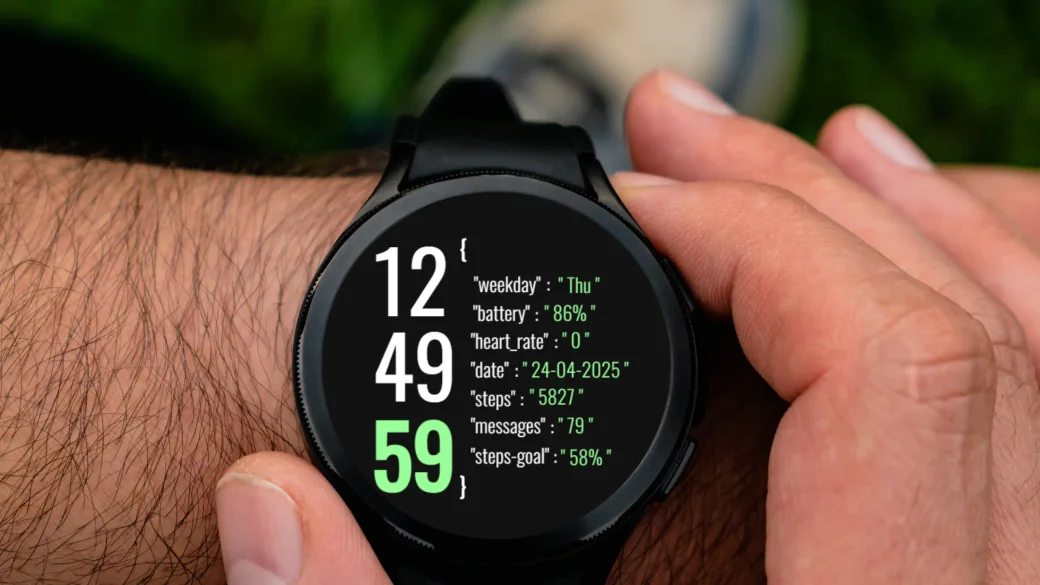
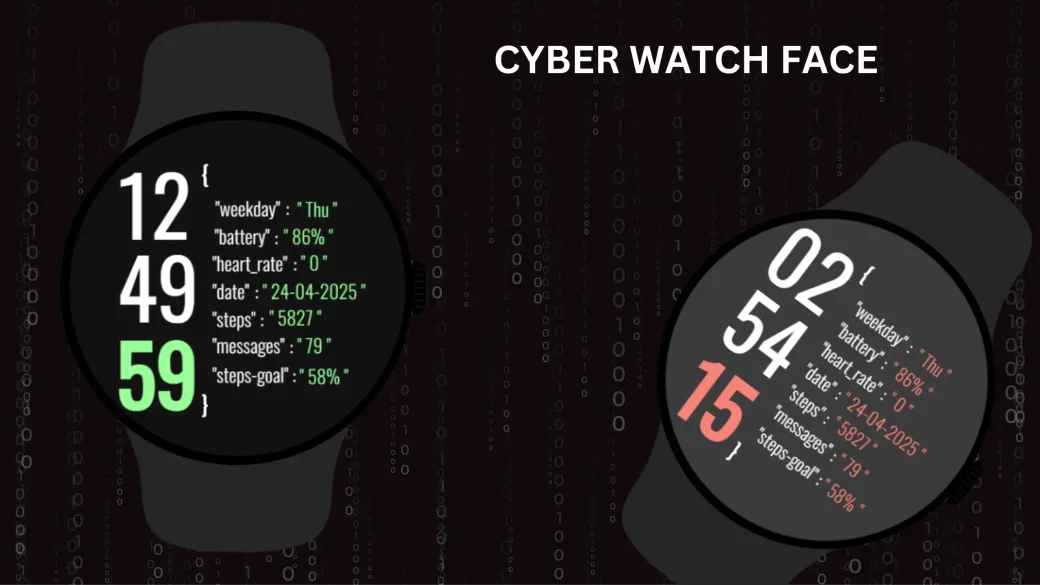
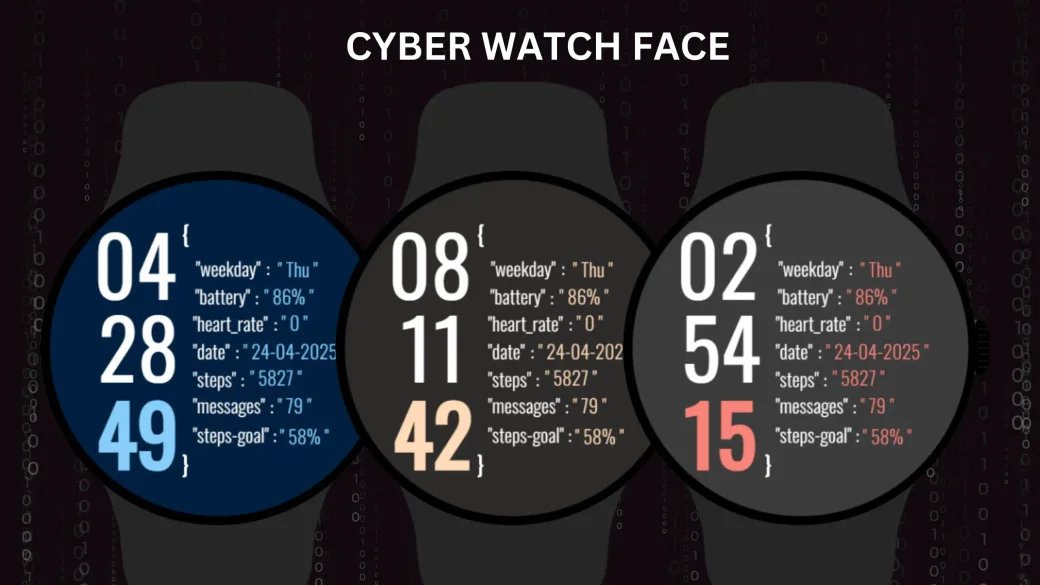
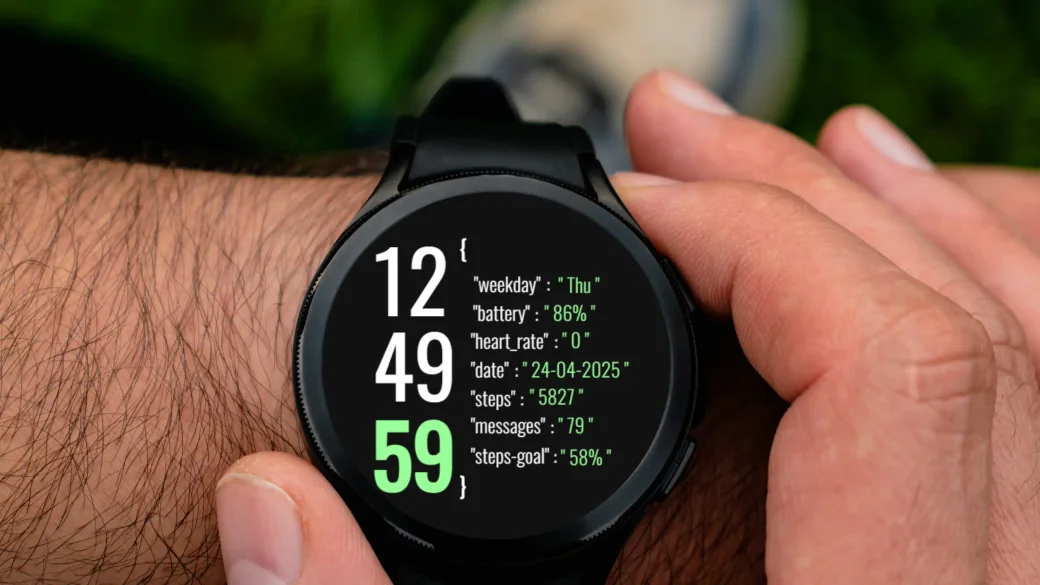
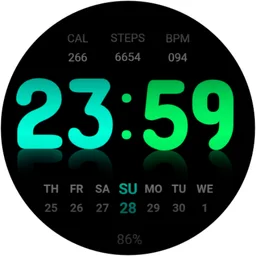
Cyber-themed watch face with digital time, steps, heart rate, and battery info.
Step into the future with the Cyber Watch Face for Wear OS. This cutting-edge watch face brings a bold, digital display and futuristic design to your smartwatch. Its unique layout presents vital data such as time, heart rate, steps, and battery percentage in a tech-inspired interface that enhances your watch’s look and functionality.
Perfect for tech enthusiasts and futurists, the Cyber Watch Face combines essential information with a sleek, modern style. Its sharp layout and bold fonts make it easy to view key metrics at a glance, keeping you informed and connected in a dynamic way.
Key Features:
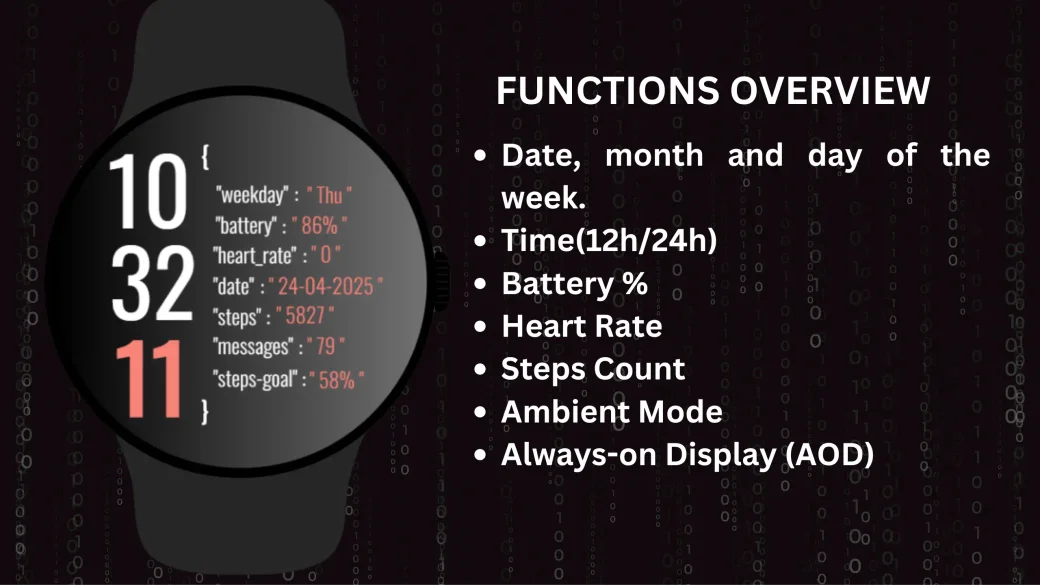
1.Futuristic cyber theme with a bold digital clock display.
2.Shows real-time heart rate, steps, and battery percentage.
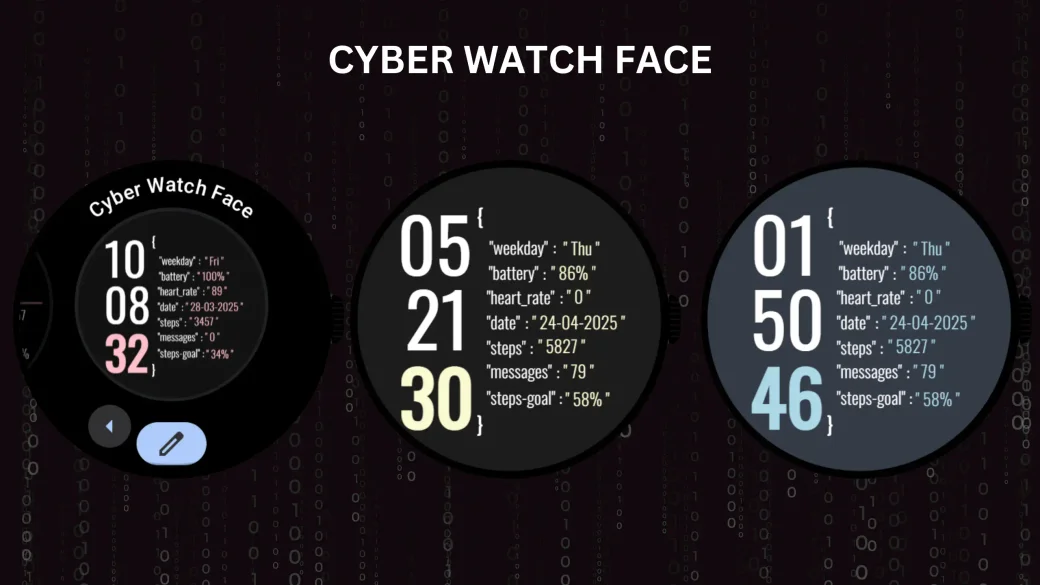
3.Displays date, messages, and step goal progress.
4.Customizable design elements for a unique, personalized look.
5.Supports Ambient Mode and Always-On Display (AOD).
6.Optimized for round Wear OS devices with smooth performance.
Installation Instructions:
1.Open the Companion App on your phone.
2.Tap "Install on Watch."
3.Select Cyber Watch Face from your watch settings or gallery.
Compatibility:
✅ Compatible with all Wear OS devices API 33+ (e.g., Google Pixel Watch, Samsung Galaxy Watch).
❌ Not suitable for rectangular watches.
Transform your smartwatch with the Cyber Watch Face—a perfect combination of futuristic design and modern functionality to keep you informed in style.
Data safety
What jigu watchface declares on Google Play about the data this app collects and shares.
- No data shared with third partiesLearn more about how developers declare sharing
- This app may collect these data typesApp activity, App info and performance, and Device or other IDs
- Data is encrypted in transit
- Data can’t be deleted
Developer contact
- Websitejiguprivacypolicywatchfacewear.blogspot.com
- Emailjigsdevganiya12345@gmail.com
- Privacy policyjiguwatchfaceprivacypolicy.wordpress.com
- AddressIndia
Information
- Offered by
- jigu watchface
- Category
- Tools
- Updated
- Aug 19, 2026
- Released
- Mar 20, 2025
- Age rating
- Everyone
- Price
- Free
- Package name
- com.watchface.wearos.cyberwatchface
Similar apps
-
 Big Font Watch Face
Personalization
-
 Lucid Watch Face
Personalization
-
 OMG Shadow
Personalization
-
 MAHO002 Wear OS Watch Face
Personalization
-
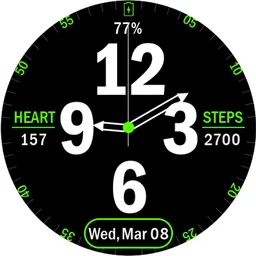 Key032 Analog Watch Face
Personalization
-
 Speed Digital Watch Face
Personalization
-
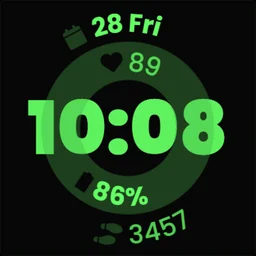 Simple Target Watch Face
Personalization
-
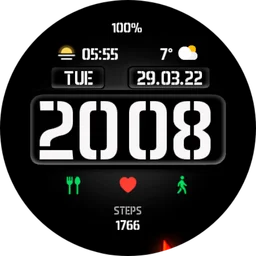 Army Watch Face Wear OS
Personalization
-
 Minimal Health Tracking - RE49
Personalization
-
 Key020 Digital Watch Face
Personalization
-
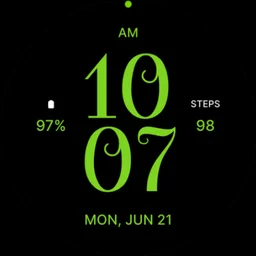 Cute Green Watch Face
Personalization
-
 Reflect Watch Face
Art & Design