Depth Wallpapers 4k Live Clock
Nilesh JainContains ads · In-app purchases
- EveryoneAge rating
- PersonalizationCategory
- Oct 22, 2026Updated
- FreePrice
Links to the official Google Play listing of com.wallpaper.liveclock. Last checked on Nov 23, 2026.
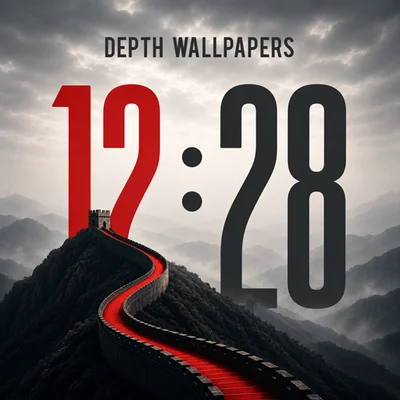
Screenshots
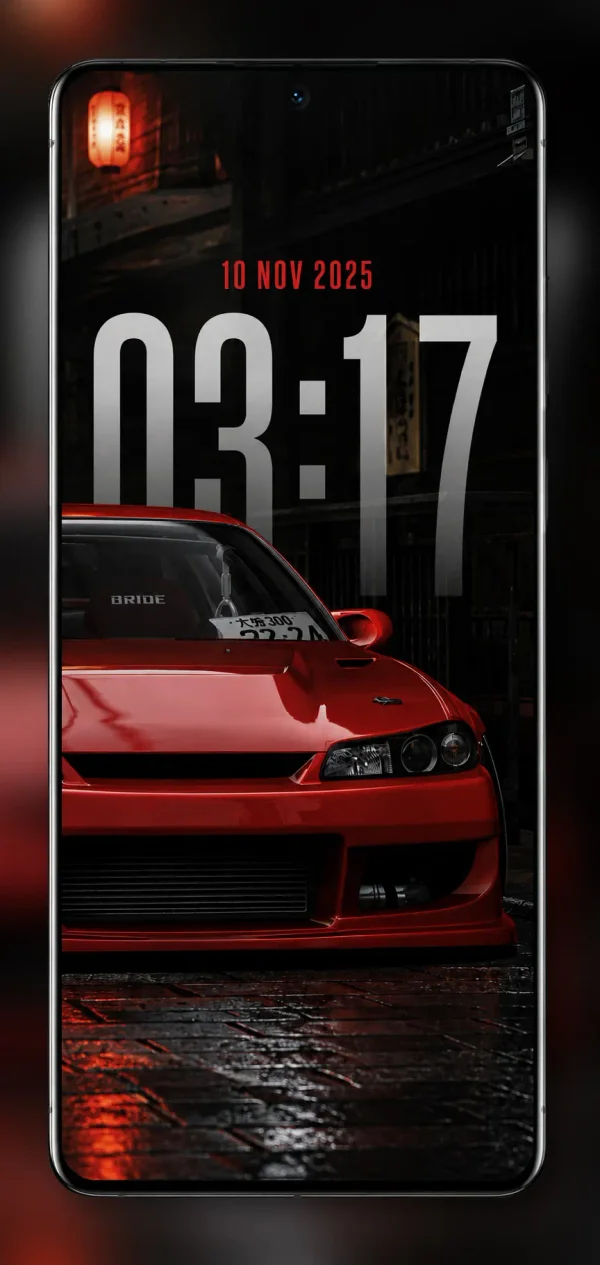
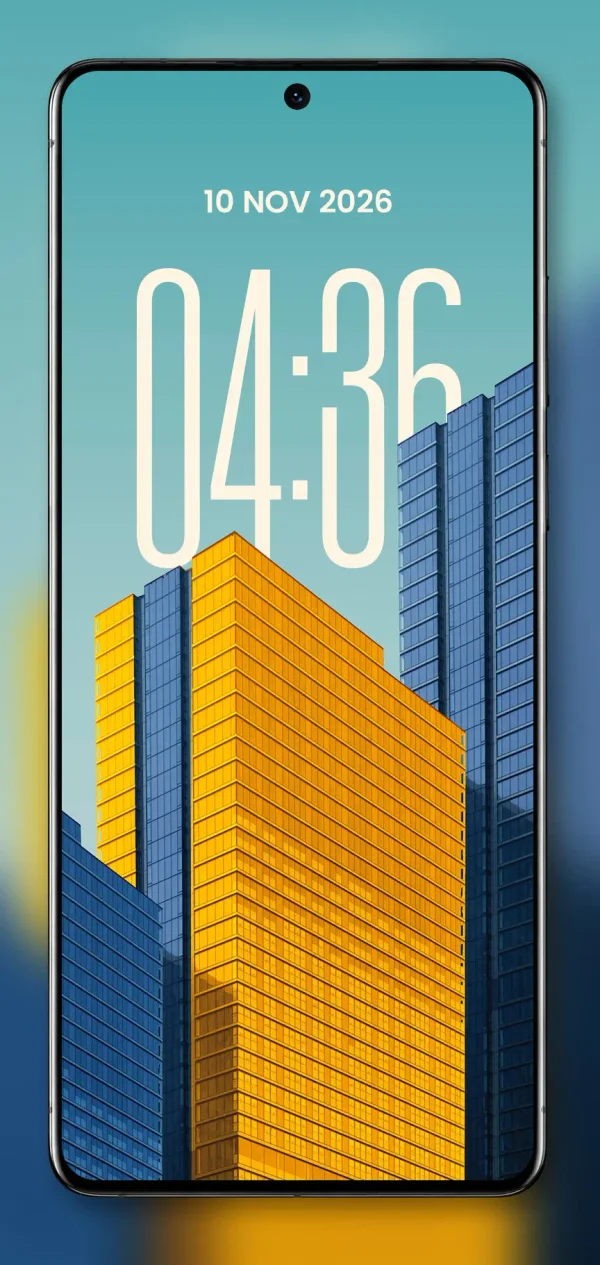
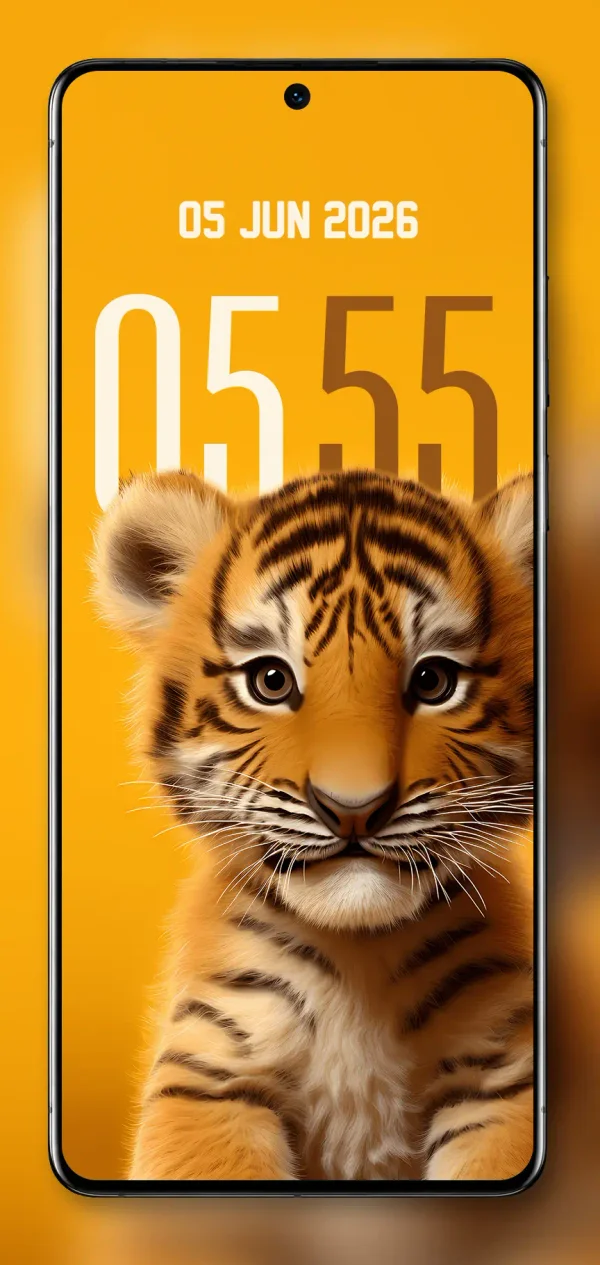
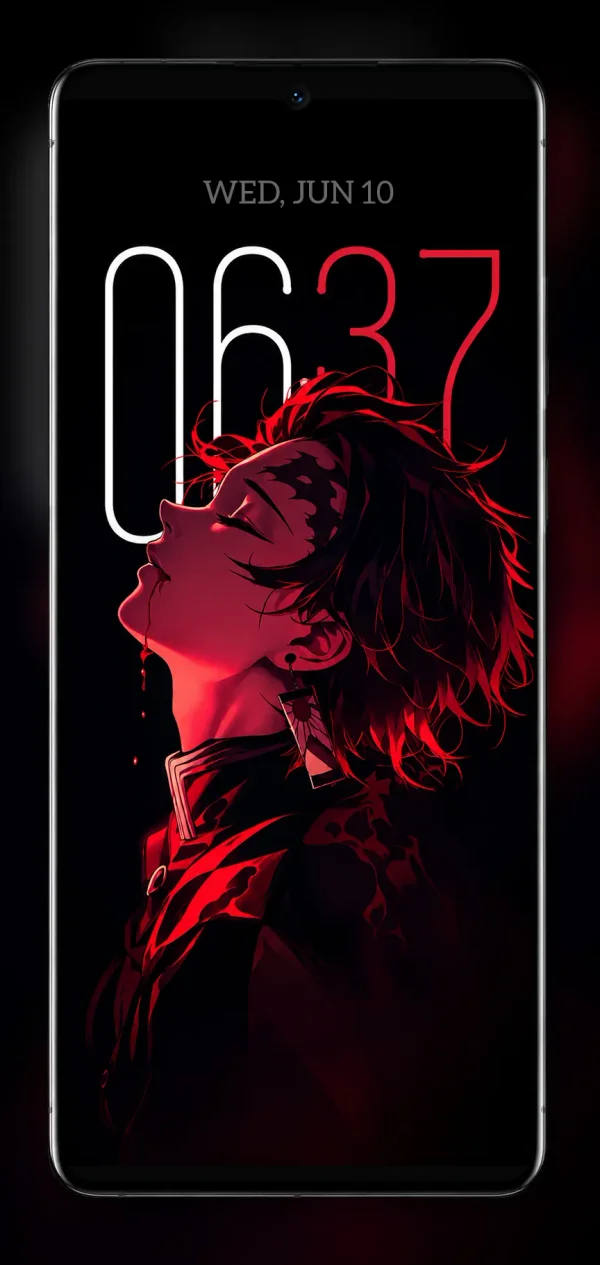
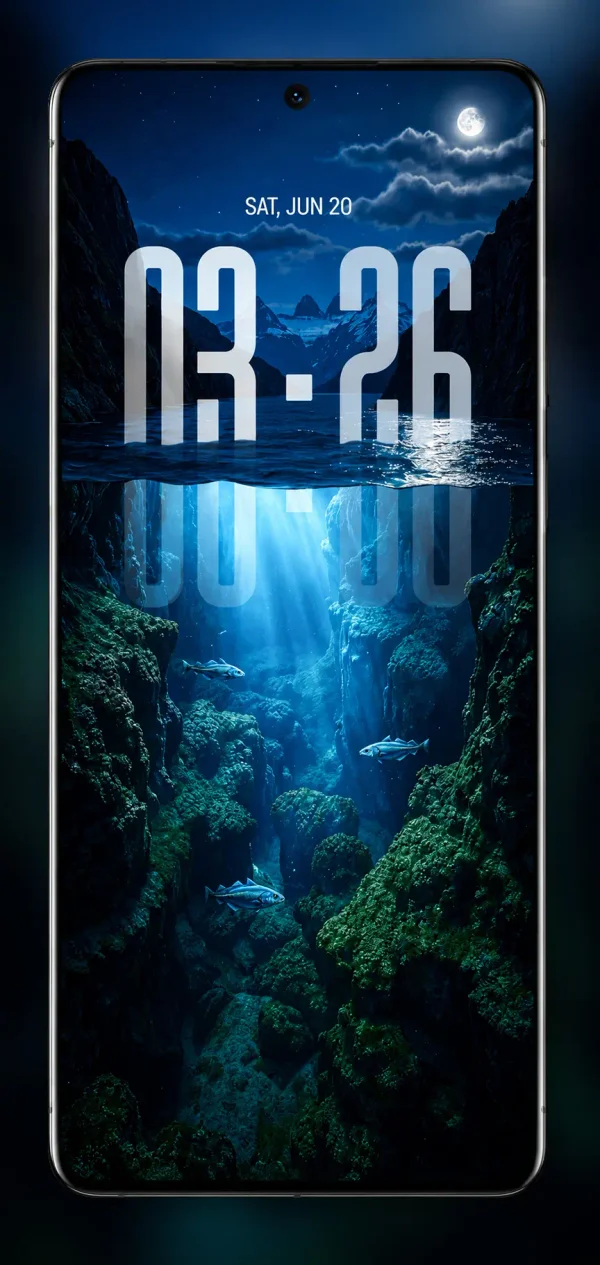
About this app
Depth live clock wallpaper with custom fonts, 3D parallax, AMOLED & HD themes
Turn your home and lock screen into a living 3D scene with Depth Wallpaper — the live clock wallpaper that places a stylish digital clock behind the subject of your photo for a real depth effect. Tilt your phone and the wallpaper moves with smooth 3D parallax. It's the iOS-style depth clock, done right on Android.
🌀 REAL 3D DEPTH CLOCK
Your clock floats BETWEEN the foreground and background, so the time peeks out from behind mountains, people and objects — a true depth effect, not a flat overlay.
🎨 DESIGN YOUR OWN CLOCK — CLOCK STUDIO
Most apps only give presets. You get a full clock editor:
• 90+ fonts, with new fonts added over the air
• Any color, gradient or two-tone clock
• Shadows, outlines and stroke effects
• Resize, move, rotate, stretch and skew
• Clock styles — HH:MM, stacked, with seconds and more
• Full date control — format, font, color and position
📱 GYROSCOPE PARALLAX & ANIMATIONS
• 3D tilt parallax that reacts to your movement
• Unlock animations — fade, slide, stretch and more
• Adjustable depth, speed and sensitivity
🖼️ HUNDREDS OF HD WALLPAPERS
High-resolution live wallpapers and clock themes, refreshed regularly. Browse by category, search instantly, and save favorites.
🗂️ POPULAR CATEGORIES
Depth • Live Clock • AMOLED • Dark • Minimal • Nature • Anime • Cars • Space • Abstract • Neon • Aesthetic
🔋 BEAUTIFUL, BUT BATTERY-FRIENDLY
Animations pause when your screen is off, so you get the full experience without draining your battery.
🏠 HOME & LOCK SCREEN
Show your live clock wallpaper on the home screen, lock screen, or both. 12-hour or 24-hour time, your choice.
💎 FREE TO USE
Apply tons of wallpapers and design your own clock for free. Unlock the full premium collection and remove ads anytime.
⚡ SET IT IN SECONDS
1. Open Depth Wallpaper
2. Pick a wallpaper or design your own clock
3. Tap Apply
4. Enjoy your new 3D depth clock wallpaper
Note: Wallpaper and lock-screen behavior can vary by device model, Android version, launcher and manufacturer settings.
Download Depth Wallpaper now and give your phone a fresh, living 3D look with a clock that truly stands out.
Data safety
What Nilesh Jain declares on Google Play about the data this app collects and shares.
- No data shared with third partiesLearn more about how developers declare sharing
- No data collectedLearn more about how developers declare collection
- Data isn’t encrypted
- Data can’t be deleted
What’s new
Version 2.4 · Oct 22, 2026
• Added new "Lock Screen Alone" option: customize your lock screen depth clock without modifying your home screen.
• Enhanced wallpaper depth compositing and faster preview loading.
• Optimized ad experience and overall app performance.
• Bug fixes and stability improvements.
Developer contact
- Websitenileshjain92.blogspot.com
- Emailnilesh.sanghavi92@gmail.com
- Privacy policysites.google.com
- AddressA-1104, 11FL, KEDAR HEIGHTS, NEAR TIRTH HERITAGE, ABRAMA RD, MOTA VARACHHA SURAT, Gujarat 394101 India
Information
- Offered by
- Nilesh Jain
- Category
- Personalization
- Version
- 2.4
- Updated
- Oct 22, 2026
- Released
- Jun 8, 2026
- Requires
- Android 7.0 or later
- Age rating
- Everyone
- Price
- Free
- In-app purchases
- $0.99 - $8.49 per item
- Package name
- com.wallpaper.liveclock
Similar apps
-
 Zeel Walls - 4K Wallpapers
Personalization
-
 Walli - HD, 4K Wallpapers
Personalization
-
 Live Wallpapers, 4K Wallpapers
Personalization
-
 Wallpaper For Iphone - Wallway
Personalization
-
 X Live Wallpaper - HD 3D/4D
Personalization
-
 One4Wall: 4K Wallpapers & Live
Personalization
-
 Ares Dark Icon Pack
Personalization
-
 Wallpaper 4K - Wallpapers Club
Personalization
-
 4K, HD Wallpapers | Background
Personalization
-
 Walley-Wallpaper, Backgrounds
Personalization
-
 Borealis - Icon Pack
Personalization
-
 Tenada: Graphic Design & Logo
Art & Design