Desh Punjabi Keyboard
Desh KeyboardContains ads · In-app purchases
- EveryoneAge rating
- ToolsCategory
- Nov 26, 2026Updated
- FreePrice
Links to the official Google Play listing of com.punjabi.keyboard.for.android. Last checked on Nov 27, 2026.

Screenshots

About this app
A modern Punjabi keyboard for Gurmukhi. Stickers, emojis, GIFs & more!
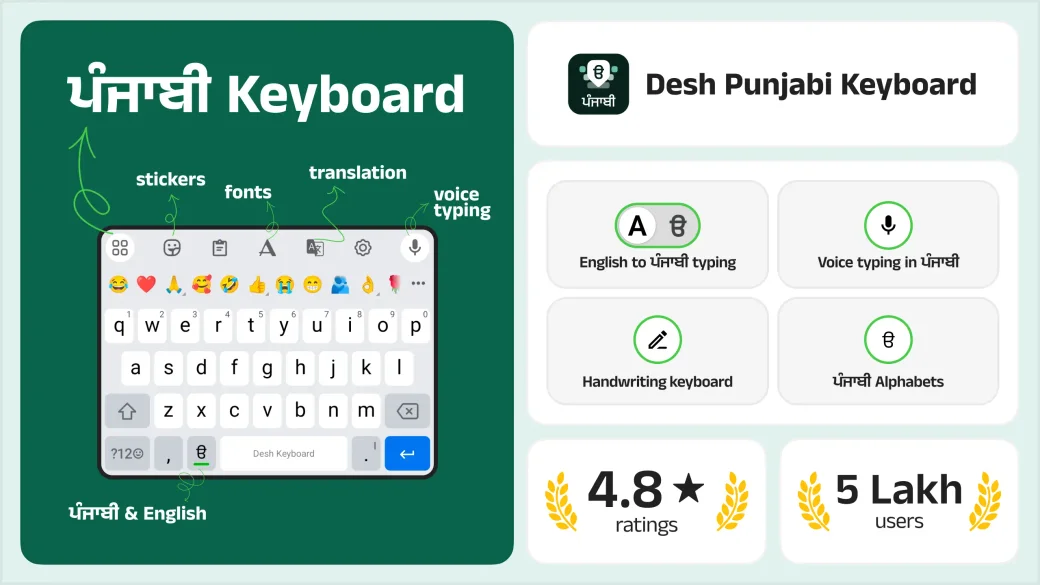
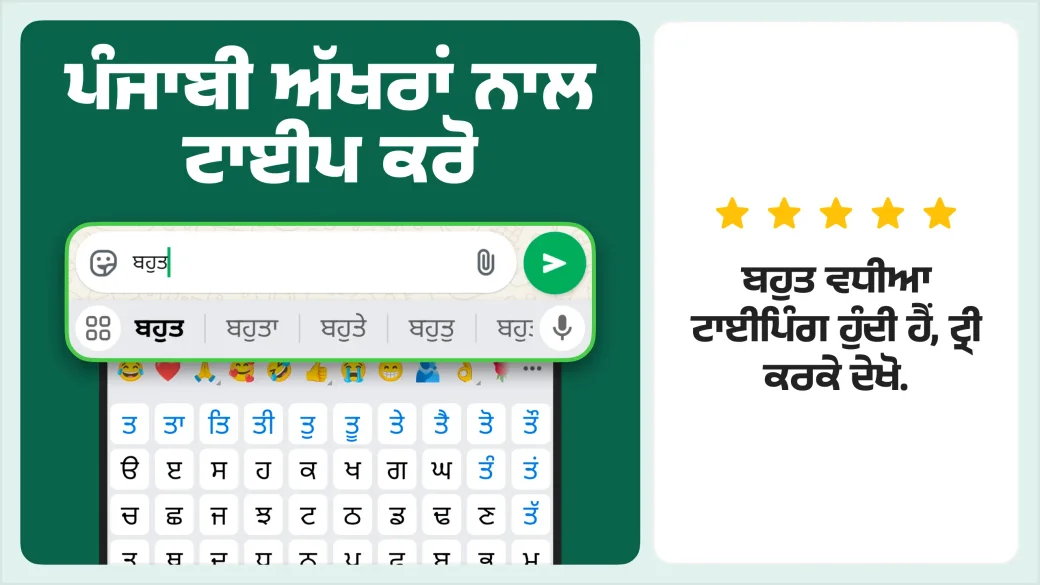
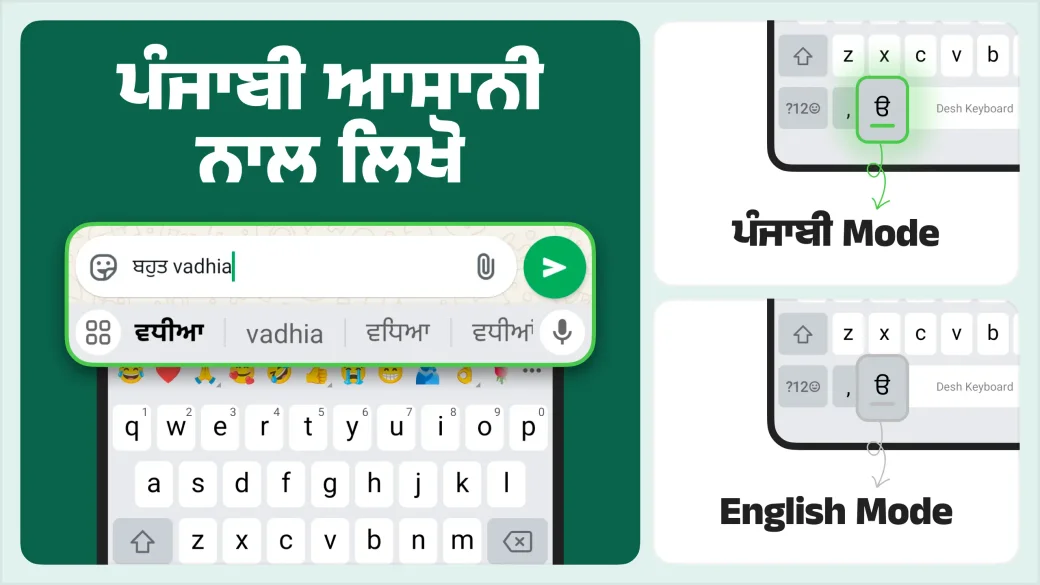
Punjabi Keyboard lets you type in English characters which gets instantly converted to Punjabi in Gurmukhi script.
Typing with this Punjabi keyboard is the fastest way to type - you don't need any other Punjabi input tools. It works inside all applications on your phone - no more copy-paste! Supports 21+ colorful themes with easy settings, this is the trendiest way to type Punjabi letters on Android, and the easiest Punjabi typing keyboard!
Chat with your friends and family in your native language - use native Punjabi text on any chatting or social media apps on your phone like a regular keyboard.
How to start Punjabi typing using this Punjabi Keyboard:
1. Open Punjabi Keyboard from your apps after installing
2. Enable and choose Punjabi Keyboard as your default keyboard.
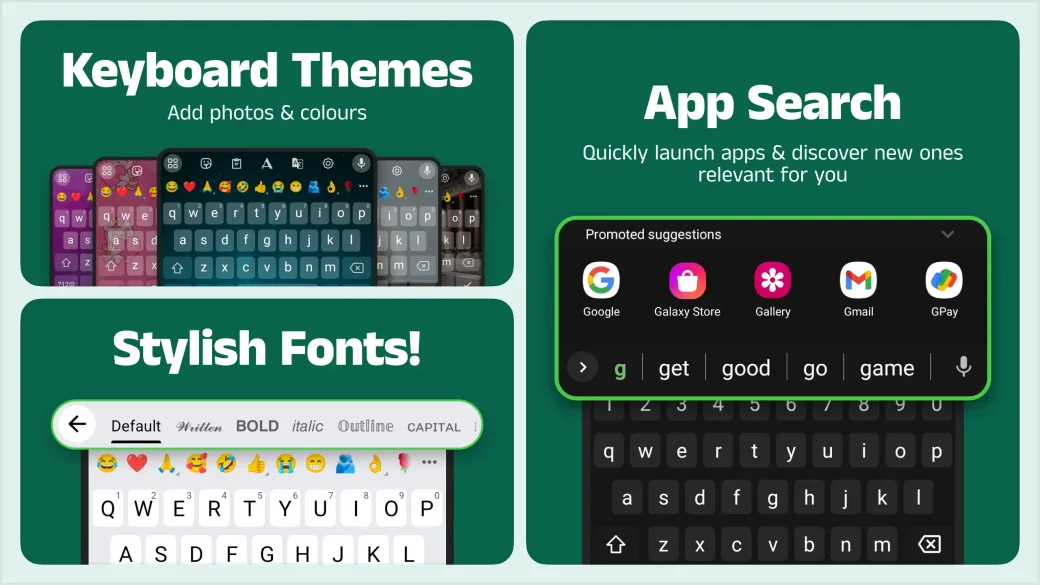
3. Customize settings and choose from 21 amazing themes
4. Start typing Punjabi language everywhere!
Powerful features to easily type in ਪੰਜਾਬੀ
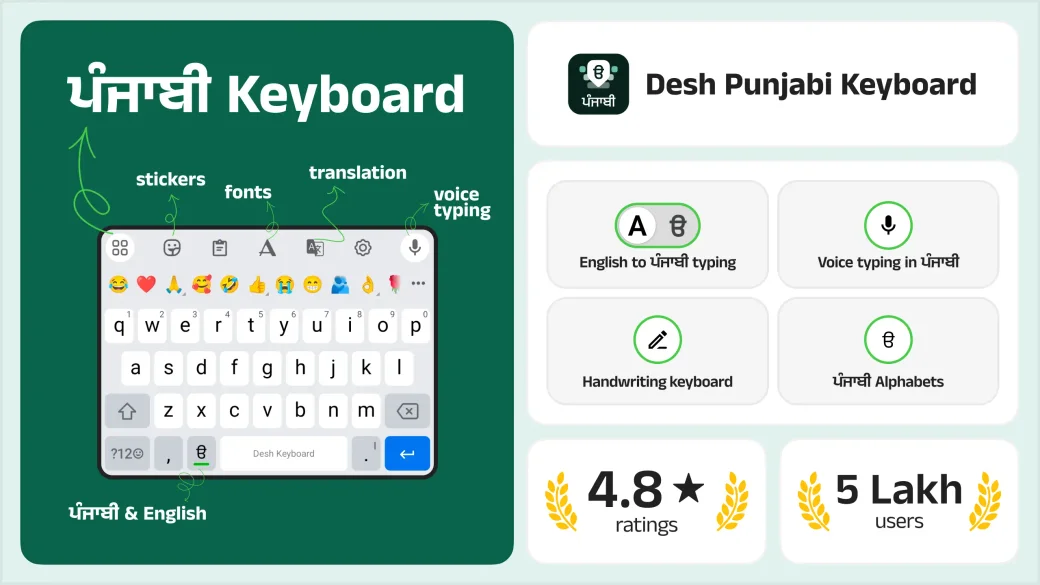
- English to Punjabi typing
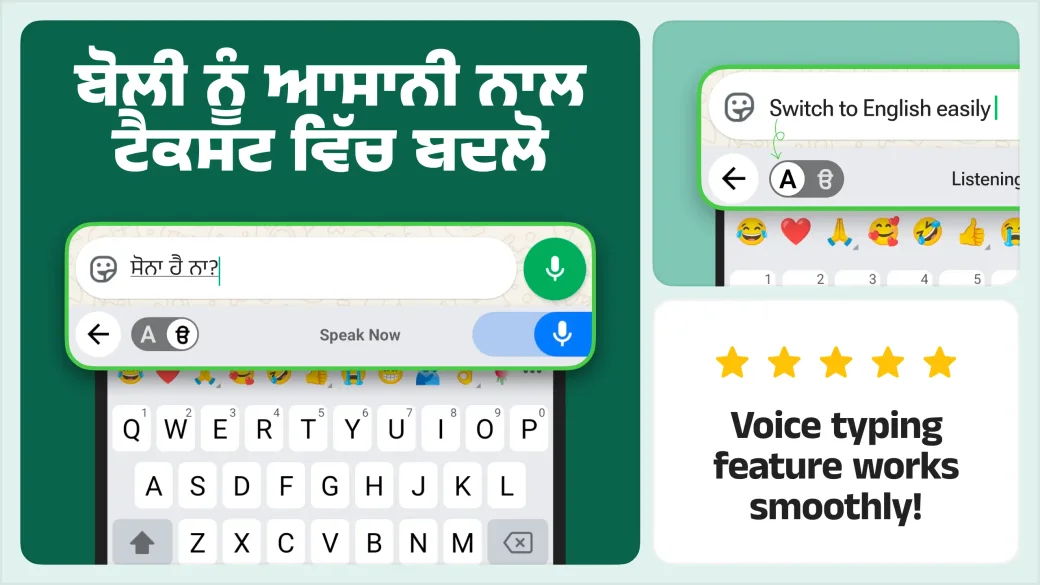
- Punjabi voice typing (speak to your phone and get Punjabi text)
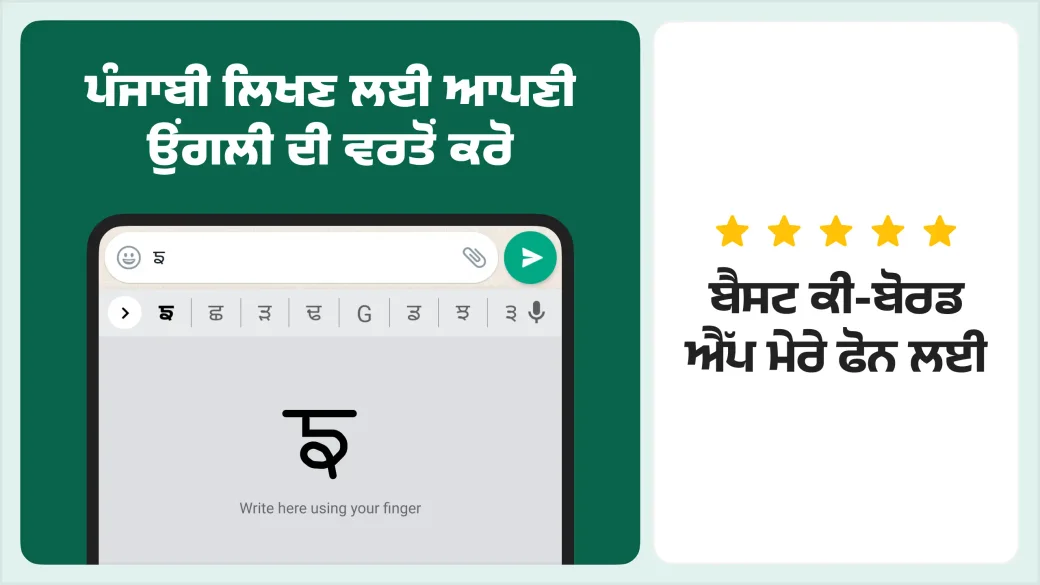
- Punjabi handwriting keyboard
Start typing in English and choose Punjabi word suggestions for what you're typing. Offline support coming soon. Works on Android phones and Android tablets. Simple to use with touch screen Punjabi text typing from phonetic transliteration using this keyboard.
- Punjabi keypad, Punjabi layout and Punjabi mobile keyboard in all your applications
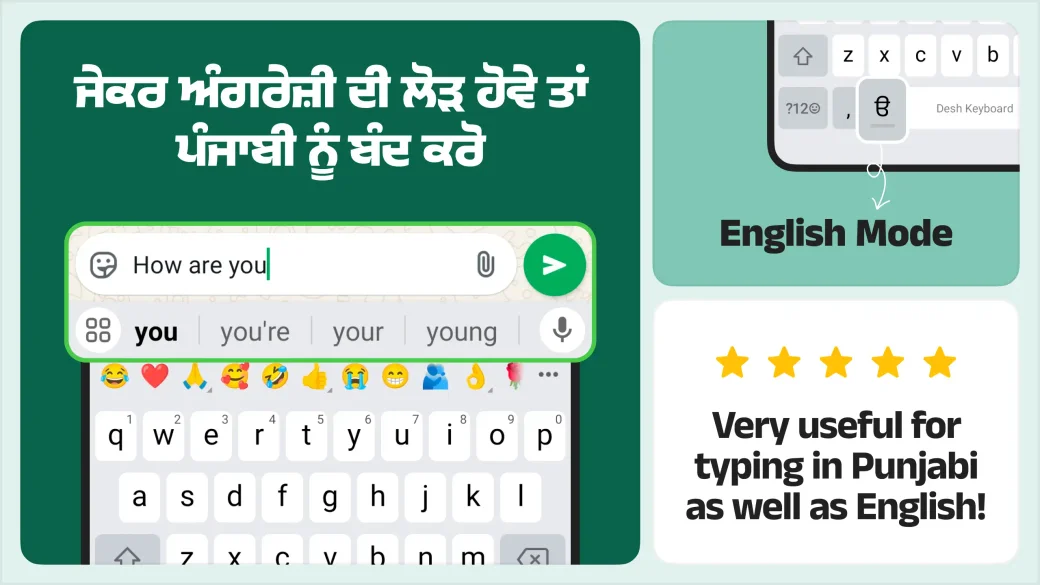
- Easy swith to English or Punjabi text as you need. Turn off Punjabi when you don't need by using the language button.
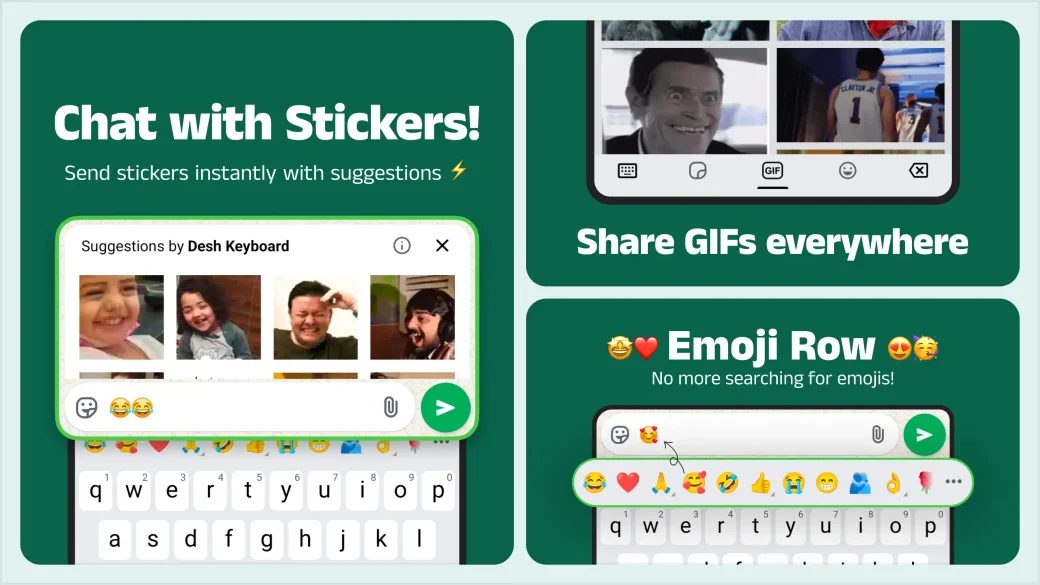
- Emoji's are supported: hold on the 123 number button and you'll get a list of smileys. There are 3 pages from which you can choose what you need from the Punjabi smiley keyboard..
- Color themes can be changed from the settings page. Look for Punjabi keyboard in your apps to access this.
- Easily search and open apps installed on your phone and discover new apps relevant to you with our App Search feature.
No more typing with slow manual keyboards - this is the best Android Punjabi Transliteration Keyboard that is free, fast, effortless and easy to use.
No personal information or credit card details are collected. We store anonymous statistics may be shared to improve your experience - share your suggestions at apps@clusterdev.com
Please leave great feedback - it helps us keep going!
Data safety
What Desh Keyboard declares on Google Play about the data this app collects and shares.
- This app may share these data types with third partiesDevice or other IDs
- This app may collect these data typesApp activity, App info and performance, and Device or other IDs
- Data is encrypted in transit
- Data can’t be deleted
What’s new
Version 17.7.3 · Nov 26, 2026
- Get Emoji suggestions while typing 🔥
- Save WhatsApp status by swiping up 💾
- Punjabi voice typing in English letters 🗣
Developer contact
- Websitedesh.app
- Emailapps@clusterdev.com
- Privacy policyclusterdev.com
- AddressSuite No. 804, Door No. 6/858-M, 2nd Floor Valamkottil Towers Judgemukku, Thrikkakara PO Ernakulam, Kerala 682021 India
Information
- Offered by
- Desh Keyboard
- Category
- Tools
- Version
- 17.7.3
- Updated
- Nov 26, 2026
- Released
- Dec 31, 2017
- Requires
- Android 6.0 or later
- Age rating
- Everyone
- Price
- Free
- In-app purchases
- $0.99 - $1.49 per item
- Package name
- com.punjabi.keyboard.for.android
Similar apps
-
 All Language Translator App
Tools
-
 English to Bengali Translator
Education
-
 Keyboard - Emoji, Emoticons
Productivity
-
 Urdu Keyboard
Tools
-
 Easy Tamil Voice Keyboard App
Productivity
-
 Ncell App: Recharge, Buy Packs
Tools
-
 CleverType AI Keyboard
Productivity
-
 Invitation Maker: RSVP Cards
Events
-
 Most Common Italian Words
Education
-
 Koo Koo TV Kids
Education
-
 PTE Now: AI Practice App
Education
-
 amber: find student housing
House & Home