DGT Mod 3 Super digital
WinWatchfaces- EveryoneAge rating
- PersonalizationCategory
- Oct 15, 2026Updated
- $1.29Price
Links to the official Google Play listing of com.watchfacestudio.dgtmod3super. Last checked on Nov 14, 2026.
Screenshots

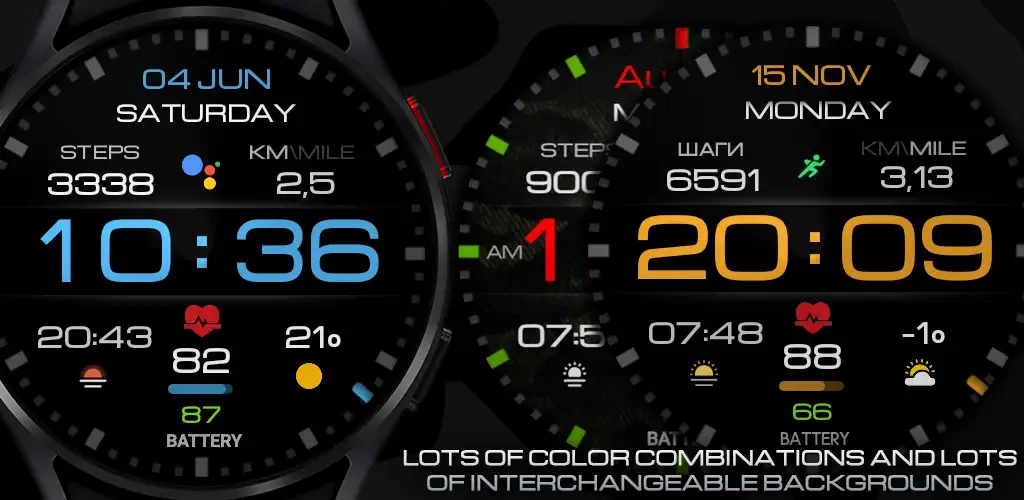
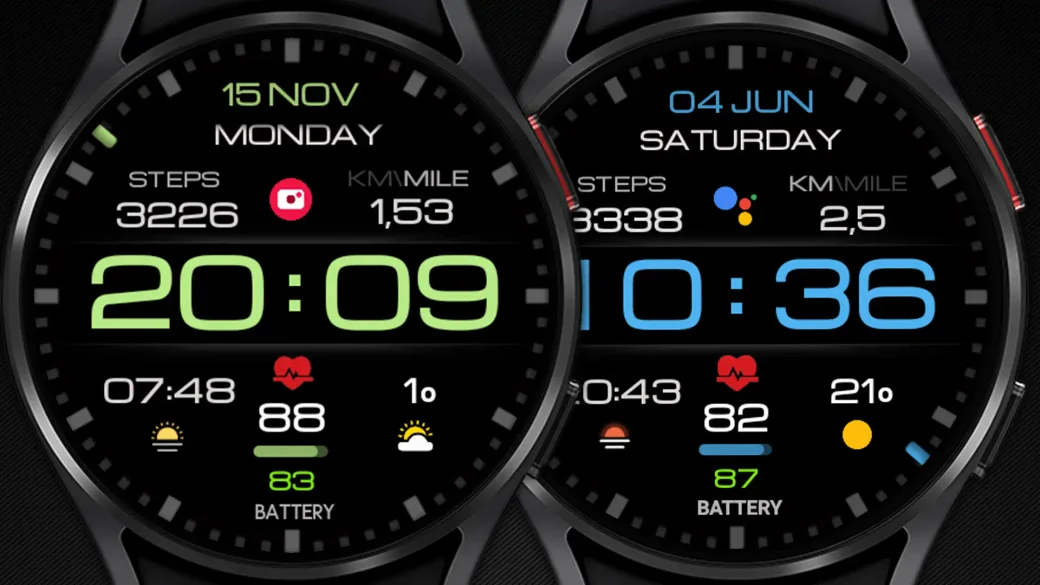
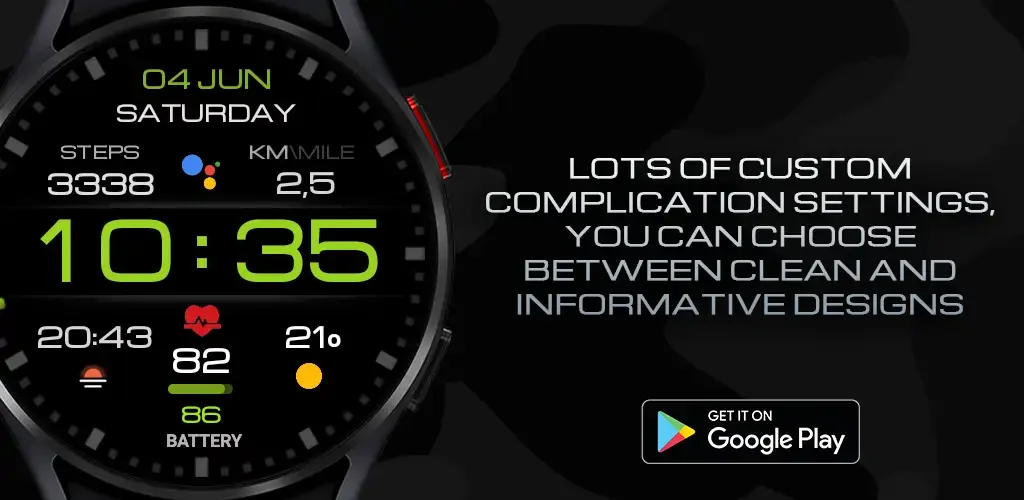


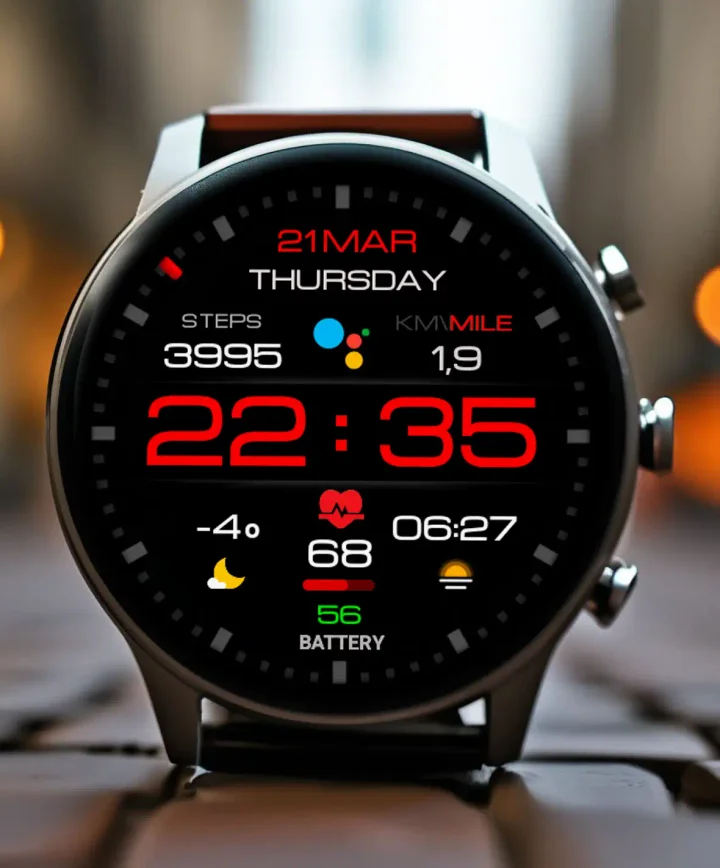
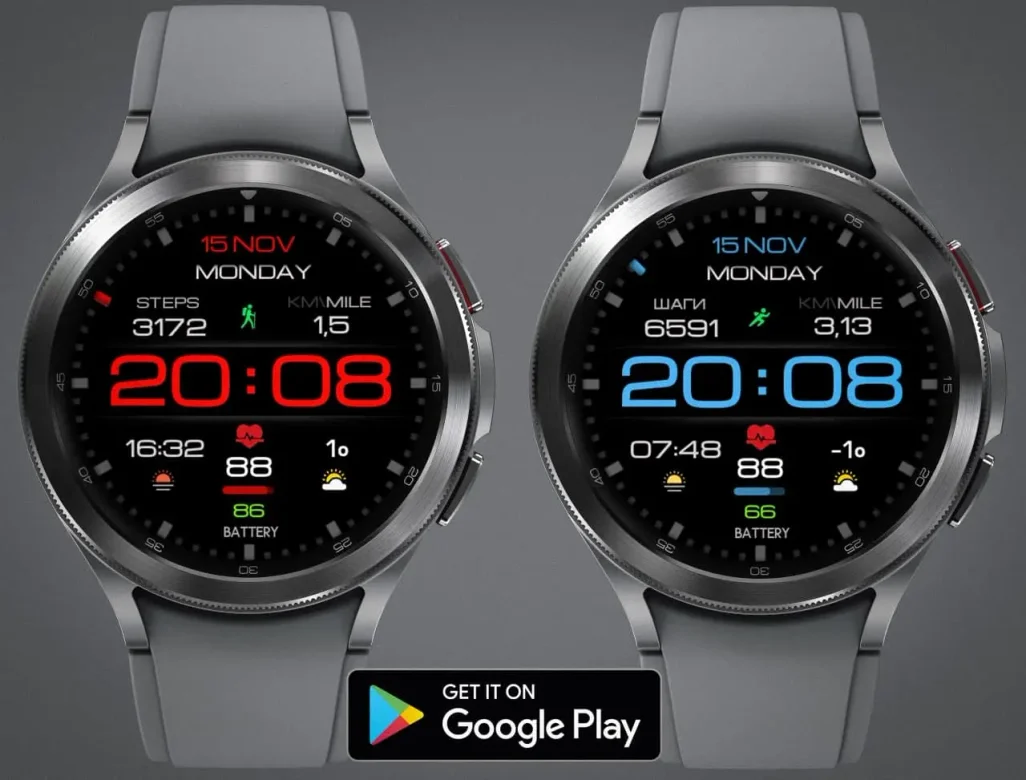
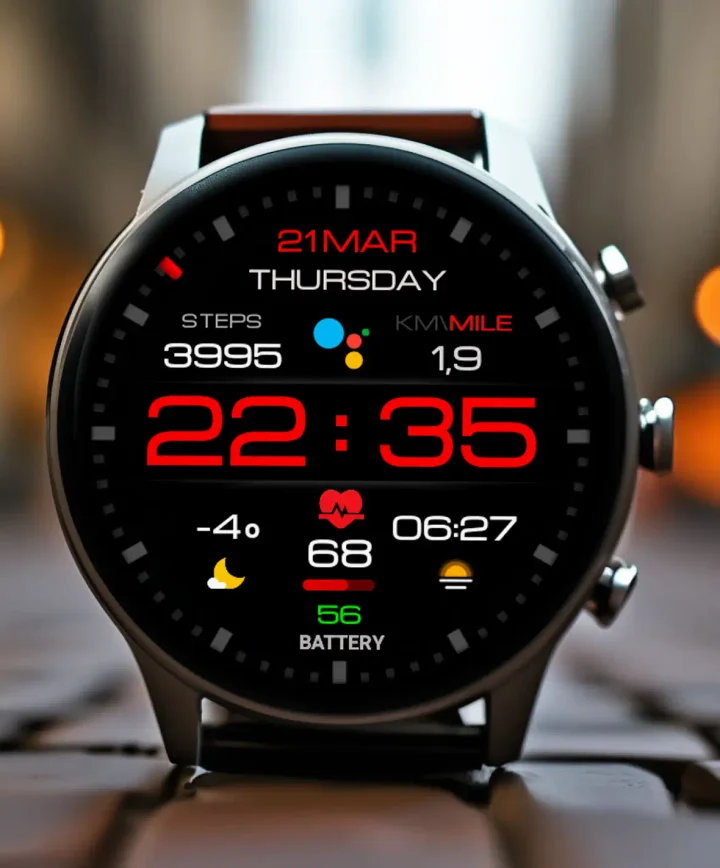
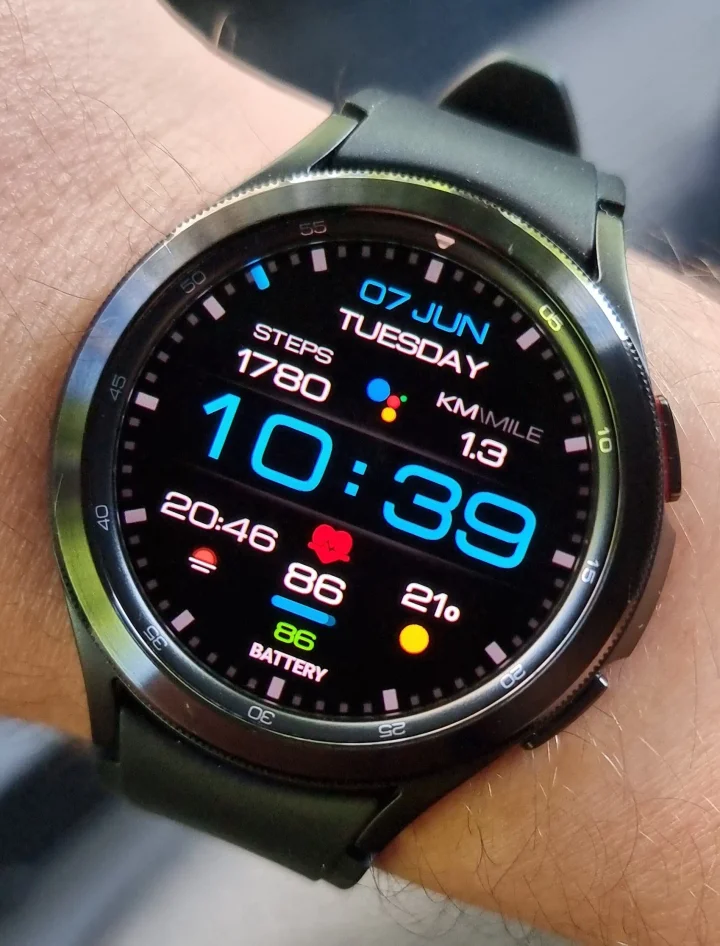
About this app
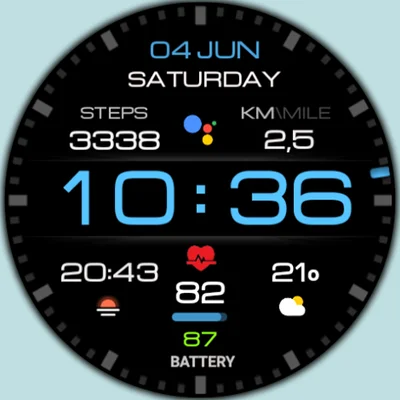
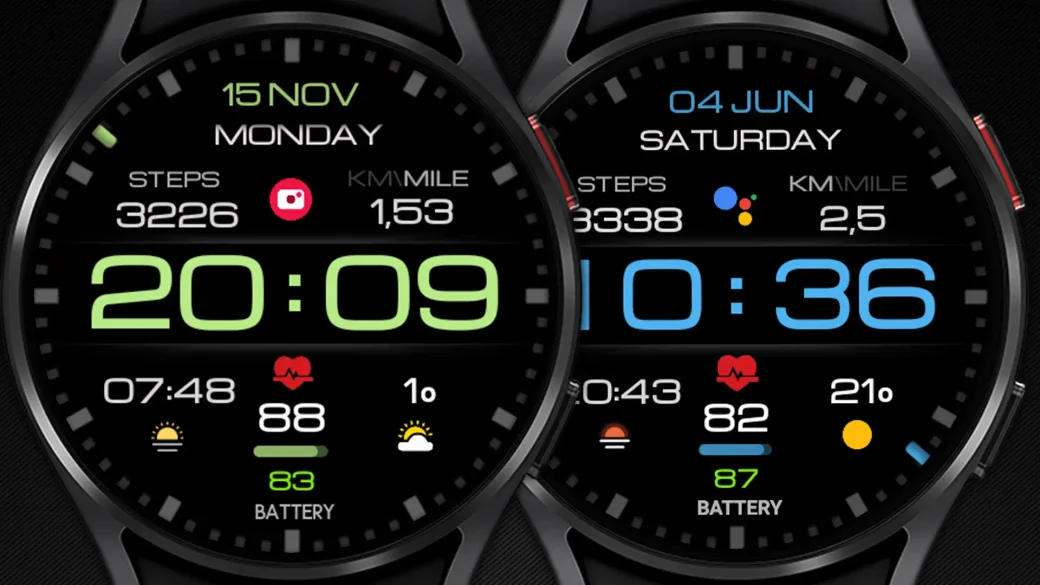
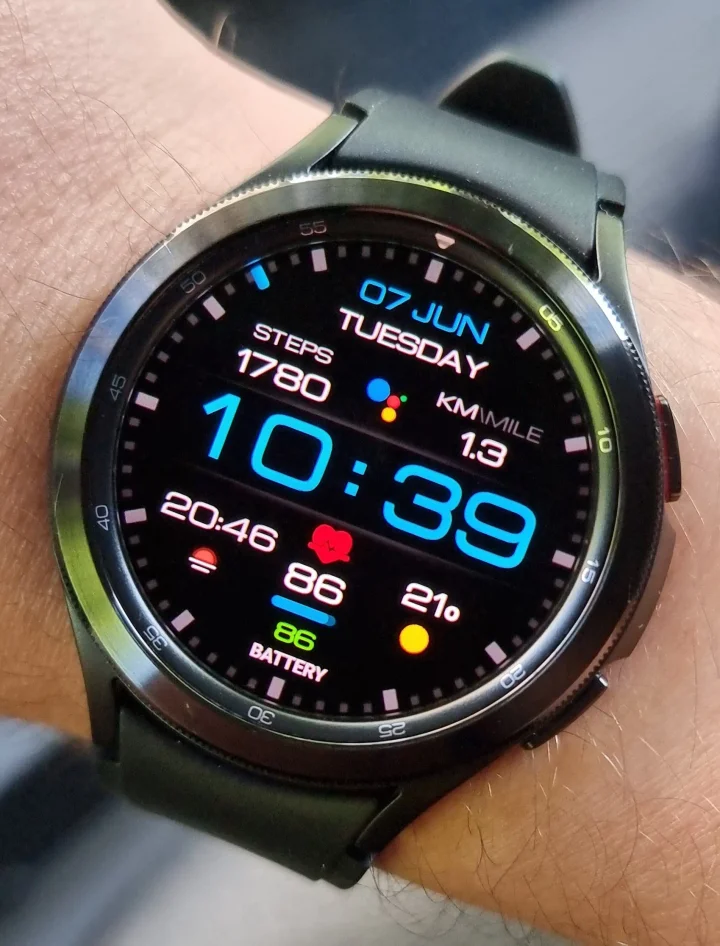
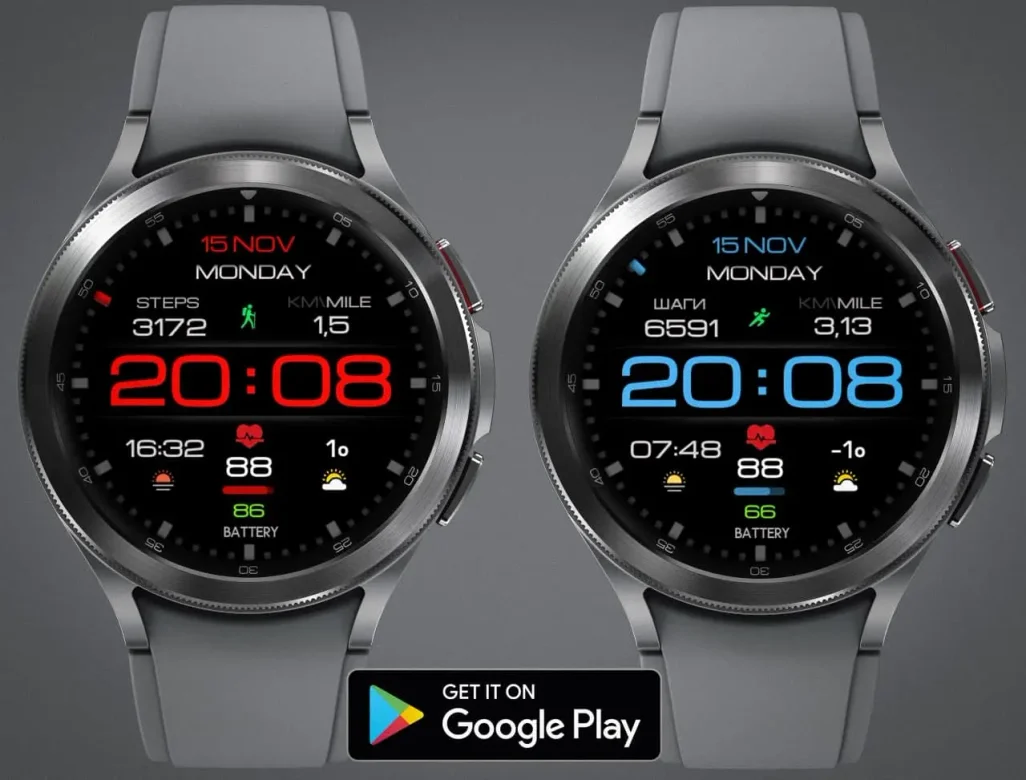
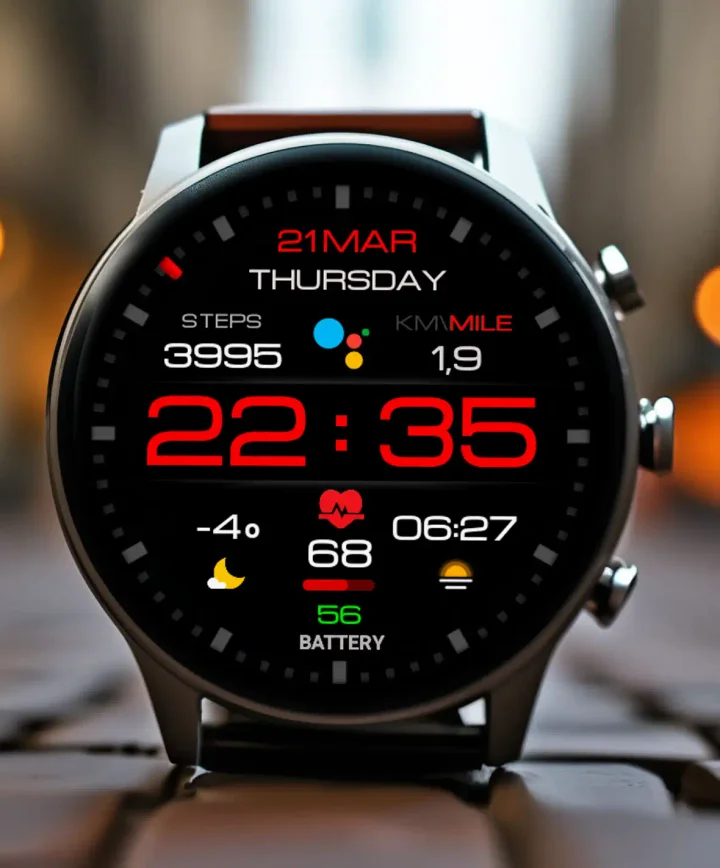
Stylish sports watchface for every day for Wear OS
Stylish sports watchface for every day for Wear OS
Basic moments:
- Time format 12\24 hours depending on the smartphone settings
- Date (month, day, week)
- Steps
- Pulse
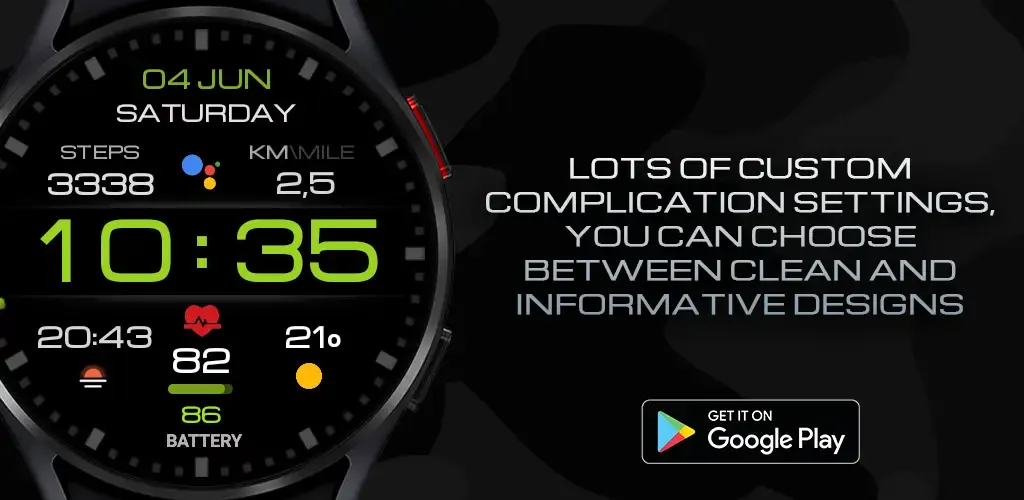
- Custom complications
- Ability to change backgrounds
- Change colors
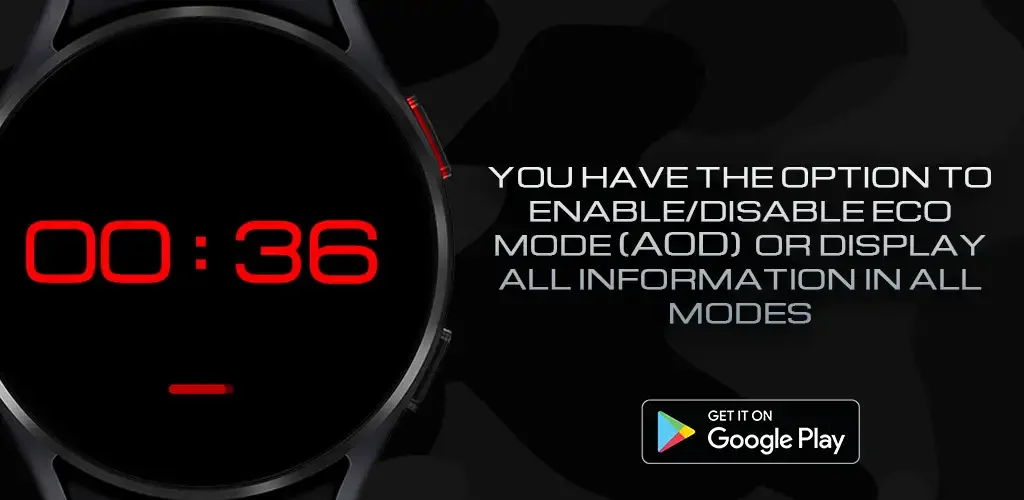
- AOD mode full or minimal
Compatible with Wear OS devices running API level 30 and above, including Samsung Galaxy Watch 4, 5, 6, 7, 8 and Pixel Watch.
**Installation**
1. Install the watch face app on your phone.
2. Make sure your Wear OS watch is connected to your phone and uses the same Google account.
3. Select your watch as the installation device and complete the installation.
4. After installation, select the watch face from your watch face gallery.
If installation is delayed, check the internet connection on both devices, wait a minute or two, or restart your watch and try again.
**Customization**
• Touch and hold the watch face, then tap **Customize** to access the available settings.
• For the best experience, we recommend configuring the watch face directly on your watch. Video guide:
https://youtu.be/YPcpvbxABiA
**Support**
If you have any questions or installation issues, please contact:
[srt48rus@gmail.com](mailto:srt48rus@gmail.com)
**More watch faces by WIN**
Explore other watch faces:
https://play.google.com/store/apps/dev?id=6789054753742990227
Data safety
What WinWatchfaces declares on Google Play about the data this app collects and shares.
- No data shared with third partiesLearn more about how developers declare sharing
- No data collectedLearn more about how developers declare collection
What’s new
Oct 15, 2026
Fixed an issue with the display of units of measurement in certain countries
Developer contact
- Emailsrt48rus@gmail.com
- Privacy policysites.google.com
- Addressул. Ескалиева, д. 148 кв. 21 090000 Уральск Kazakhstan
Information
- Offered by
- WinWatchfaces
- Category
- Personalization
- Updated
- Oct 15, 2026
- Released
- Nov 15, 2021
- Age rating
- Everyone
- Price
- $1.29
- Package name
- com.watchfacestudio.dgtmod3super