Diarium: Journal & Diary
Timo PartlIn-app purchases
- EveryoneAge rating
- LifestyleCategory
- Nov 24, 2026Updated
- FreePrice
Links to the official Google Play listing of partl.Diarium. Last checked on Nov 25, 2026.

Screenshots

About this app
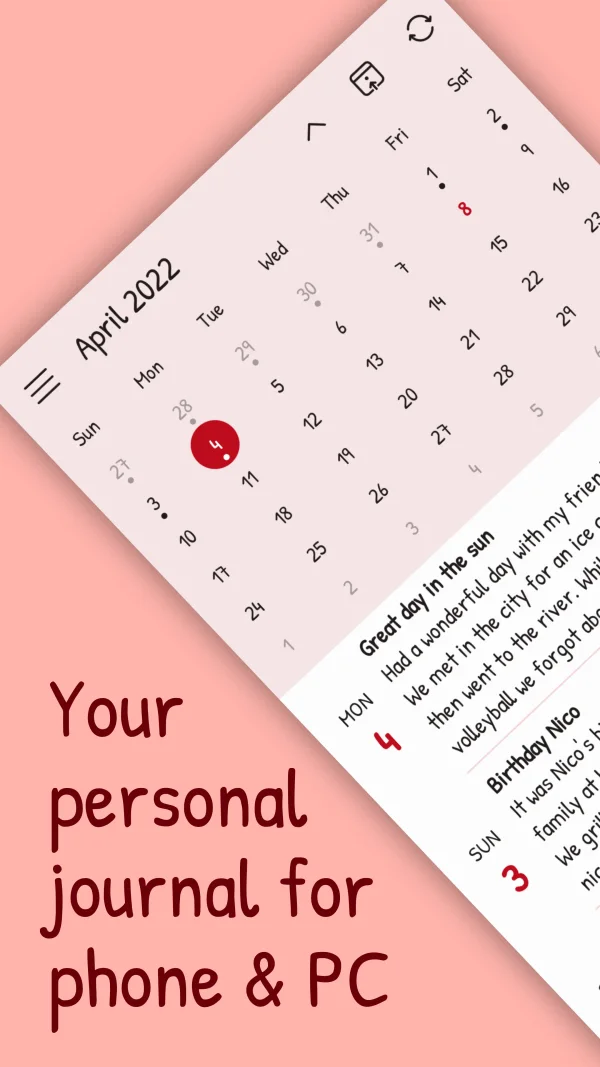
Private journal app for daily diary, mood tracker, photos and notes
Keep memories, daily notes, photos, moods, and travel moments together in one private diary. Diarium is a personal journal and digital diary app that helps you build a daily writing habit with reminders, rich entries, and no ads or subscription.
A private journal for everyday life
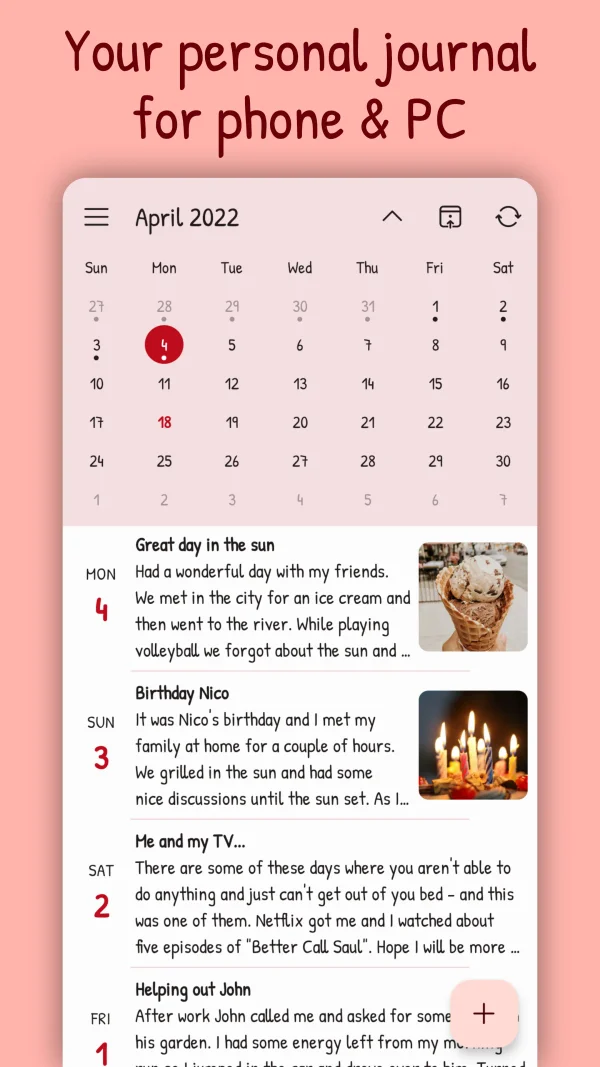
Write quick notes, longer reflections, gratitude journal entries, bullet journal-style lists, or a personal timeline of moments you want to remember.
• Format text and organize ideas with lists
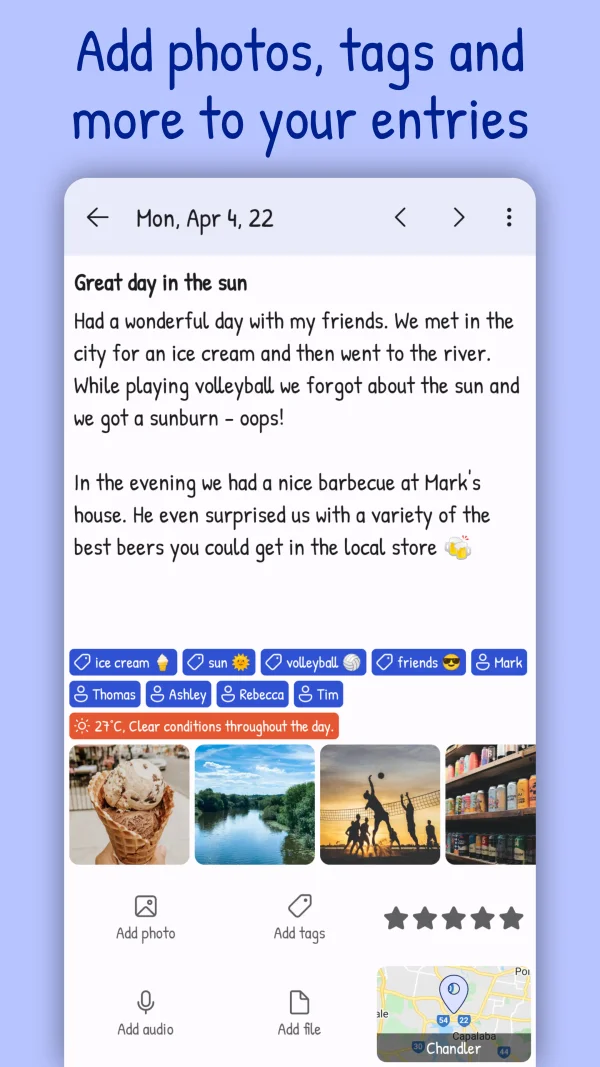
• Add photos, drawings, audio recordings, files, tags, people, ratings, and locations
• Use daily reminders to keep your journaling routine going
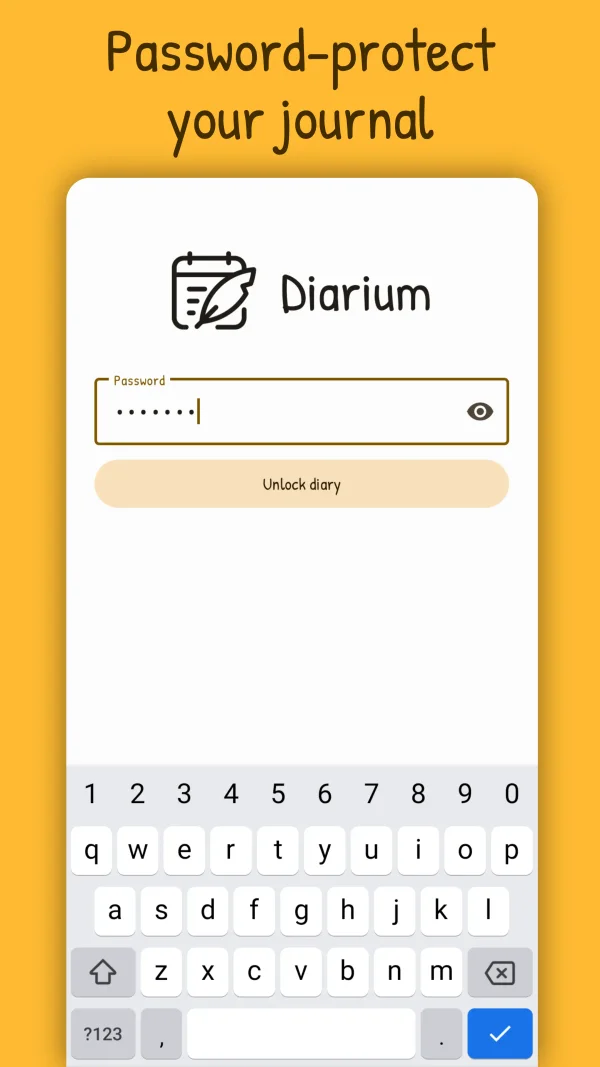
• Protect your secret diary with a password, PIN, or fingerprint/biometric lock
• Capture thoughts, feelings, routines, hobbies, and meaningful life moments
Photo diary, mood journal, and travel journal
Turn ordinary days into a multimedia memory journal that records what happened, where you went, and how you felt.
• Create a photo journal with pictures from your day
• Add audio recordings for voice diary moments when you would rather speak than type
• Track moods with stars and tracker tags in your mood diary
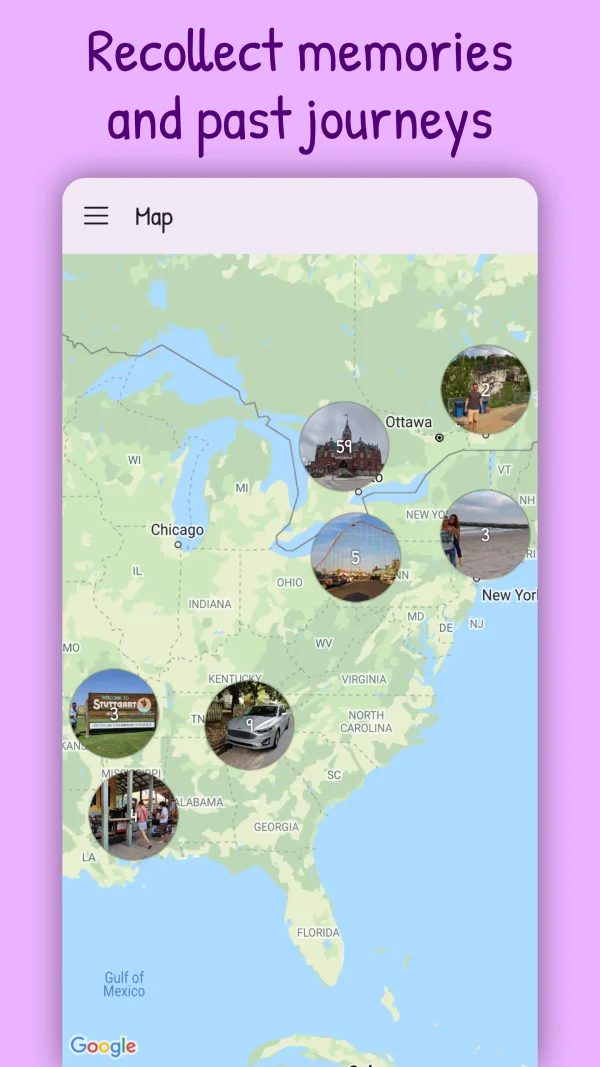
• Build a travel diary with locations and a map view of your journeys
Helpful context for every day
Supported integrations can automatically add useful context to entries, including calendar events, camera roll photos and videos, weather, WorkingHours, Google Timeline, optional fitness and wellbeing information such as activity, sleep, workouts, weight and other personal metrics, plus social, task, and entertainment activity.
This makes it easier to remember your day without starting from a blank page. Some integrations and automatic feeds require Diarium Pro.
Continue across your devices
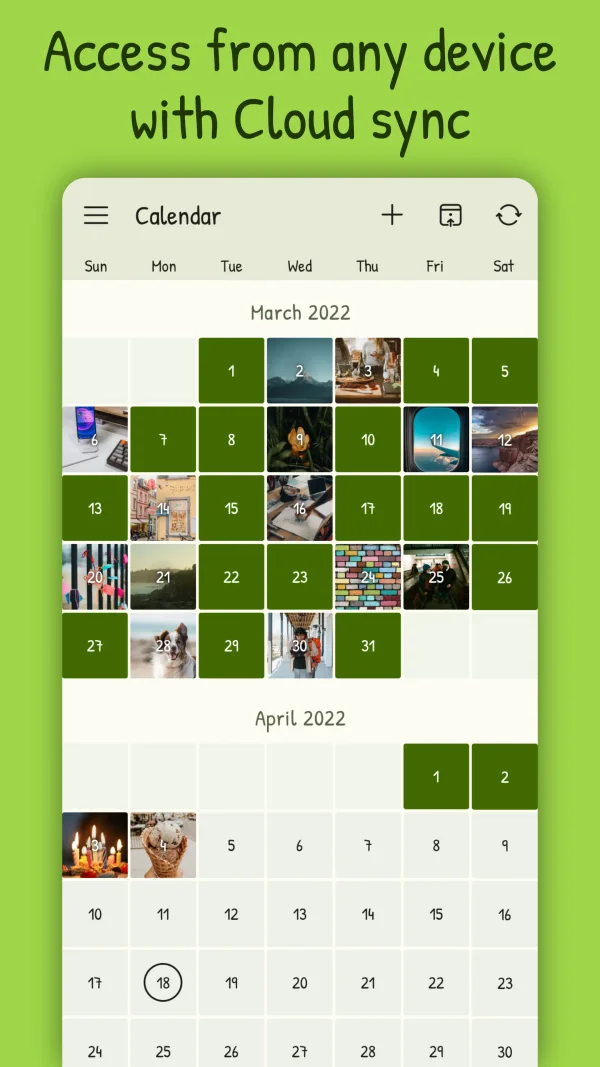
Keep writing on supported phone, tablet, laptop, and desktop versions with optional sync through your own cloud storage. Diarium is available for Android, Windows, iOS, and macOS.
Choose from OneDrive, Google Drive, Dropbox, iCloud, or WebDAV. Sync uses your personal cloud storage, and no proprietary Diarium account is required.
Import, back up, and export
Moving from another diary app or journal app? Diarium supports migration from Day One, Diaro, Journey, Daylio, Diarly, Daybook, Evernote, Memorize, and other supported apps.
• Back up your journal with database import and export
• Export entries as Word, HTML, JSON, or plain text
• Create printable Word exports with Diarium Pro
• Keep your memories portable and under your control
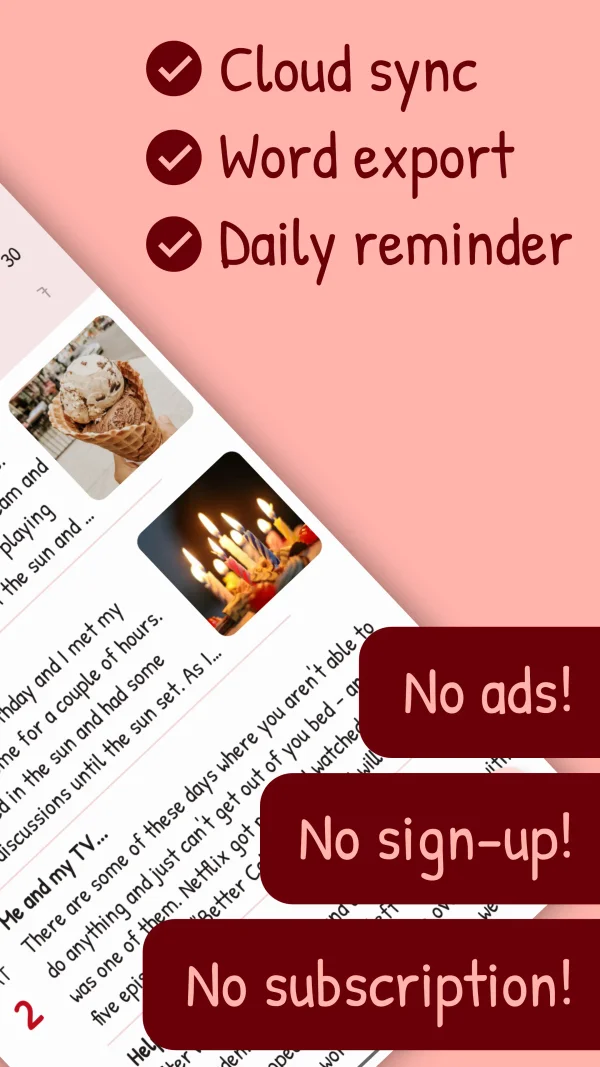
No ads. No subscription.
Diarium is free to start and offers an optional Pro upgrade for sync, unlimited attachments per entry, automatic feeds, custom fonts and font sizes, home-screen widgets, entry weather, and Word export.
You can evaluate Diarium Pro for seven days after installing. Pro is a one-time purchase linked to your Google Play account and unlocks Pro access for Android; a separate purchase may be required on other platforms.
Data safety
What Timo Partl declares on Google Play about the data this app collects and shares.
- No data shared with third partiesLearn more about how developers declare sharing
- This app may collect these data typesApp activity and App info and performance
- Data is encrypted in transit
- You can request that data be deleted
What’s new
Version 3.3.15 · Nov 24, 2026
• Added PDF export
• Improved Word export formatting, photo galleries and entry navigation
• Added Outlook Calendar integration
• Improved photo loading in the calendar, timeline and widgets
• Many smaller improvements to imports, sync and stability
Developer contact
- Websitediariumapp.com
- Emaildiariumapp@outlook.com
- Privacy policydiariumapp.com
- Addressc/o Block Services Stuttgarter Str. 106 70736 Fellbach Germany
Information
- Offered by
- Timo Partl
- Category
- Lifestyle
- Version
- 3.3.15
- Updated
- Nov 24, 2026
- Released
- Sep 4, 2017
- Requires
- Android 9 or later
- Age rating
- Everyone
- Price
- Free
- In-app purchases
- $14.99 per item
- Package name
- partl.Diarium
Similar apps
-
 Notepad Notes
Productivity
-
 Daybook - Diary, Journal, Note
Lifestyle
-
 Mood Tracker: Self-Care Habits
Lifestyle
-
 Grateful Diary: Daily Journal
Lifestyle
-
 To-Do Adventure: Task Tracker
Productivity
-
 Day One Diary: Daily Journal
Lifestyle
-
 DayDew - Daily Journal, Diary
Lifestyle
-
 Daybloom: AI Self-Care Journal
Lifestyle
-
 Week Planner - Diary, Calendar
Productivity
-
 Your Diary: Journal with Lock
Lifestyle
-
 Notes
Productivity
-
 Inkpad Notepad & To do list
Productivity