Digital Gyro109
SMOWatch- EveryoneAge rating
- PersonalizationCategory
- Aug 19, 2026Updated
- $0.99Price
Links to the official Google Play listing of com.watchfacestudio.gyro109. Last checked on Nov 23, 2026.
Screenshots

About this app
Automatic translation by Google from Korean (South Korea).
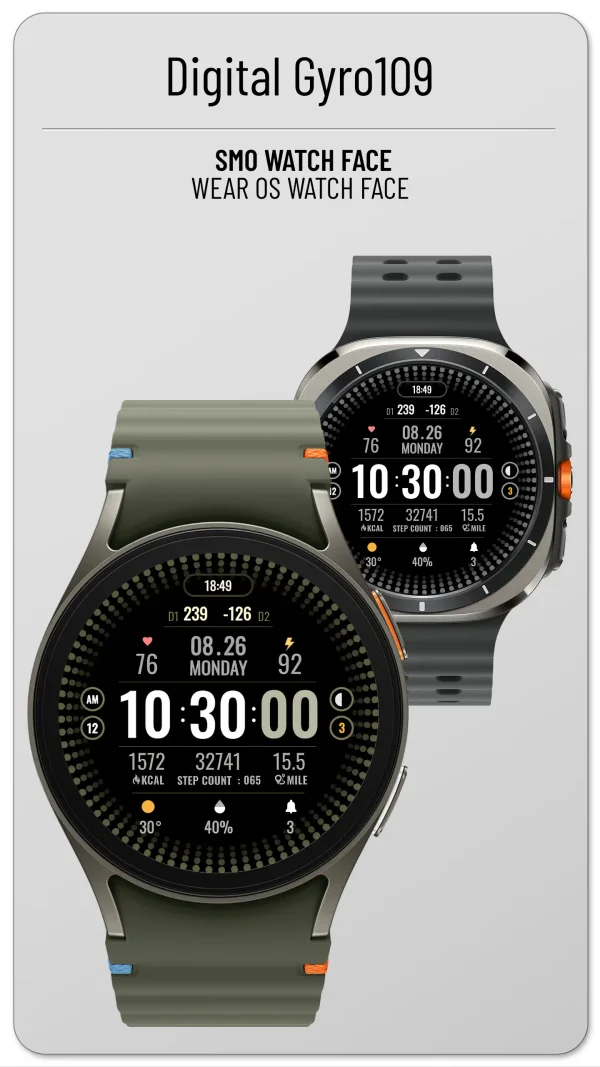
This watch face is available based on WEAR OS.
This is a watch face that can be used based on WEAR OS.
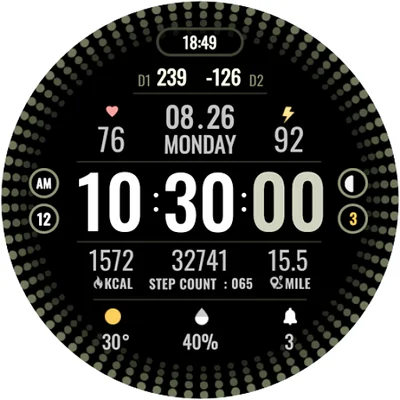
This watch face comes with a gyroscope function. When you rotate the wrist on which you are wearing the watch, some of the edges of this watch face react according to the direction of rotation.
How to install
1. Click the drop-down button next to the install button and select the watch you want to install.
Click the install button and wait until the installation is complete.
2. Activate once installation is complete.
a. To activate it on the watch, press and hold the watch screen and move it to the left to select the watch face.
Add and select the newly installed watch face.
b. To activate on a smartphone, run an app such as (ex) Galaxy Wearable and click at the bottom.
Select ‘Downloaded’ and apply.
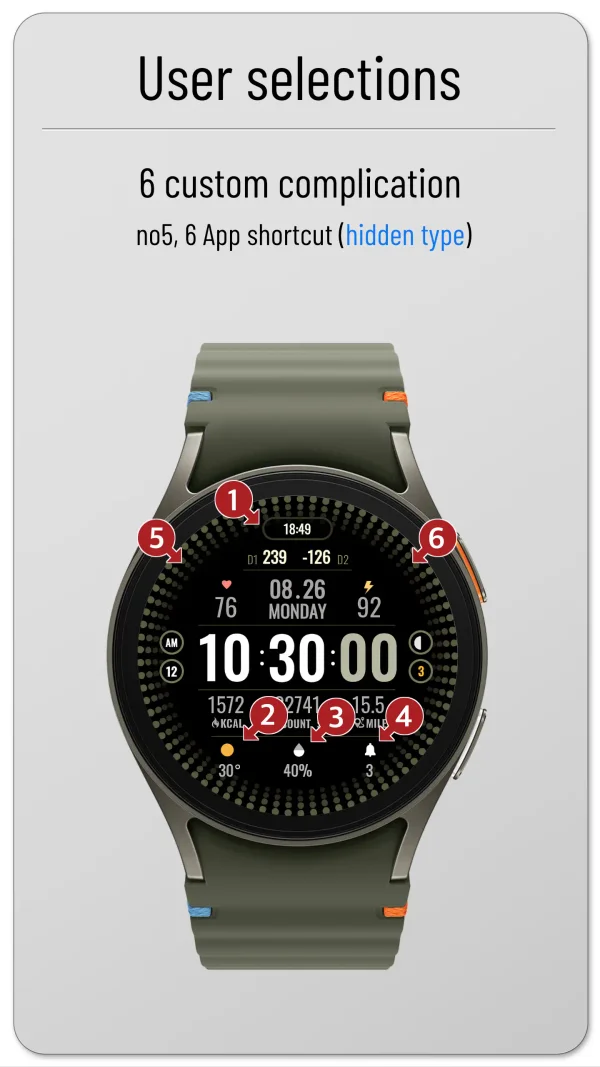
You may need to install additional complication apps to use the complication.
All tests were conducted with Samsung Galaxy Watch 4.
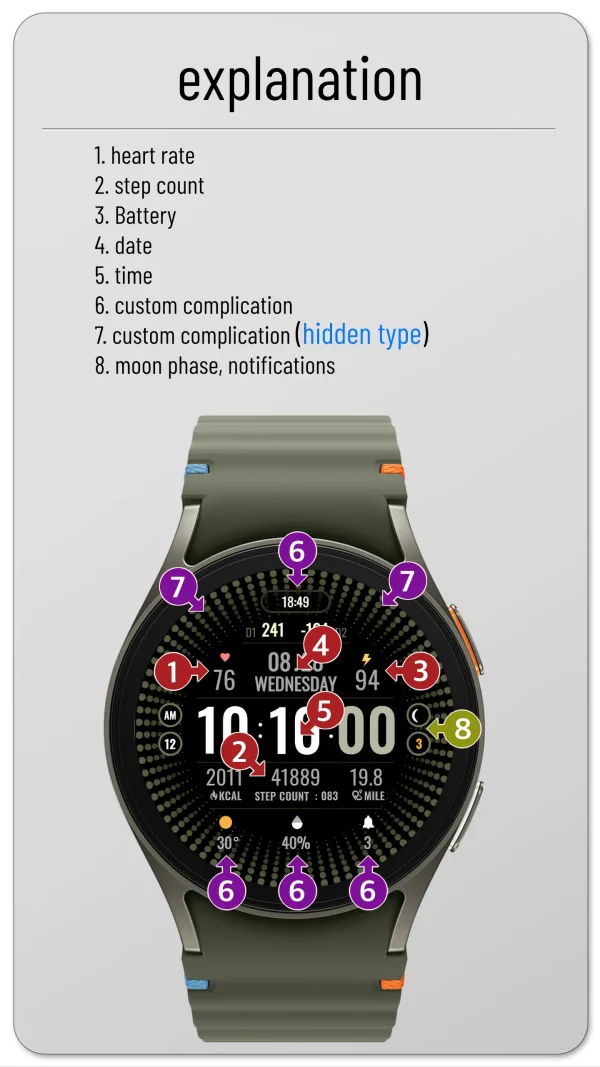
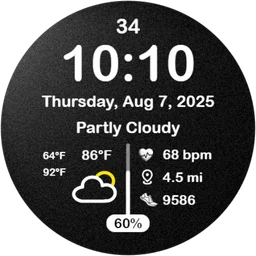
The composition of this watch face is as follows.
- 12h/24h time setting possible (requires changing settings on mobile phone)
- Gyroscope
- Battery amount
- 6 complications (2 are hidden type app shortcuts)
- Step count (10,000 steps/day)
- km, mile (en_GB, en_US)
- heart rate
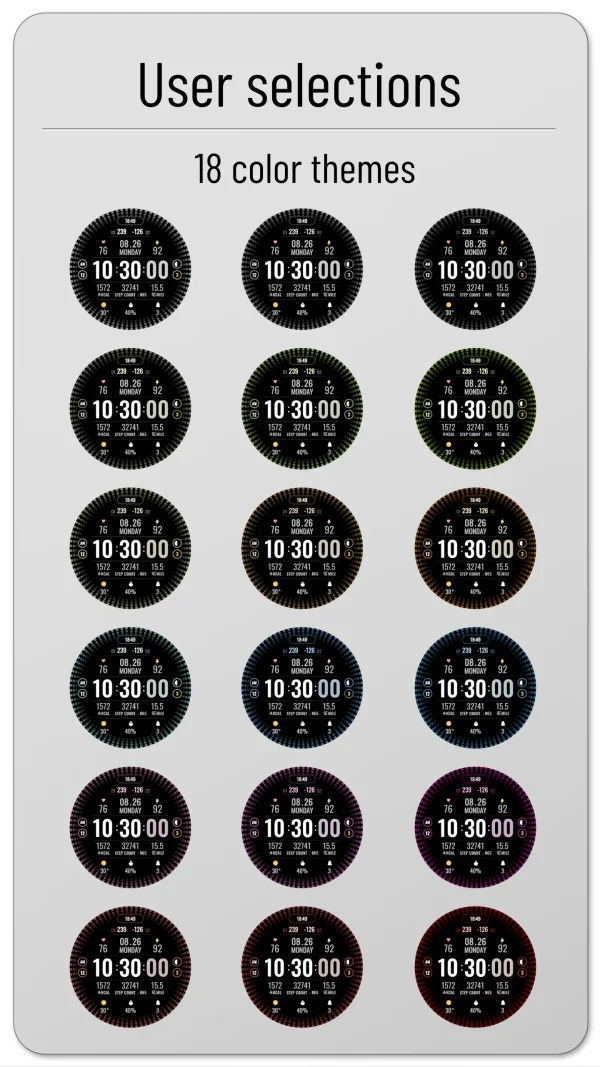
- 10 colors
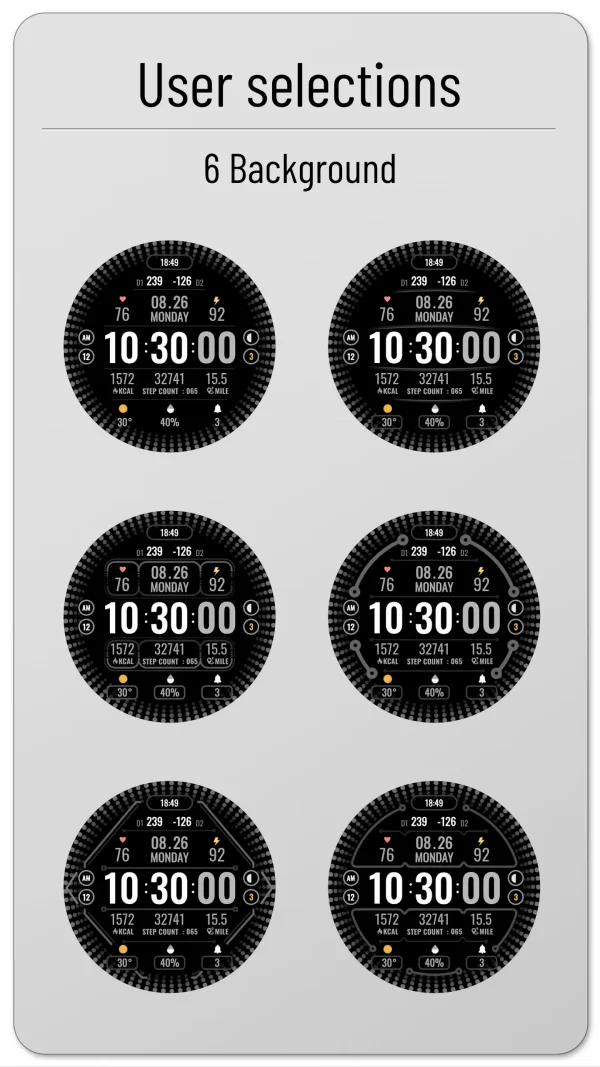
* Long press on the watch screen > Open custom settings to change the desired configuration.
Show the original text
WEAR OS 기반하에 사용 가능한 워치페이스 입니다.
이 워치페이스에는 자이로스코프 기능이 첨부되어 있습니다. 시계를 착용하고 있는 손목을 회전하면 이 워치페이스의 가장자리 일부분이 회전방향에 따라 반응합니다.
설치방법
1. 설치버튼(install) 옆의 드롭다운버튼을 누르셔서 설치할 워치를 선택합니다.
설치버튼을 눌러서 설치가 완료될 때까지 기다립니다.
2. 설치가 완료되면 활성화 합니다.
a. 시계에서 활성화 하려면 시계화면을 길게 눌러서 왼쪽으로 이동하여 시계모드를
추가하고 새로 설치한 워치페이스를 선택합니다.
b. 스마트폰에서 활성화 하려면 ex)갤럭시웨어러블 같은 앱을 실행하고 하단의
'다운로드 됨'에서 선택후 적용합니다.
컴플리케이션을 사용하기 위해 추가적인 컴플리케이션 앱의 설치가 필요할 수 있습니다.
모든 테스트는 삼성갤럭시 워치4로 했습니다.
이 워치페이스 구성은 다음과 같습니다.
- 12h/24h 시간 설정가능(휴대폰에서 설정변경 필요)
- 자이로스코프
- 배터리 양
- 6개의 컴플리케이션(2개는 히든타입의 앱바로가기)
- 걸음수(10,000보/1일)
- km, mile(en_GB, en_US)
- 심박수
- 10가지 색상
* 시계 화면을 길게 누르기 > 사용자 정의 설정 열기로 이동하셔서 원하시는 구성을 변경합니다.
----
개발자 연락처 :
정상모 가리내3길 5
102호
덕진구, 전주시, 전라북도 54890
South Korea 2292601935 2024-전주덕진-1024 덕진구청
Data safety
What SMOWatch declares on Google Play about the data this app collects and shares.
- No data shared with third partiesLearn more about how developers declare sharing
- No data collectedLearn more about how developers declare collection
What’s new
Version 1.0.5 · Aug 19, 2026
API 대응 업데이트
Developer contact
- Emailsmowatch@gmail.com
- Privacy policyblog.naver.com
- Address가리내3길 5 102호 덕진구, 전주시, 전라북도 54890 South Korea
Information
- Offered by
- SMOWatch
- Category
- Personalization
- Version
- 1.0.5
- Updated
- Aug 19, 2026
- Released
- Dec 30, 2023
- Age rating
- Everyone
- Price
- $0.99
- Package name
- com.watchfacestudio.gyro109
Similar apps
-
 Digital Gyro110
Personalization
-
 Digital SMO107
Personalization
-
 EXD211: Digital Sport Tactical
Personalization
-
 DB019 Adapt
Personalization
-
 Satisfy 100 Digital watch face
Personalization
-
 Ultra Watch Face
Personalization
-
 PW25 Big digital Numbers
Personalization
-
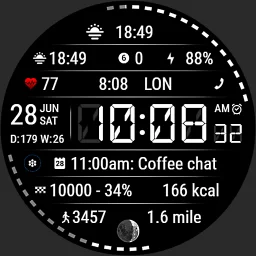 VF Inform Watch Face
Personalization
-
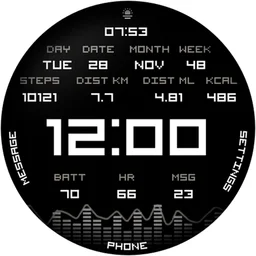 Military Tactical Watch Face
Personalization
-
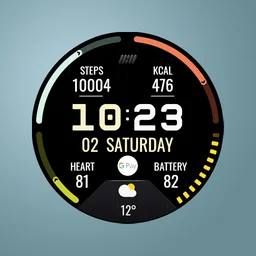 Tancha S57 Digital Watch Face
Personalization
-
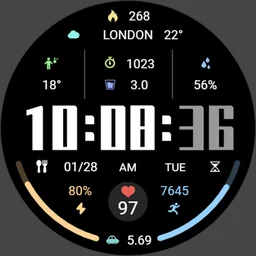 ZKinWatch Solid Color Function
Personalization
-
 Iris552 Multi-Function Digital
Personalization