Digital watch face D32
VG Faces- EveryoneAge rating
- PersonalizationCategory
- Aug 28, 2026Updated
- $1.49Price
Links to the official Google Play listing of com.watchfacestudio.d32. Last checked on Nov 14, 2026.

Screenshots



About this app
D32: Modern Digital Fitness Face for Wear OS
D32: Modern Digital Fitness Face
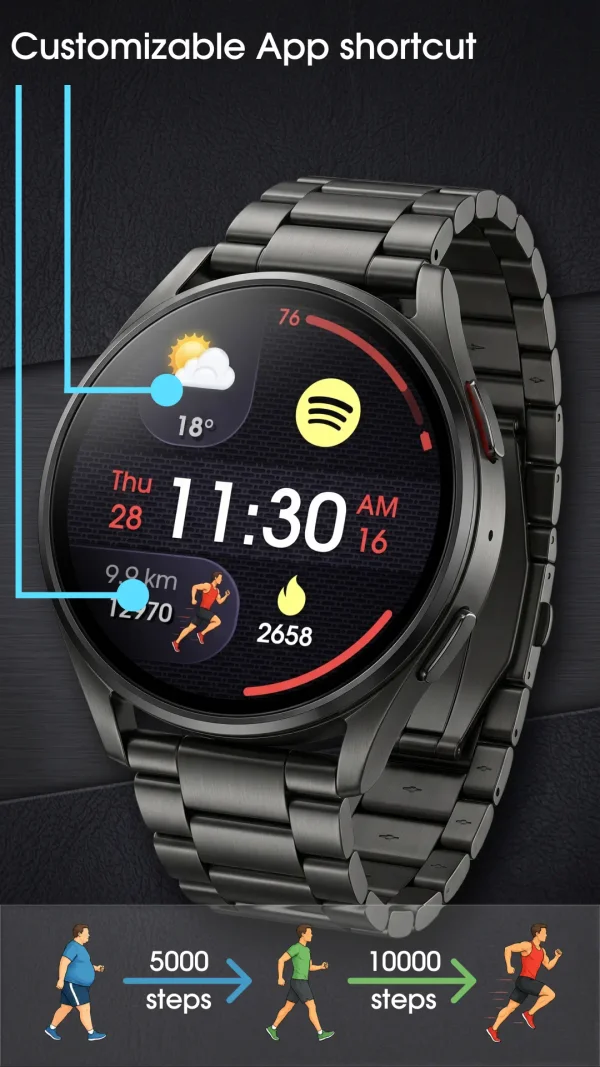
Stay active and organized with the D32 Digital Watch Face for Wear OS. Designed with a sleek, sporty aesthetic and a textured background, this face puts your fitness progress and favorite apps right at your fingertips.
Key Features:
• Dynamic Fitness Tracking: Stay motivated with a unique step goal visualizer that tracks your progress, alongside your daily distance.
• Customizable App Shortcuts: Personalize widgets to instantly launch your most-used apps, whether it's your music player, weather forecast, or heart rate monitor.
• Many Color Themes: Match your watch face to your workout gear or daily outfit with a wide variety of vibrant color combinations.
• Crisp Data Layout: Easily read the Digital Time (with seconds and AM/PM indicators) and the full Date at a glance.
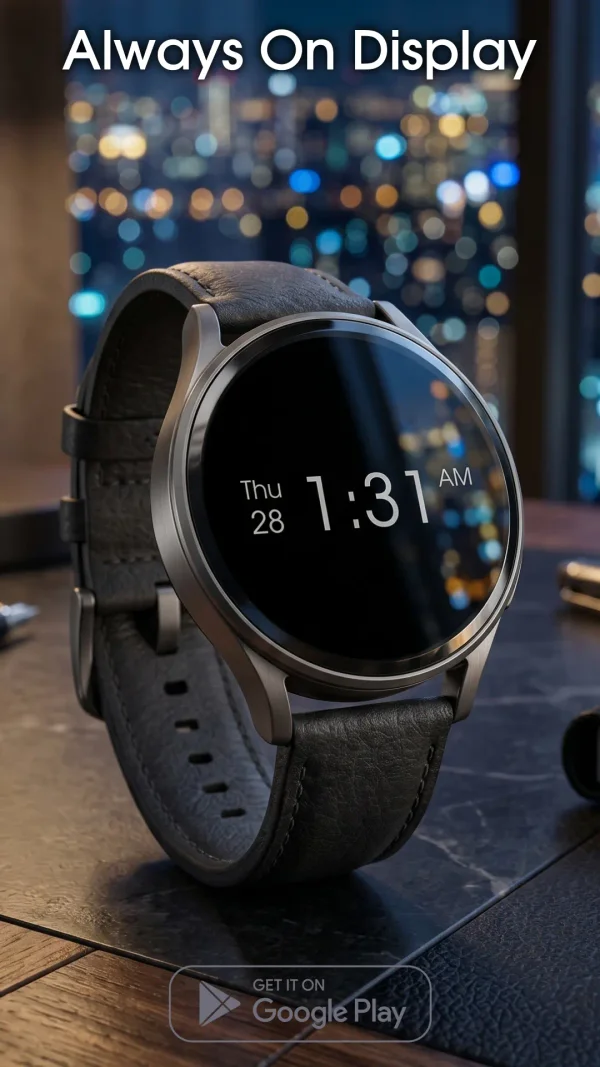
• Battery-Saving AOD: The clean Always-On Display mode ensures your time and date remain visible while minimizing battery consumption.
Smart Shortcut System:
Navigate your smartwatch effortlessly with intuitive tap zones:
• Tap Time: Quick access to Time/Alarm functions.
• Tap Date: Opens your Calendar.
• Tap the Weather/Steps icons: Launch your custom assigned apps.
Installation:
1. Ensure your watch is connected via Bluetooth.
2. Download D32 from the Google Play Store.
3. Long-press your watch screen, scroll to the end, and select "D32" to apply.
Compatibility:
Designed exclusively for Wear OS 5+ devices, including:
• Samsung Galaxy Watch 8 & Ultra
• Google Pixel Watch 4
• And other newer devices running Wear OS 5 or higher.
Data safety
What VG Faces declares on Google Play about the data this app collects and shares.
- No data shared with third partiesLearn more about how developers declare sharing
- No data collectedLearn more about how developers declare collection
- Committed to follow the Play Families Policy
What’s new
Aug 28, 2026
fixes and improvements
Developer contact
- Emailvolder83@gmail.com
- Privacy policysites.google.com
- AddressW.-I.-Lenin-Straße 51 19370 Parchim Germany
Information
- Offered by
- VG Faces
- Category
- Personalization
- Updated
- Aug 28, 2026
- Released
- May 18, 2026
- Age rating
- Everyone
- Price
- $1.49
- Package name
- com.watchfacestudio.d32