Digital Watch Face MB390
MikichBlaz- EveryoneAge rating
- PersonalizationCategory
- Aug 7, 2026Updated
- $1.49Price
Links to the official Google Play listing of com.mikichblaz.digitalwatchfacemb390. Last checked on Nov 14, 2026.
Screenshots




About this app
Digital Watch Face for Wear OS
Digital Watch Face for Wear OS
Note:
The weather complication on this watch face is not a weather app; it is an interface that displays weather data provided by the weather app installed on your watch!
This watch face is compatible only with Wear OS 5 or higher.
Features:
Styles:
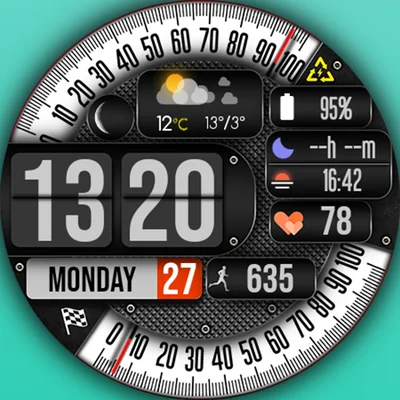
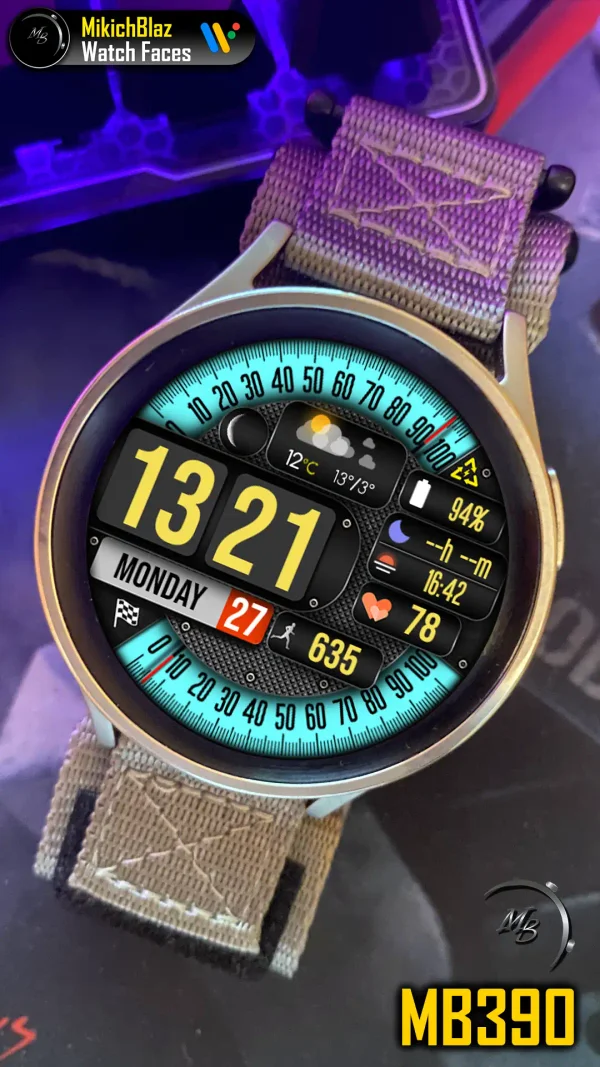
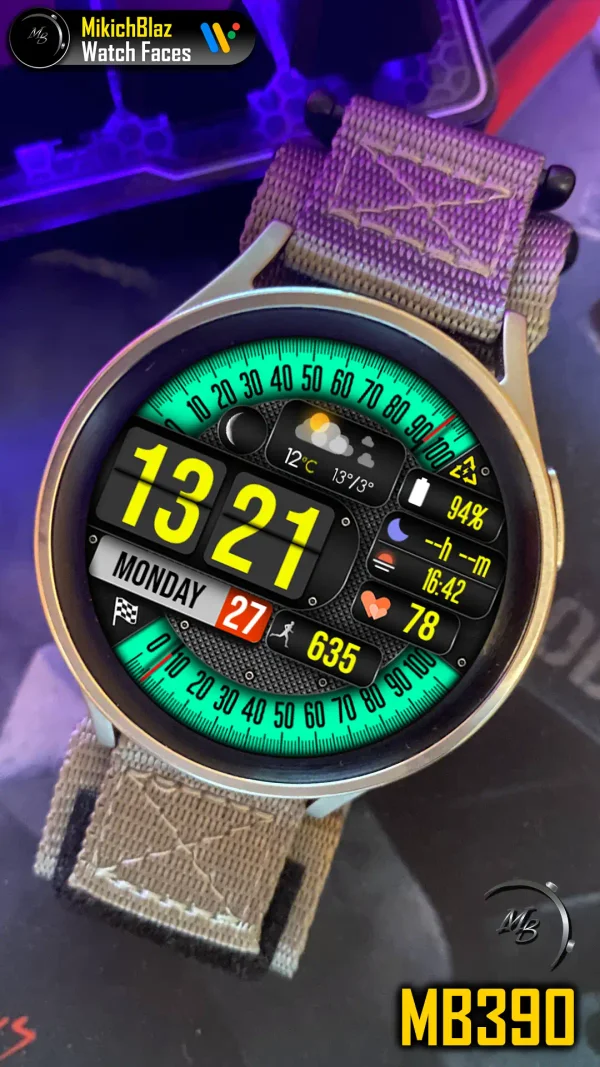
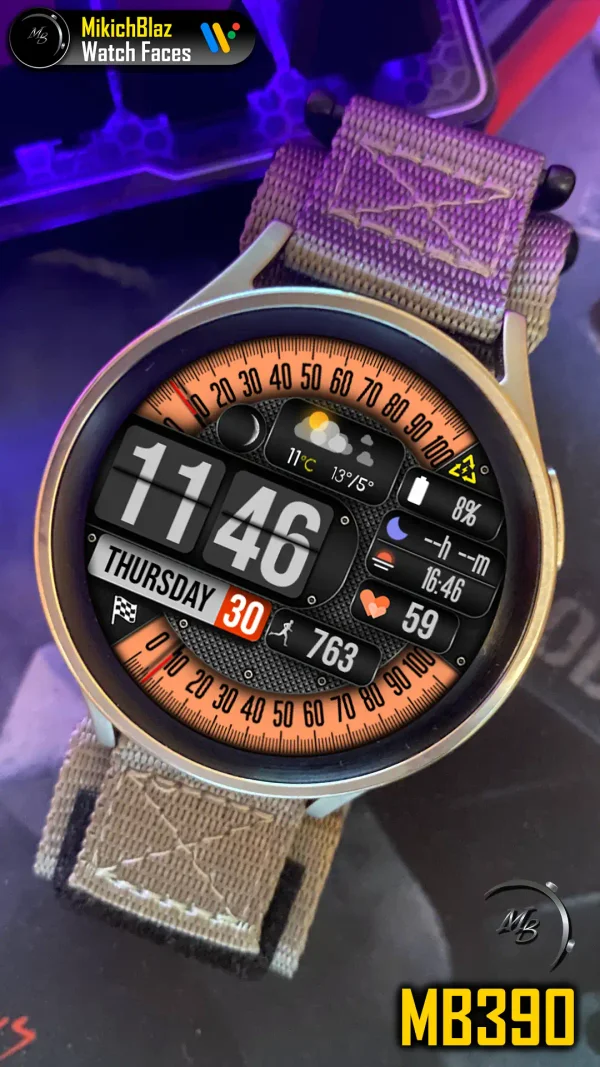
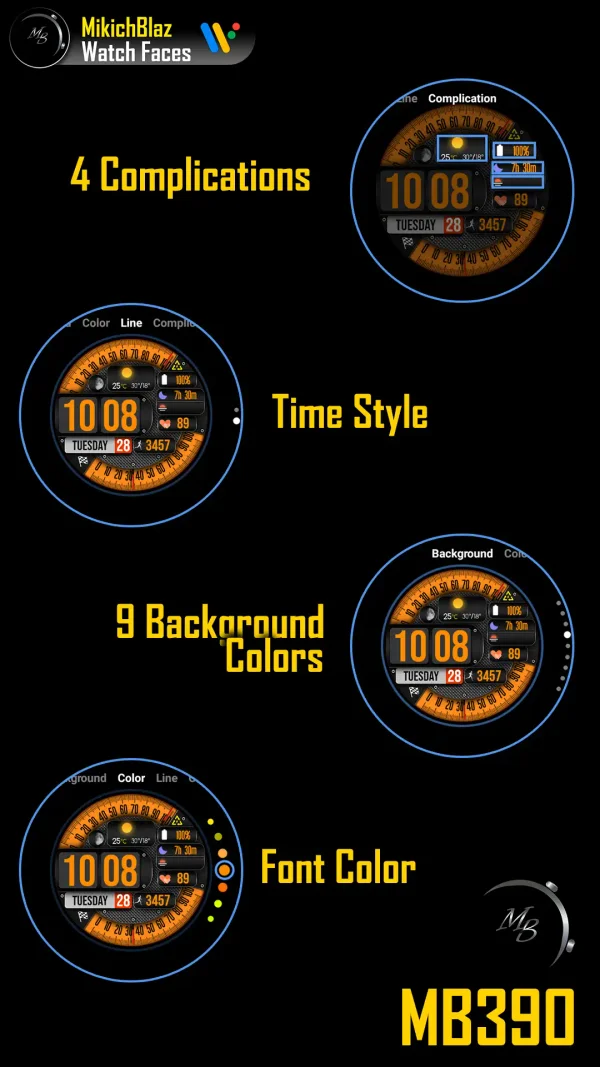
9 different colors for the gauges, and many color combinations for the fonts
Time:
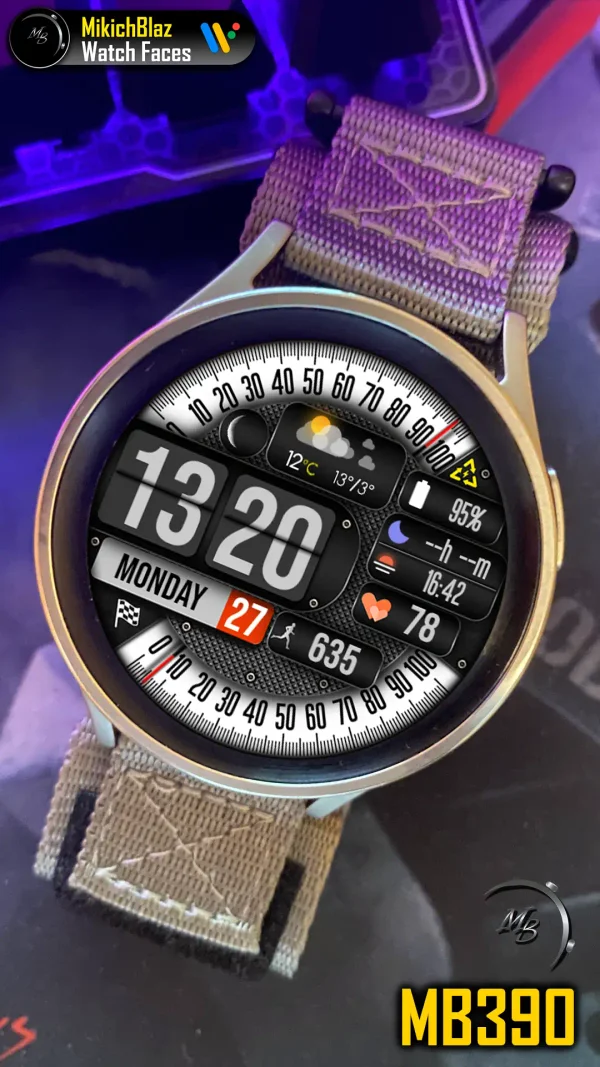
Big numbers (can change color), 12/24h format (depends on your phone system time setting). You can chose weather to have lines on the time or not.
Weather data:
Separate icon set for day and night, current temperature and daily high/low temperature. The temperature unit is displayed in C or F depending on your setup in your weather app or in watch system settings.
Moon phase:
Realistic moon icons
Date:
Full Week and day
Gauges:
- Analog power scale on the top, percentage from 0-100, shortcut on power icon tap - opens power menu in system settings of the watch.
- Analog power scale at the bottom, percentage of the daily step goal, percentage from 0-100 of the steps goal.
Fitness data:
Steps and HR (tap in HR opens the watches built-in HR monitor)
Complications:
4 custom complications
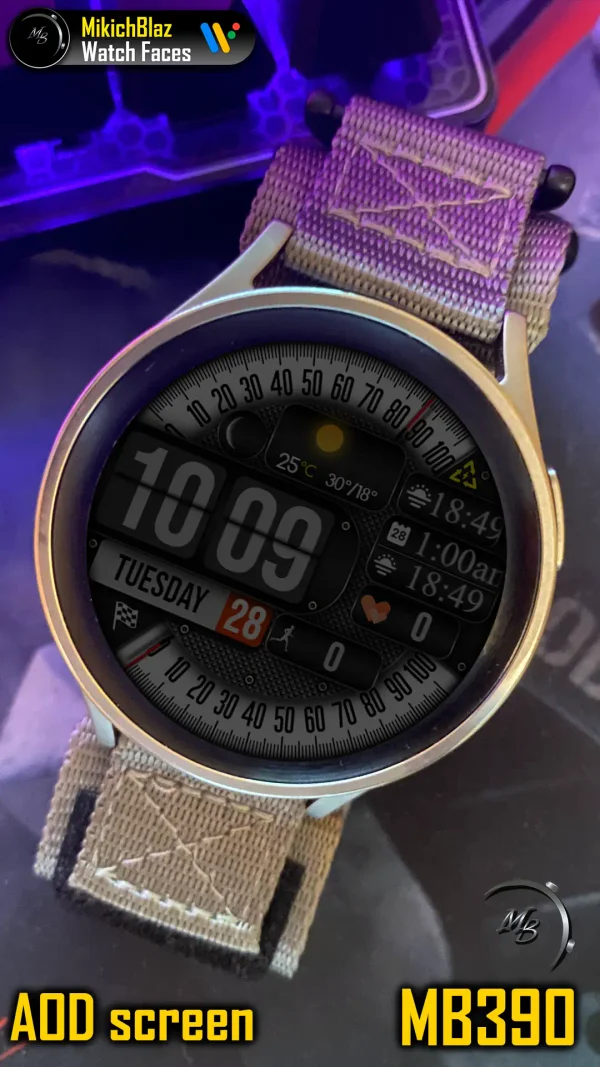
AOD:
Full watch face - dimmed
Privacy policy:
https://mikichblaz.blogspot.com/2024/07/privacy-policy.html
Data safety
What MikichBlaz declares on Google Play about the data this app collects and shares.
- No data shared with third partiesLearn more about how developers declare sharing
- No data collectedLearn more about how developers declare collection
Developer contact
- Emailmiki.blazevski@gmail.com
- Privacy policymikichblaz.blogspot.com
- AddressUl. Bul. Jane Sandanski Br. 30/1-7 Aerodrom 1000 Skopje North Macedonia
Information
- Offered by
- MikichBlaz
- Category
- Personalization
- Updated
- Aug 7, 2026
- Released
- Feb 3, 2025
- Age rating
- Everyone
- Price
- $1.49
- Package name
- com.mikichblaz.digitalwatchfacemb390