DNS Changer - Fast & Secure
Protectstar Inc.In-app purchases
- EveryoneAge rating
- ToolsCategory
- Jul 29, 2026Updated
- FreePrice
Links to the official Google Play listing of com.protectstar.dnschanger. Last checked on Nov 27, 2026.
Screenshots
About this app
Change DNS without root. Compare servers and manage apps and profiles with PRO.
Choose your DNS. Keep your settings within reach.
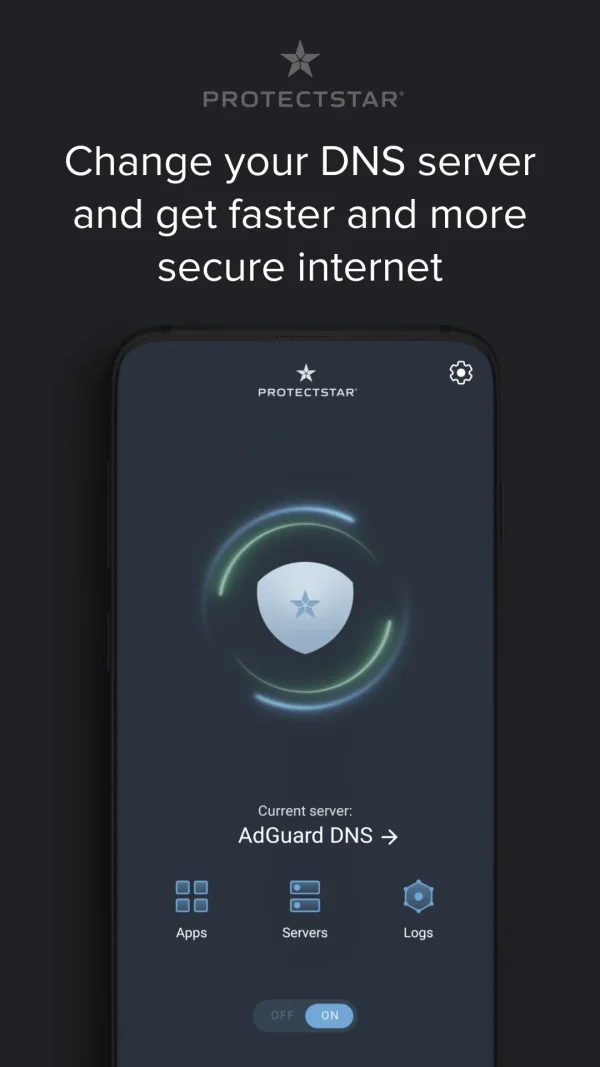
DNS Changer by Protectstar lets you change the DNS server on your Android phone or tablet without root. Pick a provider for your home Wi-Fi or mobile data, enter your own DNS addresses and connect with a tap. If your usual resolver is slow to answer, trying another provider may help websites begin loading sooner.
More control with DNS Changer PRO
Make an informed choice and keep a setup that suits your routine:
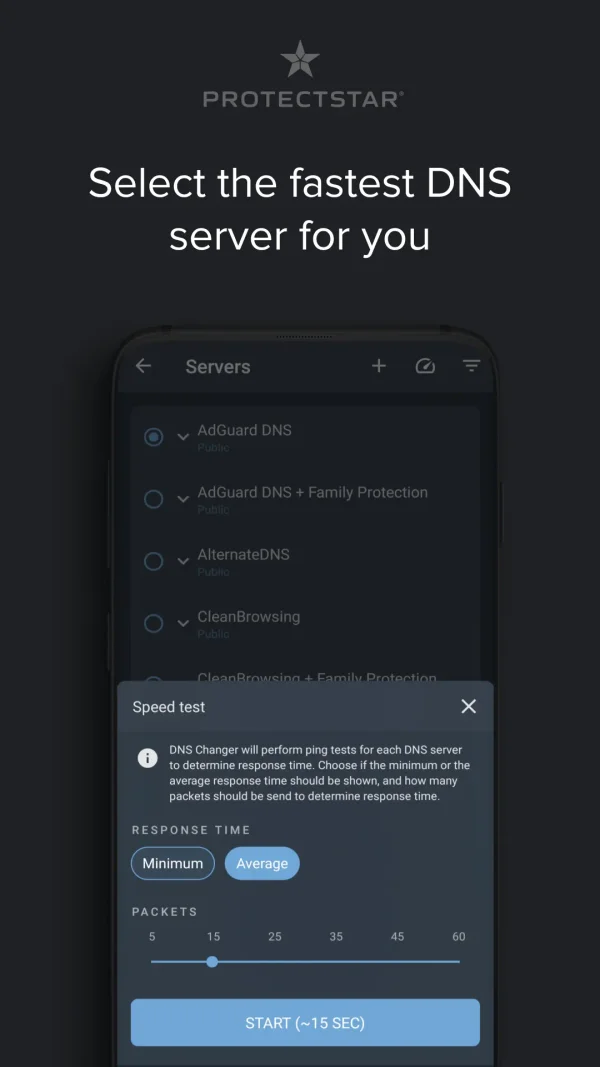
• DNS speed test: compare server response times on the network you are using.
• Saved profiles: keep separate settings for home, work, travel or gaming.
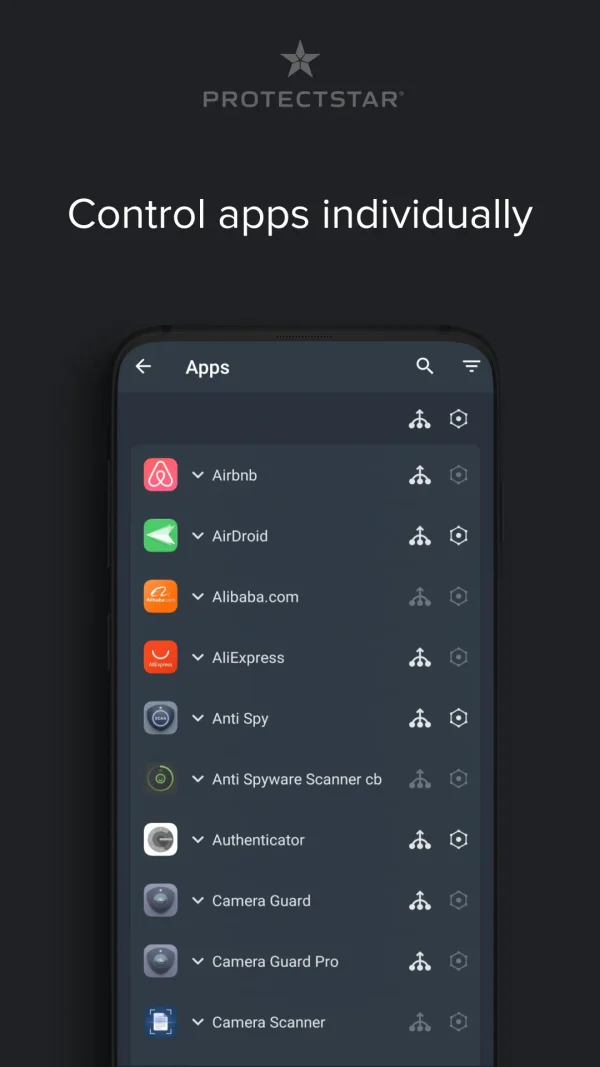
• Per-app control: choose which apps use DNS Changer and which are excluded.
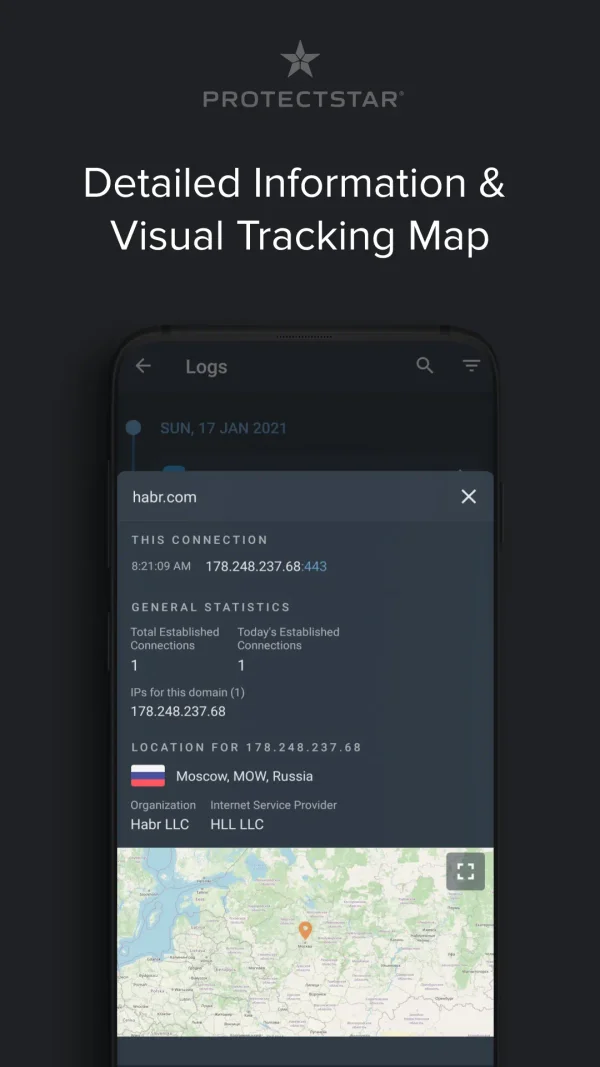
• Optional DNS logs and monitoring: inspect the domain requests shown in the app.
• WHOIS with a map view: look up further information about a domain or IP address.
These tools require PRO. A DNS response test helps you compare resolvers; it does not measure your broadband or mobile download speed. Profiles let you return to your preferred settings without entering the same addresses each time.
A DNS server for your needs
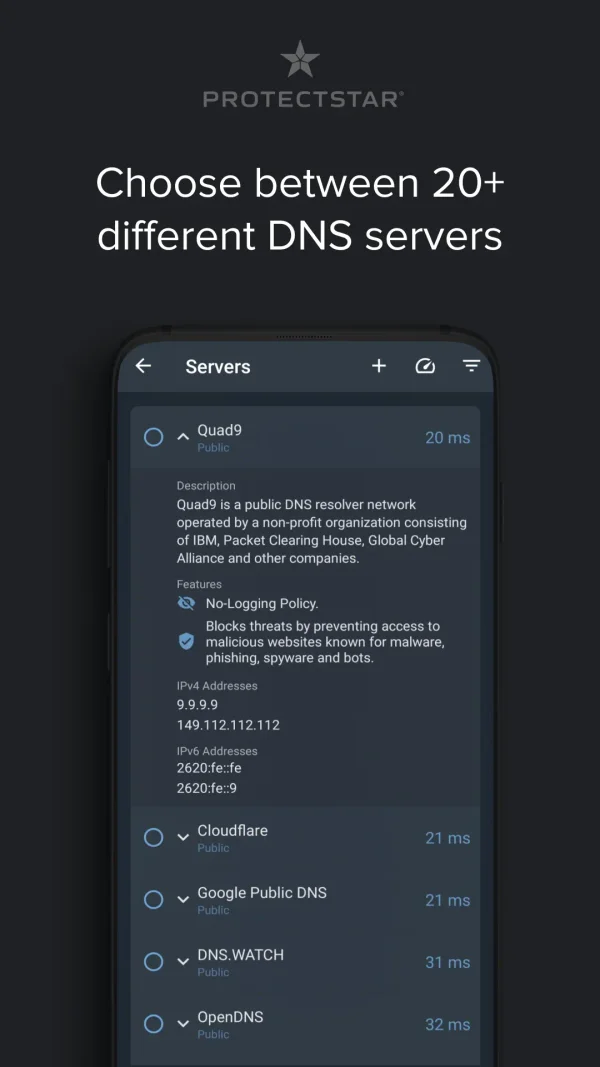
Choose from providers such as Cloudflare, Google Public DNS, AdGuard DNS, Quad9 and CleanBrowsing, or add custom IPv4 and IPv6 DNS addresses. Provider names identify available DNS services; DNS Changer is developed by Protectstar.
Use Wi-Fi at home, an office connection or mobile data, including 4G and 5G. A provider that responds well on one connection may perform differently on another. With PRO, compare your options on the actual network before saving the settings you prefer.
Ad filters, security and family options
Some DNS providers filter advertising and tracking domains. Others offer filters for known phishing and malicious domains or for adult content. Choose a provider whose filtering options match your needs.
Filtering comes from the selected DNS service, and its coverage varies. DNS filtering cannot remove every advert or replace antivirus protection. A family filter can support your household rules, but it is not a complete parental-control system. Review your chosen provider's filtering and privacy policies.
Practical settings for everyday use
Keep a familiar DNS profile for home and another for work or travel. If you want an app to use your usual network settings, PRO per-app controls let you exclude it from DNS Changer. Optional logs and WHOIS are there when you want to examine the DNS activity displayed by the app in more detail.
What a DNS change can do
DNS translates domain names into network addresses. A more responsive resolver can shorten this lookup when your current service is slow or unreliable. It does not increase your internet package's bandwidth. DNS can affect access to game sign-in and other online services, but a change does not guarantee lower in-game ping or eliminate lag.
Simple to start, easy to change
Open DNS Changer, select a provider and approve Android's VPN connection request. Connect and try your usual websites and apps. If a provider or filter causes problems, choose another service or disconnect to return to your normal DNS setup. You do not need to change your router settings.
About the VPN connection request
DNS Changer uses Android VpnService to manage DNS through a local VPN interface. It does not send your internet traffic through a remote VPN server or change your public IP address. Another VPN app generally cannot run at the same time.
Choose your provider, compare the response and keep DNS settings organised with DNS Changer.
Data safety
What Protectstar Inc. declares on Google Play about the data this app collects and shares.
- No data shared with third partiesLearn more about how developers declare sharing
- This app may collect these data typesPersonal info, App info and performance, and Device or other IDs
- Data is encrypted in transit
- You can request that data be deleted
What’s new
Version 1.5 · Jul 29, 2026
+ Adjusted for Android 16
+ Added Passcode protection
+ Added support for tablets
Thank you for using DNS Changer and for being part of the Protectstar community!
Developer contact
- Websiteprotectstar.com
- Emailsupport@protectstar.com
- Privacy policyprotectstar.com
- Address4281 Express Ln Ste L3604 Sarasota, FL 34249 United States
Information
- Offered by
- Google Commerce Ltd
- Category
- Tools
- Version
- 1.5
- Updated
- Jul 29, 2026
- Released
- Jan 18, 2021
- Requires
- Android 5.0 or later
- Age rating
- Everyone
- Price
- Free
- In-app purchases
- $0.69 - $19.99 per item
- Package name
- com.protectstar.dnschanger
Similar apps
-
 Secure VPN-Safer Internet
Tools
-
 nzb360 - Media Server Manager
Tools
-
 TunnelBear VPN
Tools
-
 Avast VPN: Fast Proxy, Privacy
Communication
-
 Malwarebytes - Mobile Security
Tools
-
 Linksys
Tools
-
 HMA VPN Proxy & WiFi Security
Tools
-
 impact.com
Business
-
 Kiren by F-Secure
Tools
-
 MEGA VPN - Privacy Online
Tools
-
 Avira Security Antivirus & VPN
Tools
-
 2FA Authenticator (2FAS)
Tools