Doodle 3 Digital Watch Face
Gadget Liv- EveryoneAge rating
- PersonalizationCategory
- Oct 29, 2026Updated
- $1.49Price
Links to the official Google Play listing of com.gadgetliv.doodle3. Last checked on Nov 14, 2026.
Screenshots


About this app
A playful doodle watch face for Wear OS
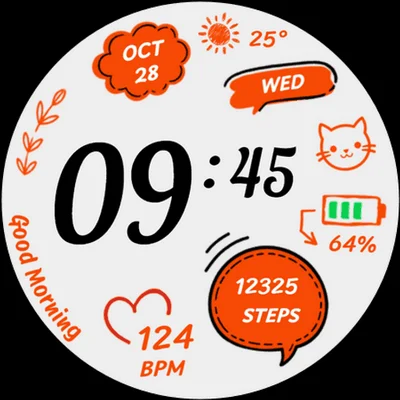
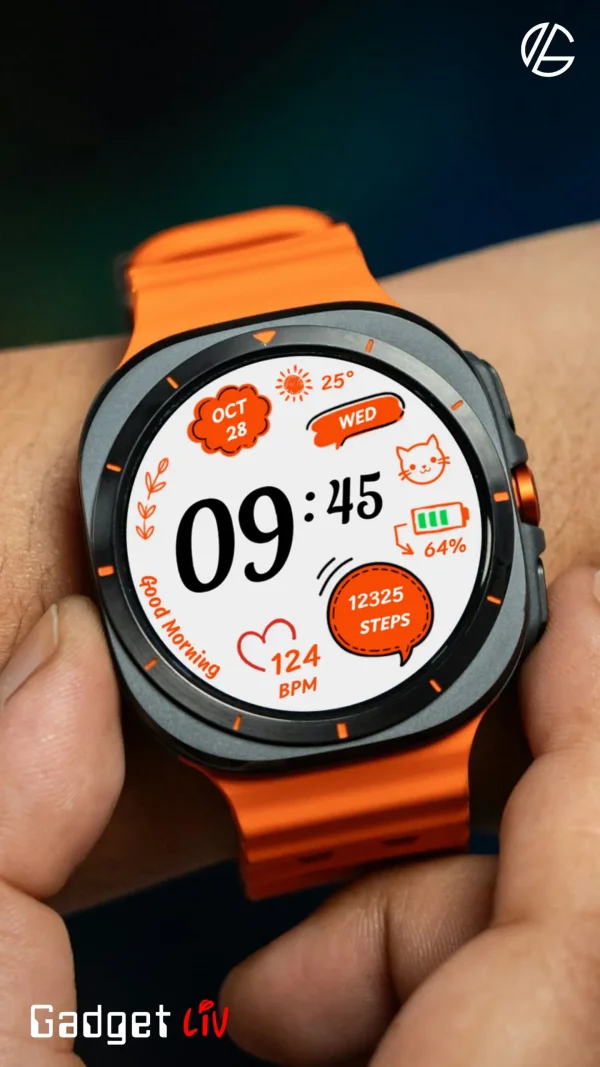
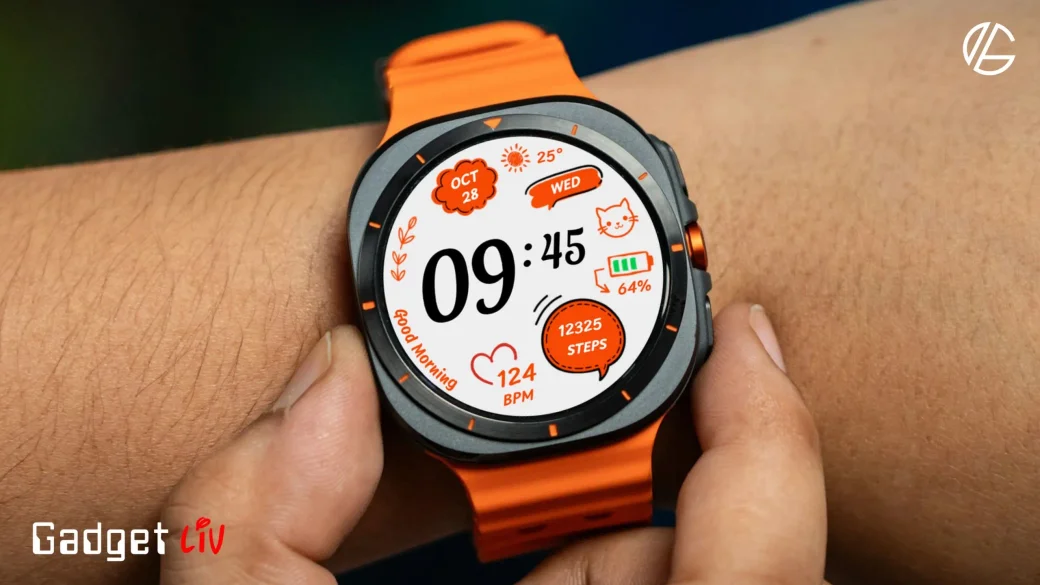
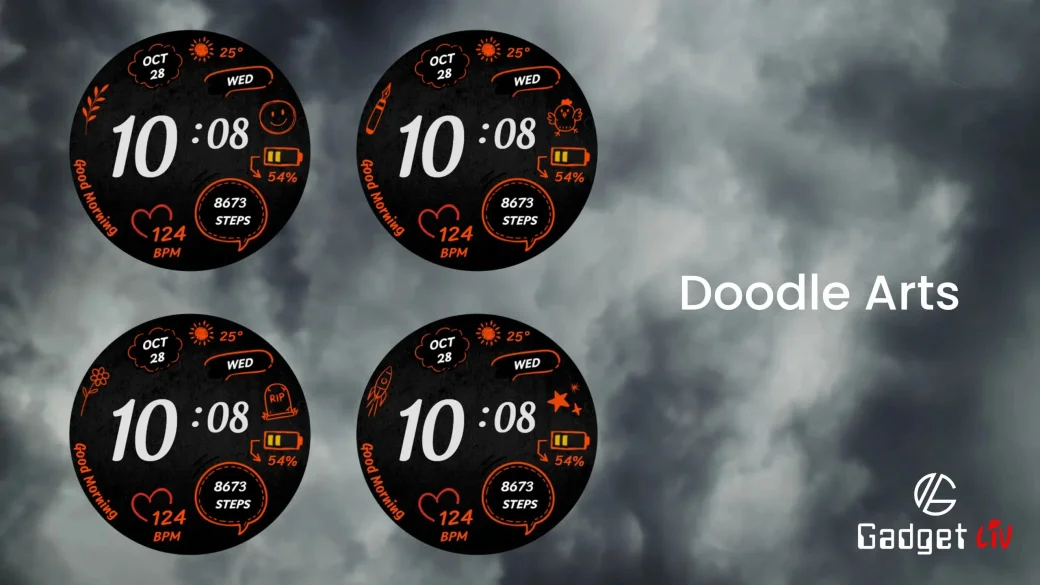
Doodle 3 Watch Face brings a playful hand-drawn look to your Wear OS smartwatch. It combines a bold digital clock with doodle-style details, colorful palettes, wallpapers, and useful everyday information.
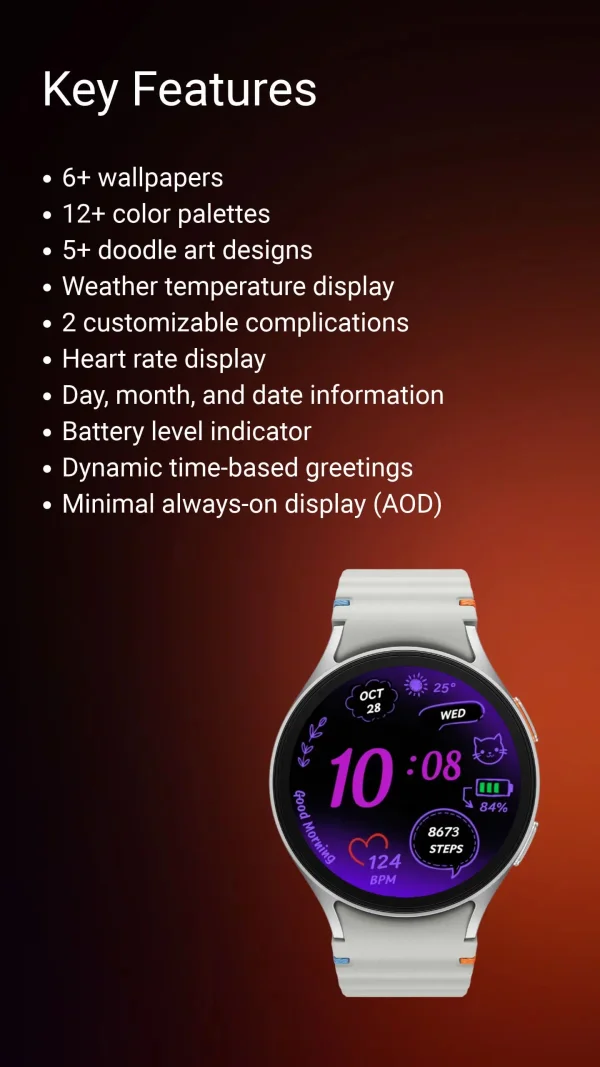
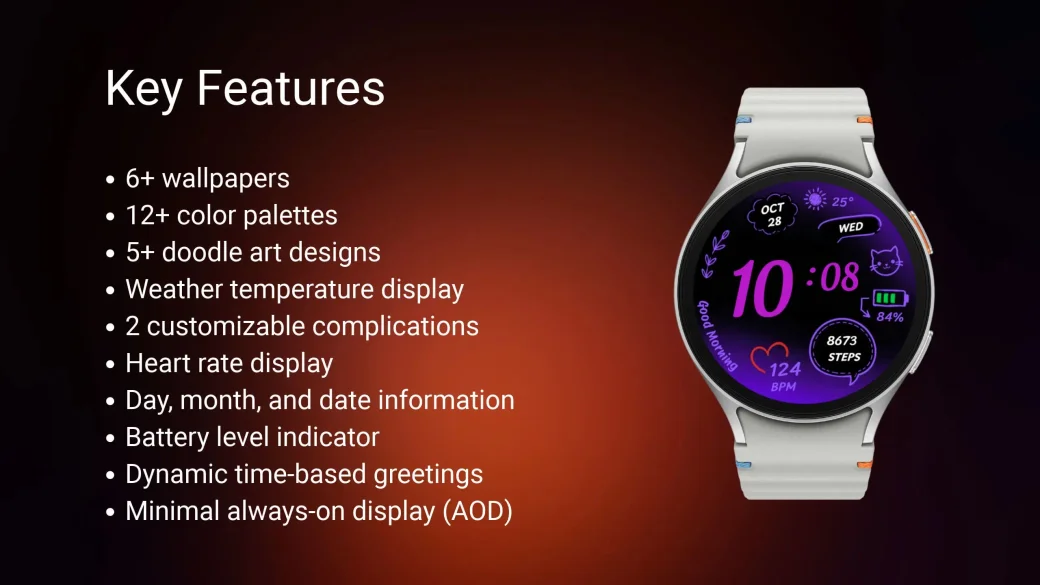
✨ Key Features
- Doodle-themed digital watch face design
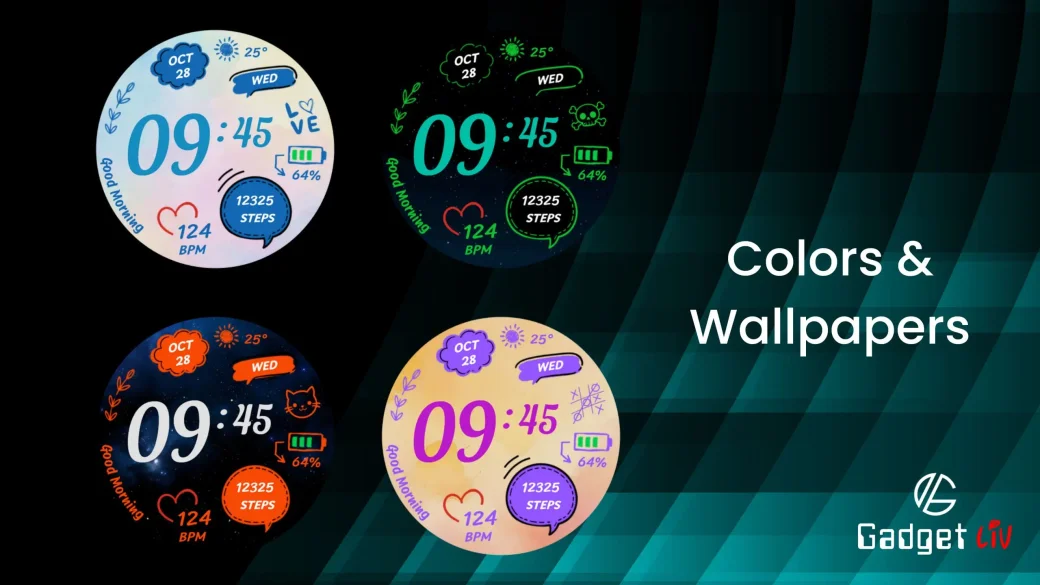
- 6+ wallpapers
- 12+ color palettes
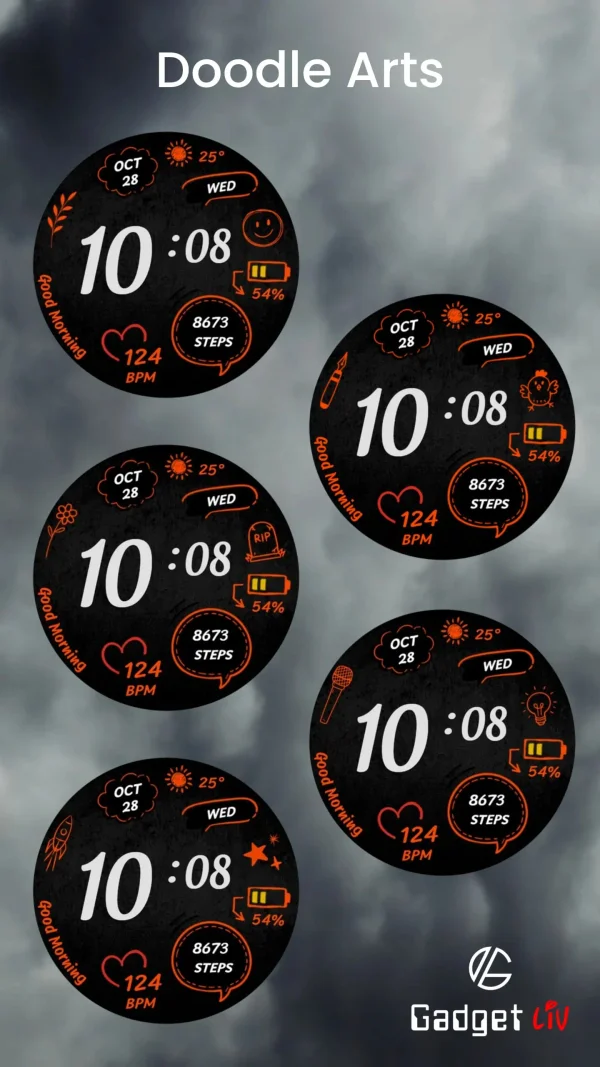
- 5+ doodle art designs
- Weather temperature display
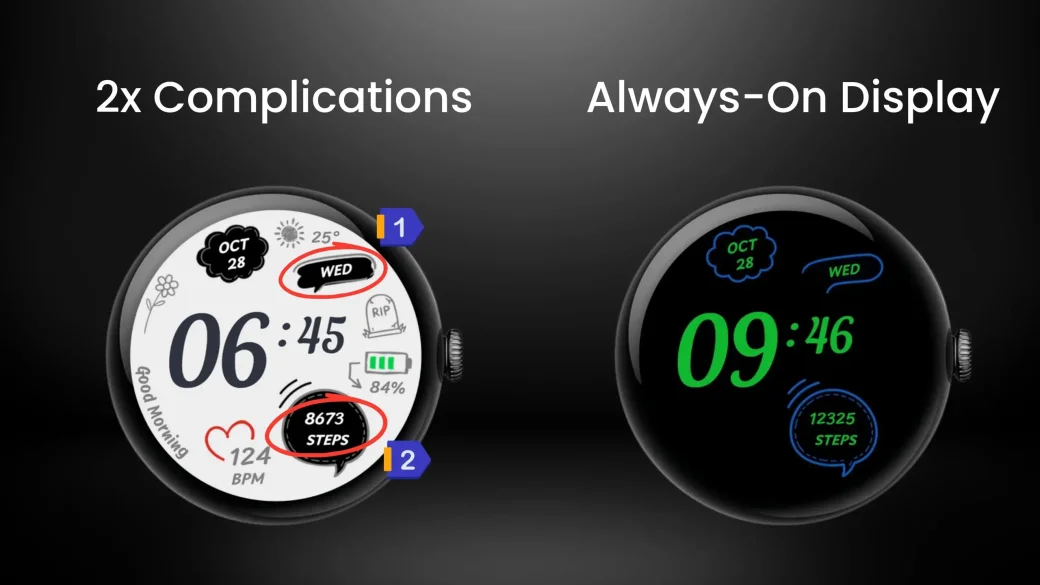
- 2 customizable complications
- Heart rate display
- Day, month, and date information
- Battery level indicator
- Dynamic time-based greetings
- Minimal always-on display (AOD)
☀️ IMPORTANT: If the weather doesn't update:
1. Try switching between watch faces
2. Open the default 'Weather' app on your watch and enable location permission.
3. Ensure location access is set to "Always Allow" for both the watch face and the weather provider.
4. Check that Location (GPS) is toggled ON in both the watch and the paired smartphone settings.
5. Turn off Battery Power Saving mode to allow background data sync.
⚠️ Compatibility
This watch face is designed for smartwatches running Wear OS 5 or newer, built using the latest Watch Face Format.
Compatible devices include:
- Samsung Galaxy Watch Series (including Classic and Ultra models)
- Google Pixel Watch Series
- Other smartwatch brands running Wear OS 5 or newer
📩 Contact & Support
If you have any questions, issues, or feedback, feel free to contact me at gadgetliv@gmail.com or visit https://gadgetliv.com/contact
Data safety
What Gadget Liv declares on Google Play about the data this app collects and shares.
- No data shared with third partiesLearn more about how developers declare sharing
- No data collectedLearn more about how developers declare collection
- Data is encrypted in transit
- You can request that data be deleted
Developer contact
- Websitegadgetliv.com
- Emailgadgetliv@gmail.com
- Privacy policygadgetliv.com
- AddressFlat No - 301, Shree Vighnhartha SOC, Sector 8A, Airoli Navi Mumbai, Maharashtra 400708 India
Information
- Offered by
- Gadget Liv
- Category
- Personalization
- Updated
- Oct 29, 2026
- Released
- Oct 29, 2026
- Age rating
- Everyone
- Price
- $1.49
- Package name
- com.gadgetliv.doodle3