Draw Floor Plan, 3D Templates
DictionaryAndTranslatorContains ads · In-app purchases
- EveryoneAge rating
- Art & DesignCategory
- Nov 24, 2026Updated
- FreePrice
Links to the official Google Play listing of com.digitalbytes.floor.planner.homedesign.construction. Last checked on Nov 25, 2026.
Screenshots
About this app
Draw Floor Plans, 3D Models, Construction Calculators & Measurement Tools.
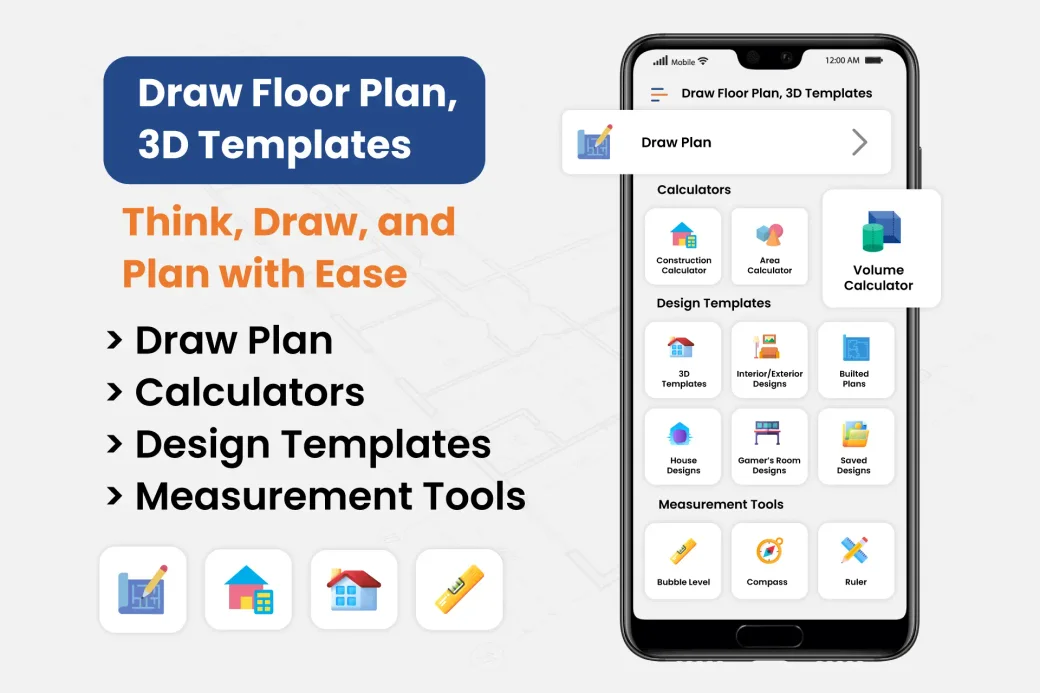
Draw Floor Plan: 3D Templates is your all-in-one tool for planning spaces, calculating materials, and measuring — perfect for home projects, renovations, or professional use.
With a custom drawing canvas, 3D design inspiration, over 40 construction calculators, and built-in measuring tools, everything you need is right here.
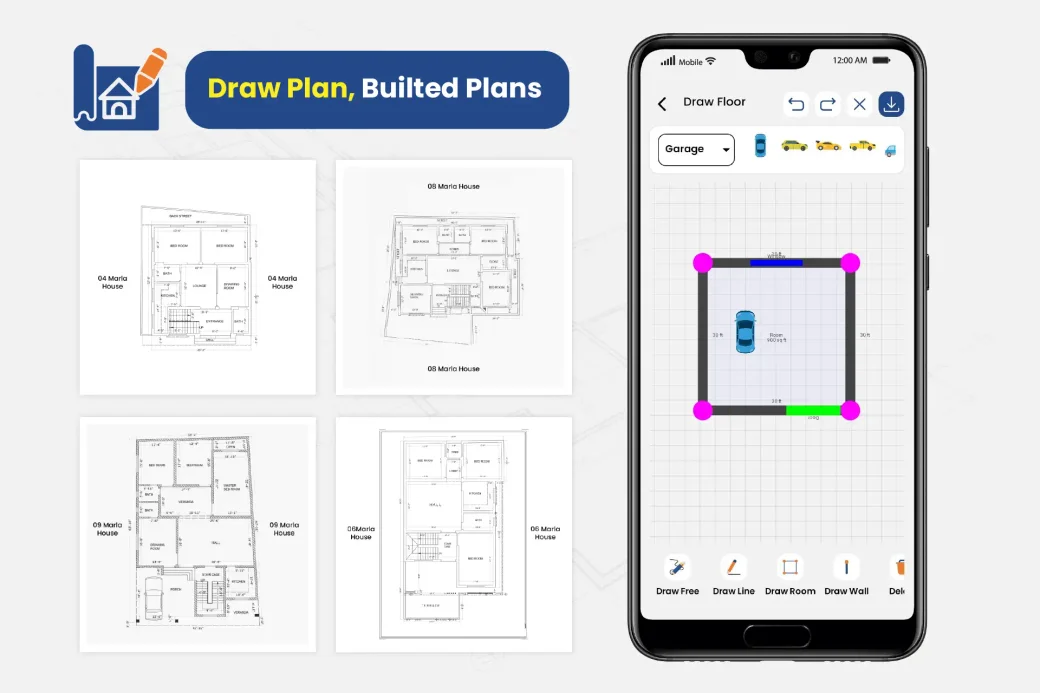
Manual Floor Plan Drawing Made Easy
Design your layout with a fully interactive canvas:
Free Line & Draw Line Tools – Sketch walls and custom shapes
Room Tool – Create rooms of any size or layout
Add Furniture Icons – Place items visually (bed, sofa, kitchen, etc.)
Undo, Redo, Duplicate, and Delete – Easy editing tools to refine your plan
Custom Canvas – Zoom, pan, and draw freely with precision
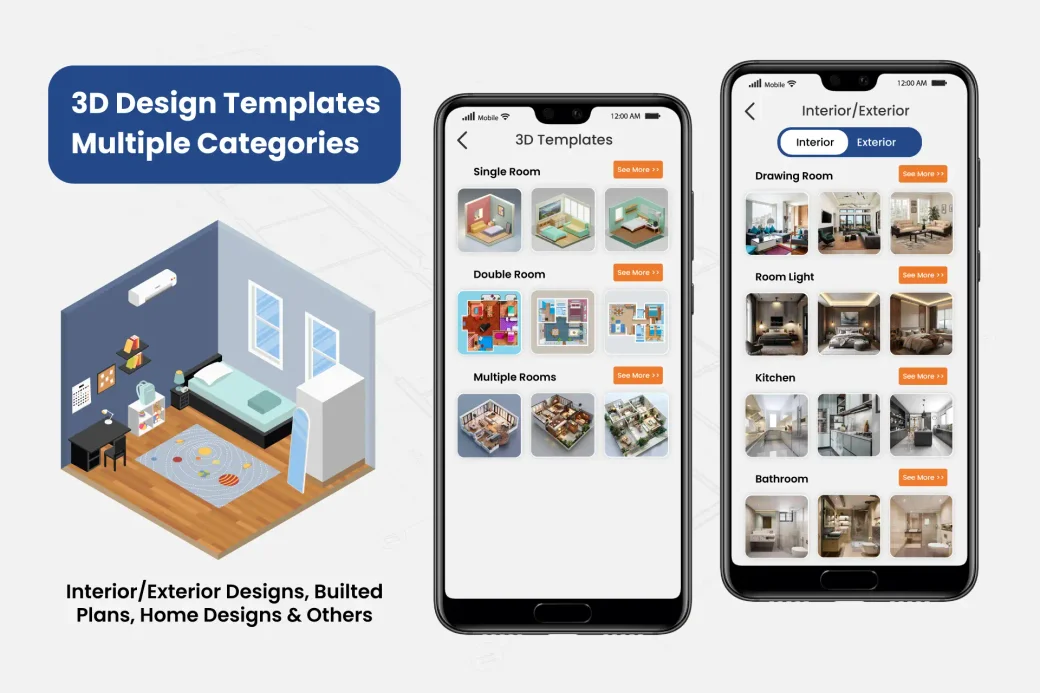
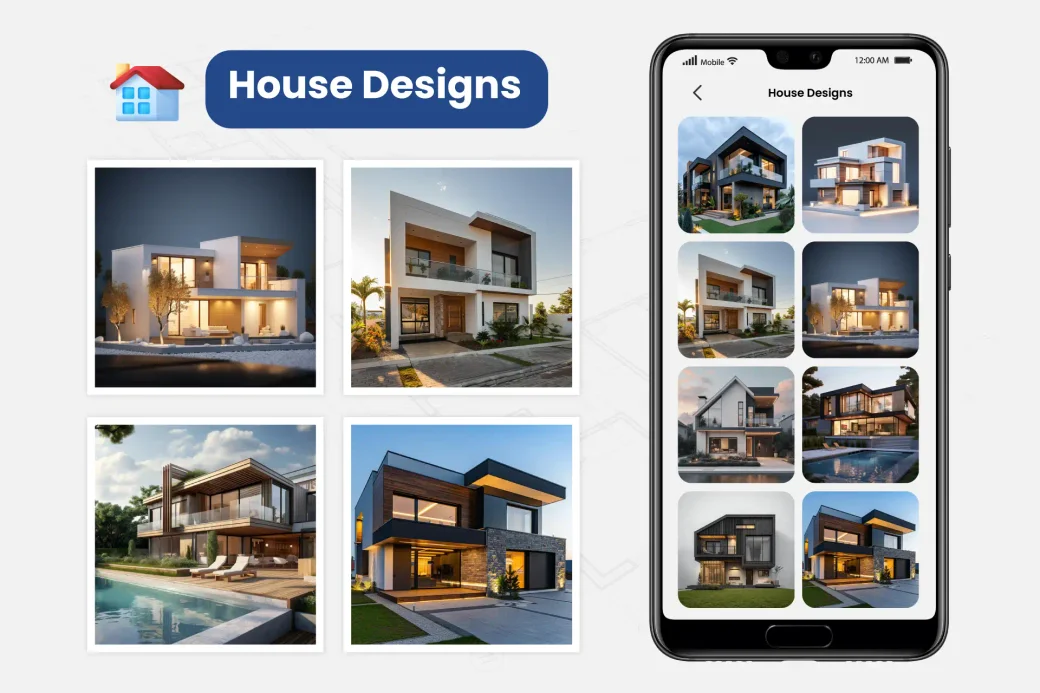
3D Room Templates (Image-Based)
Get inspired with categorized 3D-style images:
Templates for Living Room, Bathroom, Kitchen, and more
Use them as design ideas or visual guides
All templates are high-quality images (not interactive 3D models)
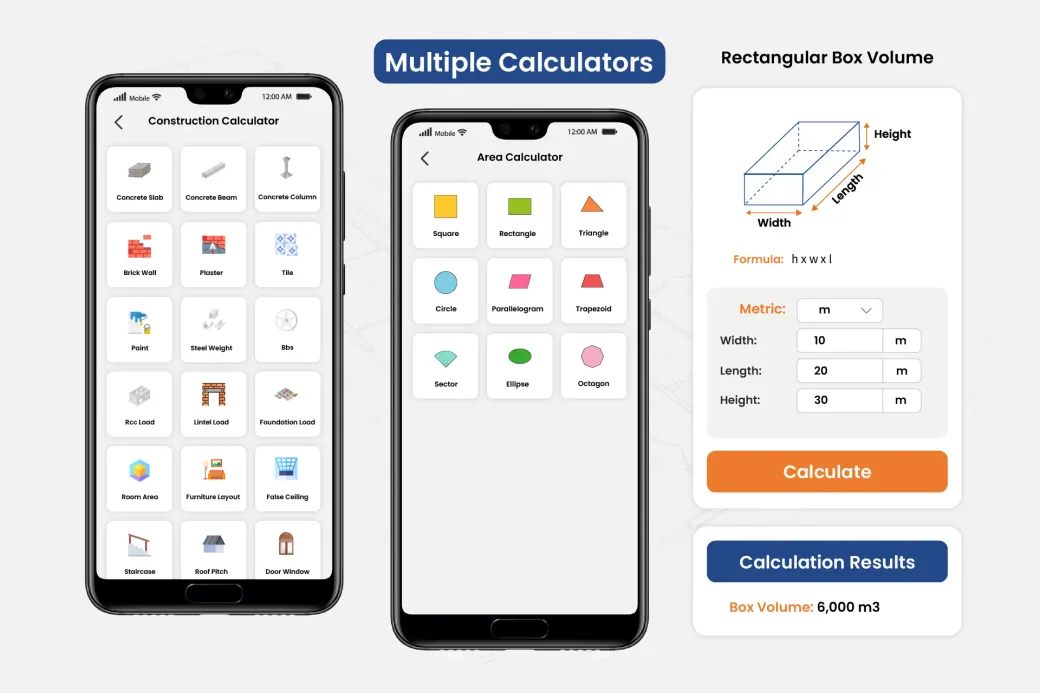
40+ Construction & Area Calculators
Quickly calculate materials and costs:
Bricks, Concrete, Paint, Flooring, and more
Area & Volume Calculators for different shapes
Plan smarter and save time on every project
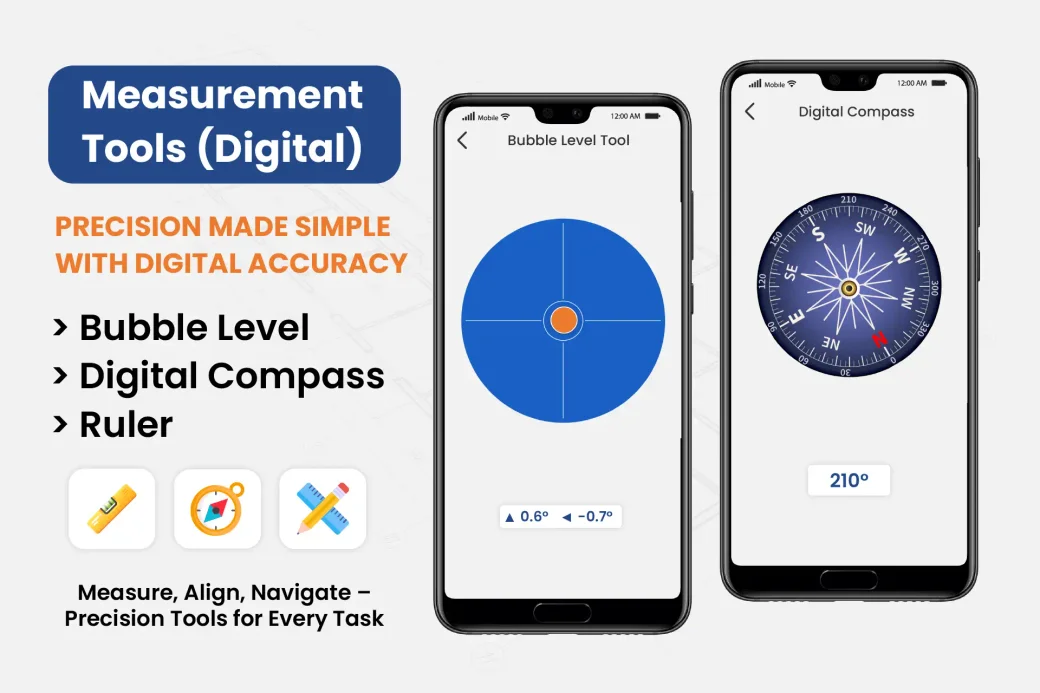
Built-in Measurement Tools
Practical tools right in your pocket:
Bubble Level – Check if surfaces are straight
Digital Compass – Find directions for room placement
Ruler – Measure directly from your phone screen
Data safety
What DictionaryAndTranslator declares on Google Play about the data this app collects and shares.
- This app may share these data types with third partiesDevice or other IDs
- No data collectedLearn more about how developers declare collection
- Data is encrypted in transit
- Data can’t be deleted
Developer contact
- Websitedictionarytranslator.app
- Emailsupport.drawfloorplan@dictionarytranslator.app
- Privacy policydictionarytranslator.app
- Address16 Kampinsky RISHON LEZION, 7546350 Israel
Information
- Offered by
- DictionaryAndTranslator
- Category
- Art & Design
- Version
- 1.5
- Updated
- Nov 24, 2026
- Released
- Sep 9, 2025
- Requires
- Android 7.0 or later
- Age rating
- Everyone
- Price
- Free
- In-app purchases
- $0.99 - $99.99 per item
- Package name
- com.digitalbytes.floor.planner.homedesign.construction