ECOVACS HOME
ECOVACS ROBOTICS- EveryoneAge rating
- LifestyleCategory
- Nov 12, 2026Updated
- FreePrice
Links to the official Google Play listing of com.eco.global.app. Last checked on Nov 26, 2026.

Screenshots

About this app
ECOVACS HOME allows you to control your ECOVACS products while at home or away
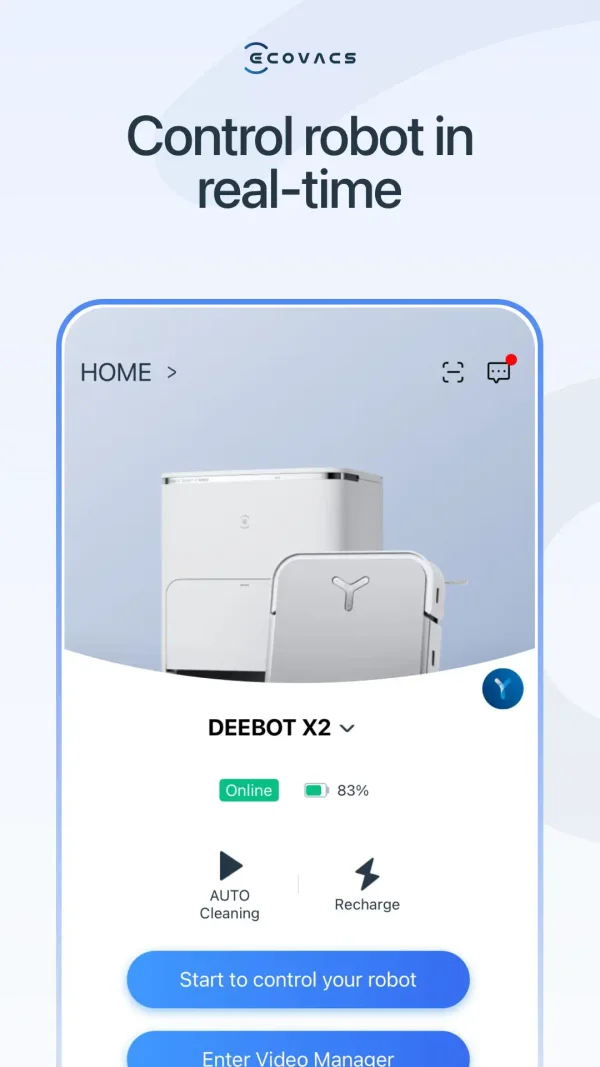
ECOVACS HOME debuts! With awesome connected features, our latest App allows you to control your DEEBOT anytime, anywhere, and takes your cleaning experience to a new level.
By connecting to your DEEBOT, you can:
• Start, pause, or stop cleaning
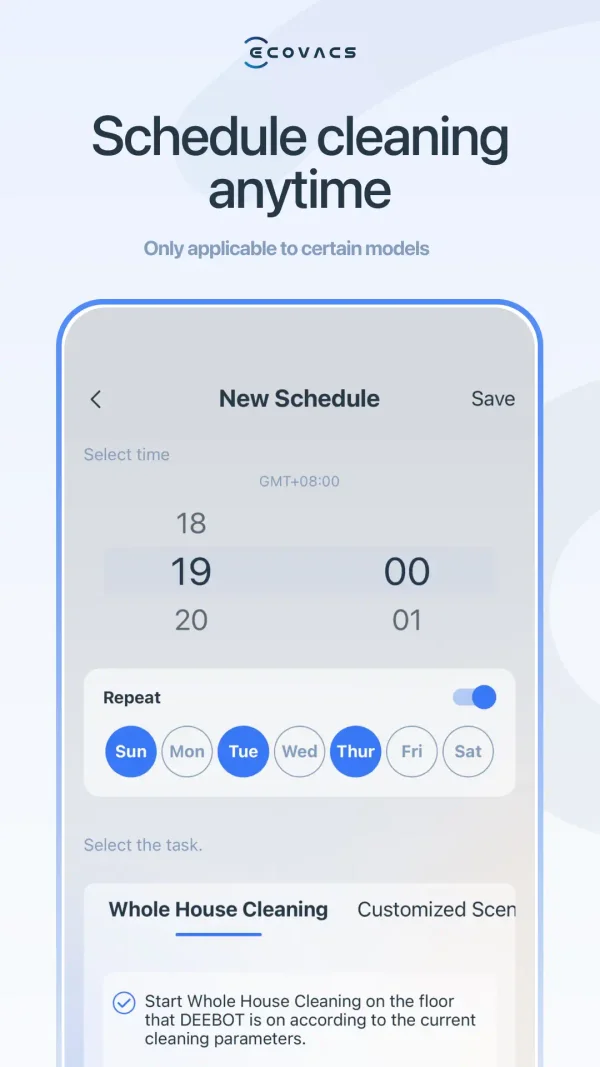
• Set a regular cleaning schedule
• Set voice report, suction power, and Do-Not-Disturb time*
• Receive notifications from your Wi-Fi enabled robot*
• Share DEEBOT with your friends through multiple accounts*
• Receive software and firmware updates*
• Access instruction manuals, video tutorials and FAQs, and contact customer service
And you can do much more with your advanced mapping DEEBOT (powered by Smart Navi™ Technology):
• Set up Virtual Boundary™ to create no-go zones*
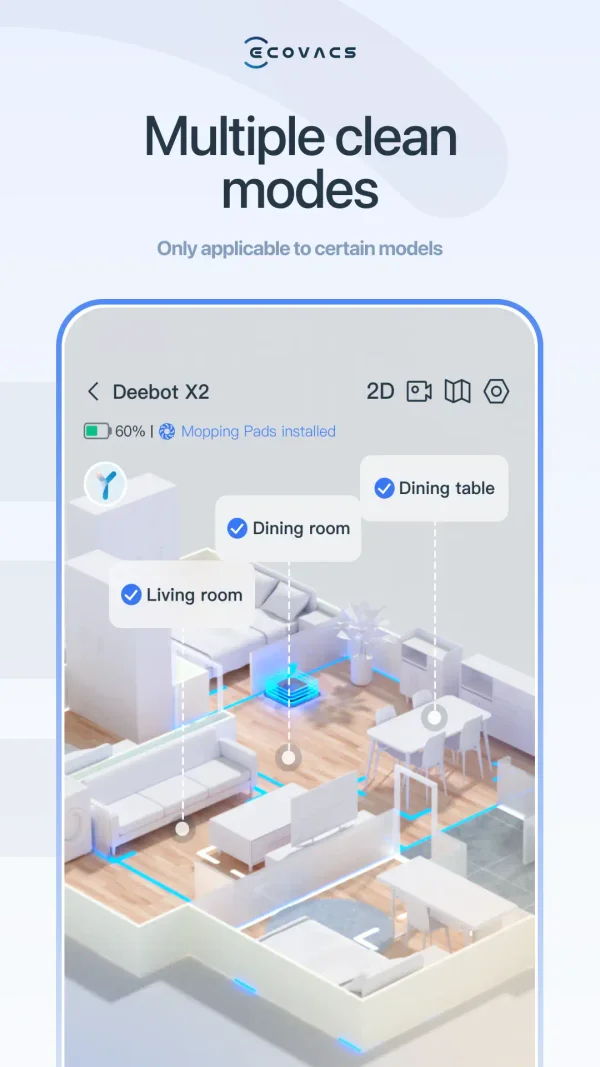
• Use Custom Cleaning to customize any cleaning area you want*
• View real-time stats from the visual map of your home, areas cleaned, and cleaning time*
• Adjust water flow level when DEEBOT is mopping (Robots with mopping function only)*
*Features vary with models. Go to ecovacs.com to see detailed features of your model.
*** App permissions***
The application service requires the following permissions on your phone. For optional permissions, if they are not accessed, the related features will not be available, but it will not affect the basic using of the App.
[Required Permissions]
/
[Optional Permissions]
-Location: Used for device networking, discovering nearby devices, and obtaining WiFi information currently connected to the mobile device.
-Camera: Scan the QR code on the Robot for networking, and scan the sharing code for device sharing.
-Photos and Videos(Storage): Used for changing profile pictures, posting image comments, and online customer service providing feedback via images.
-Microphone: Audio and video call feature for customer service and Robot Video Manager.
-Bluetooth: Used for connecting devices via Bluetooth, enabling network configuration and robot controlling.
-Nearby Devices: Used for scanning and discovering nearby Bluetooth devices during network configuration.
-WLAN: Used for connecting to the Wi-Fi hotspot emitted by the device for network configuration.
-Notifications: Used for sending device and system notification messages to users.
-Local Network: Used to enable local network access on iOS devices, allowing connection to the Wi-Fi hotspot released by the device during network configuration.
-Music and audio: Audio and video call feature for customer service and Robot Video Manager.
Plus, you can control your DEEBOT with simple commands through Amazon Alexa and Google Home**.
**Smart Home commands are available only in some countries/regions.
Requirements:
Wi-Fi with 2.4 GHz or 2.4/5 GHz mixed band support only
Mobile device with Android 4.4 or later
Need help? Visit ecovacs.com for more information or to contact our customer service team.
Data safety
What ECOVACS ROBOTICS declares on Google Play about the data this app collects and shares.
- No data shared with third partiesLearn more about how developers declare sharing
- This app may collect these data typesPersonal info, Financial info and 2 others
- Data is encrypted in transit
- You can request that data be deleted
What’s new
Version 3.17.2 · Nov 12, 2026
Optimized | Points Store interface
Fixed | Occasional crashes on certain device models
Developer contact
- Websiteecovacs.com
- Emailapp.pm@ecovacs.com
- Privacy policygl-us-wap.ecovacs.com
- Address1820 Gateway Dr Ste 360 San Mateo, CA 94404-4058 United States
Information
- Offered by
- ECOVACS ROBOTICS
- Category
- Lifestyle
- Version
- 3.17.2
- Updated
- Nov 12, 2026
- Released
- May 2, 2018
- Requires
- Android 7.0 or later
- Age rating
- Everyone
- Price
- Free
- Package name
- com.eco.global.app