Epson Label Editor Mobile
Seiko Epson CorporationIn-app purchases
- EveryoneAge rating
- ToolsCategory
- Aug 21, 2026Updated
- FreePrice
Links to the official Google Play listing of com.epson.labeleditormobile. Last checked on Nov 27, 2026.

Screenshots
About this app
Greater flexibility in label design…
Create and share custom labels with ease — anytime, anywhere.
Epson Label Editor Mobile is a user-friendly app that allows you to design and print personalized labels for every situation.
Whether you're organizing your home, wrapping gifts, or managing an office and on-site operations, this app offers powerful features to meet your needs.
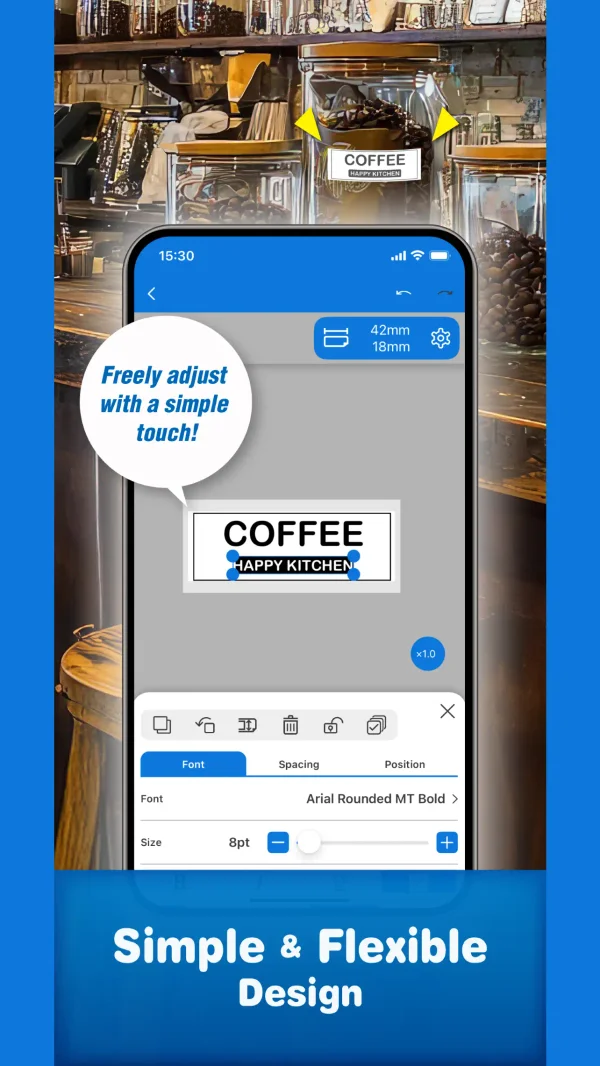
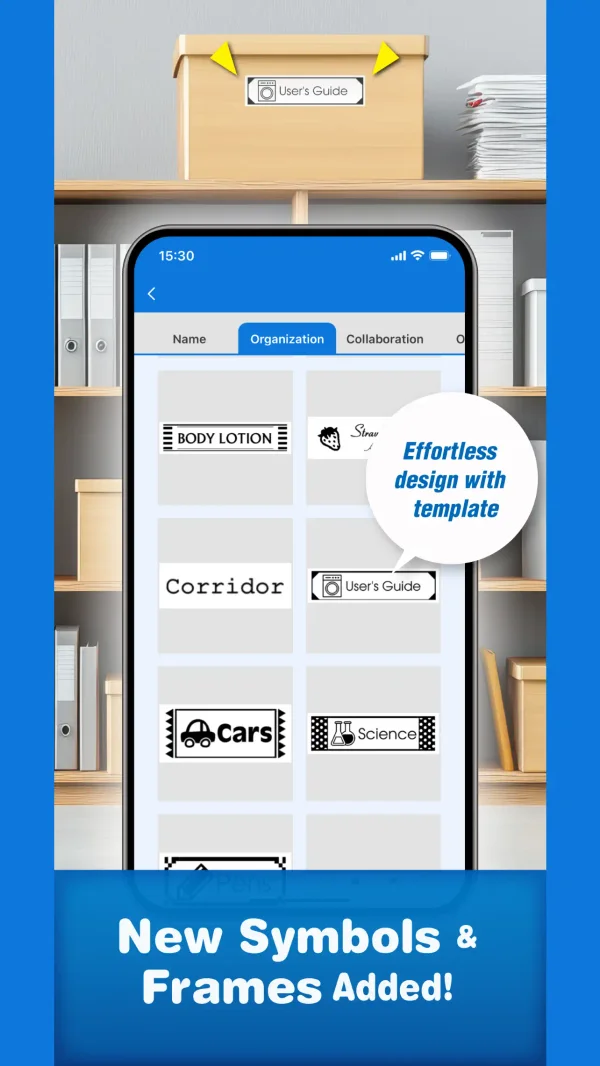
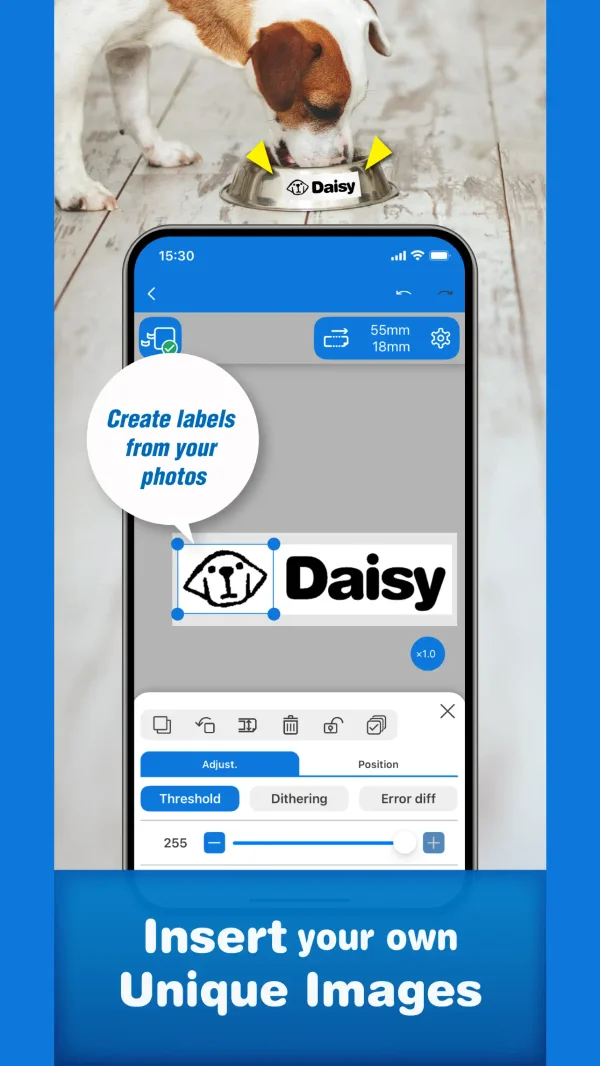
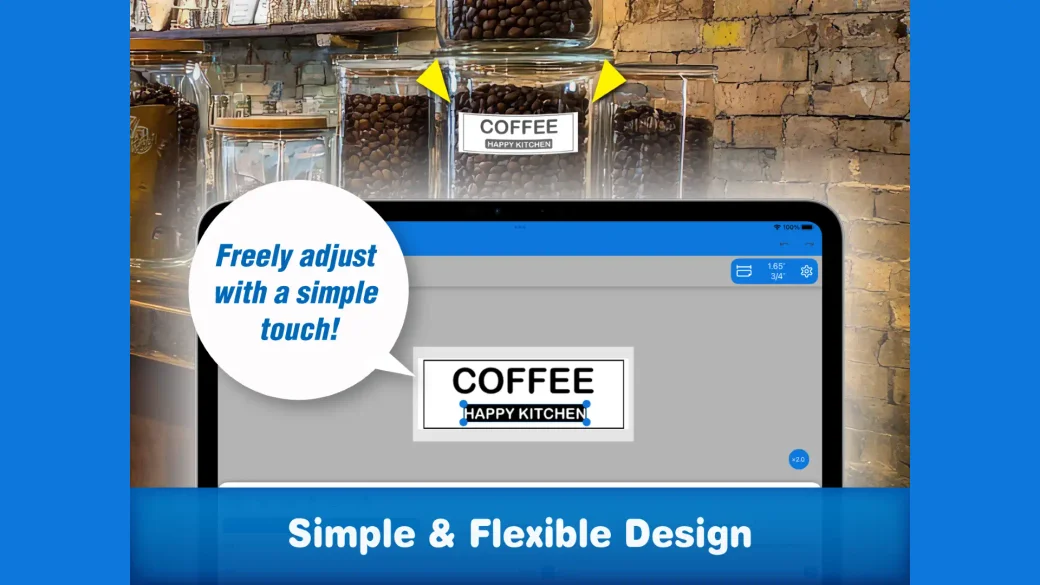
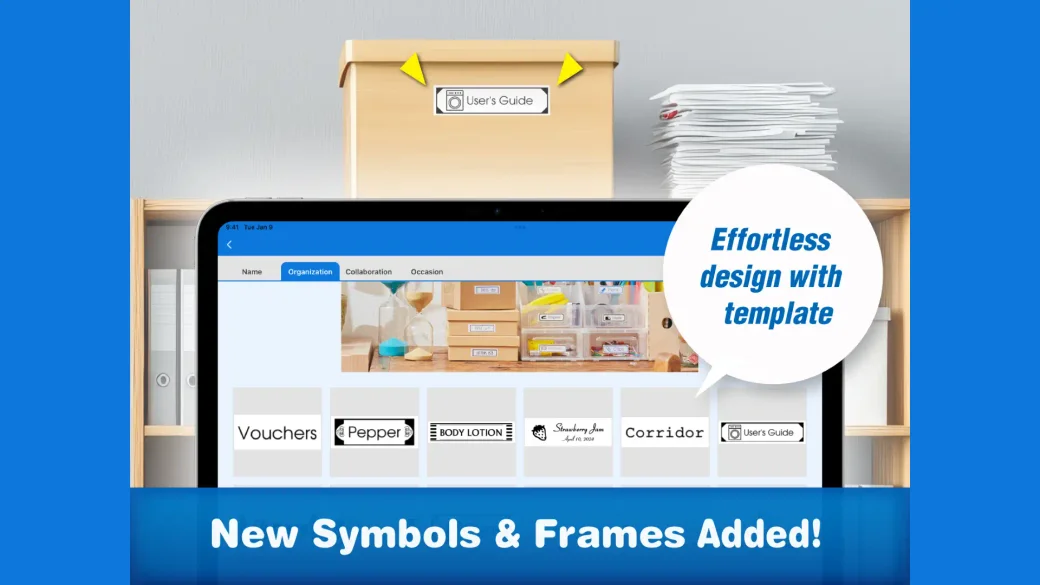
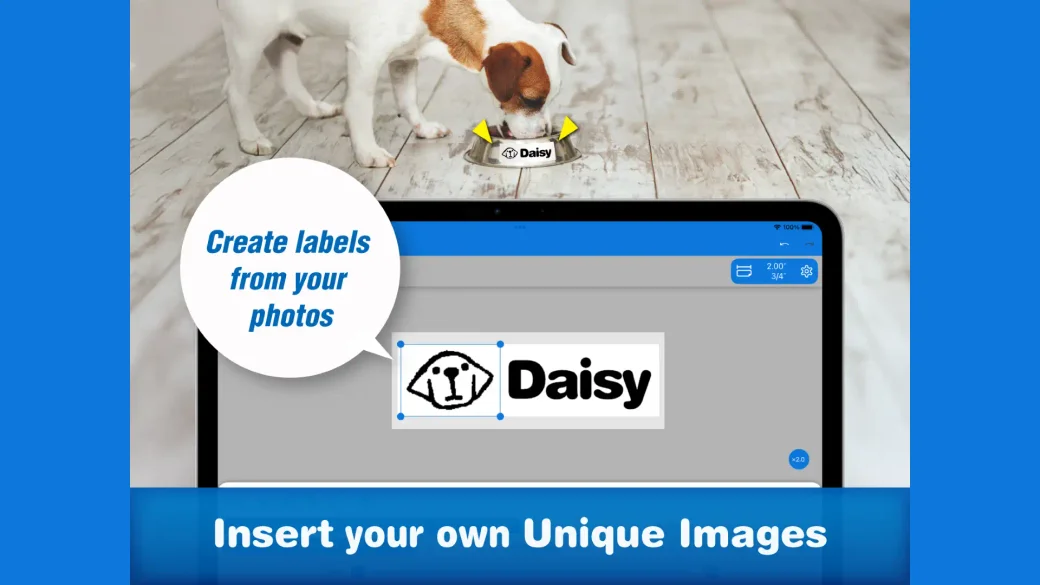
With over 870 symbols, 60+ frame designs, and full support for your own images, you can create original labels from scratch or quickly edit templates to suit your purpose.
Key Features
■ Intuitive and Flexible Label Design & Templates
Over 870 symbols and 60+ frames (continuously updated)
Insert images, illustrations, and custom shapes
Use any font installed on your device
Quick and easy label creation using built-in templates
Design your own marks with built-in creation tools
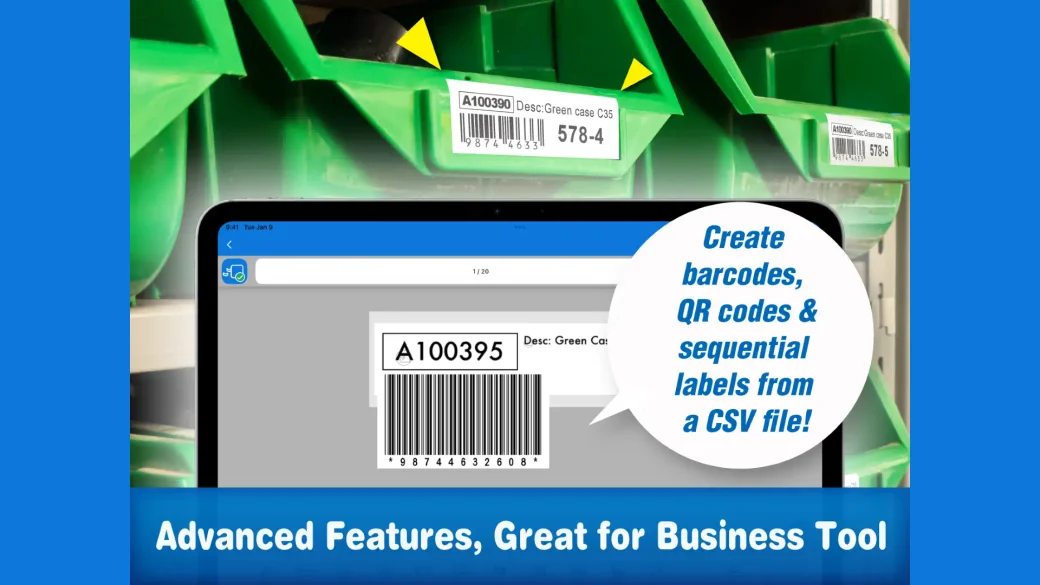
■ Business-Ready Advanced Tools
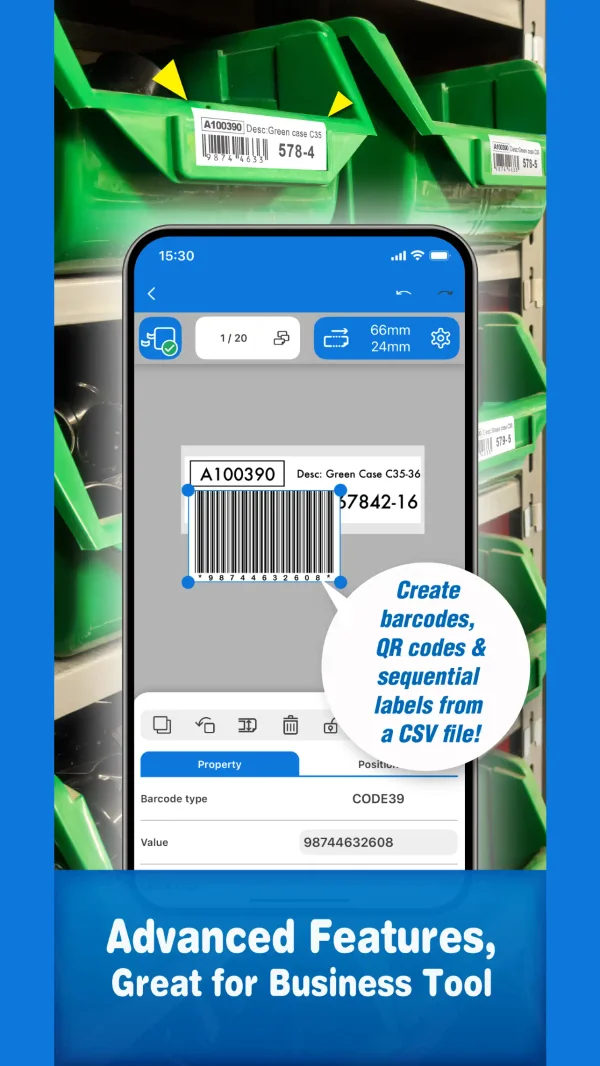
Generate barcodes and QR codes
Import data from spreadsheets (CSV file) to create labels in bulk
Insert tables up to 10 rows × 10 columns
■ Save and Share Your Label Designs
Save up to 100 label designs for quick reuse
Share saved designs with other users for easy collaboration
■ Seamless Integration with PC Software
Open and print label files created in Epson’s PC software Label Editor
Easily sync and edit designs across PC and mobile devices
Watch How-To Videos
https://www.youtube.com/playlist?list=PL_i6ZFZucFD8kUS0JHLJRJ01APyWSli3C
Check Supported Devices
https://support.epson.net/appinfo/labeleditormobile/list/
*For more information about Epson Label Editor Mobile and LabelWorks solutions, please visit our official website.
Data safety
What Seiko Epson Corporation declares on Google Play about the data this app collects and shares.
- No data shared with third partiesLearn more about how developers declare sharing
- This app may collect these data typesApp activity, App info and performance, and Device or other IDs
- Data is encrypted in transit
- Data can’t be deleted
What’s new
Version 1.8.0 · Aug 21, 2026
Thanks for using our app!
In this update, we’ve made several improvements to make the app more intuitive and easier to use.
- It’s now easier to find helpful deals and information in the app
- Printing multiple labels is now simpler and more streamlined
- You can now revisit announcements anytime
This update makes your everyday experience smoother — give it a try!
Developer contact
- Websiteepson.com
- EmailFeedback-AndroidAppsPrn@exc.epson.co.jp
- Privacy policysupport.epson.biz
- Address日本 〒160-0022 東京都SHINJUKU-KU 4-1-6, SHINJUKU JR SHINJUKU MIRAI TOWER 29F
Information
- Offered by
- Seiko Epson Corporation
- Category
- Tools
- Version
- 1.8.0
- Updated
- Aug 21, 2026
- Released
- Jun 3, 2022
- Requires
- Android 11 or later
- Age rating
- Everyone
- Price
- Free
- In-app purchases
- $0.49 - $18.99 per item
- Package name
- com.epson.labeleditormobile
Similar apps
-
 HP
Productivity
-
 Phomemo
Tools
-
 Nelko
Tools
-
 Print Master
Tools
-
 Princh
Productivity
-
 Brother Mobile Connect
Tools
-
 Airthings
House & Home
-
 Kasa Smart
Lifestyle
-
 Freedom: App & Website Blocker
Productivity
-
 GuruShots: Photo Game
Photography
-
 PDF Editor – Edit Everything!
Tools
-
 Tiny Scanner - PDF Scanner App
Business