Epson Projector Config Tool
Seiko Epson Corporation- EveryoneAge rating
- ProductivityCategory
- Aug 3, 2026Updated
- FreePrice
Links to the official Google Play listing of com.epson.projector.configtool. Last checked on Nov 27, 2026.
Screenshots
About this app
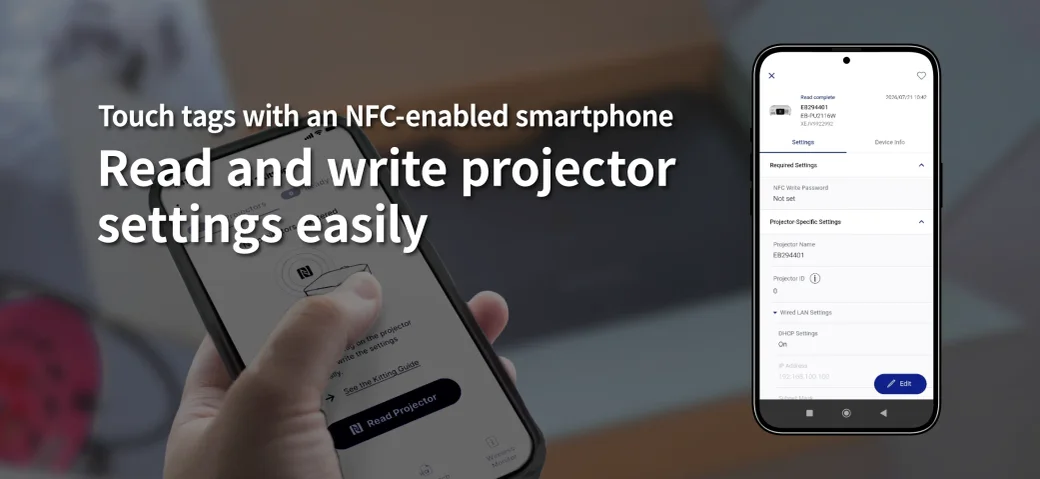
Hold your Android device over the Epson projectors to change the settings.
Epson Projector Config Tool is an app that allows you to change projector settings and check status using NFC wireless communications technology. By simply holding an NFC-compatible Android device over the NFC mark on the projector, you can change the projectorʼs settings even when the projector is off. This allows you to make the network and projection settings for multiple projectors efficiently before installation. For the workflow and details on how to use the app, see “Epson Projector Kitting Site”.
https://download2.ebz.epson.net/sec_pubs_visual/apps/config_tool/top.html
[Main Features]
1) Read/write function via NFC tag
You can read or write projector setting information simply by holding the Android device running this app over the NFC tag. NFC writing can be secured by setting password so that only the device administrator can change the settings.
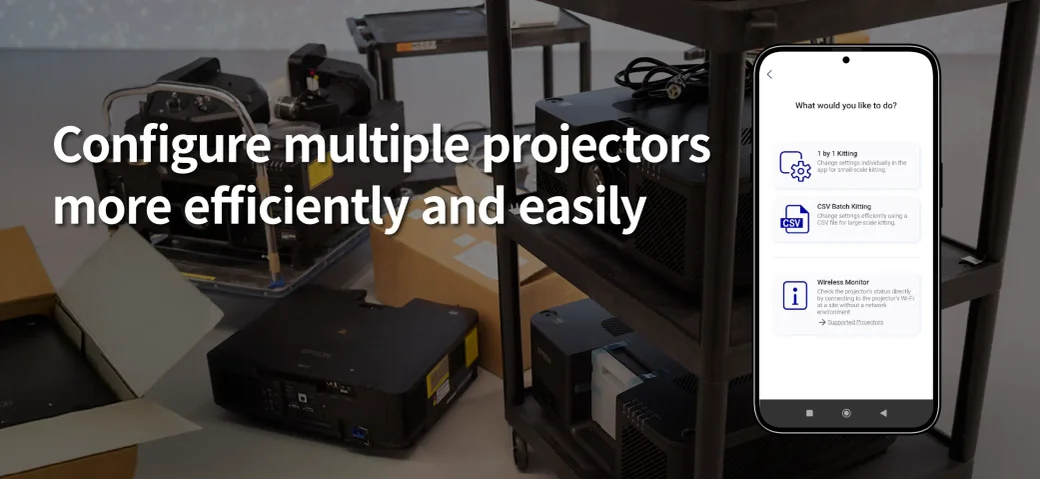
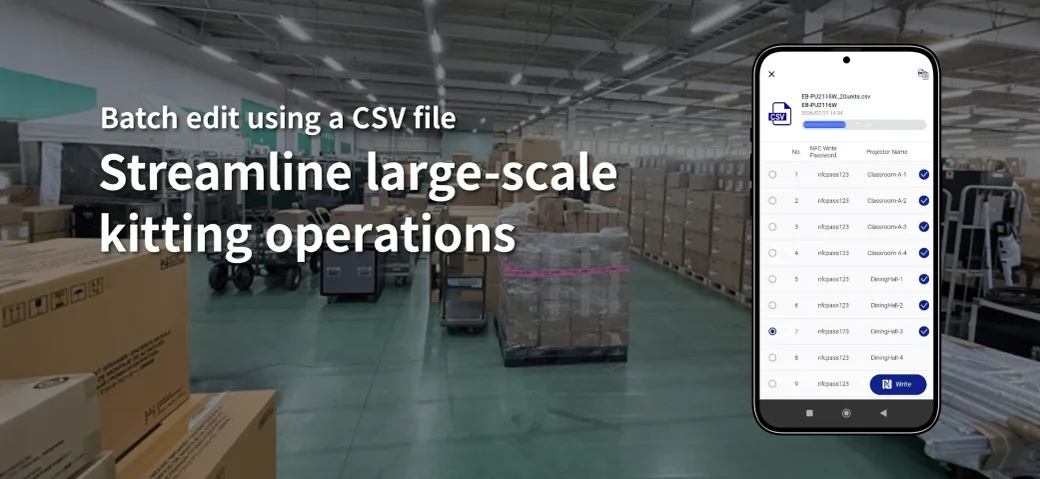
2) Change settings in a batch using CSV files, even for large-scale kitting operations
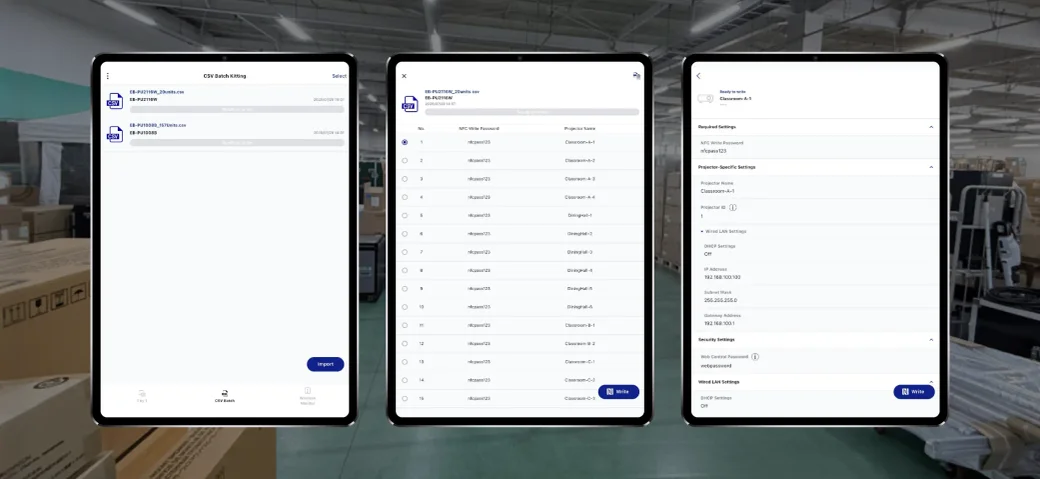
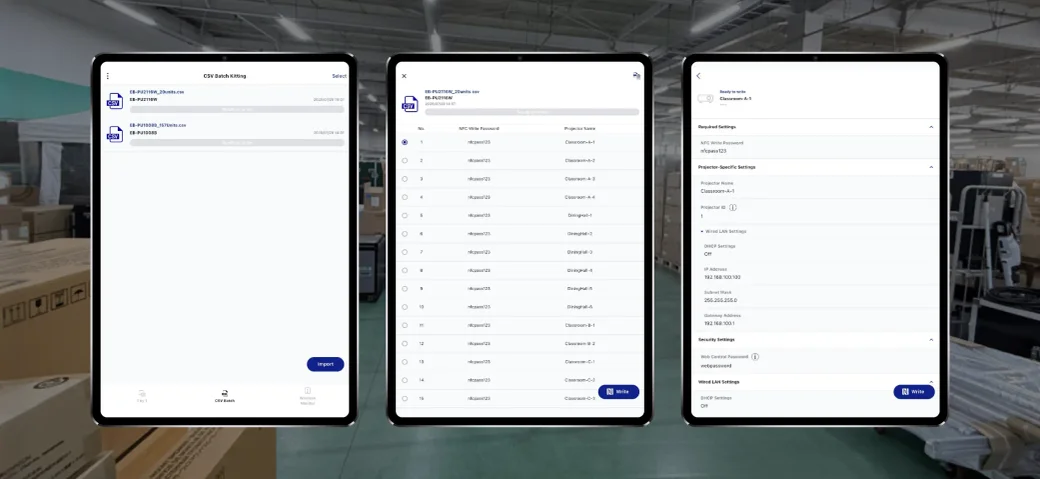
You can edit a CSV file downloaded from "Epson Projector Kitting Site" to create settings for up to 1,000 projectors per file. You can change the settings simply by holding your Android device over the NFC tag on each projector. By preparing the CSV file in advance, you can significantly reduce the effort required for on-site setup.
3) Check the projector's status (Wireless Monitor feature)
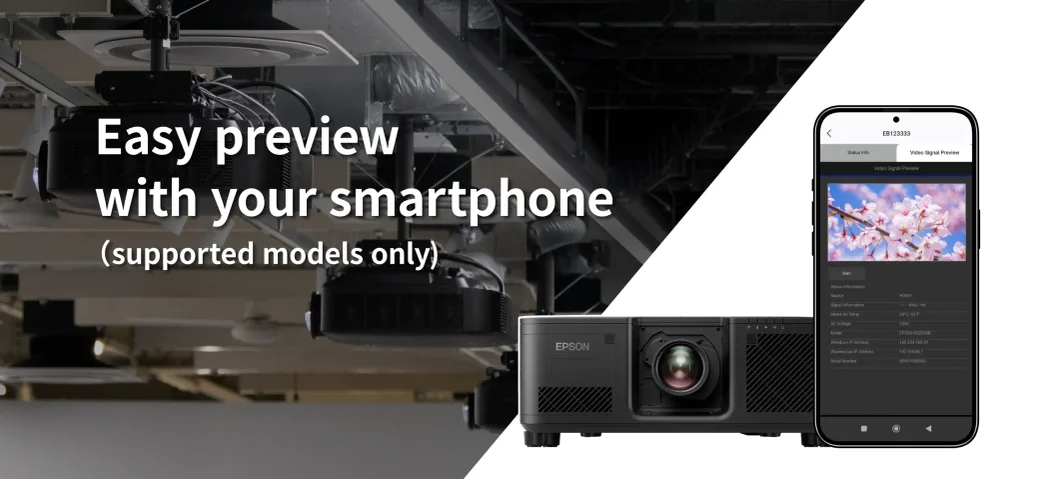
By selecting a projector registered in advance using an NFC tag, you can easily check its operating status even outdoors without a network connection or when the projector's control panel is difficult to see. You can also preview the projected image on your Android device, even when no image is being projected.
This feature is supported only on specific models. Check the website below for the supported projectors.
https://download2.ebz.epson.net/sec_pubs_visual/apps/config_tool/supplement/JA/wireless_monitor_support.html
[Projectors that support the app]
Epson projectors that support the NFC function
For details, see "Epson Projector Kitting Site".
https://download2.ebz.epson.net/sec_pubs_visual/apps/config_tool/top.html
[App permissions]
The app requires the following permissions for specific features.
【Required】 Local Network
- Connect to the projector by using the Wireless Monitor function.
We welcome any feedback you have that could help us to improve this app. You can contact us through "Developer contact". Please note that we cannot reply to individual inquiries. For inquiries regarding personal information, please contact your regional branch described in the Privacy Statement.
The screenshot is an example and may differ from actual specifications.
Data safety
What Seiko Epson Corporation declares on Google Play about the data this app collects and shares.
- No data shared with third partiesLearn more about how developers declare sharing
- This app may collect these data typesApp activity
- Data is encrypted in transit
- Data can’t be deleted
What’s new
Version 2.0.0 · Aug 3, 2026
Improved the setting feature using CSV files.
Added a Wireless Monitor feature.
Added support for additional models.
Developer contact
- Websiteepson.com
- EmailFeedback-AndroidAppsPj@exc.epson.co.jp
- Privacy policyepson.jp
- Address日本 〒160-0022 東京都SHINJUKU-KU 4-1-6, SHINJUKU JR SHINJUKU MIRAI TOWER 29F
Information
- Offered by
- Seiko Epson Corporation
- Category
- Productivity
- Version
- 2.0.0
- Updated
- Aug 3, 2026
- Released
- May 24, 2021
- Requires
- Android 10 or later
- Age rating
- Everyone
- Price
- Free
- Package name
- com.epson.projector.configtool