Epson TM Utility
Seiko Epson Corporation- EveryoneAge rating
- BusinessCategory
- Apr 23, 2026Updated
- FreePrice
Links to the official Google Play listing of com.epson.tmutility. Last checked on Nov 27, 2026.

Screenshots


About this app
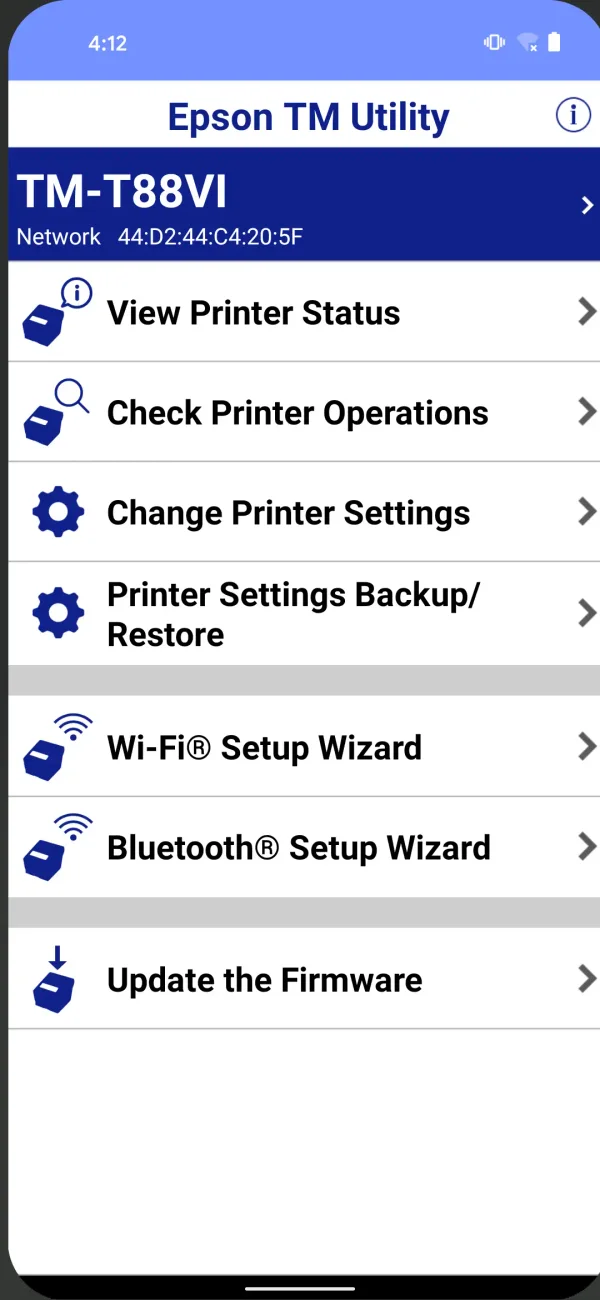
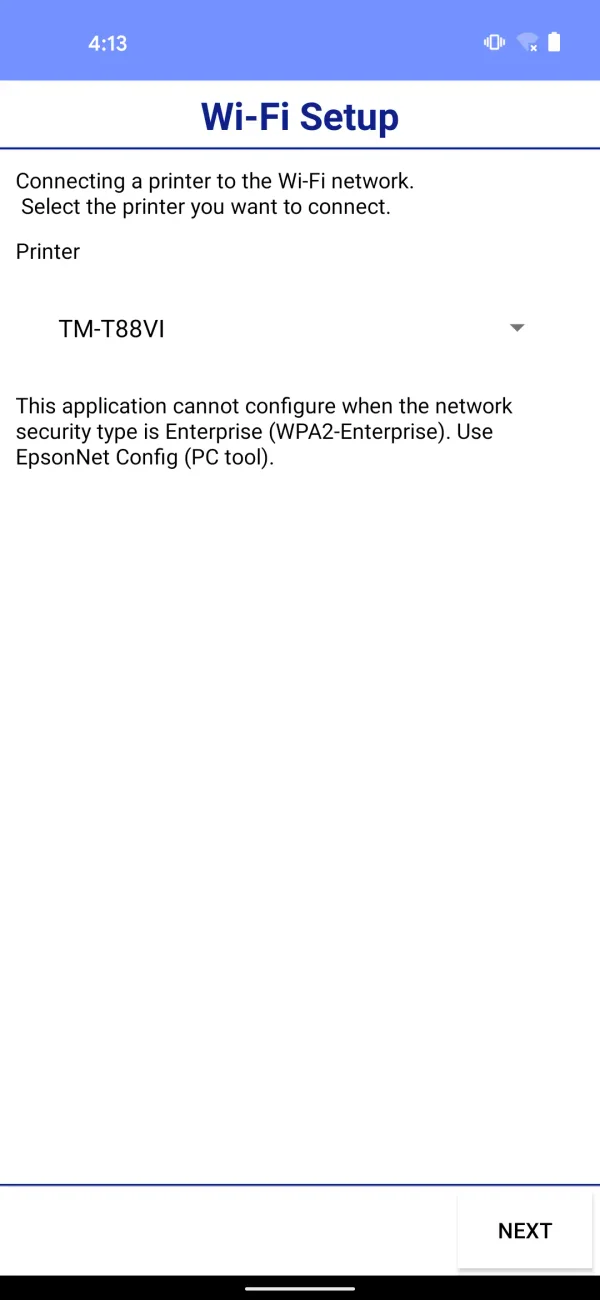
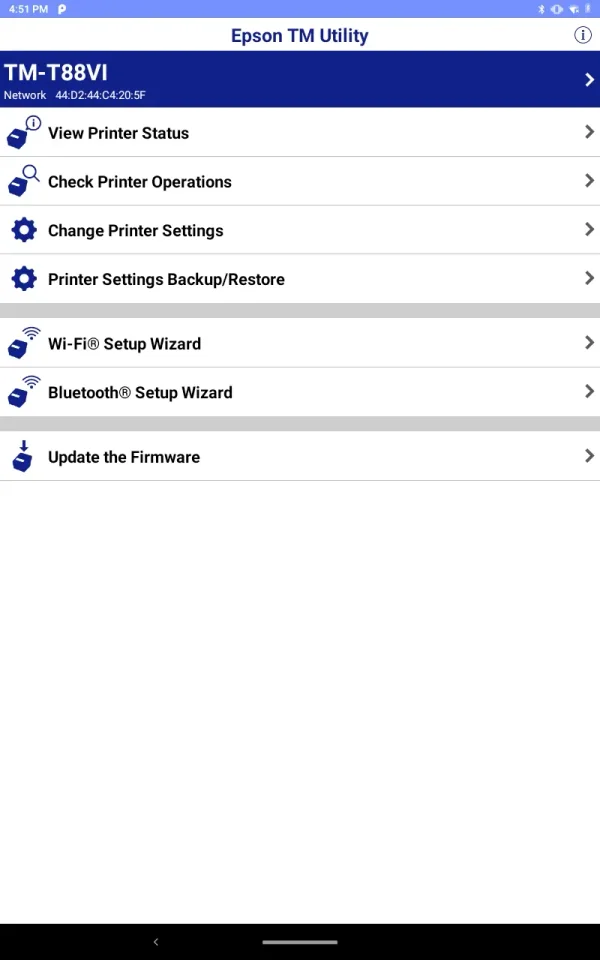
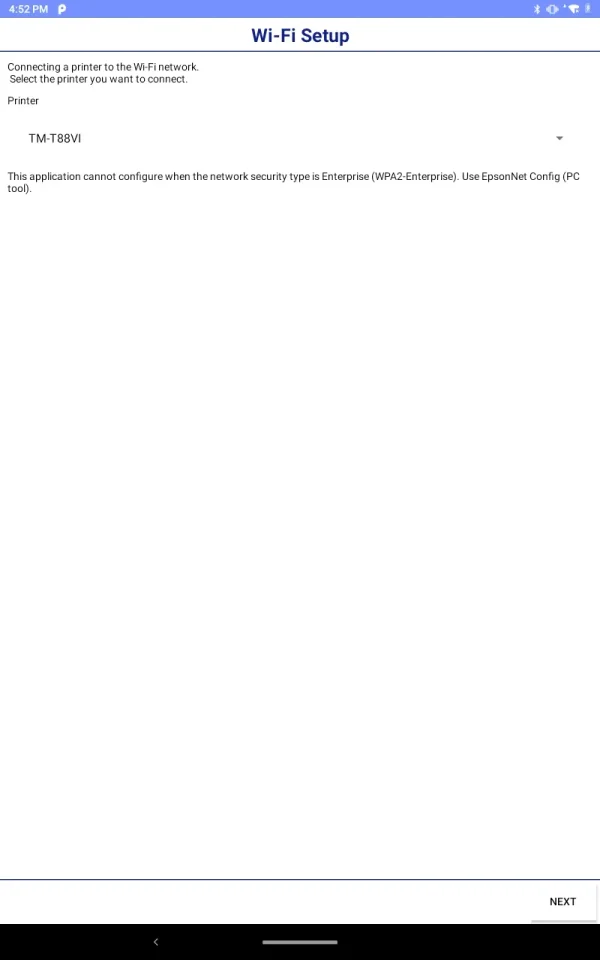
Setup wireless connection and configure settings to the Epson receipt printer.
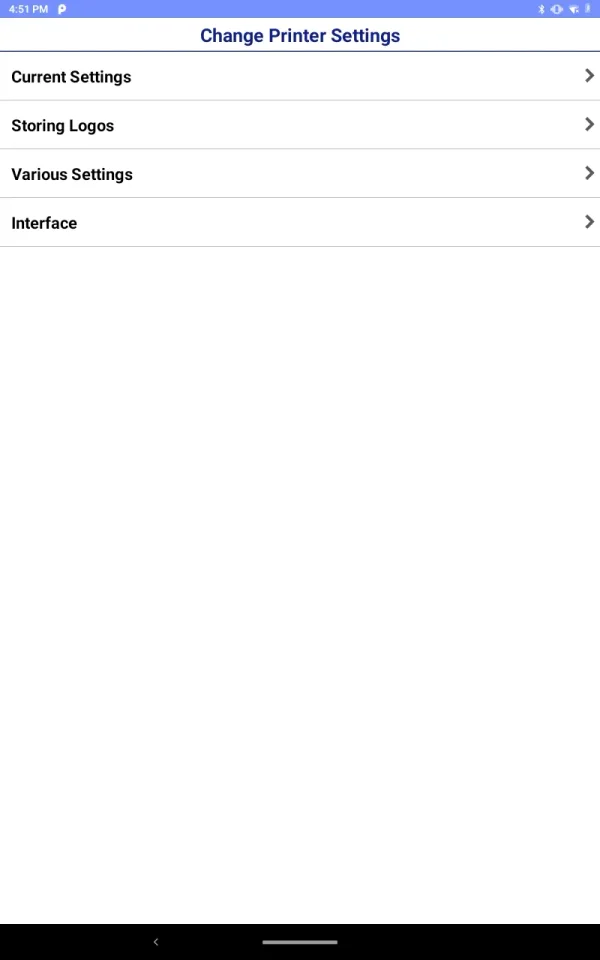
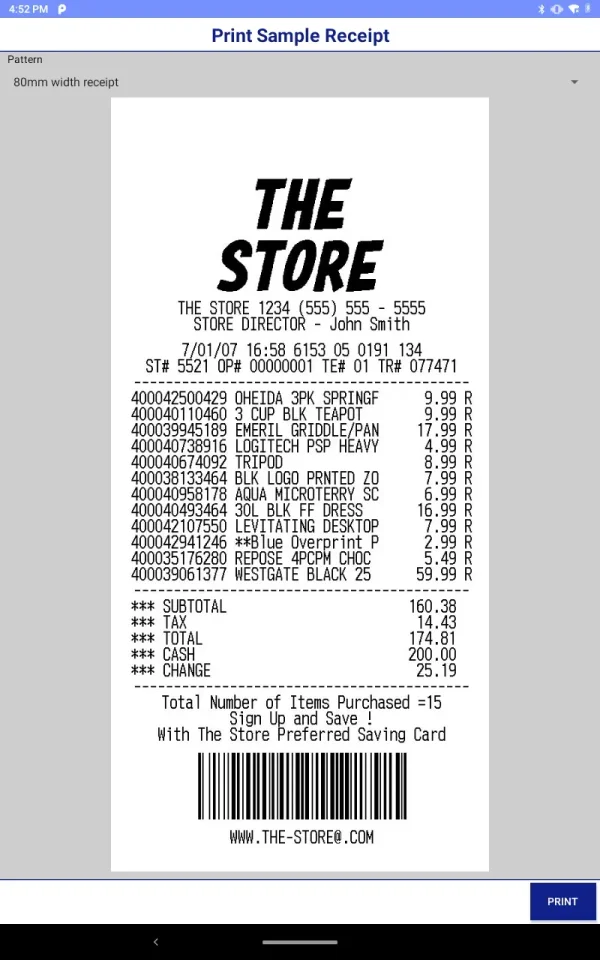
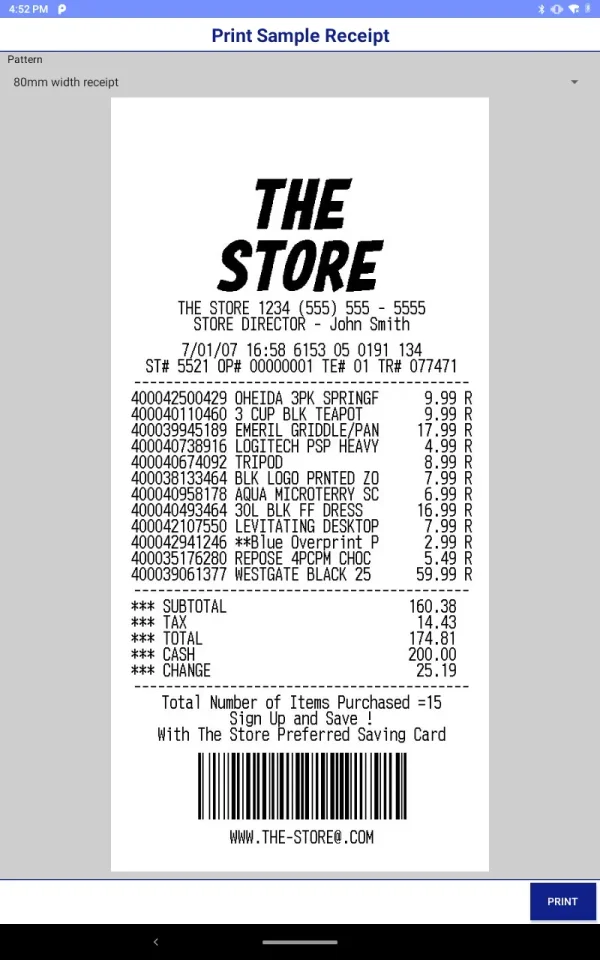
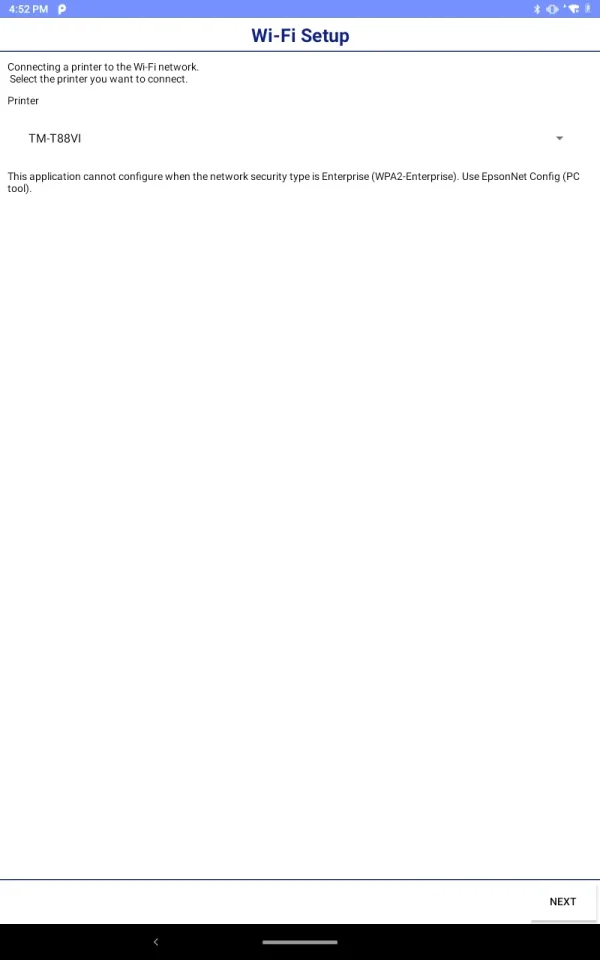
This app enables you to setup wireless connection, configure printer settings and print sample receipts from your Android phone or tablet to a Epson receipt printer.
Features
-Print sample receipt
-Print customized receipt
-Observe printer status
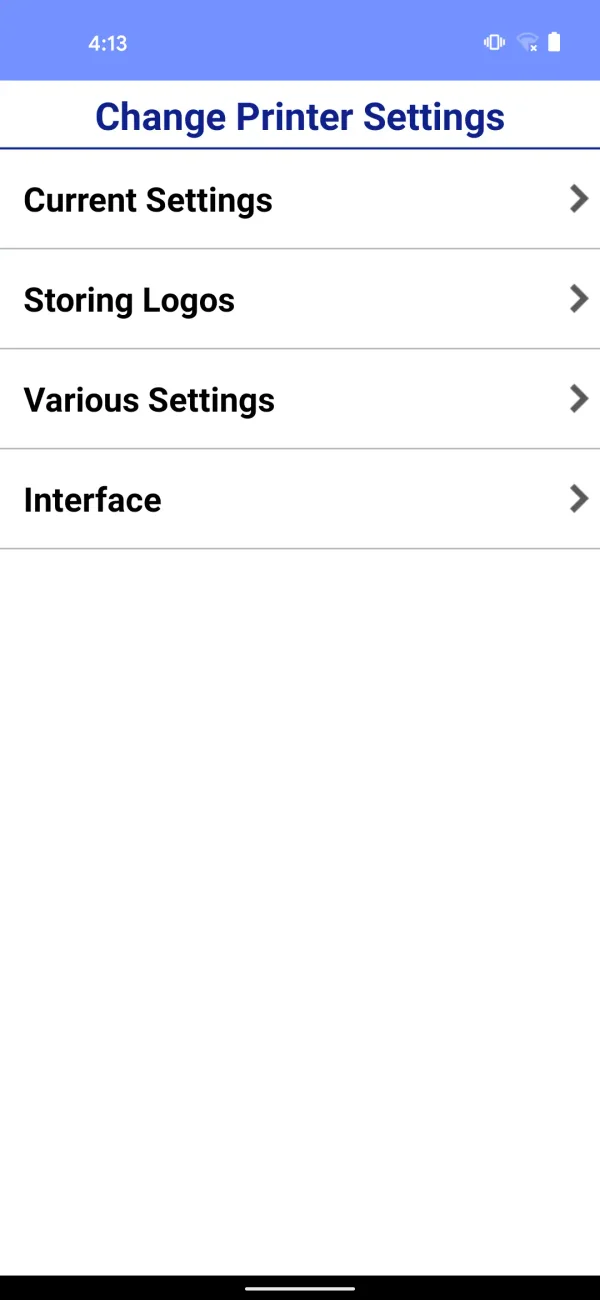
-Configure printer settings
-Quick pairing by NFC/QR code
-Easy print by NFC/QR code
-Printer Settings Backup/Restore(TM-T20IV/TM-T20IV-SP/TM-T82IV/TM-T88VII/TM-L100/TM-P20II/TM-P80II/TM-m30III/TM-m30III-H/TM-m50II/TM-m50II-H/TM-U220II)
-Setup wizard (Wireless LAN / Bluetooth)
-Firmware update
Supported Printers
-TM-H6000V
-TM-L90 Liner-Free Label Printer Model
-TM-L100
-TM-m10
-TM-m30
-TM-m30II
-TM-m30II-H
-TM-m30II-S
-TM-m30II-SL
-TM-m30II-NT
-TM-m30III
-TM-m30III-H
-TM-m50
-TM-m50II
-TM-m50II-H
-TM-P20
-TM-P20II
-TM-P60
-TM-P60II
-TM-P80
-TM-P80II
-TM-T20II
-TM-T20II-m
-TM-T20III
-TM-T20IV
-TM-T20IV-SP
-TM-T70II
-TM-T82III
-TM-T82IV
-TM-T88V
-TM-T88VI
-TM-T88VI-iHUB
-TM-T88VII
-TM-U220 Wi-Fi
-TM-U220II
-EU-m30
Supported Customer Displays
-DM-D30
-DM-D70
Interface
-Wireless LAN
-Bluetooth
Revision History
Ver.3.42.0
- Renamed the setting item "Timeout" to "Protocol".
- Added setting items
TLS RAW(Port9143) (Protocol)
IPP (Protocol)
Top Priority Protocol (Bonjour)
Ver.3.41.0
- The server used for firmware updates has been changed.
Ver.3.40.1
- Fixed minor bug.
Ver.3.38.0
- For Users in Europe, the Middle East and Africa European Radio Equipment Directive.
Changes in the enhanced security specifications.
Ver.3.37.0
- Fixed minor bug.
Ver.3.36.0
- Added the support printer. (TM-T20IV, TM-T20IV-SP, TM-T82IV)
- Fixed minor bug.
Ver.3.35.0
- Added setting items
Bluetooth Low Energy (Bluetooth)
Auto Connection (Cloud Service)
- Improved firmware update function. (Cloud Service)
Ver.3.32.0
- Added the support printer. (TM-U220II)
- Added setting items
Roaming Setting (Wi-Fi)
Ver.3.30.2
- The software license agreement has been updated.
Please check the software license agreement from the license menu on the information screen.
Ver.3.30.0
- Added the support printer. (TM-m50II-H)
Ver.3.28.0
- Added the support printer. (TM-m50II)
Ver.3.27.0
- Added the support printer. (TM-m30III, TM-m30III-H)
Ver.3.26.0
- Fixed minor bug.
Ver.3.25.0
- Added the support printer. (TM-P20II, TM-P80II)
Ver.3.23.0
- Added the support printer. (TM-L100)
Ver.3.22.0
- Added the support printer. (TM-T88VII, TM-L90 Liner-Free Label Printer Model, EU-m30)
Ver.3.19.0
- Added the support printer. (TM-m30II-SL)
Ver.3.18.0
- Added the support customer display. (DM-D70)
Ver.3.17.0
- Added the support printer. (TM-m50)
Ver.3.16.1
- Added the support printer. (TM-m30II-S, TM-m30II-NT)
Ver.3.14.1
- Fixed minor bug.
Ver.3.14.0
- Added the support printer. (TM-m30II, TM-m30II-H)
Ver.3.13.0
- Improved firmware update function.
- Support Android 10.
Ver.3.12.0
- Support OT-WL06. (TM-H6000V, TM-T20III, TM-T82III, TM-T88VI, TM-T88VI-iHUB)
Ver.3.11.0
- Added the support printer. (TM-T20III, TM-T82III)
Ver.3.10.0
- Support the setting of 'Desktop Mode' for TM-P20.
Data safety
What Seiko Epson Corporation declares on Google Play about the data this app collects and shares.
- No data shared with third partiesLearn more about how developers declare sharing
- No data collectedLearn more about how developers declare collection
What’s new
Version 3.42.0 · Apr 23, 2026
- Renamed the setting item "Timeout" to "Protocol".
- Added setting items
TLS RAW(Port9143) (Protocol)
IPP (Protocol)
Top Priority Protocol (Bonjour)
Developer contact
- Websiteglobal.epson.com
- Emailprivacy.epsonmobileprintapps@exc.epson.co.jp
- Privacy policyepson-biz.com
- Address日本 〒160-0022 東京都SHINJUKU-KU 4-1-6, SHINJUKU JR SHINJUKU MIRAI TOWER 29F
Information
- Offered by
- Seiko Epson Corporation
- Category
- Business
- Version
- 3.42.0
- Updated
- Apr 23, 2026
- Released
- Oct 29, 2013
- Requires
- Android 5.0 or later
- Age rating
- Everyone
- Price
- Free
- Package name
- com.epson.tmutility
Similar apps
-
 HP
Productivity
-
 Brother Mobile Connect
Tools
-
 HP Print Service Plugin
Productivity
-
 Mobile Scanner App - Scan PDF
Productivity
-
 FAX App: Faxing from Phone
Business
-
 Nelko
Tools
-
 PDF Scanner Plus - Doc Scanner
Productivity
-
 Zoho Sheet: Spreadsheet App
Productivity
-
 Jadens Printer
Tools
-
 Signeasy | Sign and Fill Docs
Business
-
 PDF Merge: Scan, Sign & Edit
Productivity
-
 CuboAi Smart Baby Monitor
Parenting