File Manager
Maple MediaContains ads · In-app purchases
- EveryoneAge rating
- ToolsCategory
- Jun 18, 2026Updated
- FreePrice
Links to the official Google Play listing of fm.clean. Last checked on Nov 14, 2026.
Screenshots

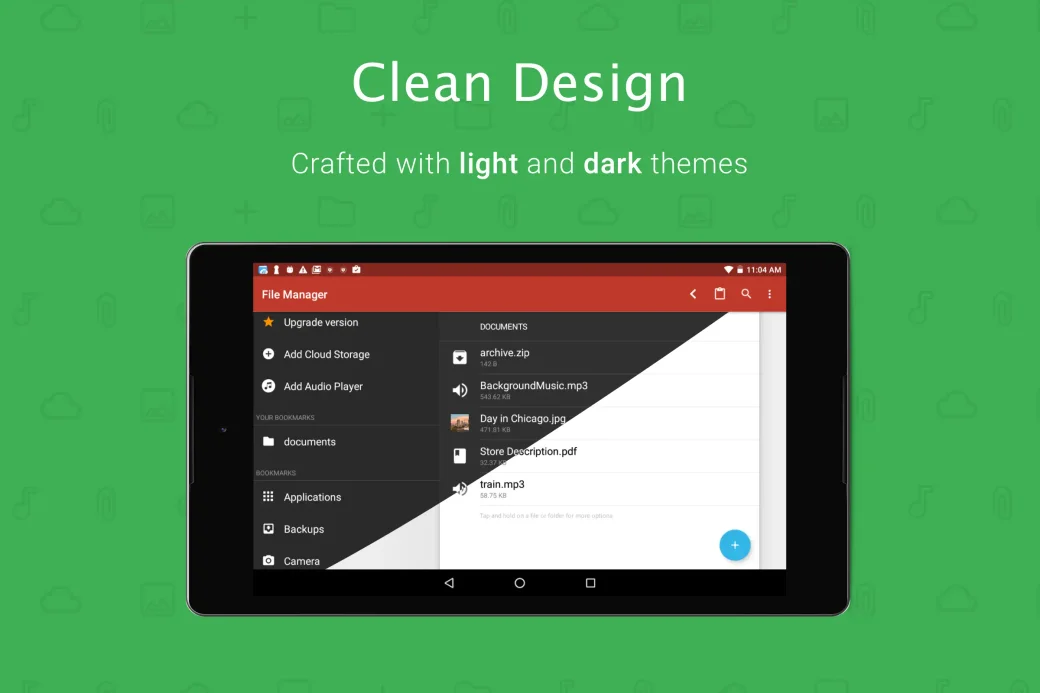
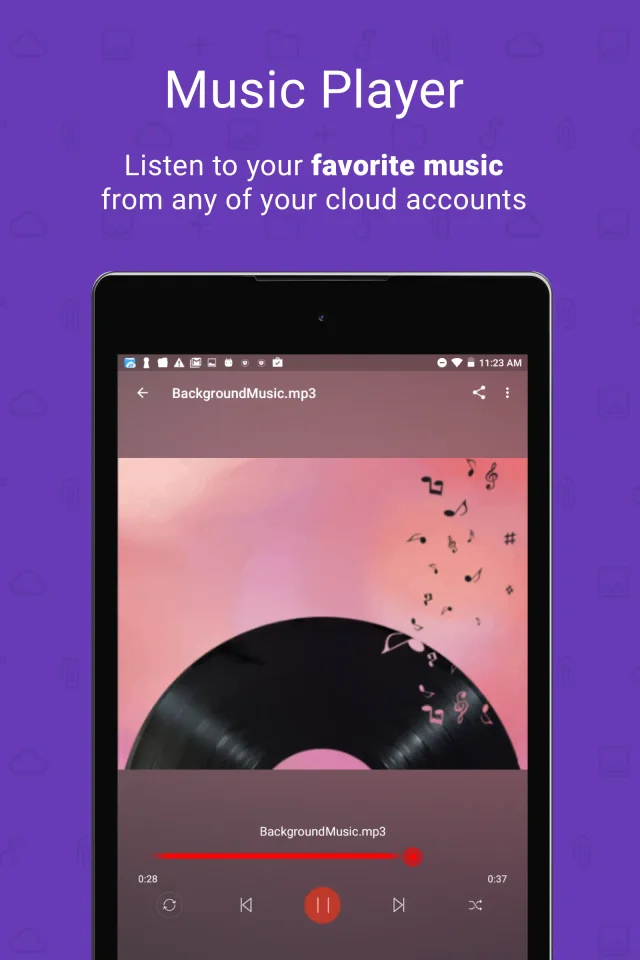
About this app
File Manager for Android Files - ☁️ cloud file browser 🔄 file transfer app 📂
File Manager: The ultimate file explorer & app manager for file transfers, document management, and file storage
★ Custom Colors
Personalize your experience and make organization a breeze with new custom colors
★ Storage Analysis
Easily view what takes up the most storage on your device
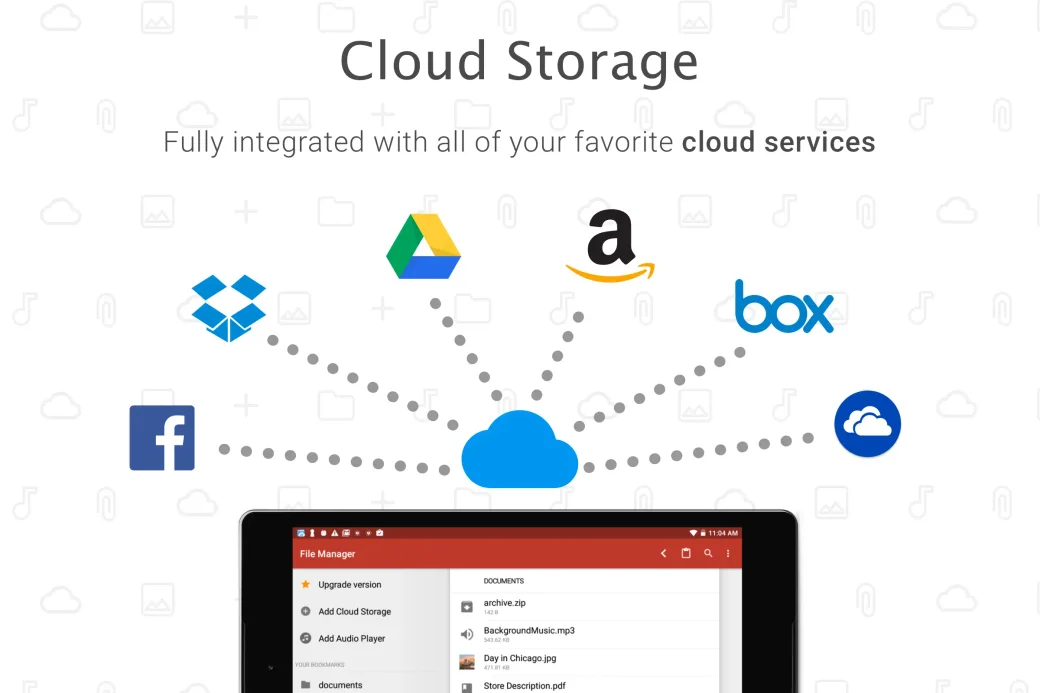
★ Cloud Storage
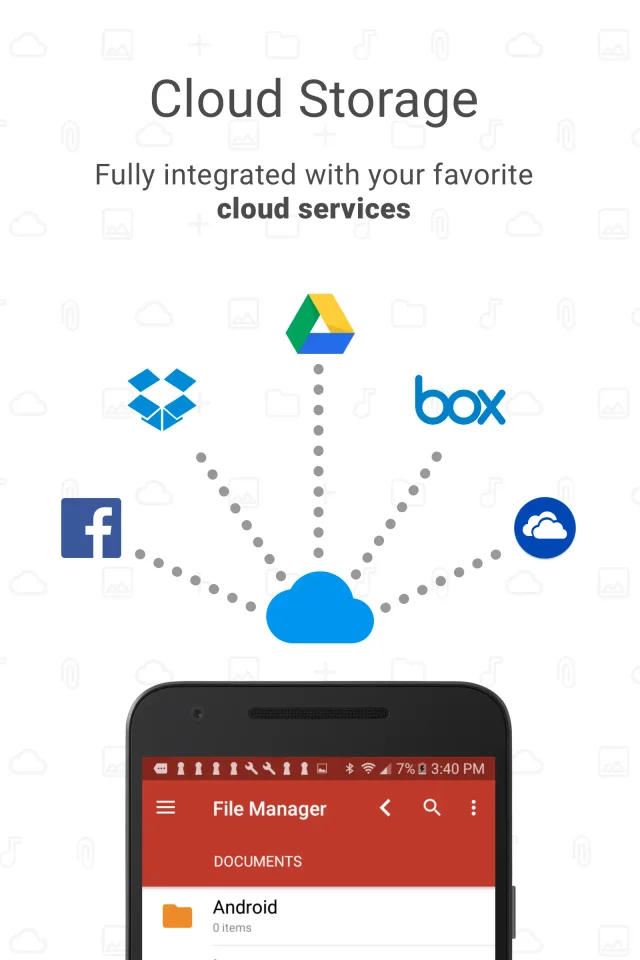
Access Google Drive & Google Storage, Dropbox, and One Drive
★ Phone Manager
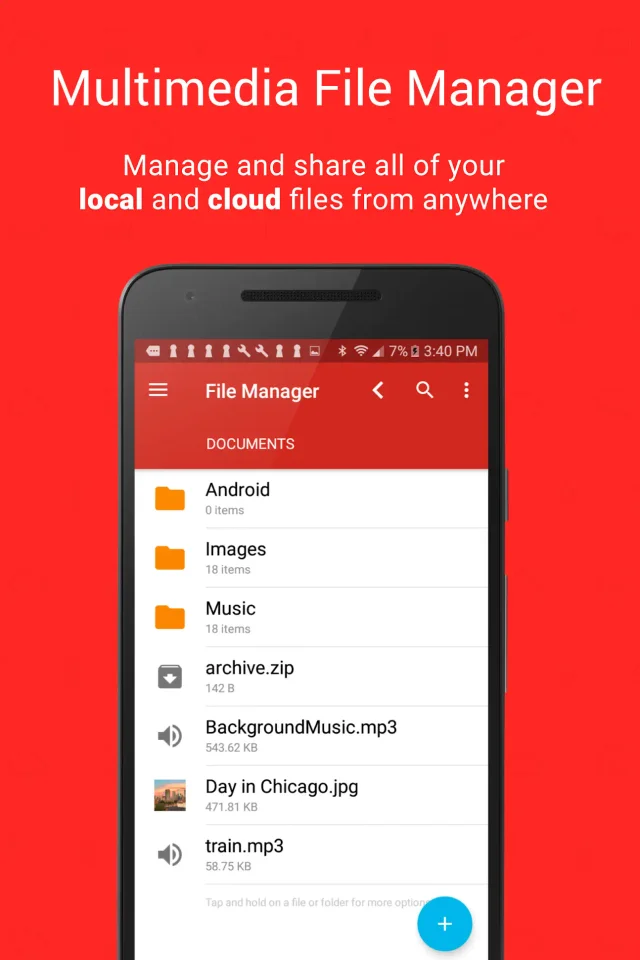
Transfer content, copy/paste, compress, unzip, delete, and move files, as well as extracting ZIP, RAR, BIN, TAR & APK files between local drive, external storage and cloud storage
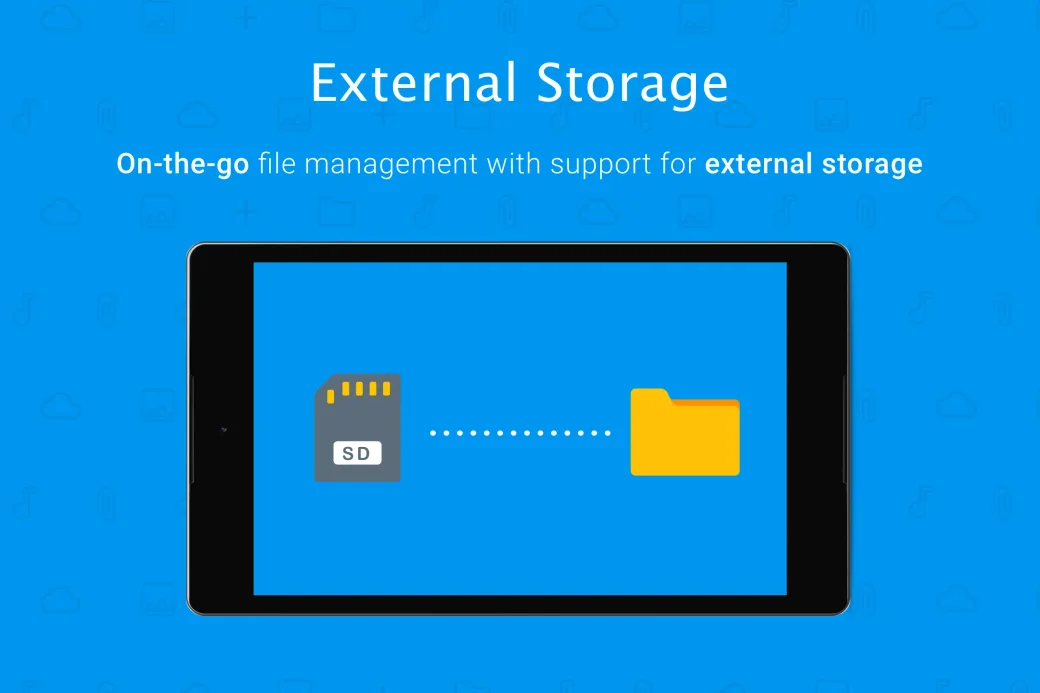
★ External File Manager
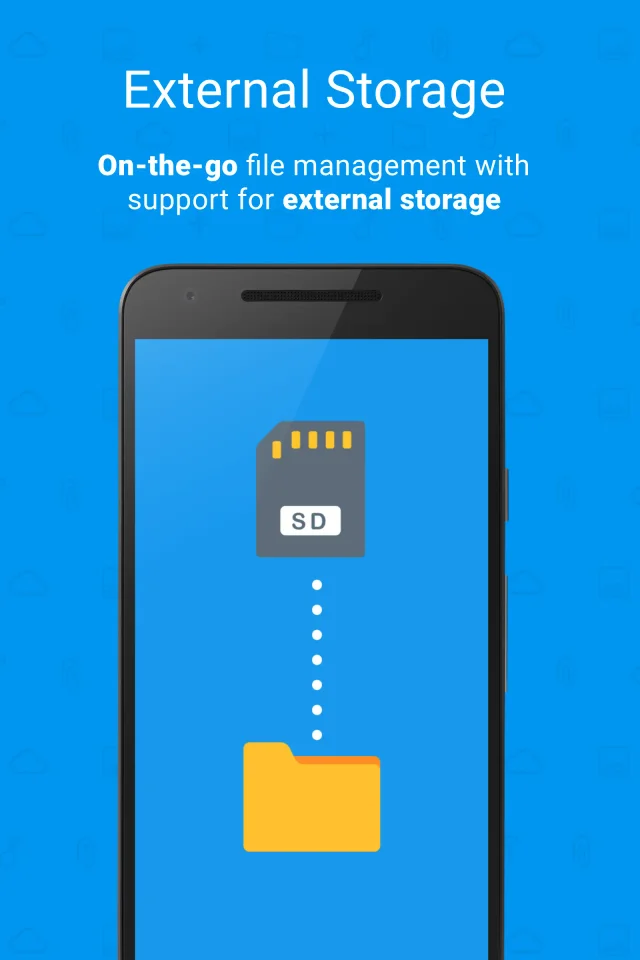
Access files, storage backup and USB Flash Drive manager
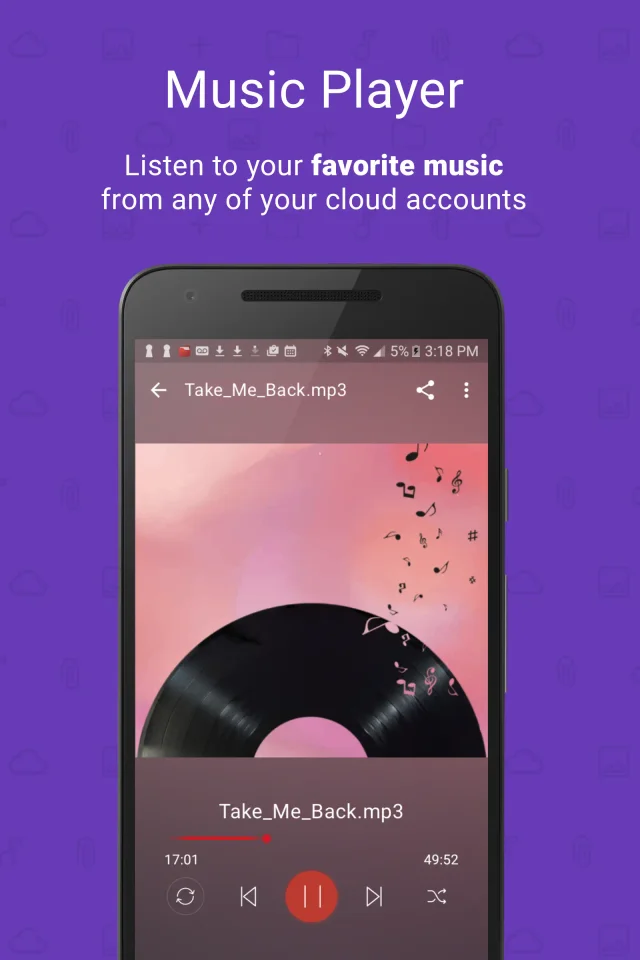
★ Audio Manager
File manager for .mp3 files & ringtone manager
★ App Manager
Delete apps & manage app storage
▶STORAGE ANALYSIS
View Storage at a Glance:
Get a visual breakdown of used storage across apps and file categories (Photos, Downloads, Music, etc.), as well as available storage and cached files
▶PHONE MANAGER & FILE VIEWER
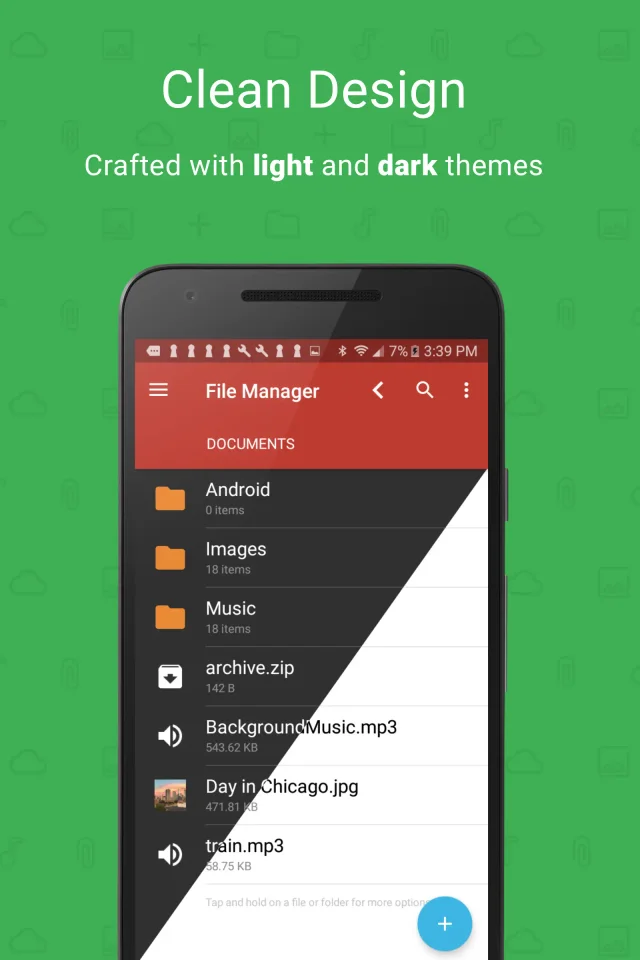
Access Files & Manage Storage:
The powerful file explorer makes it easy to access downloads, copy/paste files, delete files, transfer files, backup files, show hidden files and compress files
Storage Manager:
Save space by deleting files with our disk cleaner and extract compressed files or transfer compressed files in ZIP, RAR, APK, TAR, BIN, and TBZ formats. File Manager saves files to USB flash drive (microSD) with on the go (OTG), delete files, share files, and transfer files
▶ CLOUD STORAGE EXPLORER
File Manager and File Viewer for Cloud Storage:
Transfer and delete Google Drive, Dropbox, and One Drive (Skydrive)
▶ FILE MANAGER FOR EXTERNAL MEMORY - ANDROID TRANSFER
File Transfer & On The Go Support:
Access files on microSD, complete a large file transfer and backup a file, folder, or directory on usb flash drive. File Manager will transfer content between internal storage, USB flash drive, and cloud storage
▶ AUDIO MANAGER
Audio Player:
Listen to & manage your mp3 files, music, and ringtones on File Manager
▶ APP MANAGER & STORAGE CLEANER
Delete Apps & Clean Storage:
Free up disk storage, monitor app usage, and delete apps in one place with App Manager
Recommended Apps for File Manager
PDF Viewer: PDF Viewer & Book Reader - Apps on Google Play
For Root Access:
Root Check: Root Check - Apps on Google Play
Root Browser File Manager: Root Browser - Apps on Google Play
Thanks for using File Manager File Explorer! Have questions, feedback, or suggestions? Email us at contact@maplemedia.io.
Data safety
What Maple Media declares on Google Play about the data this app collects and shares.
- This app may share these data types with third partiesDevice or other IDs
- This app may collect these data typesFiles and docs, App activity and 2 others
- Data is encrypted in transit
- Data can’t be deleted
What’s new
Version 1.31.0(452) · Jun 18, 2026
A new version of File Manager is here! Here’s what’s new:
- New “Discover” Section: Discover new offers, inspiring content, articles & more
- General optimizations & stability improvements
Thanks for using File Manager! Have questions or feedback? Email us at contact@maplemedia.io for fast & friendly support.
Developer contact
- Websitemaplemedia.io
- Emailcontact@maplemedia.io
- Privacy policymaplemedia.io
- Address6618 San Fernando Rd Unit 205 Glendale, CA 91201-1703 United States
Information
- Offered by
- Maple Media
- Category
- Tools
- Version
- 1.31.0(452)
- Updated
- Jun 18, 2026
- Released
- Dec 25, 2012
- Requires
- Android 6.0 or later
- Age rating
- Everyone
- Price
- Free
- In-app purchases
- $0.99 - $29.99 per item
- Package name
- fm.clean