File Manager for Superusers
Maple MediaContains ads · In-app purchases
- EveryoneAge rating
- ToolsCategory
- Jun 16, 2026Updated
- FreePrice
Links to the official Google Play listing of fm.clean.pro. Last checked on Nov 14, 2026.
Screenshots


About this app
Powerful, simple & customizable File Manager & Root Browser for superusers
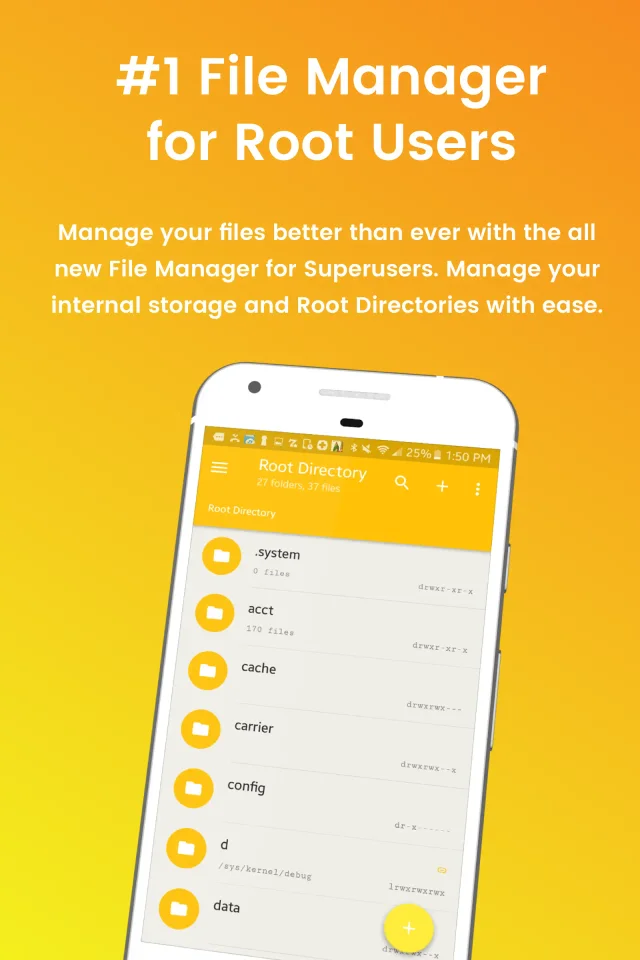
File Manager for Superusers by JRummy is a fully featured file manager & root explorer for rooted superusers to take control of their Android device and root files & folders.
Access all Root Directories
Explore & access all of your Android's root directories & subdirectories with this advanced root browser
Cloud Storage
Now access your stored files and transfer files on Box, Dropbox, Google Drive, One Drive
Advanced Root Browser Features
Advanced features include a SQLite Database Editor, APK Analyzer, multi-pane navigation, ability to execute script files, ability to install zip files using clockwork recovery, and change file permissions and ownerships
Advanced File Manager & File Explorer Features
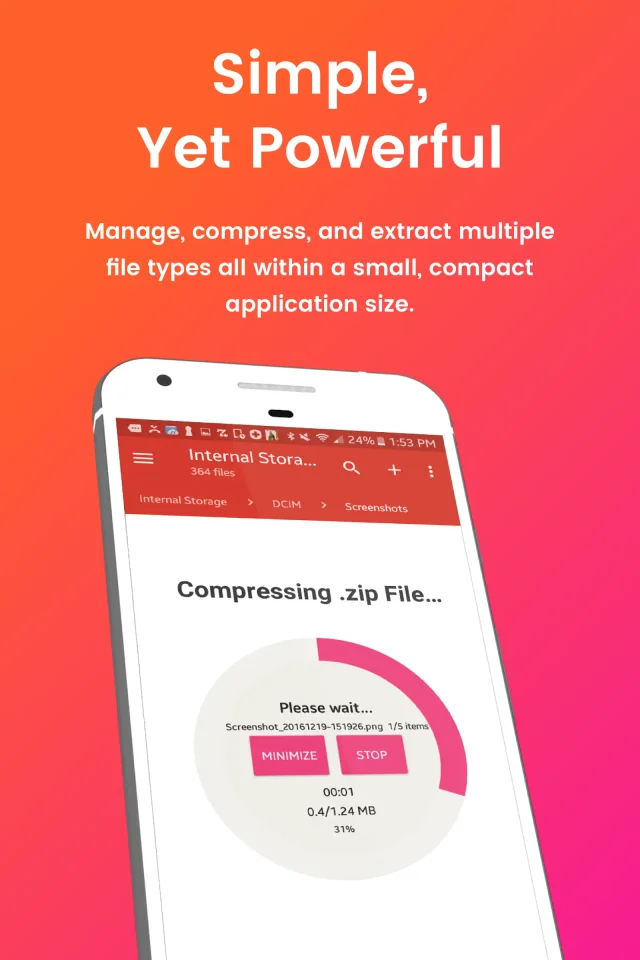
This fully featured file explorer will transfer content, copy and paste, compress, extract ZIP, RAR, BIN, TAR, JAR & APK files, unzip, delete, and move files between local drive, external storage and cloud storage
External File Manager
Access and trasnfer files, storage backup, USB Flash Drive manager, on the go support
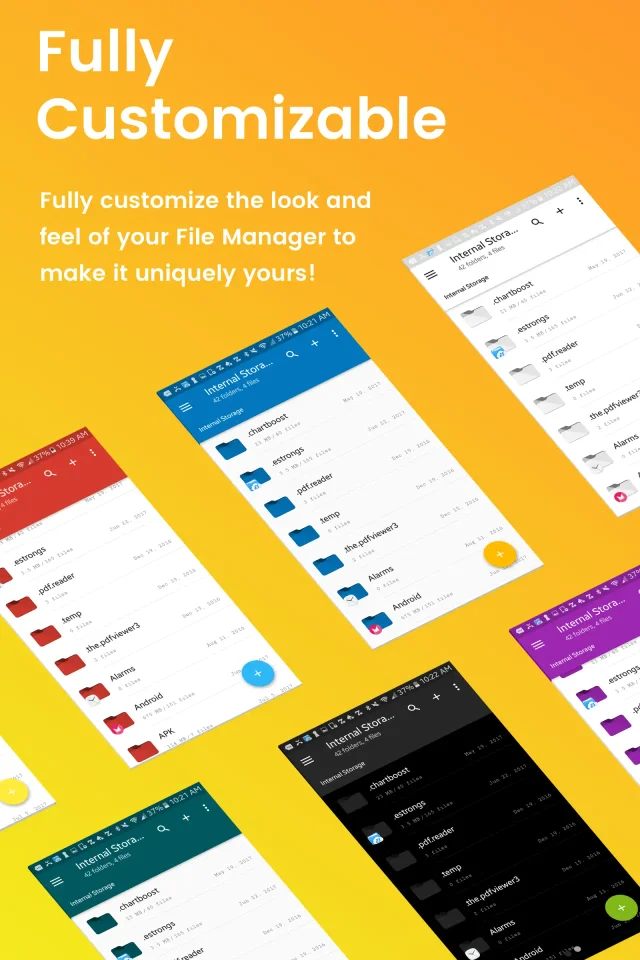
Fully Customizable
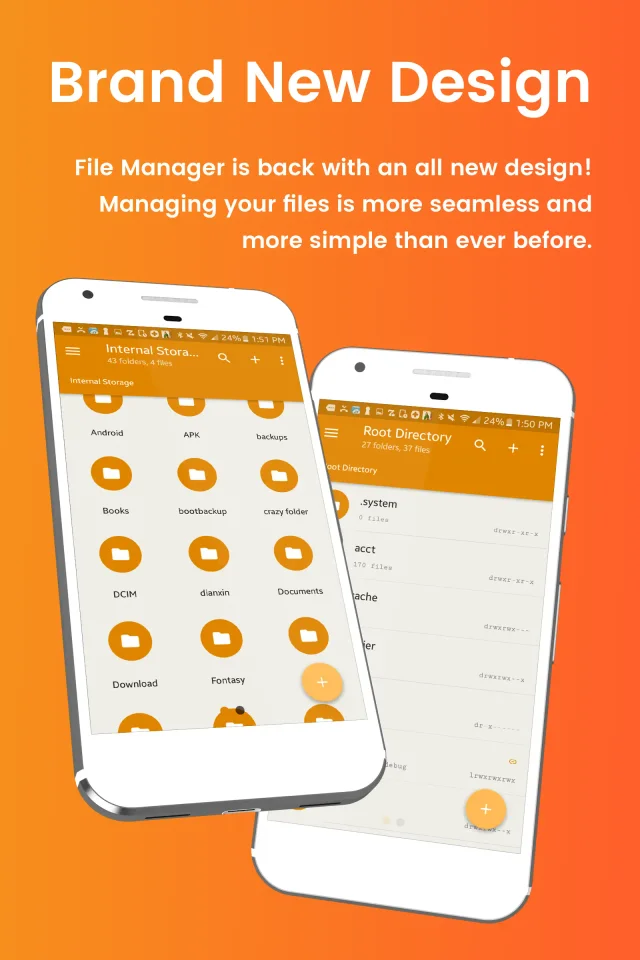
Maple Media prides itself on offering users with a fully customizable experience including custom colors, themes, icons and file / view layout
Audio Manager & Music Player
File manager for mp3 files, ringtone manager
Video Player
Manage and watch your favorite video files
Organize your Android:
File Manager Root Explorer allows users to have full control over all device files. Search and access any file in your system directory, sort by name size & date, create, move, copy/paste, transfer (external transfer) and delete any file
Share your Files:
Cloud storage integration to transfer files between external storage and on-the-go devices. Send files by email to easily share with your contacts
File Manager for Superusers Features List:
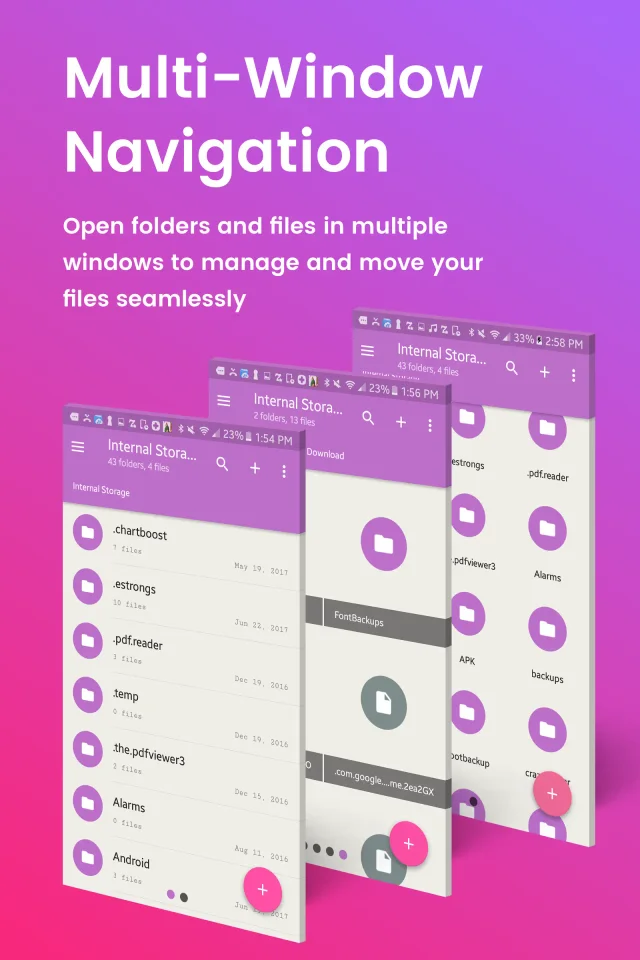
- Multi-Pane Navigation
- SQLite Database Editor
- Custom File Listing View
- APK Analyzer
- Batch copy/paste, zip, tar, delete, move any file or folder
- External file transfer
- Access APK, RAR, JAR, TAR & ZIP files apk, rar, jar, tar & zip files
- Audio Player
- Video Player
- Cloud Storage Integration
- Change file permissions and ownership
- View and edit any file
- sqlite explorer
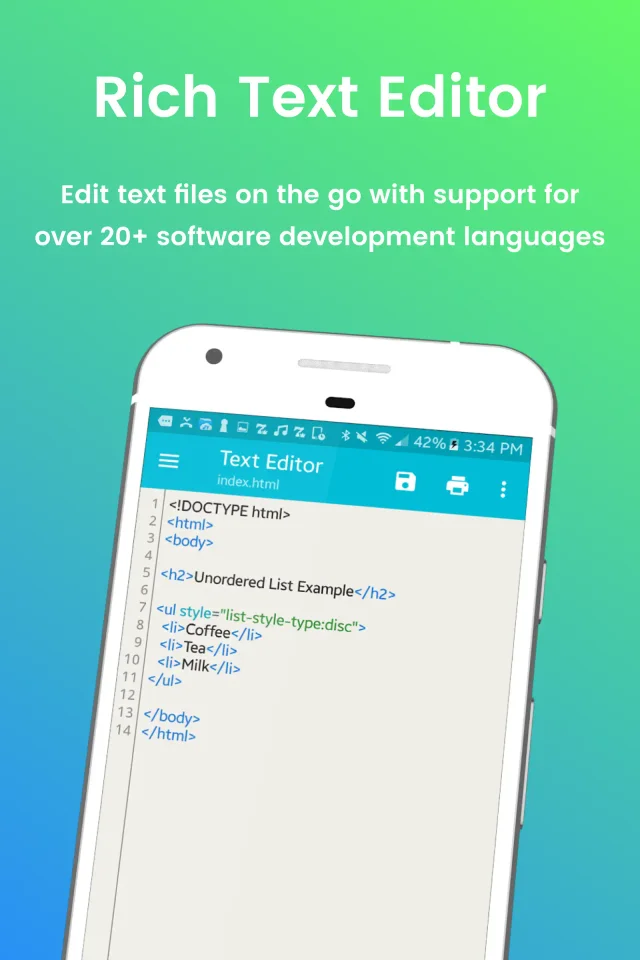
- Text editor
- Move, copy, rename, and delete files.
- Create and delete directories (folders).
- Send files by email.
- Add new files & folders in any directory
- Install zip files using clockwork recovery
- Execute script files
- Show list of files with thumbnails for images.
- Bookmark any folder
- Open files and folders with other apps
- Change the theme (double tap home button)
- Sort by name, size & date
- Extract single files from zip/apks/jars
- Search for files or folders
For fast and friendly support, please email us at contact@maplemedia.io. We will be glad to help answer all of your questions and troubleshoot with you.
Data safety
What Maple Media declares on Google Play about the data this app collects and shares.
- This app may share these data types with third partiesDevice or other IDs
- This app may collect these data typesFinancial info, App activity and 2 others
- Data is encrypted in transit
- Data can’t be deleted
What’s new
Version 1.4.0(9010217) · Jun 16, 2026
- Bug fixes and performance improvements
Thank you for being a user of File Manager for Superusers. Please direct any feedback to contact@maplemedia.io.
Developer contact
- Websitemaplemedia.io
- Emailcontact@maplemedia.io
- Privacy policymaplemedia.io
- Address6618 San Fernando Rd Unit 205 Glendale, CA 91201-1703 United States
Information
- Offered by
- Maple Media
- Category
- Tools
- Version
- 1.4.0(9010217)
- Updated
- Jun 16, 2026
- Released
- Sep 5, 2017
- Requires
- Android 6.0 or later
- Age rating
- Everyone
- Price
- Free
- In-app purchases
- $1.99 - $11.99 per item
- Package name
- fm.clean.pro