Files: Shortcut
Jorge de la Hoz- EveryoneAge rating
- ToolsCategory
- Aug 17, 2026Updated
- FreePrice
Links to the official Google Play listing of com.files.shortcut. Last checked on Nov 21, 2026.
Screenshots
About this app
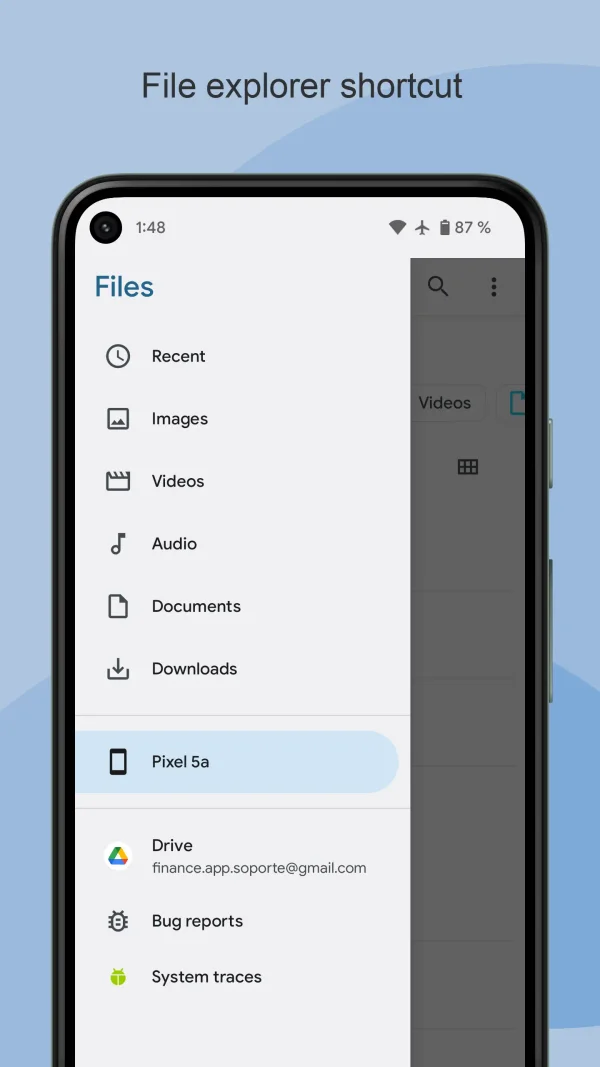
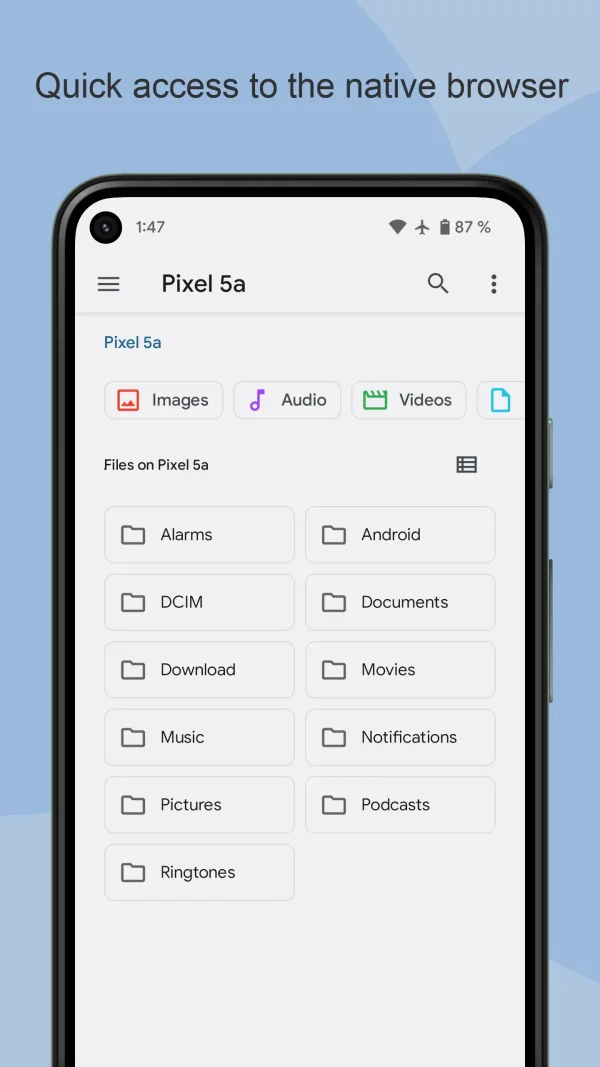
Direct access to the file explorer of your phone's settings.
Most devices come with a native file browser that is usually hidden, our app is a shortcut to that browser.
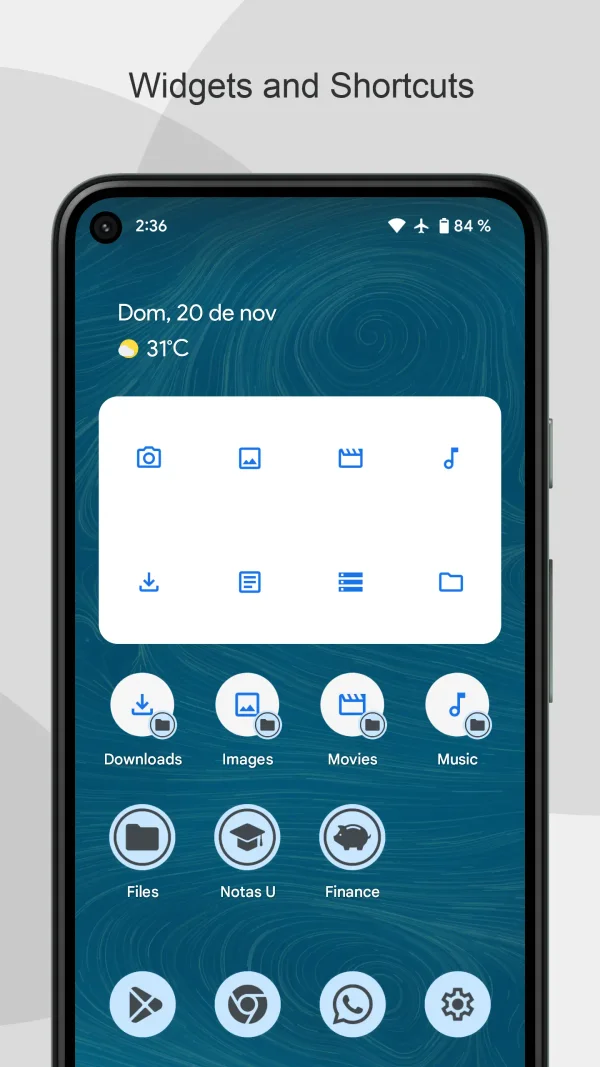
Avoid having to do multiple steps and access quickly, we also include three widgets and shortcuts that you can drag to your main screen with shortcuts to the most used folders:
Photos, images, movies, music, documents, downloads and many more directories.
This application is open source and was developed without profit, you can find the source code on GitHub:
https://github.com/jorgedelahoz13/Files
Data safety
What Jorge de la Hoz declares on Google Play about the data this app collects and shares.
- No data shared with third partiesLearn more about how developers declare sharing
- No data collectedLearn more about how developers declare collection
What’s new
Version 16.0.0 · Aug 17, 2026
Android 16 compatibility.
Developer contact
- Websitenotasuapp.blogspot.com
- Emailjorgedelahoz13@gmail.com
- Privacy policygithub.com
- AddressCra 4 #34-04 Barranquilla, Atlántico, 080006 Colombia
Information
- Offered by
- Jorge de la Hoz
- Category
- Tools
- Version
- 16.0.0
- Updated
- Aug 17, 2026
- Released
- Nov 21, 2022
- Requires
- Android 8.1 or later
- Age rating
- Everyone
- Price
- Free
- Package name
- com.files.shortcut