Firewall AI - No Root
Protectstar Inc.In-app purchases
- EveryoneAge rating
- ToolsCategory
- Aug 12, 2026Updated
- FreePrice
Links to the official Google Play listing of com.protectstar.firewall.android. Last checked on Nov 27, 2026.
Screenshots


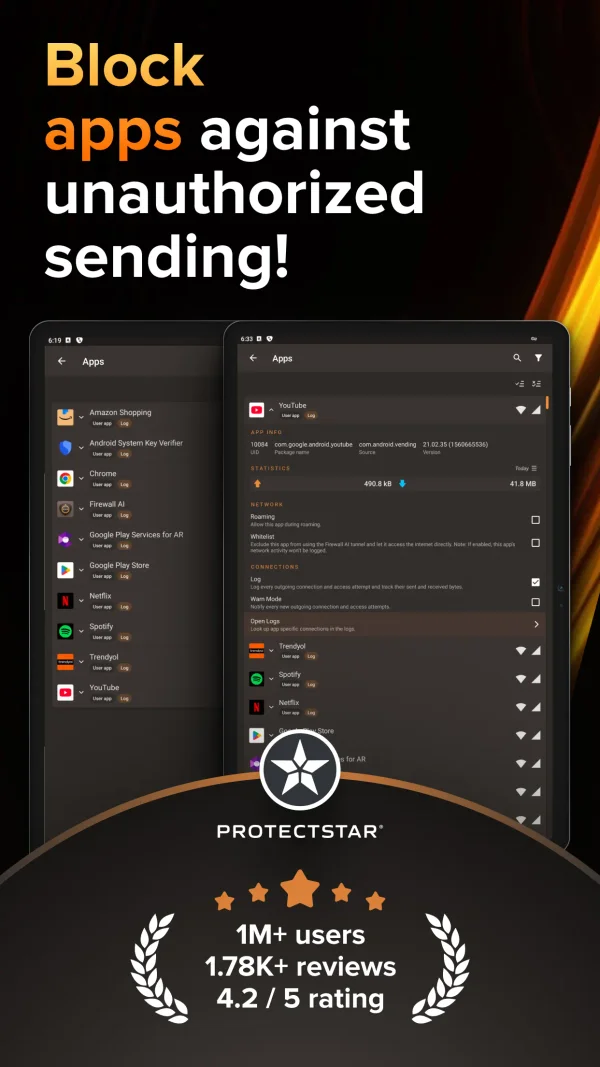
About this app
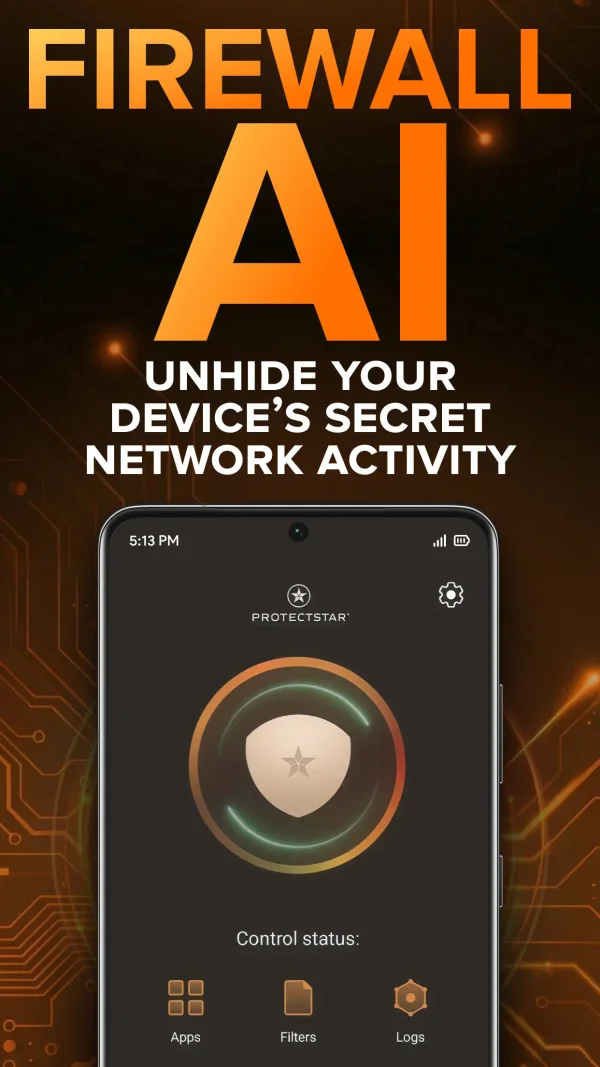
No-root firewall: block app internet access and manage Wi-Fi and mobile data.
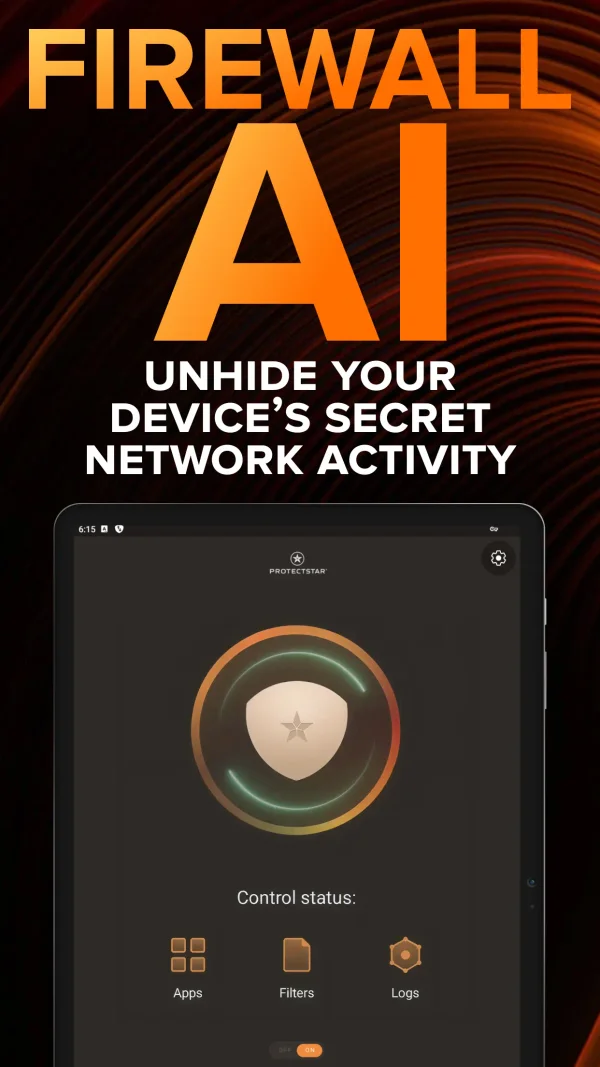
Take control of your apps' internet access. Firewall AI is a no-root firewall for Android that lets you manage Wi-Fi, mobile data and roaming for each app. Review outgoing connections and block unwanted access without disconnecting your whole phone.
Apps can contact advertising, analytics and other services while running in the background. Firewall AI helps you see those connections and decide what to allow, with local AI-assisted analysis alongside your own rules.
Internet access on your terms
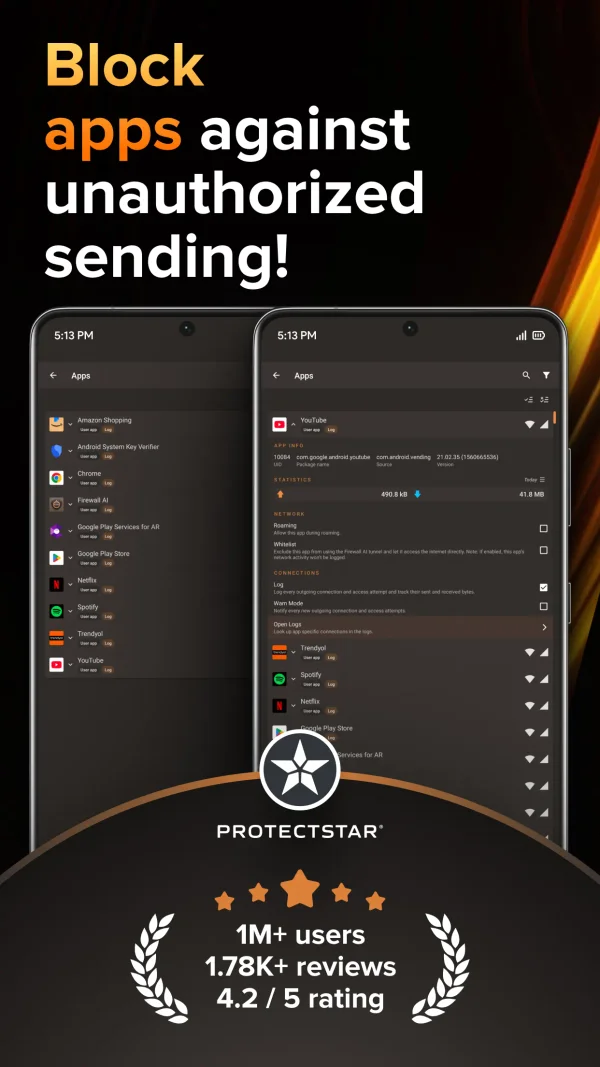
• Allow or block Wi-Fi, mobile data and roaming separately for each app.
• Keep selected apps on Wi-Fi only.
• Take an app offline when it does not need the internet.
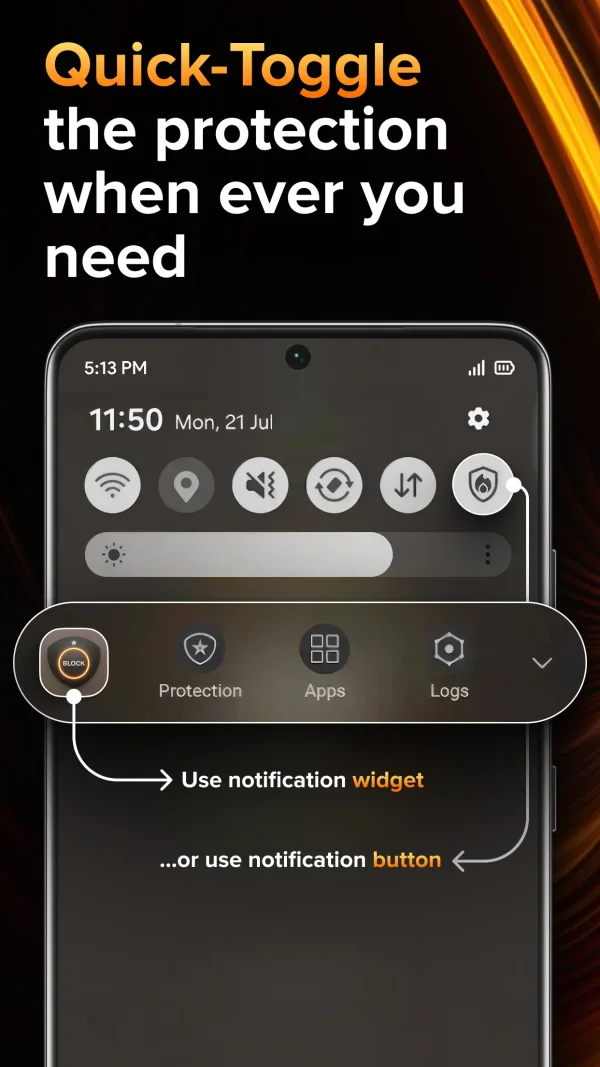
• Switch the firewall on or off from Android Quick Settings.
Keep essential messages and maps available while restricting other apps. Before travelling, review roaming permissions. For tools that work offline, block network access and restore it when an online feature is needed.
Understand your apps' connections
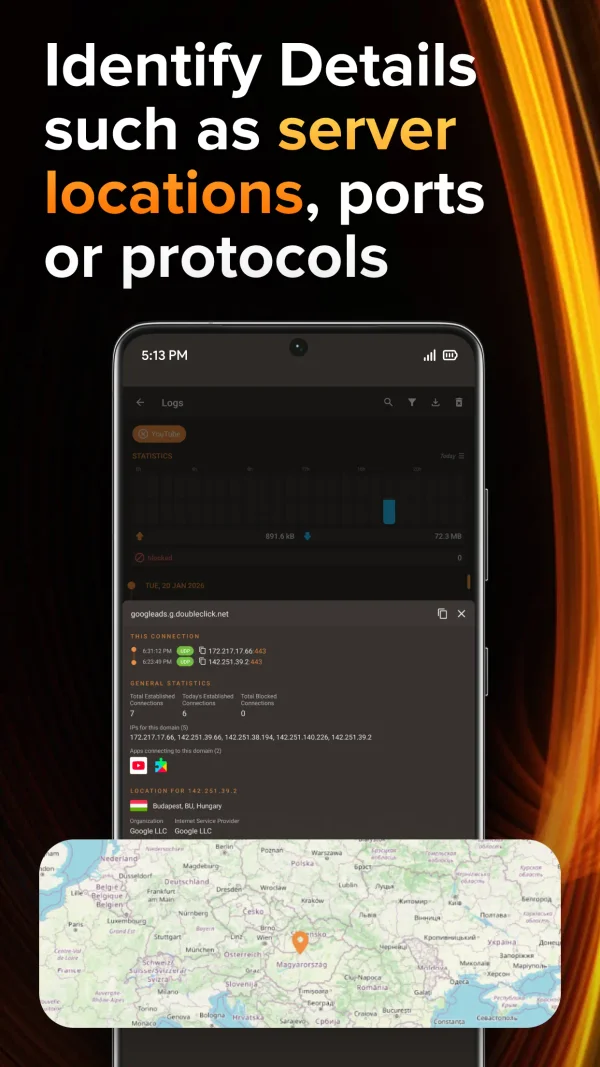
The connection log shows outgoing connection attempts, including the app, destination IP address, country and time. Host or domain details appear when available. Data counters help you identify unexpected traffic, while tags and filters make it easier to review specific apps.
Use this information to make informed choices. An unfamiliar server or country alone does not mean an app is malicious.
Local analysis with Deep Detective™
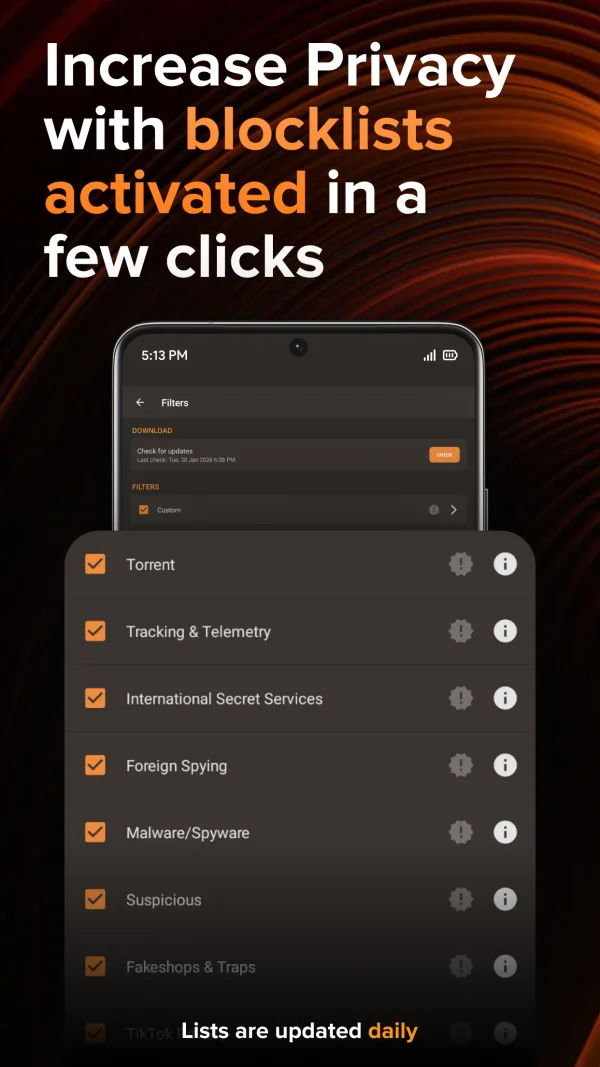
Deep Detective helps identify suspicious connection patterns on your device. The intrusion prevention system, or IPS, uses filter lists to help block known malicious and tracking destinations. The filter lists cover more than 10 million domains.
App rules and destination filters serve different purposes. Your rules decide which apps may connect; selected filters help limit where those connections can go.
DNS settings and unwanted requests
Choose a DNS provider or set up a custom DNS server. DNS-based filtering can help block requests to listed tracking, advertising and phishing domains. Combine it with per-app internet rules to reduce unwanted connections.
The effect depends on the filters and connection method. Not every advert or form of tracking can be blocked.
Basic control and optional PRO
Start with the basic firewall to manage app internet access. Firewall AI PRO adds enhanced filter lists and IPS PRO for more advanced destination filtering. Available features, purchase options and terms are displayed in the app, so you can choose the option that suits you.
Why the app uses Android VPN permission
Firewall AI uses Android's VpnService to route network traffic through a local interface and filter it on your device. Traffic is not routed through an external VPN server. The app does not change your location or conceal your public IP address.
Android allows one active VPN service per user profile. You will need to switch between Firewall AI and another VPN used in that same profile.
Privacy without advertising
There are no ads in the app. Your rules and connection logs are stored locally. DNS requests, updates, licensing and optional online lookups may involve external services, as explained in the privacy policy. Encrypted chat and HTTPS content is not decrypted.
Get started with the apps you use most
Install Firewall AI, approve Android's VPN request and set your first rules. Check the connection log, then refine access to match your daily use. Blocking an app can interrupt messages, syncing and other online features; allow it again when required.
Firewall AI controls outgoing connections. It does not scan files for viruses or replace protection against incoming network attacks.
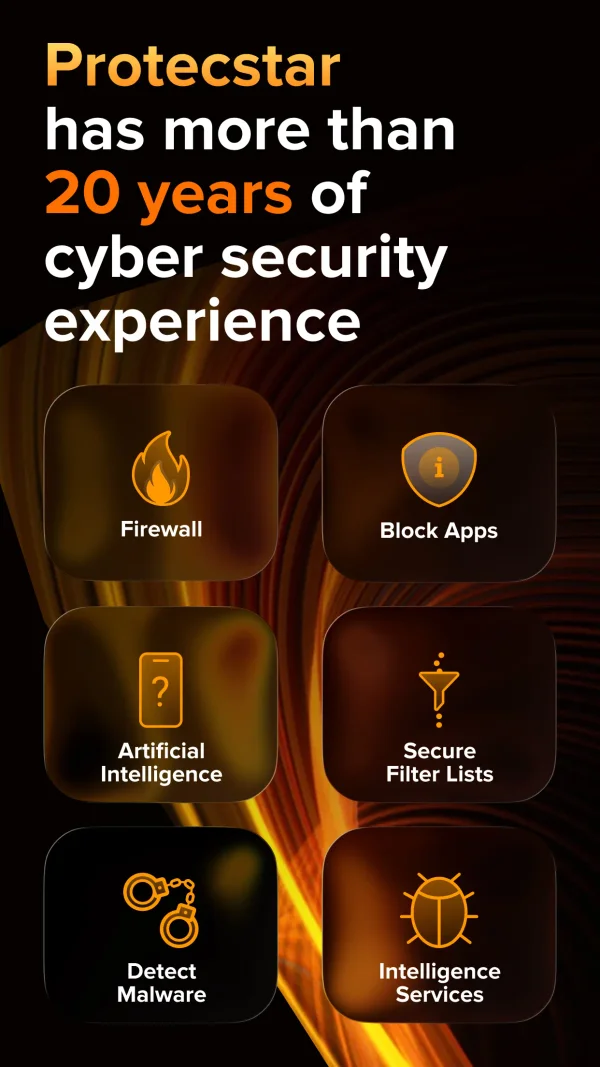
Developed by Protectstar, creating security software since 2004. See the connections. Set the rules.
Data safety
What Protectstar Inc. declares on Google Play about the data this app collects and shares.
- No data shared with third partiesLearn more about how developers declare sharing
- This app may collect these data typesPersonal info, App info and performance, and Device or other IDs
- Data is encrypted in transit
- You can request that data be deleted
What’s new
Version 2.7 · Aug 12, 2026
+ Adjustments for Android 16
+ Adjustments for tablets
Thank you for using the Firewall AI and for being part of the Protectstar community!
Developer contact
- Websiteprotectstar.com
- Emailsupport@protectstar.com
- Privacy policyprotectstar.com
- Address4281 Express Ln Ste L3604 Sarasota, FL 34249 United States
Information
- Offered by
- Google Commerce Ltd
- Category
- Tools
- Version
- 2.7
- Updated
- Aug 12, 2026
- Released
- Apr 17, 2023
- Requires
- Android 5.0 or later
- Age rating
- Everyone
- Price
- Free
- In-app purchases
- $1.99 - $34.99 per item
- Package name
- com.protectstar.firewall.android
Similar apps
-
 Layla
Entertainment
-
 nzb360 - Media Server Manager
Tools
-
 impact.com
Business
-
 Avast VPN: Fast Proxy, Privacy
Communication
-
 OONI Probe
Tools
-
 Total Drive - Cloud Storage
Productivity
-
 Anti Spyware - Spy Detector
Tools
-
 SleekFlow
Business
-
 ABAX Admin
Maps & Navigation
-
 IPVanish VPN: Fast & Secure
Tools
-
 Kiren by F-Secure
Tools
-
 TunnelBear VPN
Tools