Fmind: Mind Map, Flowchart, AI
Beauty Apps StudioIn-app purchases
- EveryoneAge rating
- ProductivityCategory
- Nov 17, 2026Updated
- FreePrice
Links to the official Google Play listing of mindmap.keymind.flowchart. Last checked on Nov 21, 2026.

Screenshots



About this app
All‑in‑one mind map, flowchart, doc, sheet for brainstorm, plan, diagram with AI
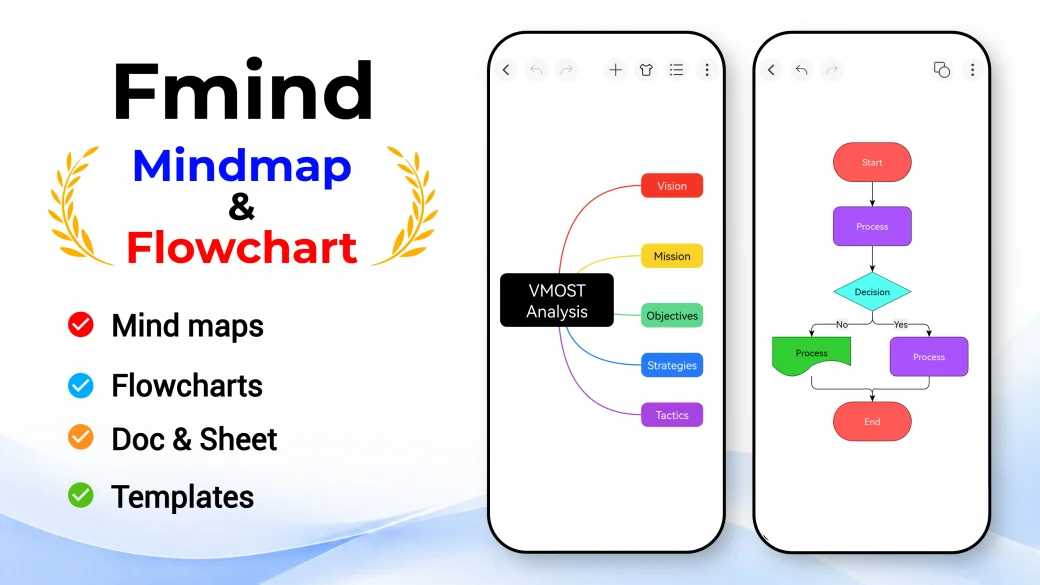
Fmind is your all‑in‑one mind map, flowchart, document and spreadsheet app, built to turn scattered ideas into clear knowledge structures and visual workflows. Brainstorm, draw diagrams, take structured notes and track data in a single workspace.
Perfect for students, project managers, designers and business teams: use it for lesson notes, sprint planning, business process mapping, meeting outlines, research sorting and decision analysis. You cut down app switching, clarify messy thoughts, speed up brainstorming and deliver neat shareable visuals without extra tools.
💖 Fmind = Mind Map + Flowchart + Doc + Sheet + AI
Visualize your thoughts, manage workflows, and capture brilliant ideas all in one place!
🏆 Key Features of Fmind (previous name: Key Mind):
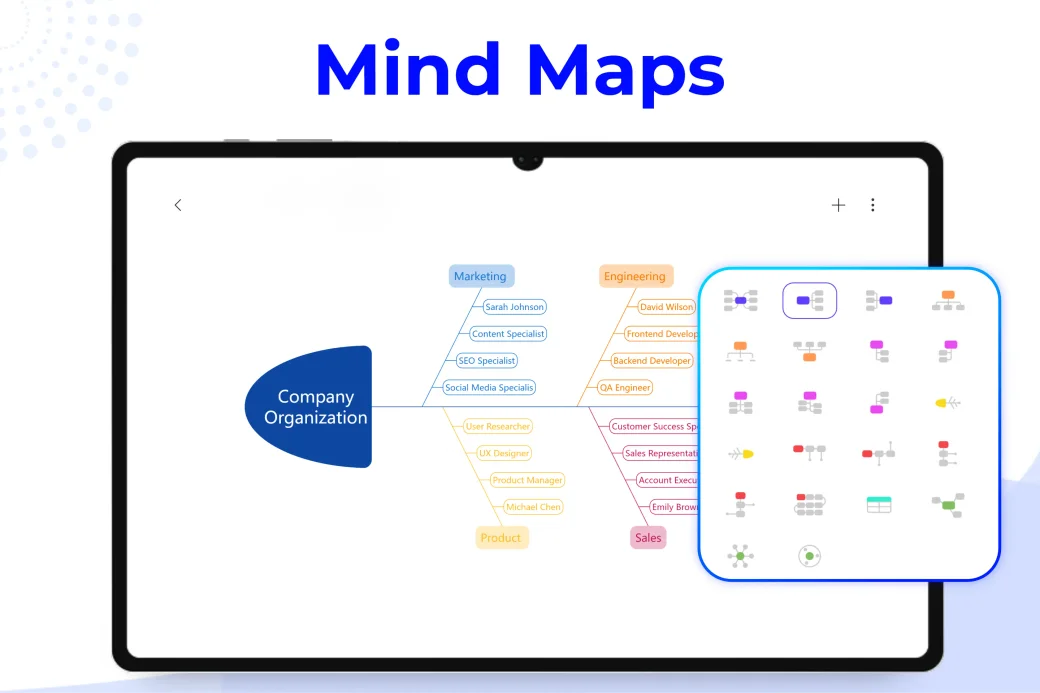
✨ Powerful Mind Mapping Tool
• Organize ideas and structure complex thoughts with visual mind maps.
• Insert summaries, callouts, node relationships, images, and hyperlinks.
• Convert mind map nodes into to‑do task lists to manage actionable items.
• Switch seamlessly between Mind Map View and Outline View.
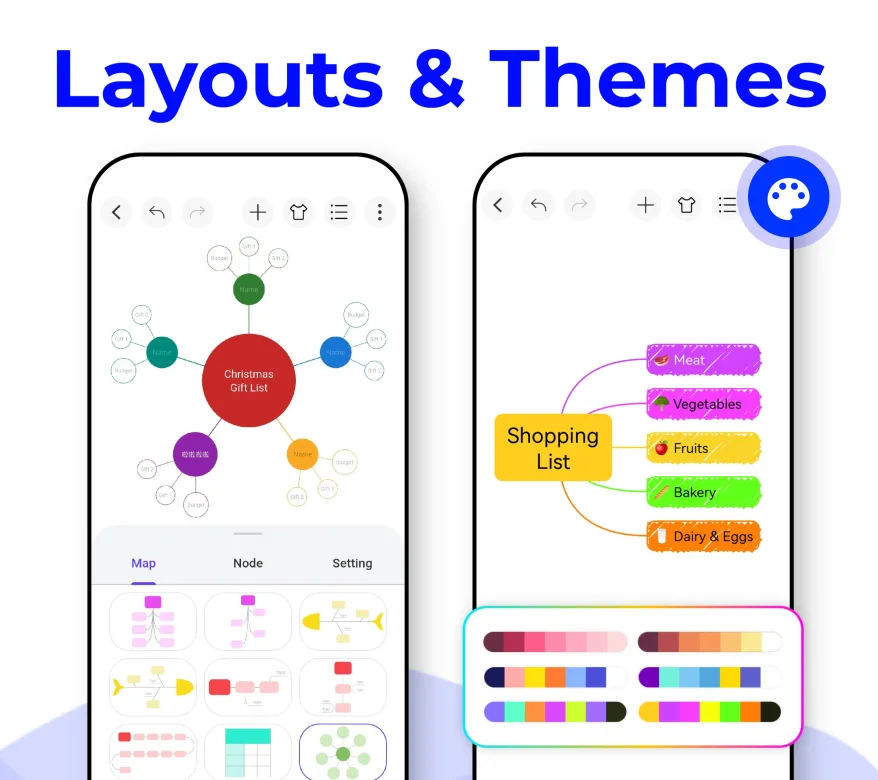
• Multiple mind map layouts: Balanced Mind Map, Single Side Map, Org Chart, Tree Diagram, Fishbone Diagram, Timeline, Radial Diagram, Free Form Layout.
• Rich themes & styling: Customize node shapes, fill colors, line styles, background colors.
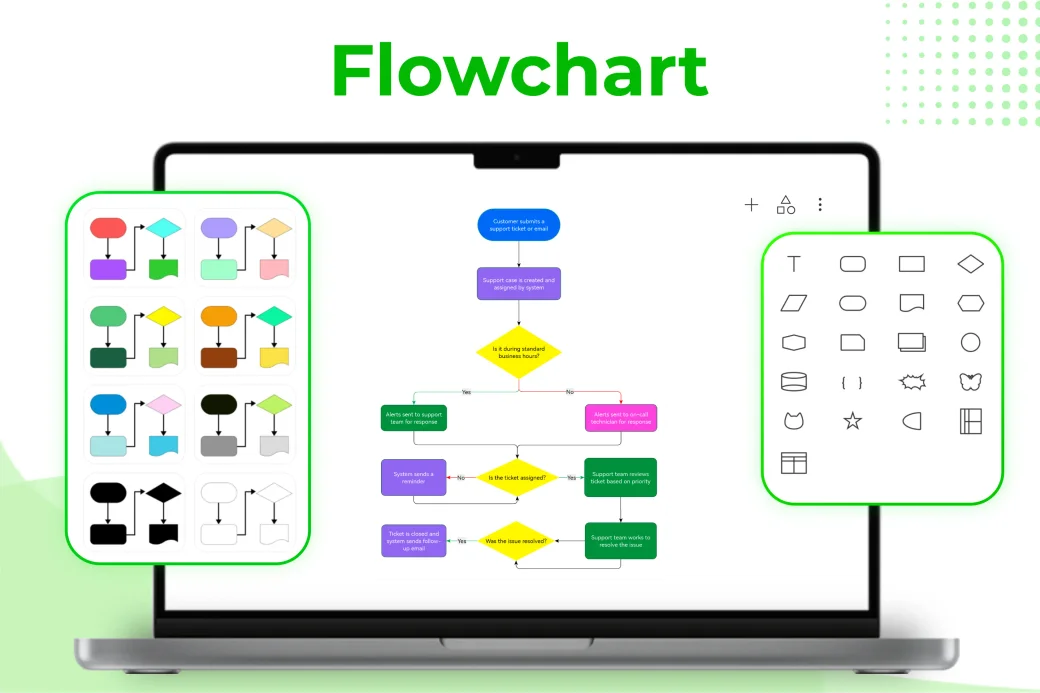
✨ Flexible Flowcharts & Diagrams
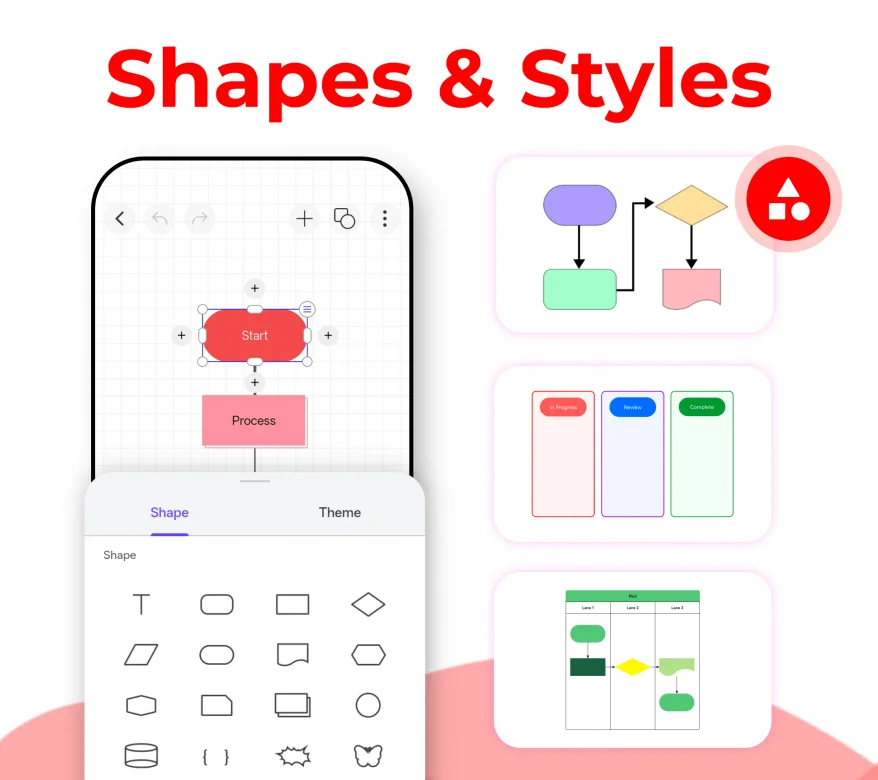
• Build clean flowcharts to show business processes and decision paths.
• Built‑in Swimlane Diagram support for cross‑functional workflow mapping.
• Diverse clip arts, colorful themes and flexible custom diagram options.
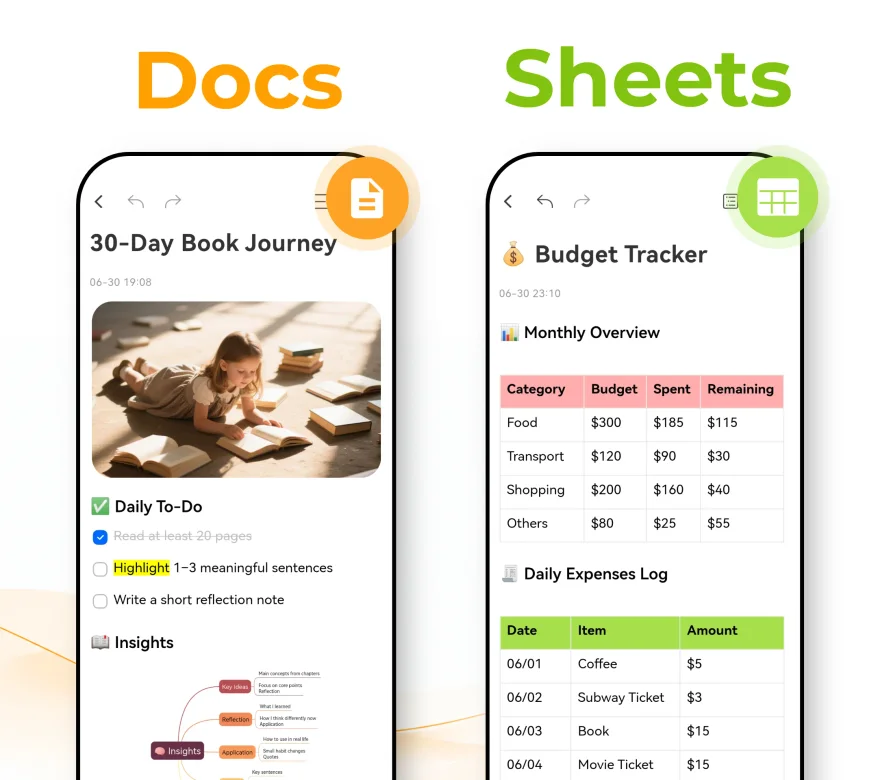
✨ Structured Documents
• Write structured notes, wiki pages and meeting docs with tables, lists and checkboxes.
• Export documents to PDF for simple sharing and presentation.
✨ Efficient Spreadsheets (Sheets)
• Create lightweight data sheets, add rows & columns, set headers, adjust alignment and cell styles.
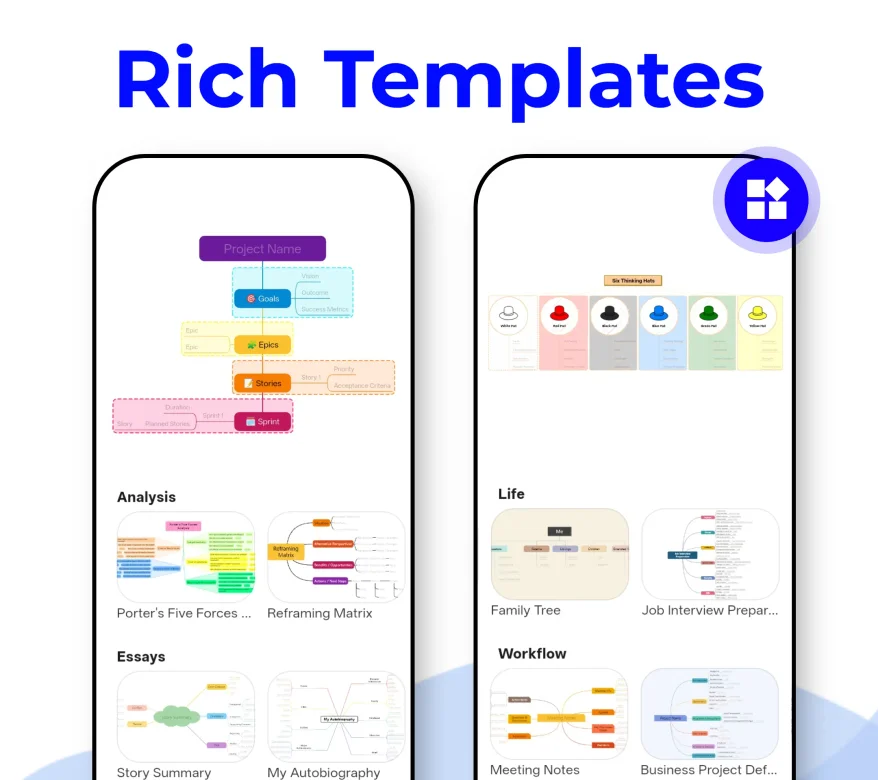
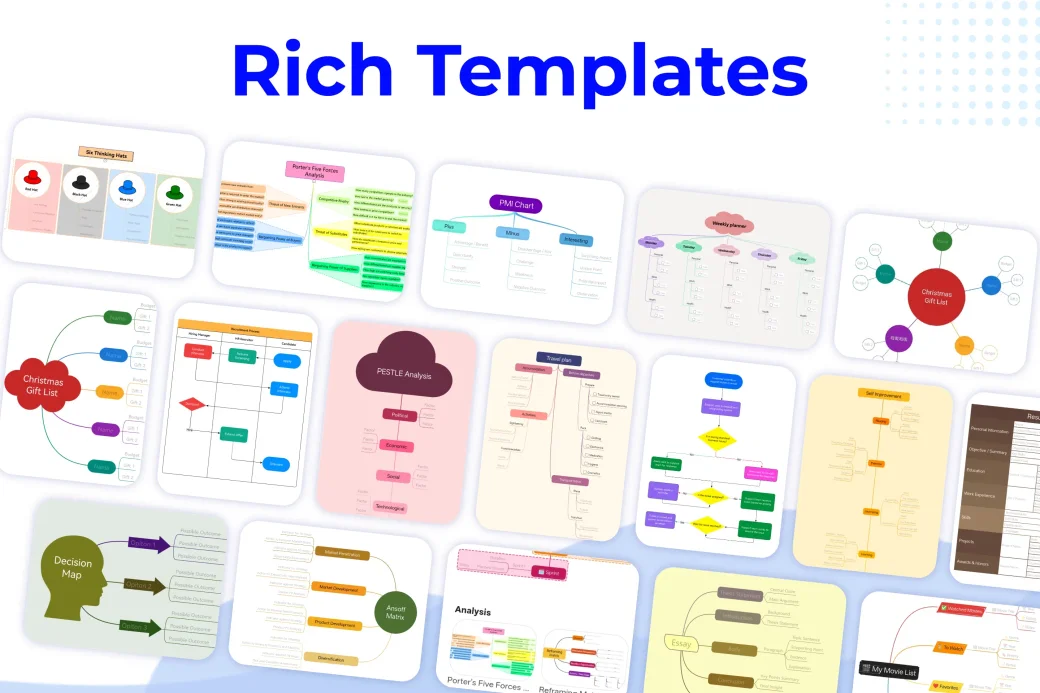
✨ Rich Templates & Themes
• Ready‑made templates for brainstorming, project planning, study notes and work management.
• Elegant dark mode and light mode to match your working environment.
✨ Easy Export & Sharing
• Export mind maps, flowcharts and docs to PNG, PDF, Markdown and OPML for sharing or backup.
💖 Enjoy using Fmind (Key Mind)! If Fmind helps your work and study, please leave a rating and share it with friends!
Data safety
What Beauty Apps Studio declares on Google Play about the data this app collects and shares.
- No data shared with third partiesLearn more about how developers declare sharing
- This app may collect these data typesCalendar, App activity and 2 others
- Data is encrypted in transit
What’s new
Version 2.7.0 · Nov 17, 2026
1. Optimize the speed of opening cloud files
2. Optimize the flowchart: node size, quick key, etc
3. Other optimizations
Developer contact
- Emailbeautyappsstudio@gmail.com
- Privacy policyctool.oss-cn-shenzhen.aliyuncs.com
- Address环市东路333号大院16号1204房 越秀区, 广州市, 广东省 China 510188
Information
- Offered by
- Beauty Apps Studio
- Category
- Productivity
- Version
- 2.7.0
- Updated
- Nov 17, 2026
- Released
- May 15, 2026
- Requires
- Android 7.0 or later
- Age rating
- Everyone
- Price
- Free
- In-app purchases
- $6.99 - $79.99 per item
- Package name
- mindmap.keymind.flowchart