FW102 Digital Watch Face
Fenivan Watch Faces- EveryoneAge rating
- PersonalizationCategory
- Oct 20, 2026Updated
- FreePrice
Links to the official Google Play listing of com.fenivan.fw102. Last checked on Nov 25, 2026.
Screenshots


About this app
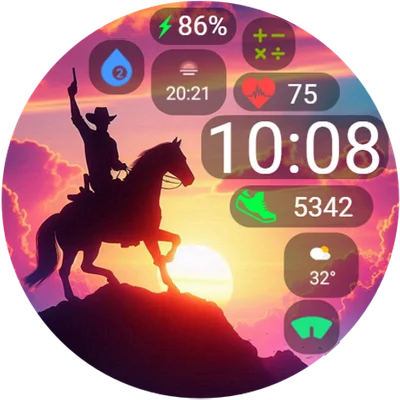
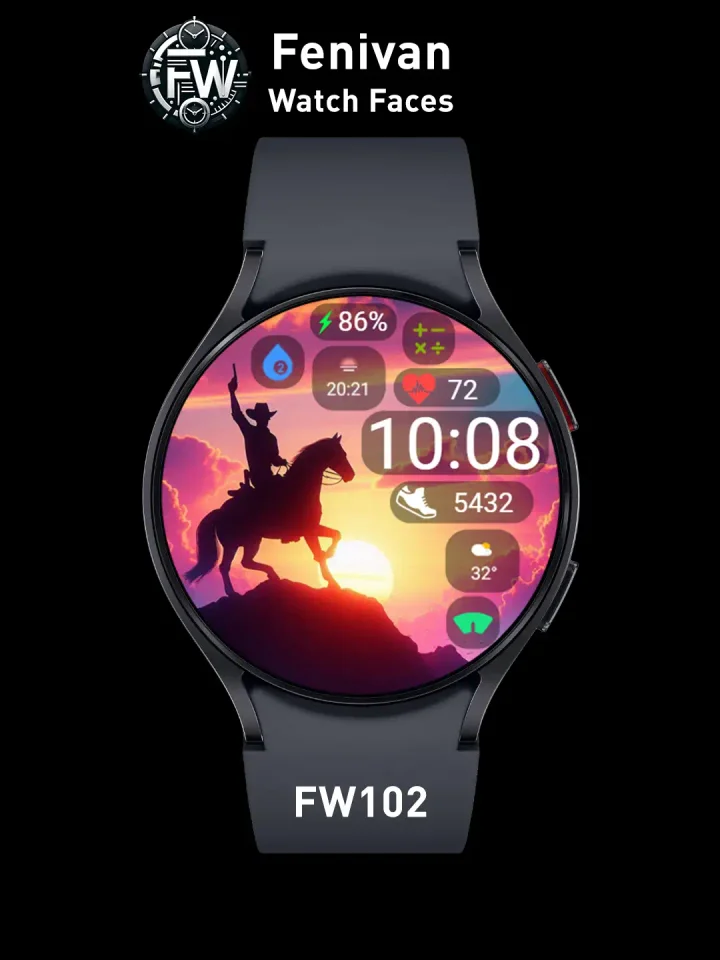
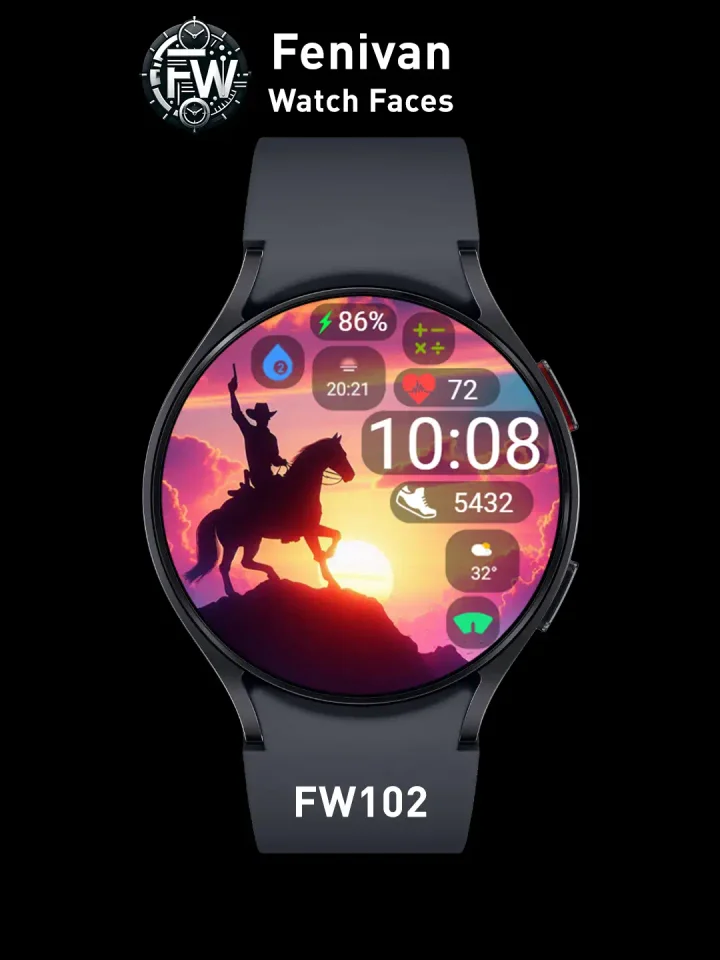
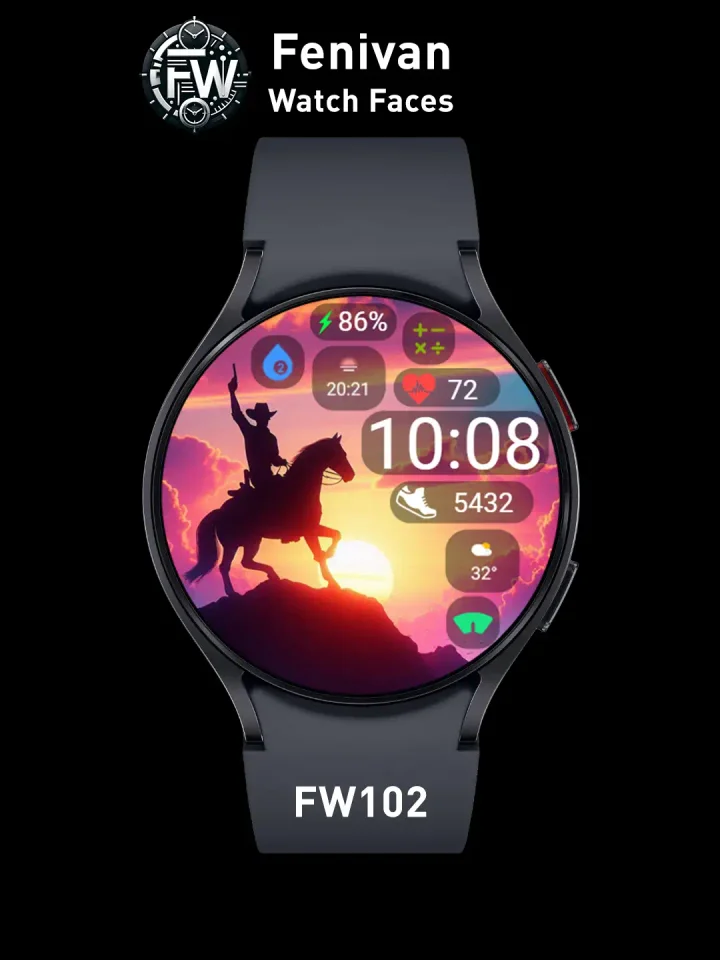
Colorful digital watch face
This app is for Wear OS.
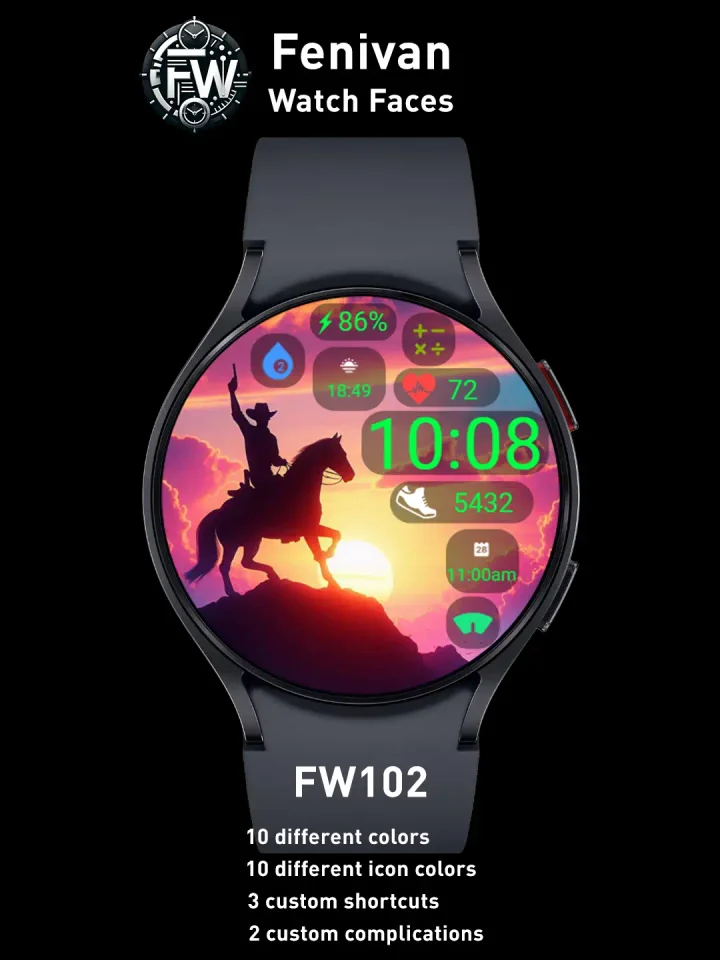
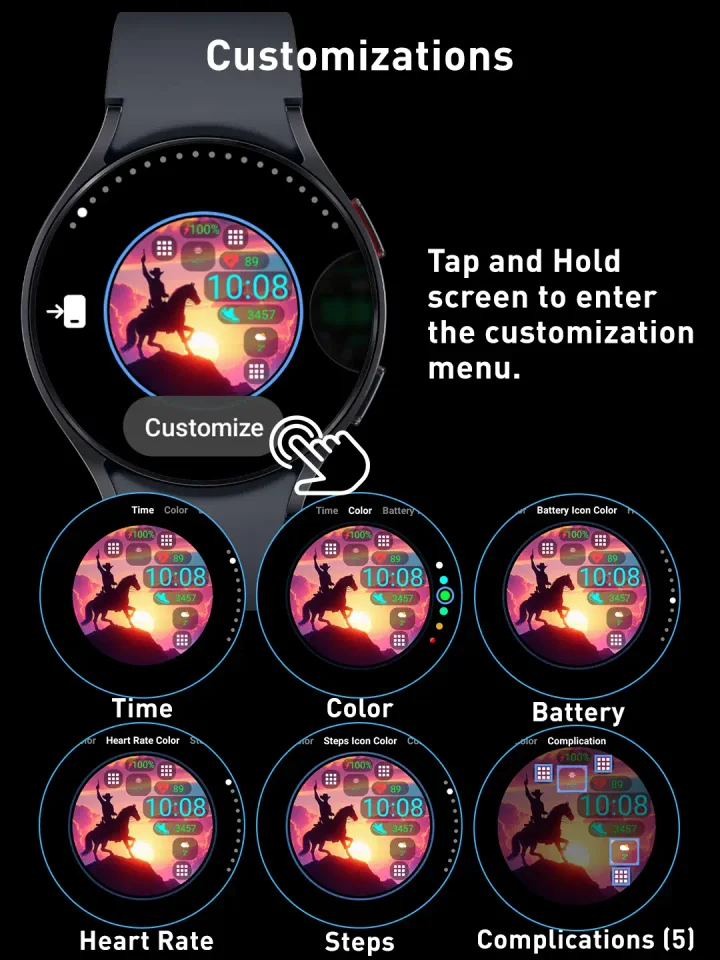
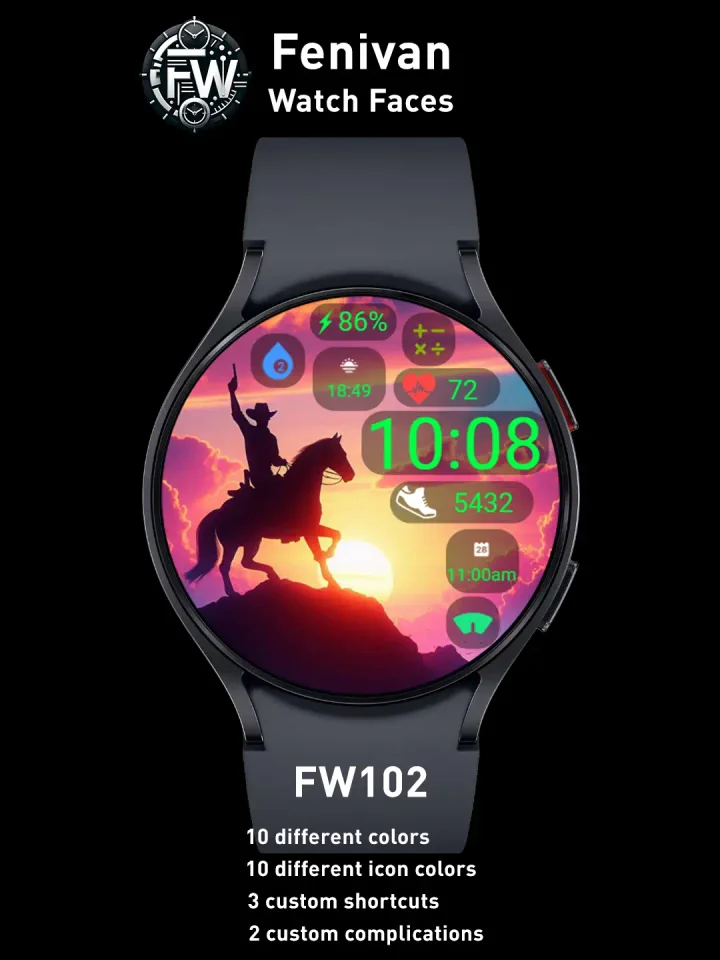
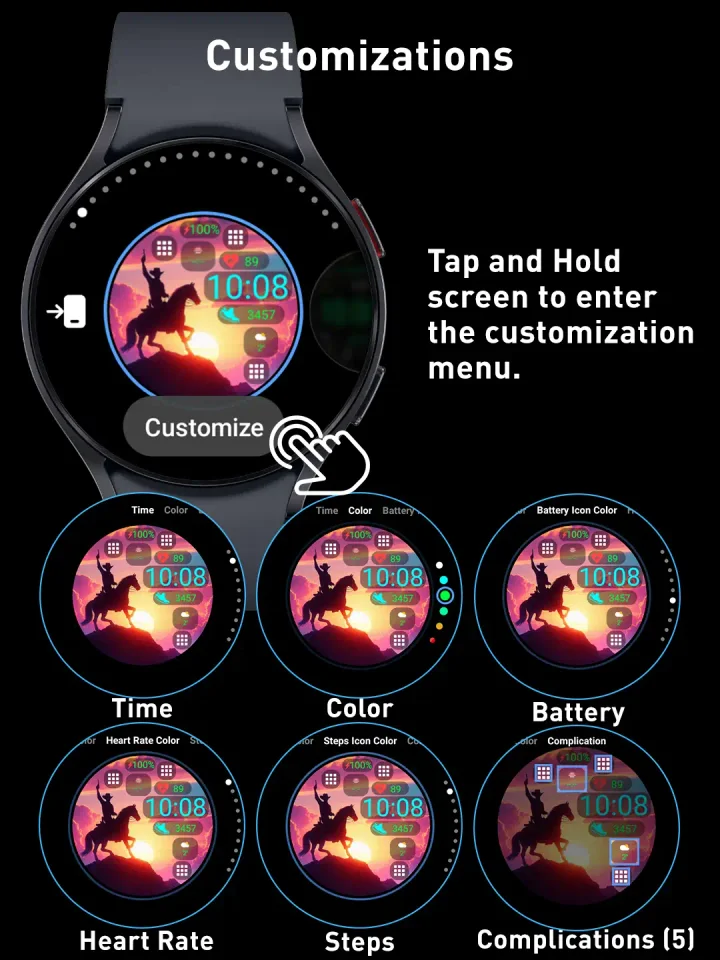
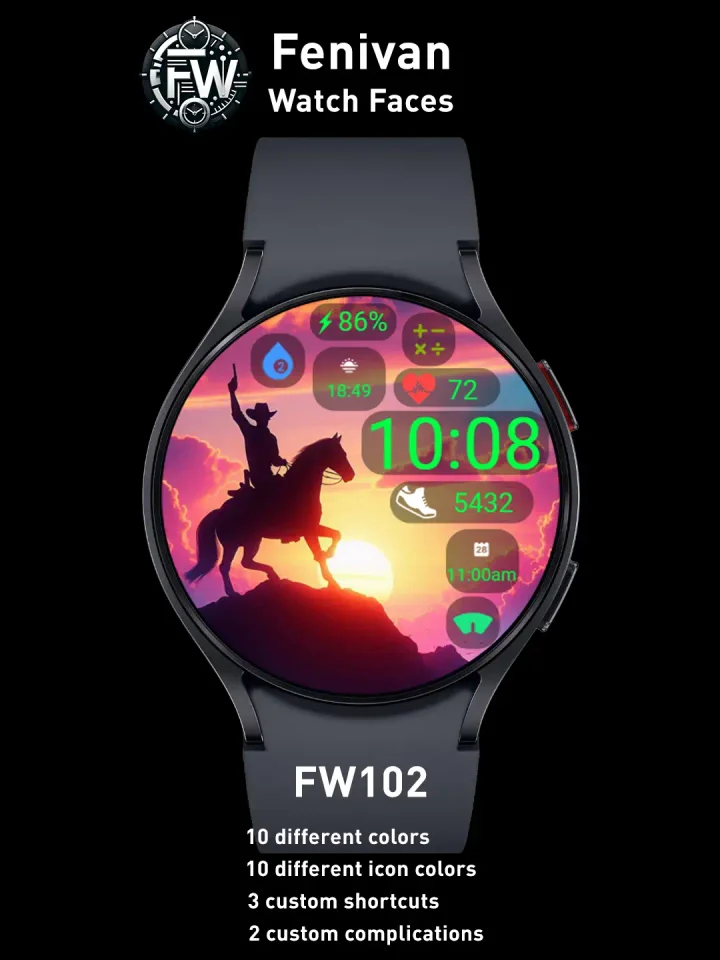
FW102 offers 3 customizable shortcuts and 2 customizable complications, allowing you to display your preferred data such as weather, sunrise/sunset, UV index, barometer, chance of rain, and much more.
FW102 features:
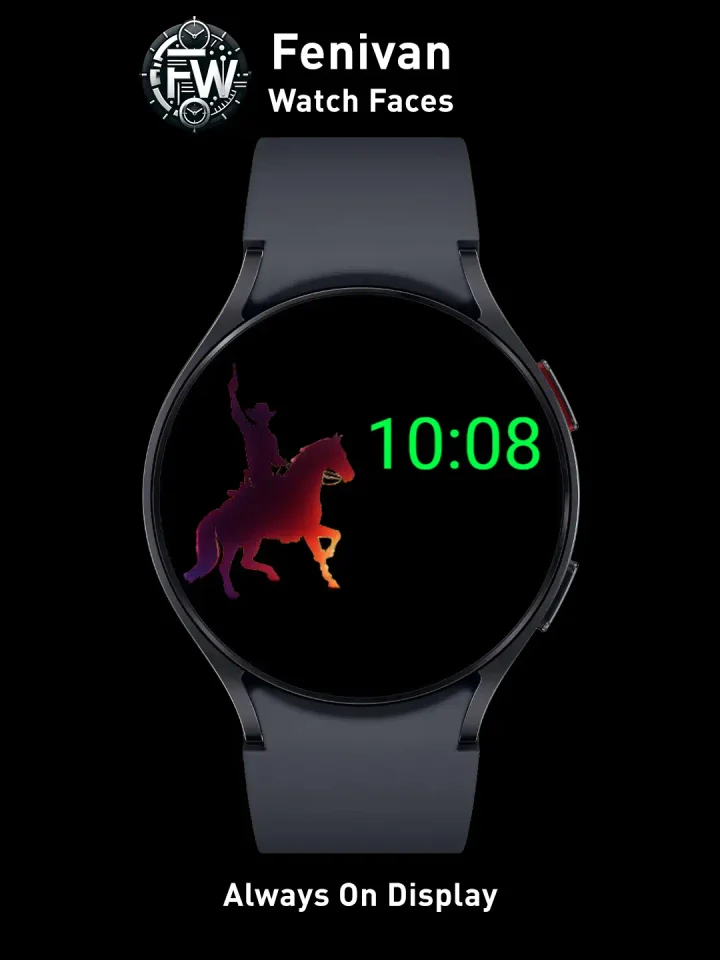
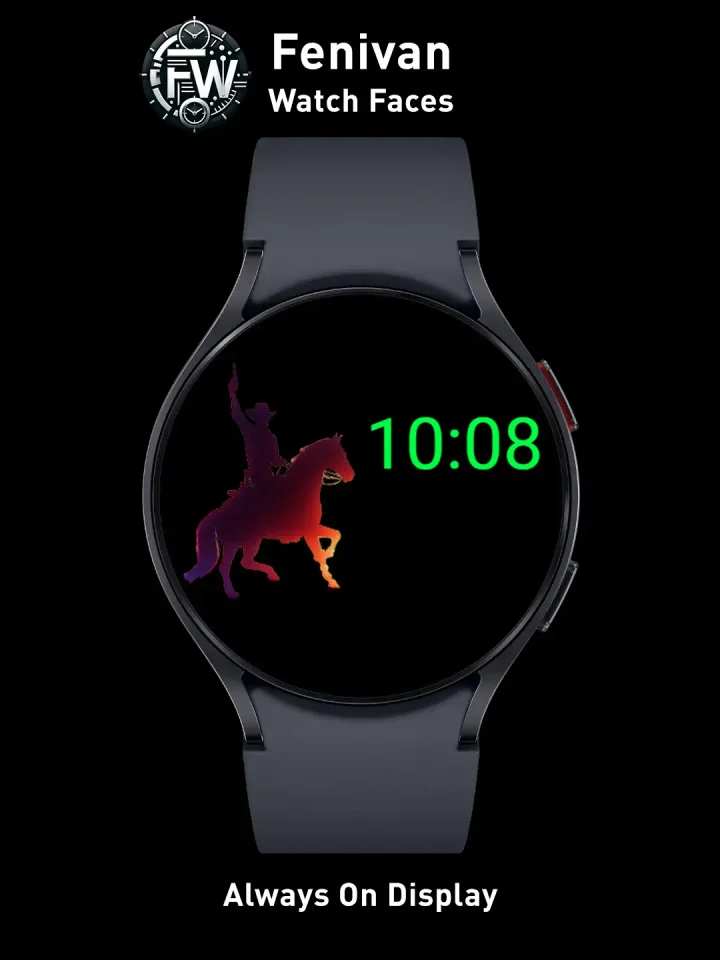
Digital time, AOD,
Heart rate,
Steps,
Battery,
3x Customizable shortcuts,
2x Customizable complication
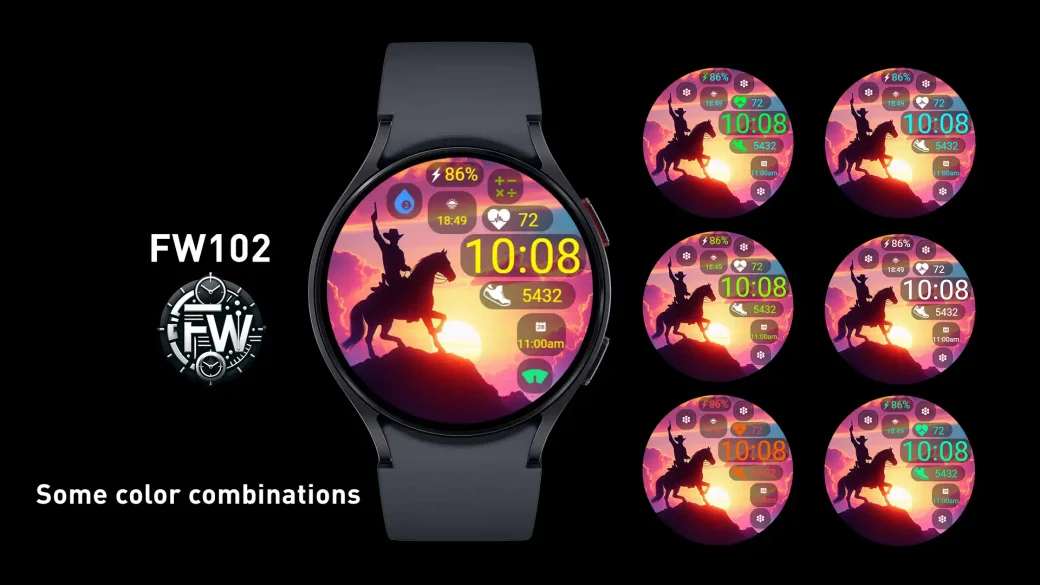
Color customizations:
Change icon color of Battery, Steps and Heart rate independently
Change color of Time (AOD included)
Change color of other complication values: 2x customizable complications, steps, heart rate and battery.
INSTALL INSTRUCTIONS:
Please adhere to the onscreen prompts provided by the companion phone application.
Click the "Install" button and patiently await the app to appear on your watch; subsequently, tap "Install" on the watch.
If the watch face prompts for payment again, there's no need to worry, as it is not synchronized and won't result in a double charge.
Alternatively, you can use other installation methods: locate the watch face through your browser, then opt to install it on your preferred watch from the dropdown menu.
This watch face supports all Wear OS devices with API Level 30+ like Galaxy Watch 4, 5, 6, Pixel watch...
For support, problems, or suggestions, please email us at: fenivanwatchfaces@gmail.com.
Data safety
What Fenivan Watch Faces declares on Google Play about the data this app collects and shares.
- No data shared with third partiesLearn more about how developers declare sharing
- No data collectedLearn more about how developers declare collection
Developer contact
- Emailfenivanwatchfaces@gmail.com
- Privacy policyfenivanprivacypolicy.blogspot.com
- AddressMiloja Pavlovića 14 11010 Beograd Serbia
Information
- Offered by
- Fenivan Watch Faces
- Category
- Personalization
- Updated
- Oct 20, 2026
- Released
- Jul 18, 2024
- Age rating
- Everyone
- Price
- Free
- Package name
- com.fenivan.fw102
Similar apps
-
 BFF4- Cute Deer watchface
Personalization
-
 Night ver 06 - watch face
Personalization
-
 ZKin WatchFace Elegant Weather
Personalization
-
 Digital Simple Weather NTV603
Personalization
-
 Ball Hoops Watchface
Personalization
-
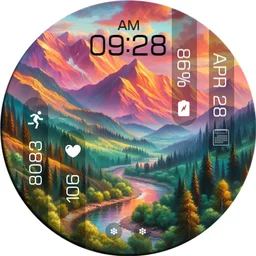 Key WF116 Sunset Summer
Personalization
-
 Planet Punk RHS 54 WR
Personalization
-
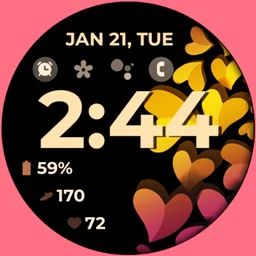 Hearts Day 2
Personalization
-
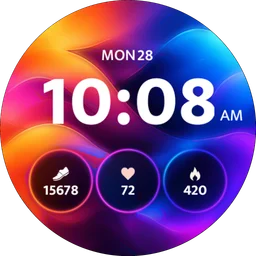 Spectrum Swell Watch Face
Personalization
-
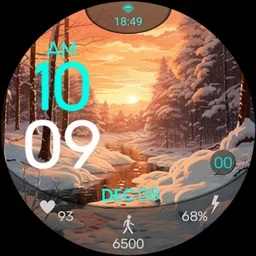 ART013 Winter Sunset
Personalization
-
 Horse WF Premium by HuskyDEV
Personalization
-
 Horse WF by HuskyDEV
Personalization