Gallery Vault: Calculator Lock
Prometheus Interactive LLCContains ads · In-app purchases
- EveryoneAge rating
- ToolsCategory
- May 10, 2026Updated
- FreePrice
Links to the official Google Play listing of com.techinfortainment.calculator.lock.photo.video. Last checked on Nov 24, 2026.

Screenshots







About this app
Hide personal photos & videos in a private calculator vault, secure & safe
What is Gallery Vault Calculator Lock?
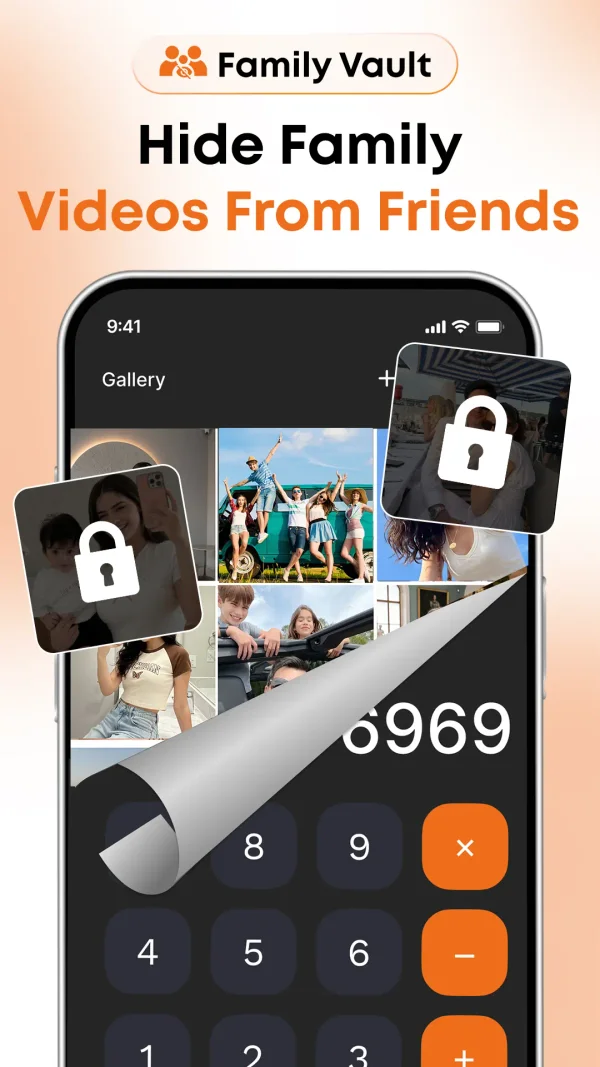
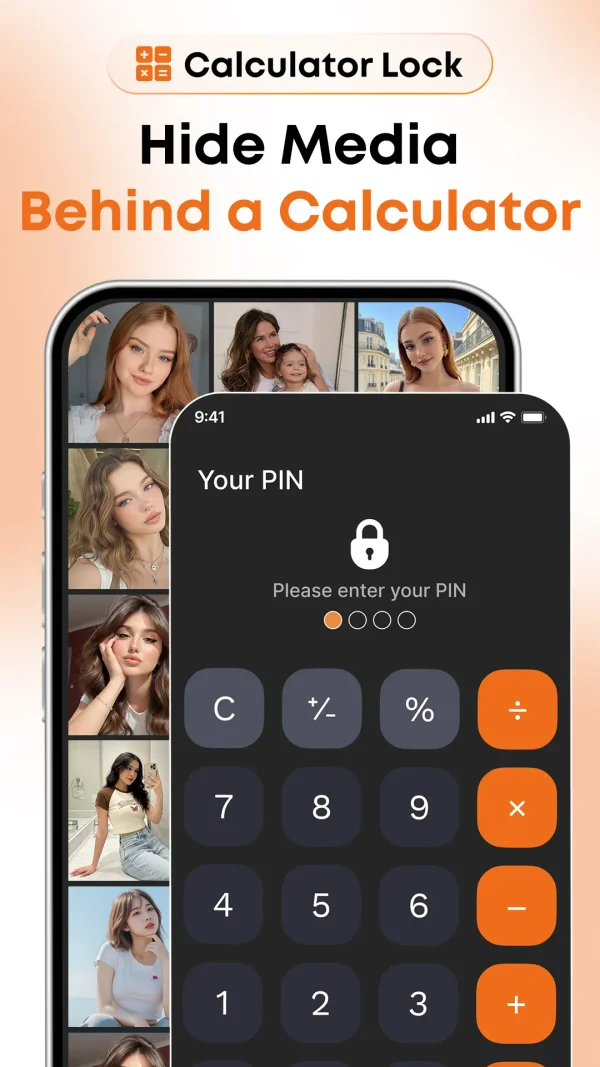
A calculator vault for Android that hides selected photos, videos, and audio behind a working calculator. Set a PIN or password to open your private media area, then choose the files you want to hide.
Use the calculator interface for everyday calculations and enter your secret code when you want to access your hidden media.
Who is Gallery Vault Calculator Lock for?
This photo vault is for people who want to keep personal media out of casual view when someone else uses their phone. It can be useful when you hand your device to a friend, show someone a picture, or want a separate place for private memories.
Choose family photos, personal video clips, or private audio notes. Select the media that matters to you and access it through the calculator interface when you need it.
What does Gallery Vault Calculator Lock do?
• Hide photos: Select personal images from your device and view them inside the app.
• Hide videos: Keep chosen clips in the vault and watch them without leaving the app.
• Store private audio: Add audio files and listen to them from your hidden media area.
• Use a working calculator: The calculator interface also provides access to the vault through your secret code.
• Set your access code: Use a PIN or password to open hidden content.
• Update your settings: Change your PIN or password in the Settings menu.
The photo vault brings your selected images, clips, and audio together, with in-app viewing and playback for the media you have hidden.
How does Gallery Vault Calculator Lock work?
1. Open the app and set your PIN or password.
2. Use Select to Hide to choose photos, videos, or audio from your phone.
3. Follow the on-screen steps to hide your selected media.
4. Return to the calculator screen and enter your secret code to access the vault.
5. Open the hidden media area to view pictures, watch videos, or listen to audio. Use Settings whenever you want to change your access code.
Compatibility and requirements
This app is for Android and contains ads and in-app purchases. For help with setup or using the vault, contact support.gallerylockvault@useprometheus.app.
Gallery Vault Calculator Lock gives you a calculator interface and a private place to access the photos, videos, and audio you choose to hide.
Data safety
What Prometheus Interactive LLC declares on Google Play about the data this app collects and shares.
- This app may share these data types with third partiesDevice or other IDs
- No data collectedLearn more about how developers declare collection
- Data is encrypted in transit
- Data can’t be deleted
What’s new
Version 3.1.0 · May 10, 2026
♦Calculator Lock Gallery Vault 🔐📸
♦Lock Gallery in Secret Calculator 🎭🔐
♦Secure WhatsApp Media 📹🎴🗝️
♦Change App Icon and Title 🔆🎭
♦Hide files from any File Explorers 🔍📁
🆕📱 ✔️📁🚀 👑 🔧 👨💻📁 🔍📇 🗃️🎤📄😃
Developer contact
- Websiteuseprometheus.app
- Emailsupport.gallerylockvault@useprometheus.app
- Privacy policyuseprometheus.app
- Address8 The Grn Ste 4184 Dover, DE 19901-3618 United States
Information
- Offered by
- Prometheus Interactive LLC
- Category
- Tools
- Version
- 3.1.0
- Updated
- May 10, 2026
- Released
- May 22, 2024
- Requires
- Android 8.0 or later
- Age rating
- Everyone
- Price
- Free
- In-app purchases
- $0.99 - $99.99 per item
- Package name
- com.techinfortainment.calculator.lock.photo.video