Giant Eagle Scan Pay & Go
Giant EagleContains ads
- EveryoneAge rating
- LifestyleCategory
- Oct 10, 2022Updated
- FreePrice
Links to the official Google Play listing of com.gianteagle.apps.mobileshopper. Last checked on Nov 24, 2026.
Screenshots

About this app
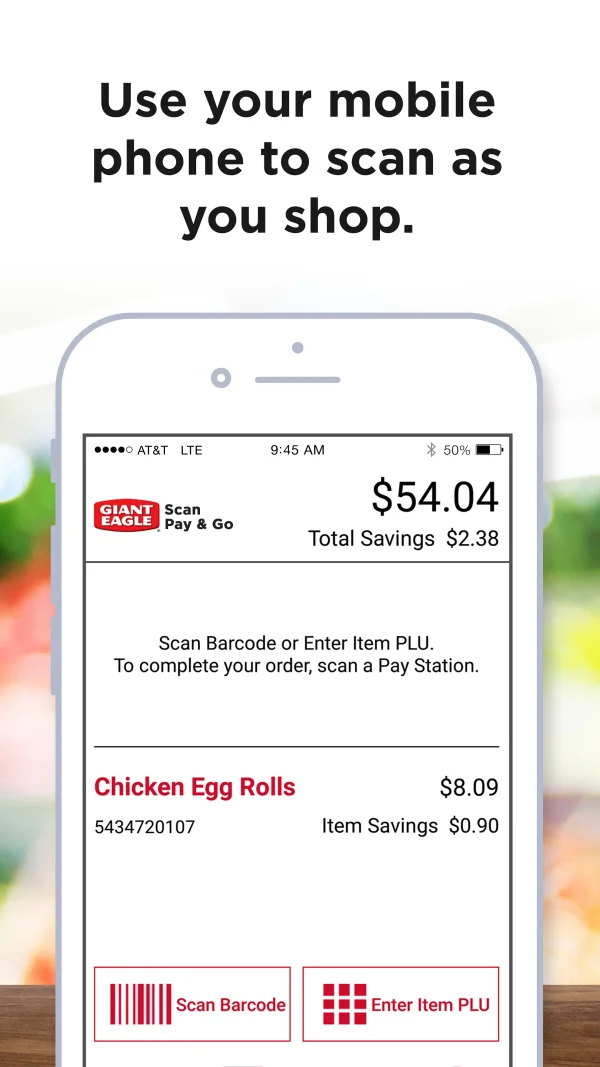
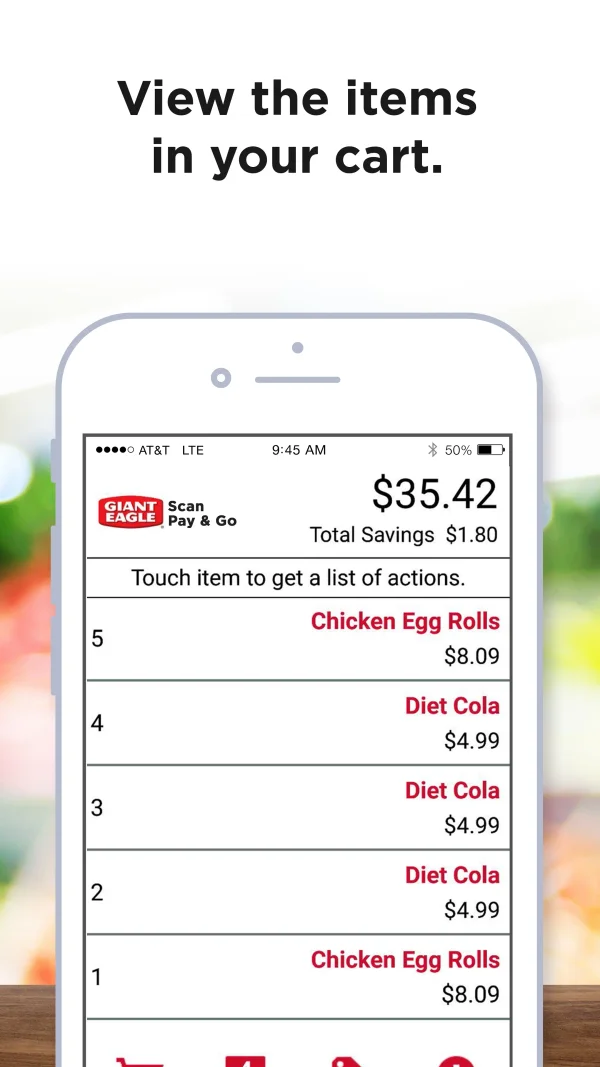
Use your mobile phone to scan as you shop with Scan Pay & Go from Giant Eagle.
Use your mobile phone to scan as you shop with Scan Pay & Go from Giant Eagle.
Currently available at the Waterworks Market District
Download the app
1. Connect to the Giant-Eagle-Guest Wi-Fi network in a participating store.
2. Scan your Advantage Card. We require permission to use the camera on your phone to scan your purchases as you shop.
3. Scan the barcode on each item as you place it in your cart or enter the PLU code on weighed items.
4. If you have weighted items, use the Scale Station in Produce or Bulk Items or go to the checkout lane and weigh your items on the scale.
5. Scan the barcode on the Pay Station to transfer your mobile order and check out.
Data safety
What Giant Eagle declares on Google Play about the data this app collects and shares.
- No data shared with third partiesLearn more about how developers declare sharing
- This app may collect these data typesLocation, Personal info and 4 others
- Data is encrypted in transit
- You can request that data be deleted
Developer contact
- Websitegianteagle.com
- Emailc.services@gianteagle.com
- Privacy policygianteagle.com
- Address700 Cranberry Woods Dr Cranberry Township, PA 16066-5213 United States
Information
- Offered by
- Giant Eagle
- Category
- Lifestyle
- Version
- 1.7.0
- Updated
- Oct 10, 2022
- Released
- Mar 19, 2018
- Requires
- Android 4.4 or later
- Age rating
- Everyone
- Price
- Free
- Package name
- com.gianteagle.apps.mobileshopper