Glacium : Dive Watch Face
Time Canvas- EveryoneAge rating
- PersonalizationCategory
- Oct 5, 2026Updated
- $0.99Price
Links to the official Google Play listing of com.timecanvas.glacium. Last checked on Nov 14, 2026.
Screenshots


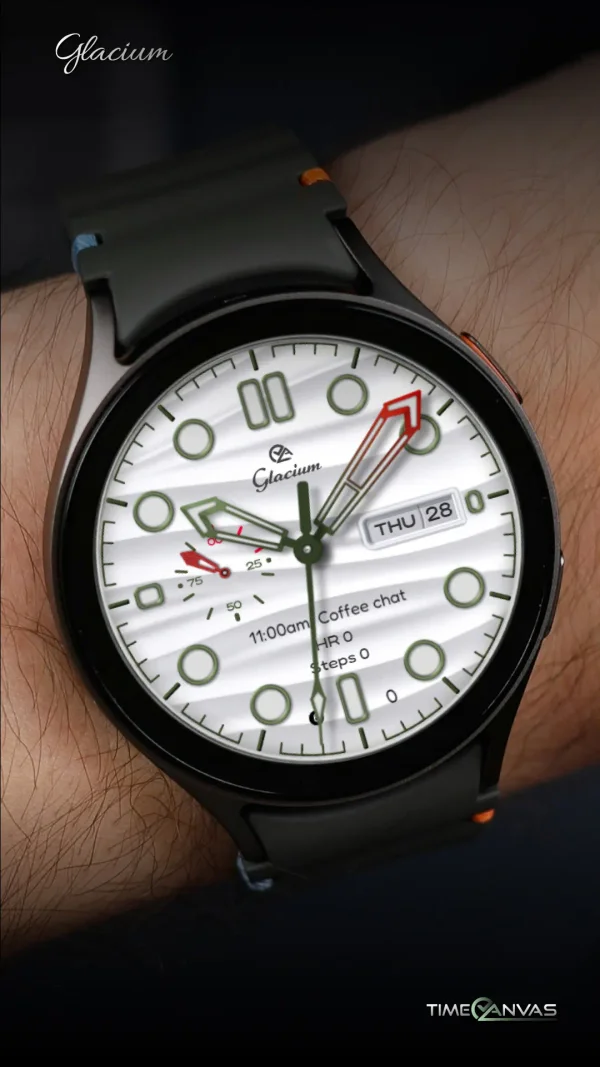
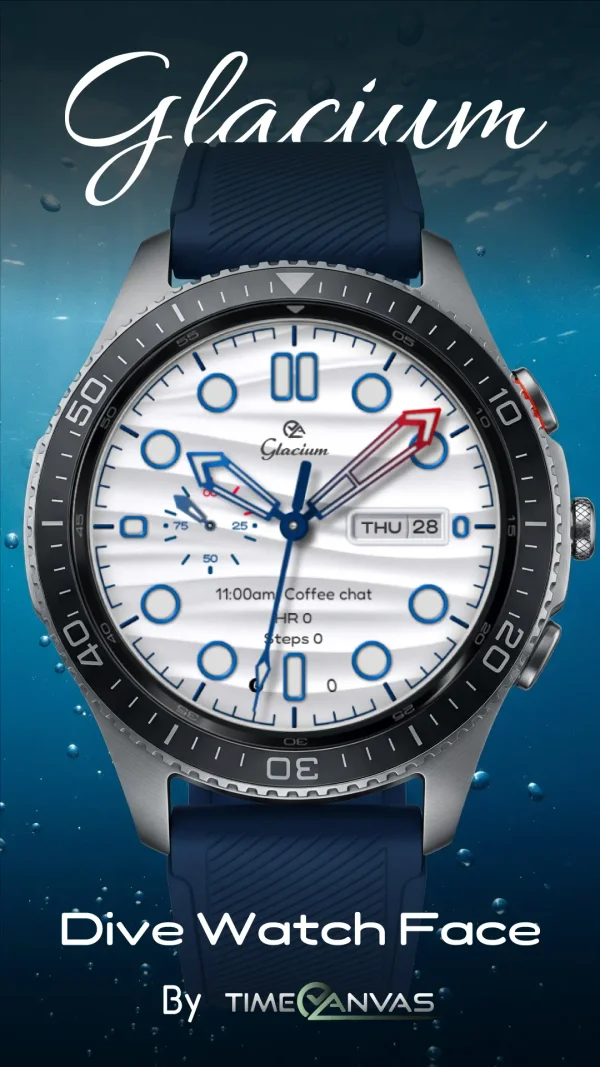


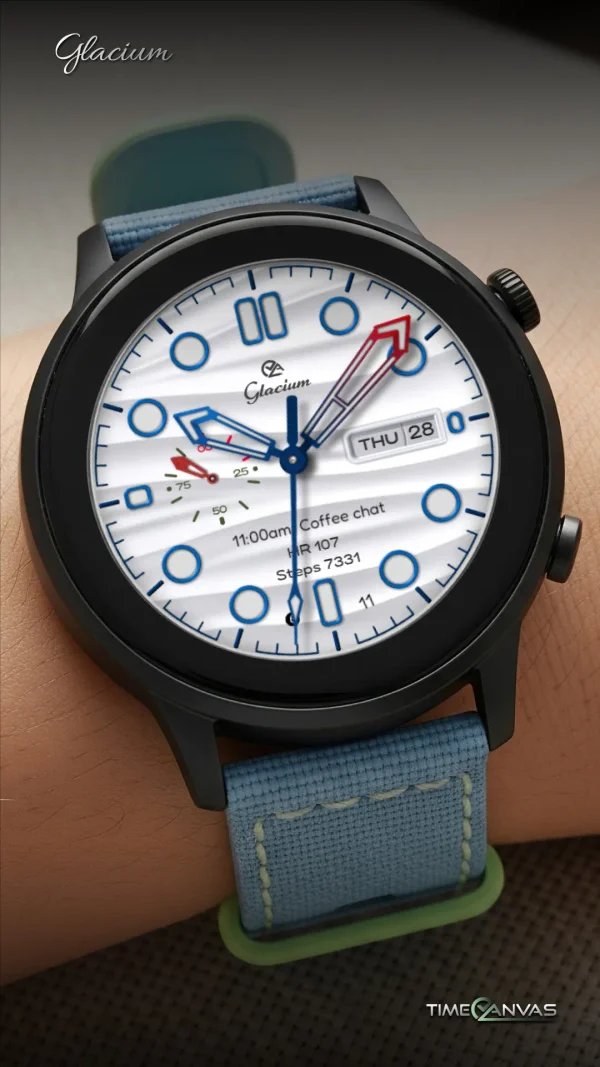
About this app
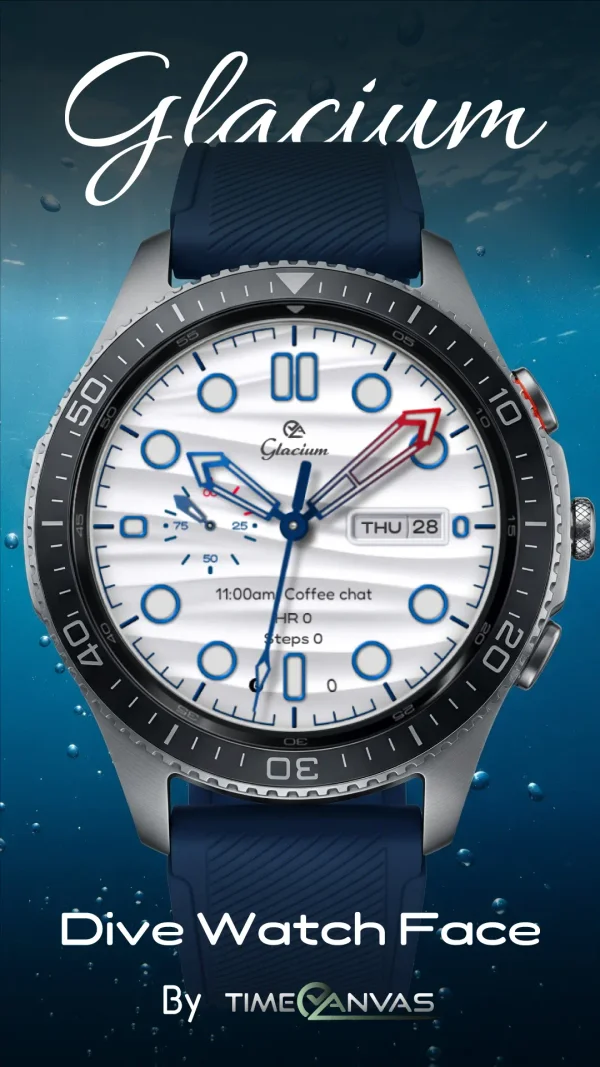
A Bright, Diver-Inspired Watch Face Packed with Style & Customization.
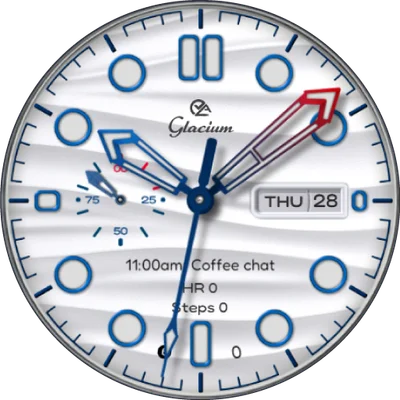
Experience the crisp elegance of Glacium, a bright and luminous diver-style watch face crafted for maximum clarity, premium style, and ultimate personalization. Glacium blends the aesthetics of luxury dive watches with the smart functionality of Wear OS.
FEATURE HIGHLIGHTS
⚡ Battery Status – Always-visible battery indicator to keep you powered.
📅 Day & Date Display – Classic, easy-to-read calendar format.
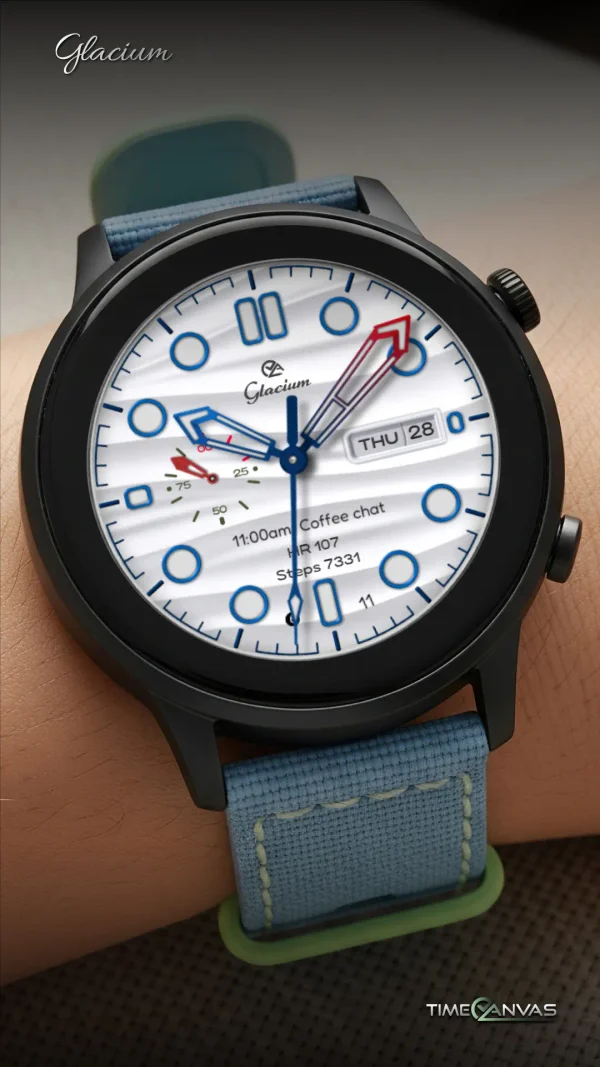
❤️ Heart Rate & Steps – Real-time fitness tracking in a clean, stylish layout.
🎨 Customizable Colors – Bright and refined themes to match your style.
⚙ 4x Custom Complication Slots – Place the info you use most at your fingertips.
🚀 4x Shortcuts – Quick access to your essential apps and tools.
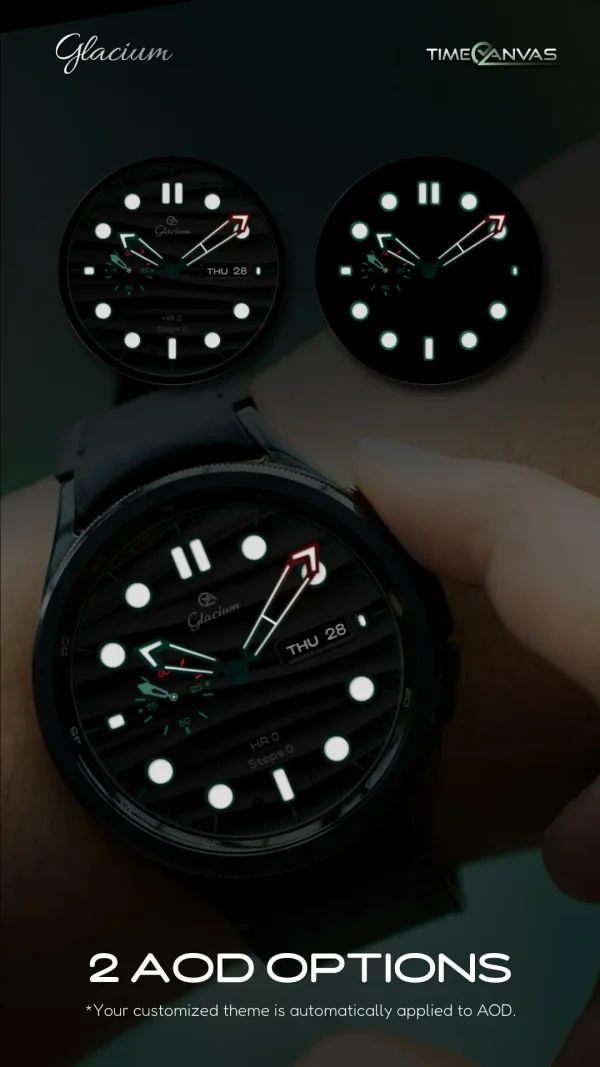
🖤 AOD Styles – Elegant Always-On Display options.
Compatibility:
This watch face is designed for Wear OS devices running on Wear OS API 34+, including the Samsung Galaxy Watch 4, 5, 6, 7 and 8 as well as other supported Samsung Wear OS watches, Pixel Watches, and other Wear OS-compatible models from various brands.
How to Customize:
To customize your watch face, touch and hold the screen, then tap Customize (or the settings/edit icon specific to your watch brand). Swipe left and right to browse customization options and swipe up and down to select styles from the available custom options.
How to Set Custom Complications and Shortcuts:
To set custom complications and shortcuts, touch and hold the screen, then tap Customize (or the settings/edit icon specific to your watch brand). Swipe left until you reach "Complications," then tap on the highlighted area for the complication or shortcut you want to set up.
Data safety
What Time Canvas declares on Google Play about the data this app collects and shares.
- No data shared with third partiesLearn more about how developers declare sharing
- No data collectedLearn more about how developers declare collection
What’s new
Oct 5, 2026
General performance and stability enhancements in companion app.
Developer contact
- Websitetimecanvaswatches.com
- Emailcontact@timecanvaswatches.com
- Privacy policytimecanvaswatches.com
- AddressPlot No.16, Khasra No. 1858, Para, Alamnagar Lucknow, Uttar Pradesh 226017 India
Information
- Offered by
- Time Canvas
- Category
- Personalization
- Updated
- Oct 5, 2026
- Released
- Aug 10, 2025
- Age rating
- Everyone
- Price
- $0.99
- Package name
- com.timecanvas.glacium