gnuplot
UserLAnd Technologies- EveryoneAge rating
- ToolsCategory
- Nov 17, 2026Updated
- $1.99Price
Links to the official Google Play listing of tech.ula.gnuplot. Last checked on Nov 22, 2026.
Screenshots
About this app
gnuplot - portable command-line driven 2D and 3D graphing utility
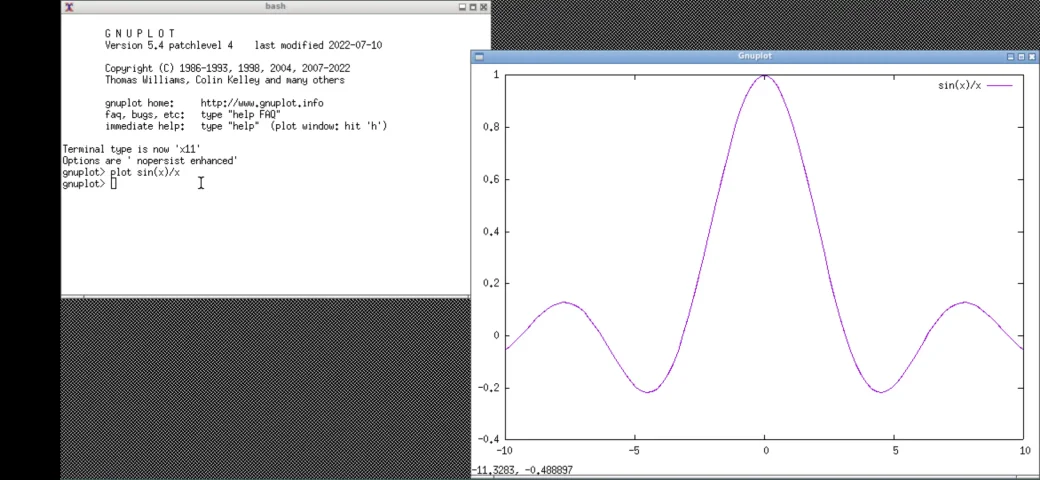
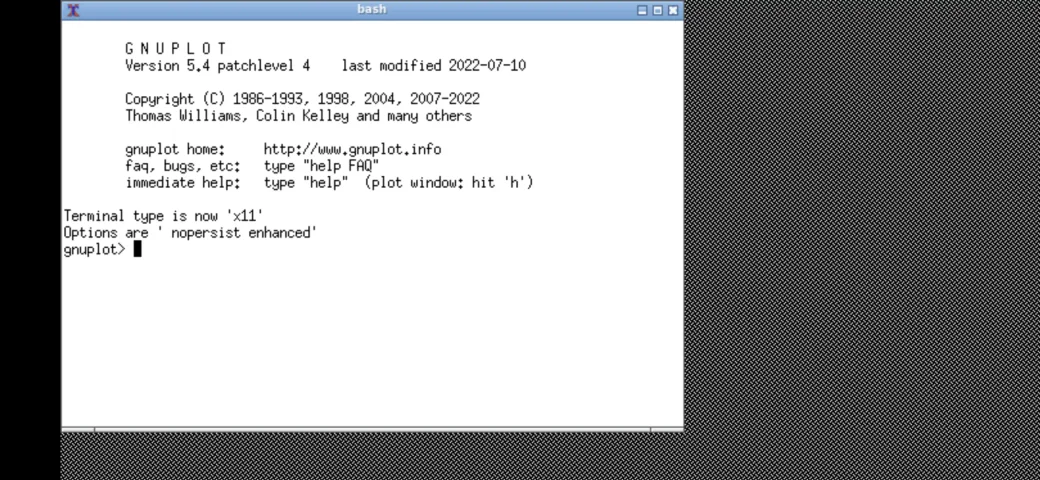
This is really gnuplot running on your device. It is full featured and professionally supported. This runs the Linux desktop edition of gnuplot.
About gnuplot:
gnuplot is a command-line and GUI program that can generate two- and three-dimensional plots of functions, data, and data fits.
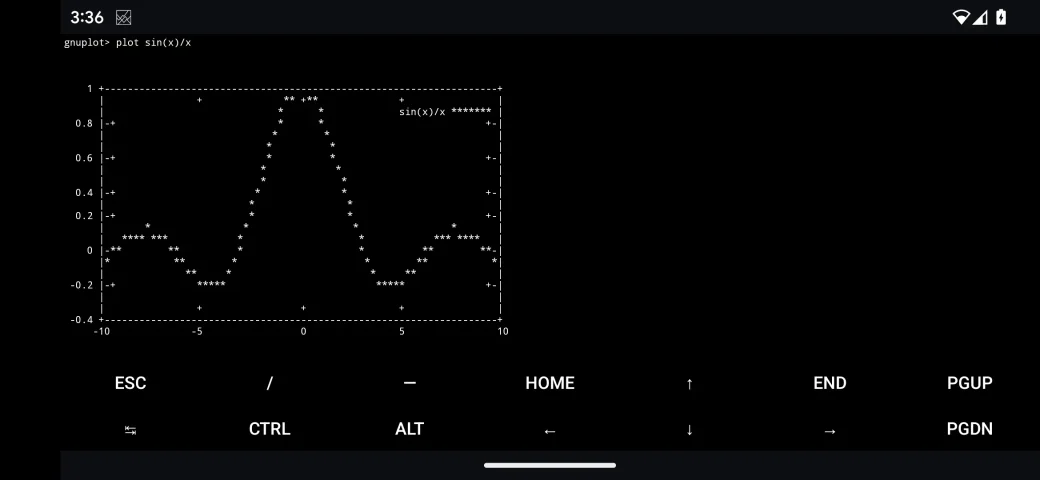
gnuplot can produce output directly on screen, or in many formats of graphics files, including Portable Network Graphics (PNG), Encapsulated PostScript (EPS), Scalable Vector Graphics (SVG), JPEG and many others. It is also capable of producing LaTeX code that can be included directly in LaTeX documents, making use of LaTeX's fonts and powerful formula notation abilities. The program can be used both interactively and in batch mode using scripts.
gnuplot can read data in multiple formats, including ability to read data on the fly generated by other programs (piping), create multiple plots on one image, do 2D, 3D, contour plots, parametric equations, supports various linear and non-linear coordinate systems, projections, geographic and time data reading and presentation, box plots of various forms, histograms, labels, and other custom elements on the plot, including shapes, text and images, that can be set manually, computed by script or automatically from input data.
gnuplot also provides scripting capabilities, looping, functions, text processing, variables, macros, arbitrary pre-processing of input data (usually across columns), as well ability to perform non-linear multi-dimensional multi-set weighted data fitting.
You can read more about it here: http://www.gnuplot.info/
How to use this gnuplot Android app:
When using the graphical interface, use gnuplot just like normal. But here are some specifics to the Android interface.
* Tap with one figure to left click.
* Move mouse by sliding around one finger.
* Pinch to zoom.
* Press and hold and then slide one finger to pan (useful when zoomed in).
* Slide two fingers up and down to scroll.
* If you want to bring up a keyboard, tap on the screen to get a set of icons to appear and then click the keyboard icon.
* If you want to do the equivalent to a right click, tap with two fingers.
* If you want to change the desktop scaling, find the service android notification and click the settings. You have to stop and restart the app after changing this settings for it to take effect.
This is all easier to do on a tablet and with a stylus, but it can be done on a phone or using your finger as well.
To access files from the rest of Android, there are many useful links in your home directory (/home/userland) to places like your Documents, Pictures, etc. No need to import or export files.
If you don't want to, or cannot pay the cost of this app, you can run gnuplot via the UserLAnd app.
This app is not created by the main gnuplot development team. Instead it is an adaptation that allows the Linux version to run on Android.
Data safety
What UserLAnd Technologies declares on Google Play about the data this app collects and shares.
- No data shared with third partiesLearn more about how developers declare sharing
- No data collectedLearn more about how developers declare collection
What’s new
Version 26.11.17 · Nov 17, 2026
Your app's Linux system is now built fresh from our new image pipeline, with up-to-date packages and a faster, more reliable download. Opening files in your phone's shared storage no longer fails the first time, and more programs run correctly. Already installed? Your existing setup is kept; reinstall to get the new system.
Developer contact
- Websiteuserland.tech
- Emailsupport@userland.tech
- Privacy policyuserland.tech
- Address10258 SW 67th Ave Portland, OR 97223 United States
Information
- Offered by
- UserLAnd Technologies
- Category
- Tools
- Version
- 26.11.17
- Updated
- Nov 17, 2026
- Released
- Aug 24, 2023
- Requires
- Android 7.0 or later
- Age rating
- Everyone
- Price
- $1.99
- Package name
- tech.ula.gnuplot