Google Photos
Google LLC- EveryoneAge rating
- PhotographyCategory
- Nov 20, 2026Updated
- FreePrice
Links to the official Google Play listing of com.google.android.apps.photos. Last checked on Nov 21, 2026.
Screenshots
About this app
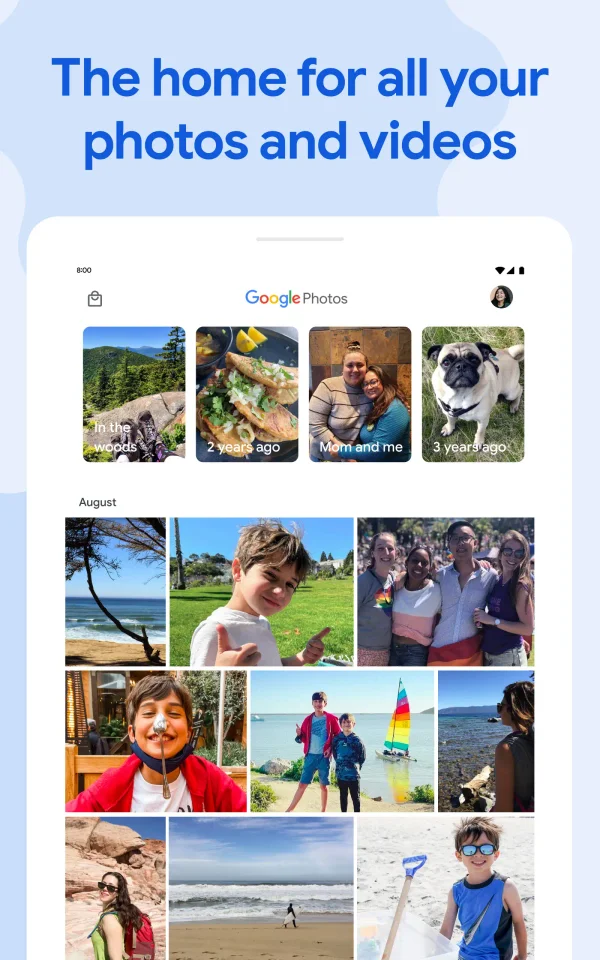
The home for your memories. Relive, share and organise your photos.
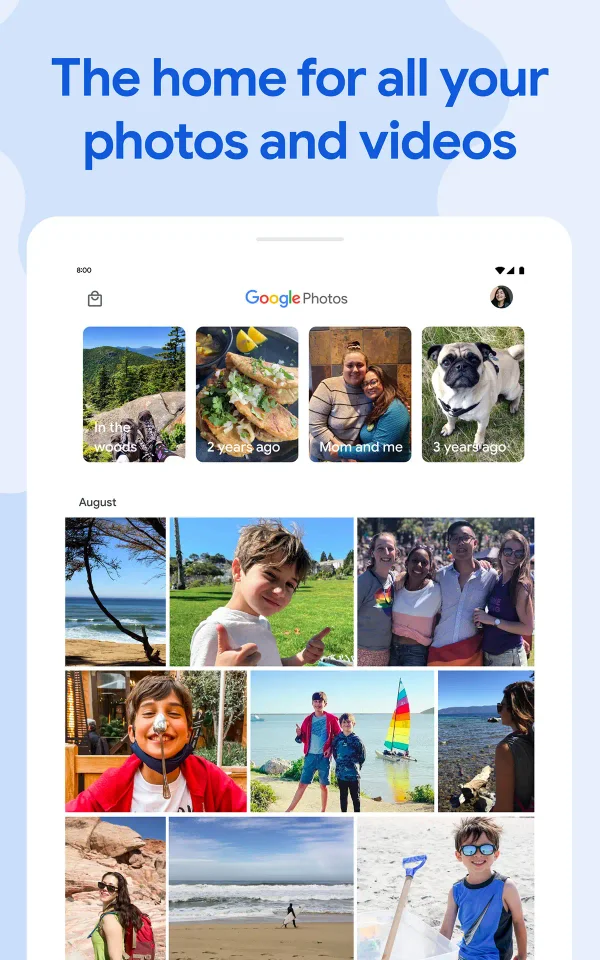
Google Photos is the home for all your photos and videos. Easily store, edit, organise and search your memories with the help of Google AI.
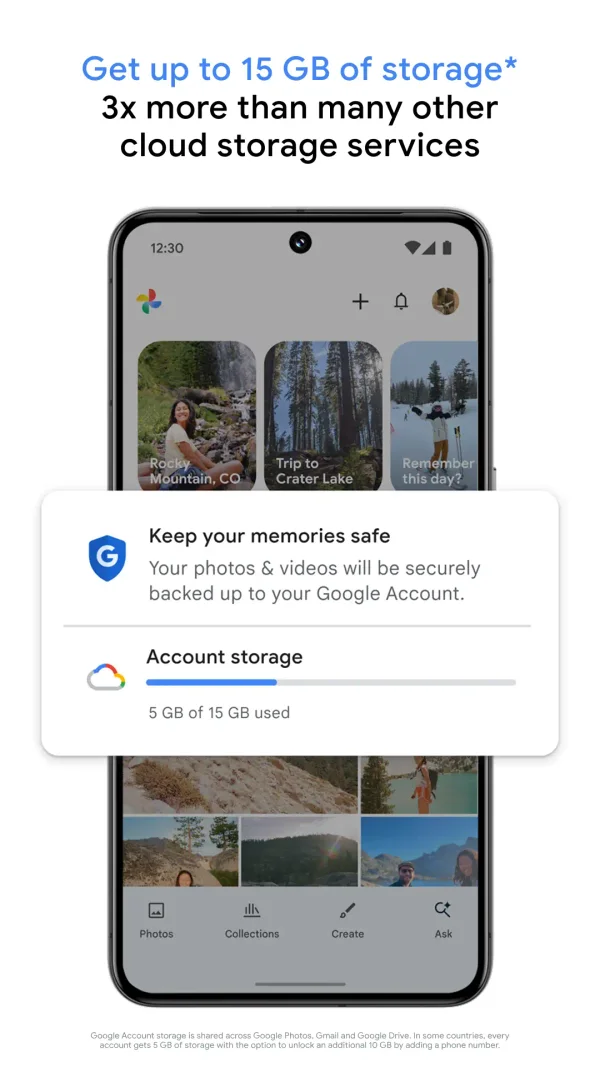
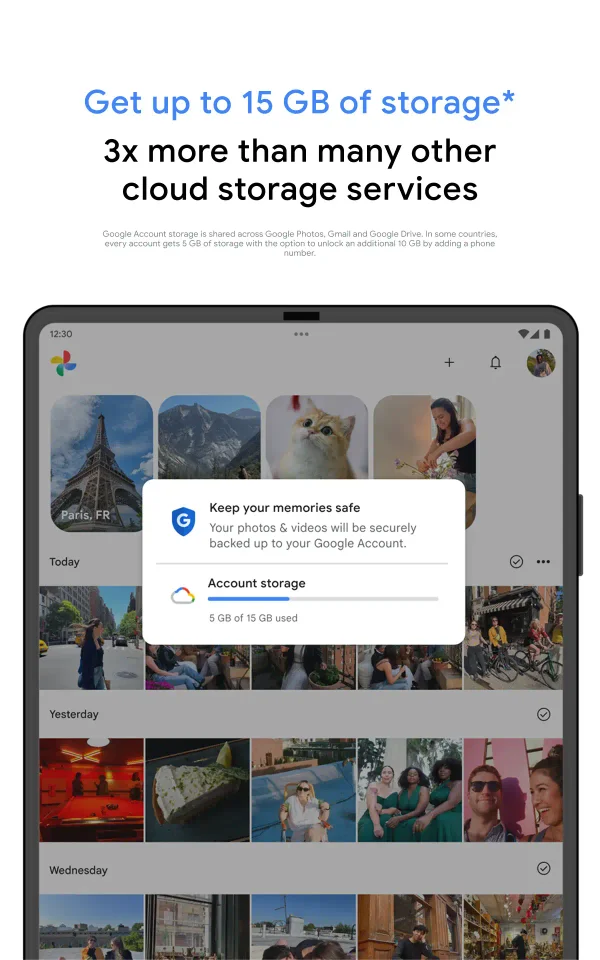
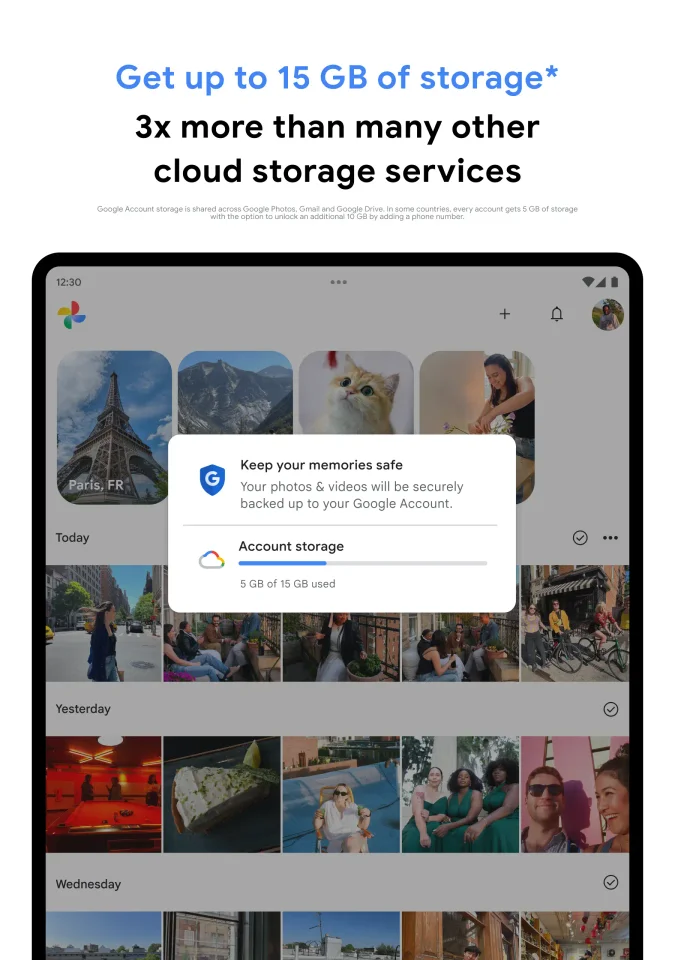
• 15 GB OF CLOUD STORAGE: Every Google Account gets up to 15 GB of storage*, three times more than many other cloud storage services. This means you can back up your memories and keep them safe automatically on all of your devices.
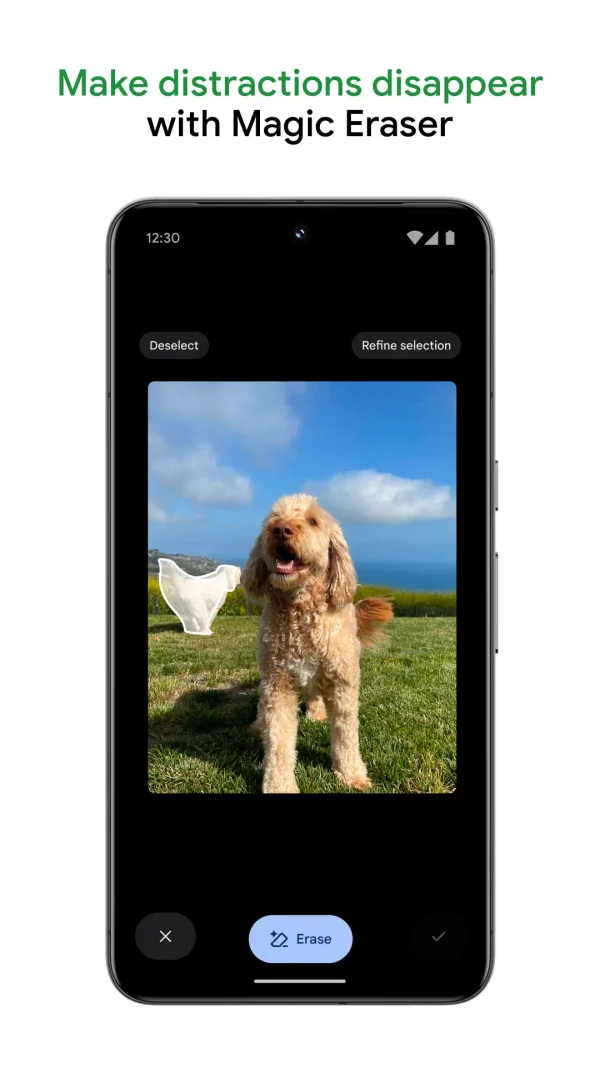
• AI-POWERED EDITING TOOLS: Make complex edits in just a few taps. Remove unwanted distractions with Magic Eraser. Improve out-of-focus, blurry photos with Unblur. Enhance lighting and brightness with Portrait Light.
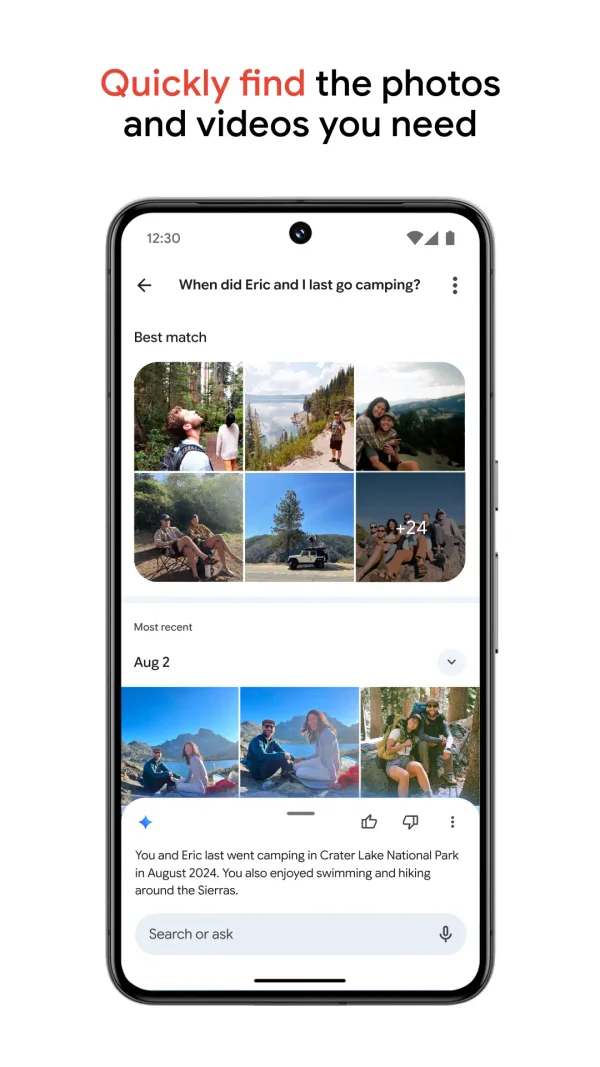
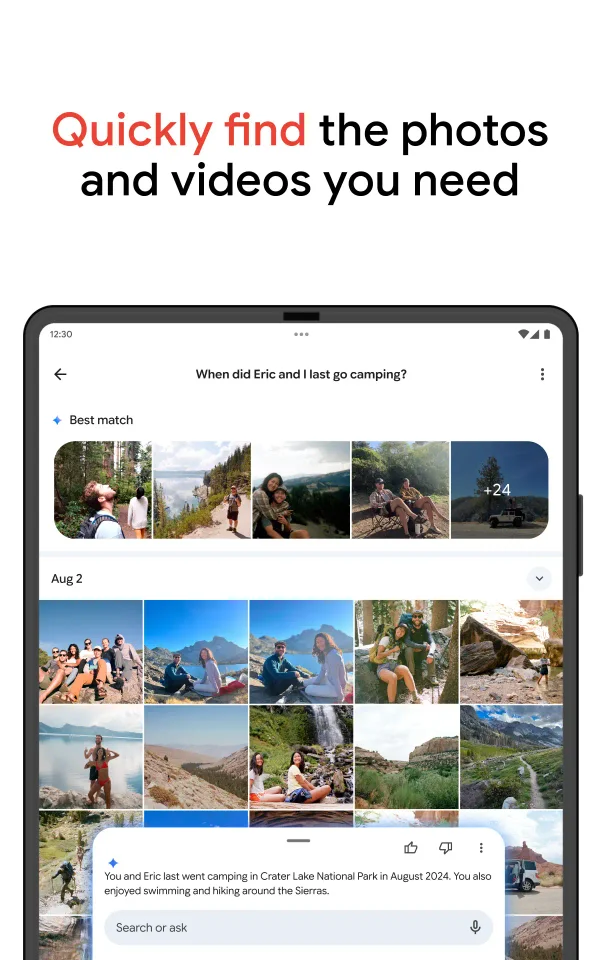
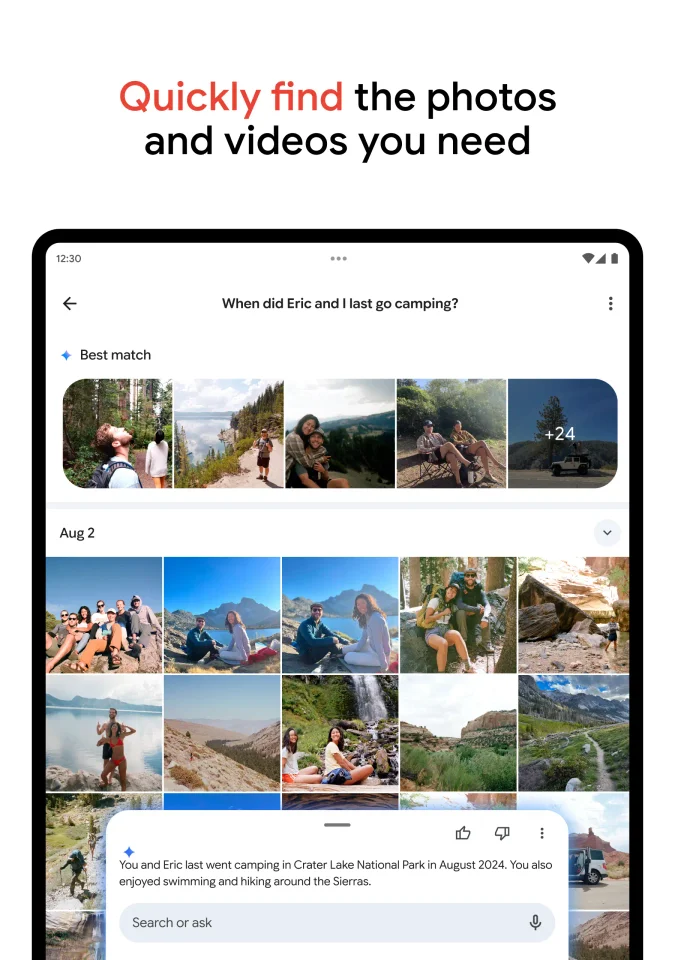
• SEARCH MADE SIMPLE: Your photos are easily searchable in a natural, descriptive way, like 'Alice and me laughing', 'Kayaking on a lake surrounded by mountains' or 'Emma painting in the back garden'.
• EASY ORGANISATION: Google Photos helps to declutter your gallery by automatically organising duplicates and similar photos into photo stacks. It also offers smart, intuitive folders for screenshots, documents, custom albums and daily camera roll organisation, making your gallery feel orderly and personalised. You can even save sensitive photos and videos to a locked folder protected by your device screen lock.
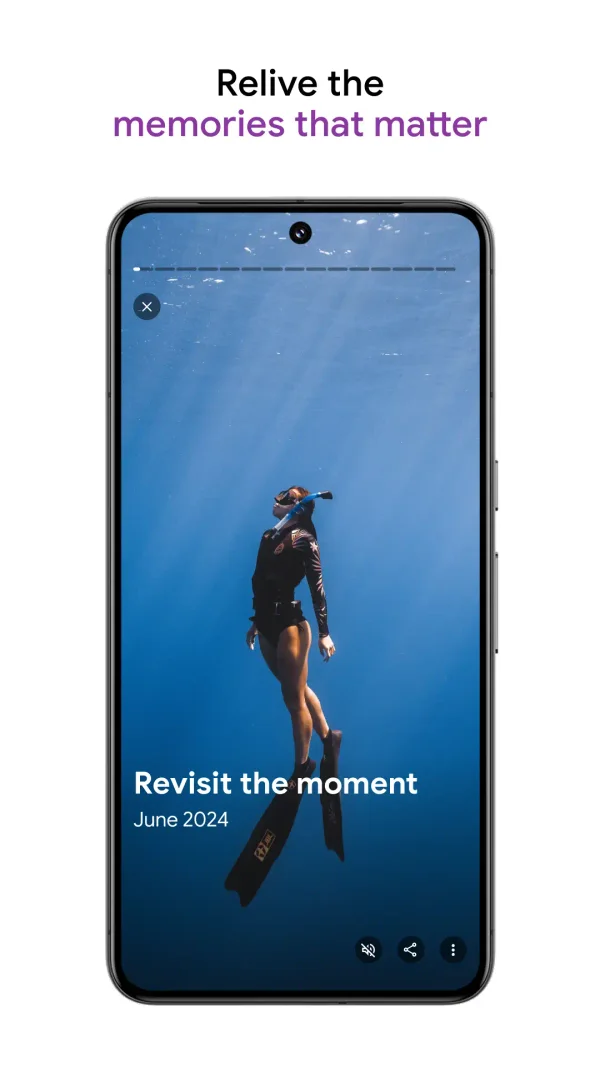
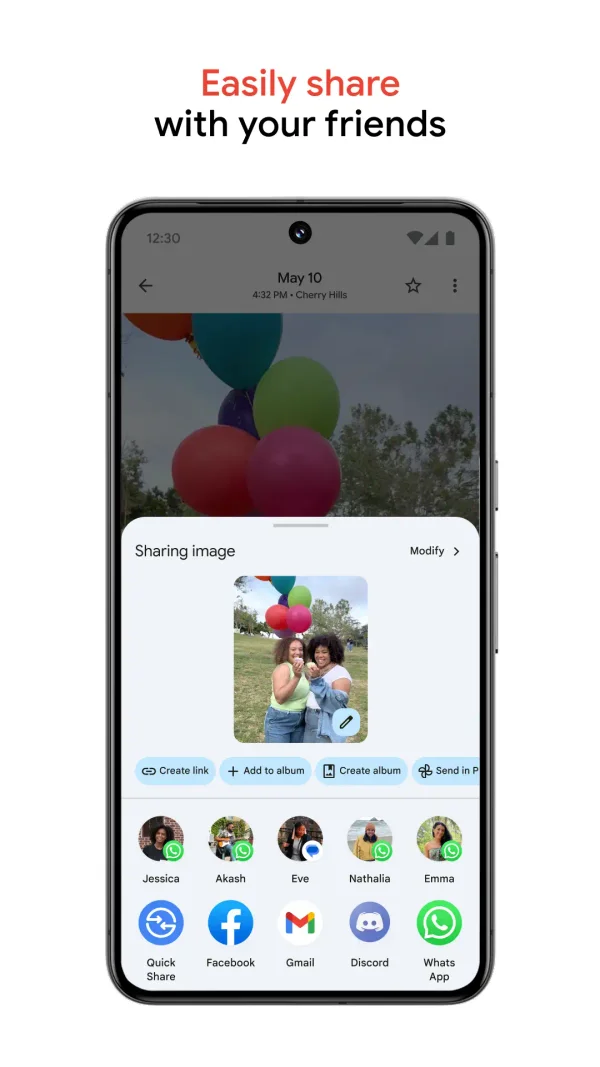
• RELIVE AND SHARE YOUR FAVOURITE MEMORIES: Stroll down memory lane in Google Photos. Share photos, videos and albums with any of your contacts – even if they don't use Google Photos.
• YOUR MEMORIES ARE SAFE: Your photos and videos are safe and secure from the instant that you store them, protected by our advanced security infrastructure while in storage or when you share them.
• ALL YOUR MEMORIES IN ONE PLACE: With backup on, you can easily transfer your photos from other apps, galleries and devices, so all of your content is in one place.
• FREE UP SPACE: Never worry about running out of space on your phone again. Photos that are backed up in Google Photos can be removed from your device's storage in just a tap.
• PRINT YOUR FAVOURITE MOMENTS:
From your phone to your home. Turn your favourite memories into photo books, photo prints, canvas wall art and more. Price varies by product. Printing services available in the US, EU, UK and CA only.
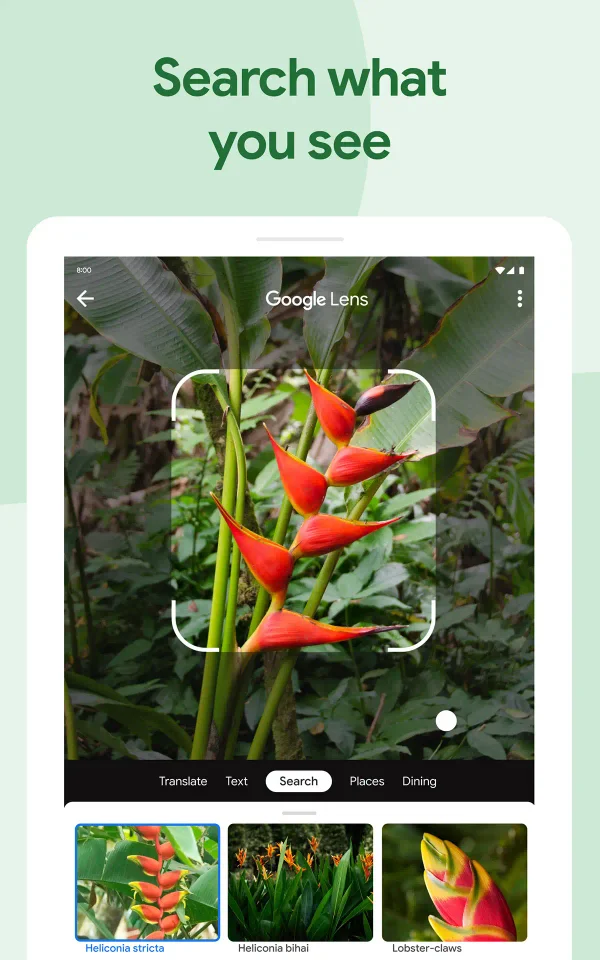
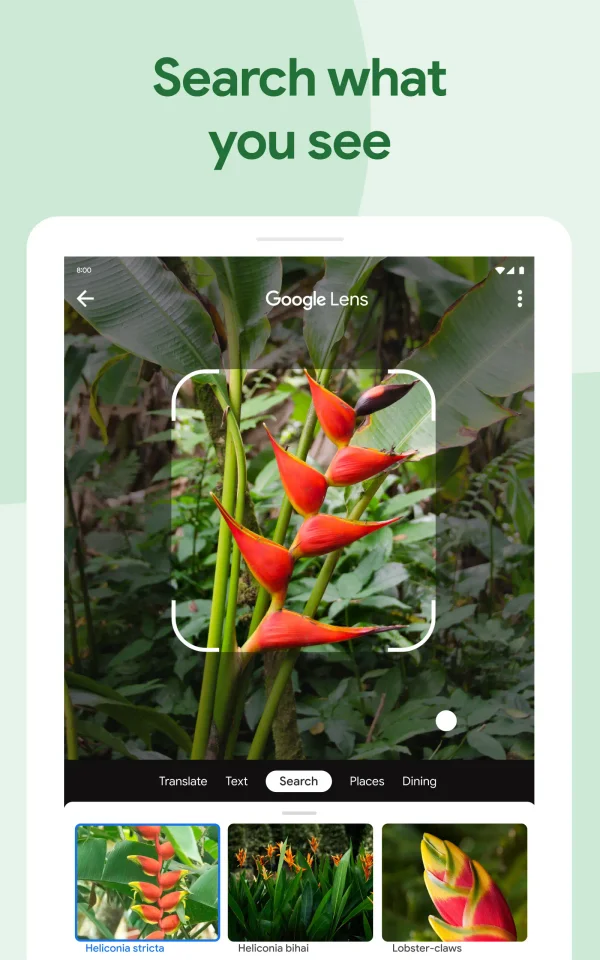
• GOOGLE LENS: Search what you see. This preview enables you to identify text and objects in your photos to learn more and take action.
Google Privacy Policy: https://google.com/intl/en_GB/policies/privacy
* Google Account storage is shared across Google Photos, Gmail and Google Drive. In some countries, every account gets 5 GB of storage with the option to unlock an additional 10 GB by adding a phone number.
Data safety
What Google LLC declares on Google Play about the data this app collects and shares.
- No data shared with third partiesLearn more about how developers declare sharing
- This app may collect these data typesLocation, Personal info and 8 others
- Data is encrypted in transit
- You can request that data be deleted
- Independent security review
What’s new
Nov 20, 2026
We are introducing a new storage management tool to help you easily manage the photos that count toward your storage quota. This tool will surface photos or videos you might want to delete – like blurry photos, screenshots and large videos.
Developer contact
- Websitesupport.google.com
- Emailapps-help@google.com
- Privacy policygoogle.com
- Address1600 Amphitheatre Pkwy Mountain View, CA 94043 United States
Information
- Offered by
- Google LLC
- Category
- Photography
- Updated
- Nov 20, 2026
- Released
- May 28, 2015
- Age rating
- Everyone
- Price
- Free
- Package name
- com.google.android.apps.photos
Similar apps
-
 Facebook
Social
-
 Photo Gallery - Album, Vault
Photography
-
 YouTube Music
Music & Audio
-
 Google Maps
Travel & Local
-
 Gallery - Album, Photo Vault
Tools
-
 Gallery
Photography
-
 Phone by Google
Tools
-
 TikTok - Videos, Shop & LIVE
Social
-
 Snapchat
Communication
-
 Messenger
Communication
-
 Gmail
Communication
-
 Spotify: Music and Podcasts
Music & Audio