GPS Map Camera
TarrySoftContains ads · In-app purchases
- EveryoneAge rating
- PhotographyCategory
- Oct 30, 2026Updated
- FreePrice
Links to the official Google Play listing of com.gps.map.camera.photo.pkv. Last checked on Nov 20, 2026.
Screenshots
About this app
Geotag photos with a GPS camera with time stamp and location data
What is GPS Map Camera?
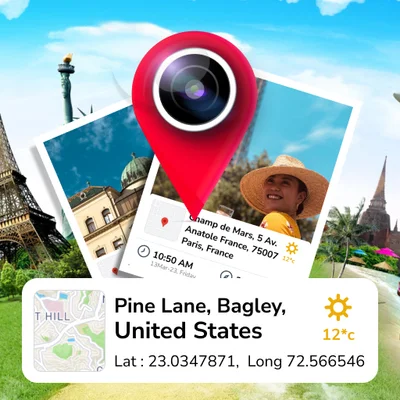
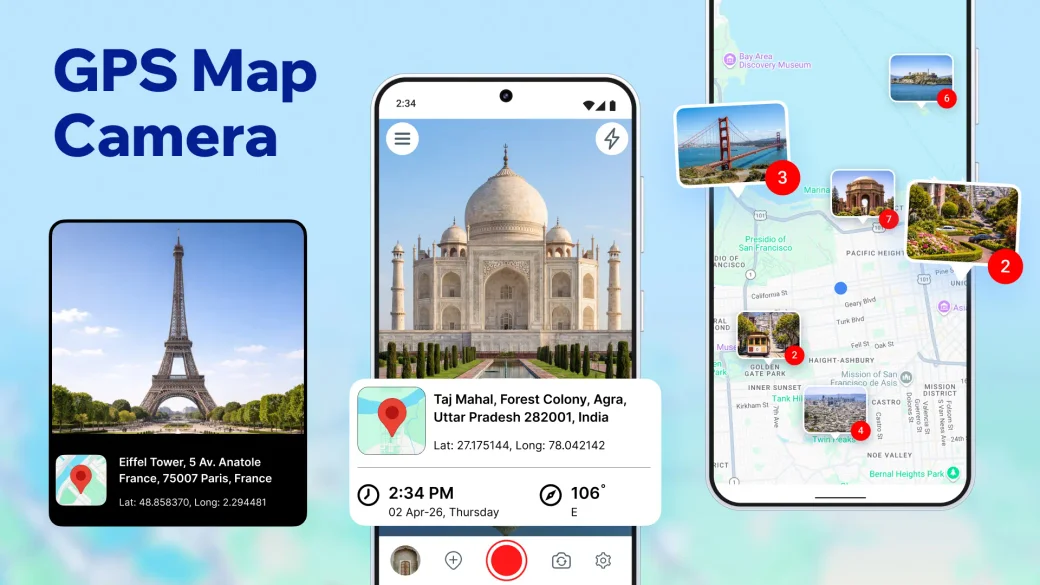
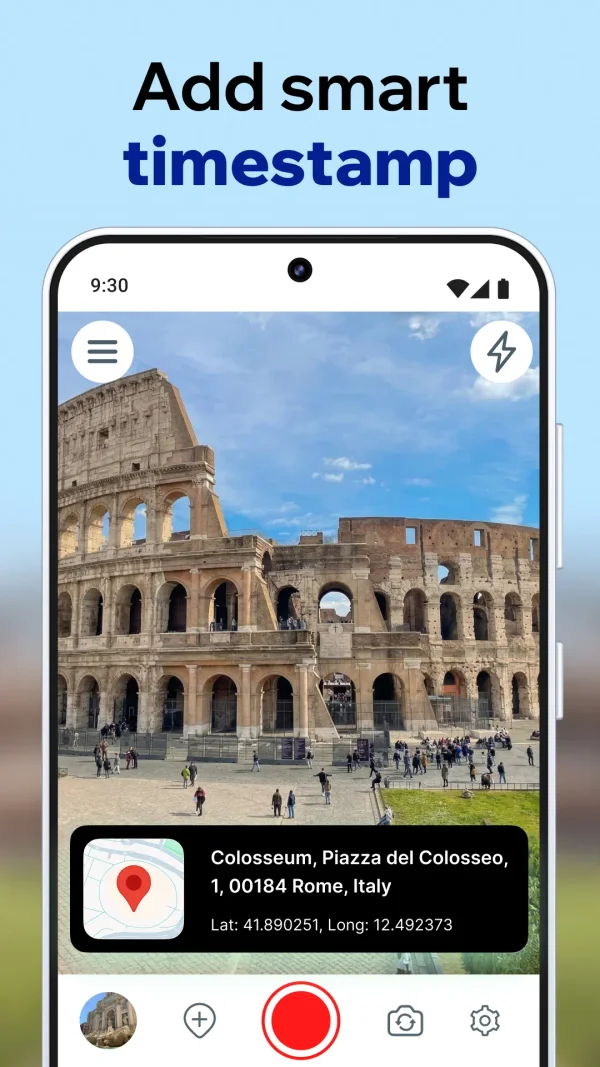
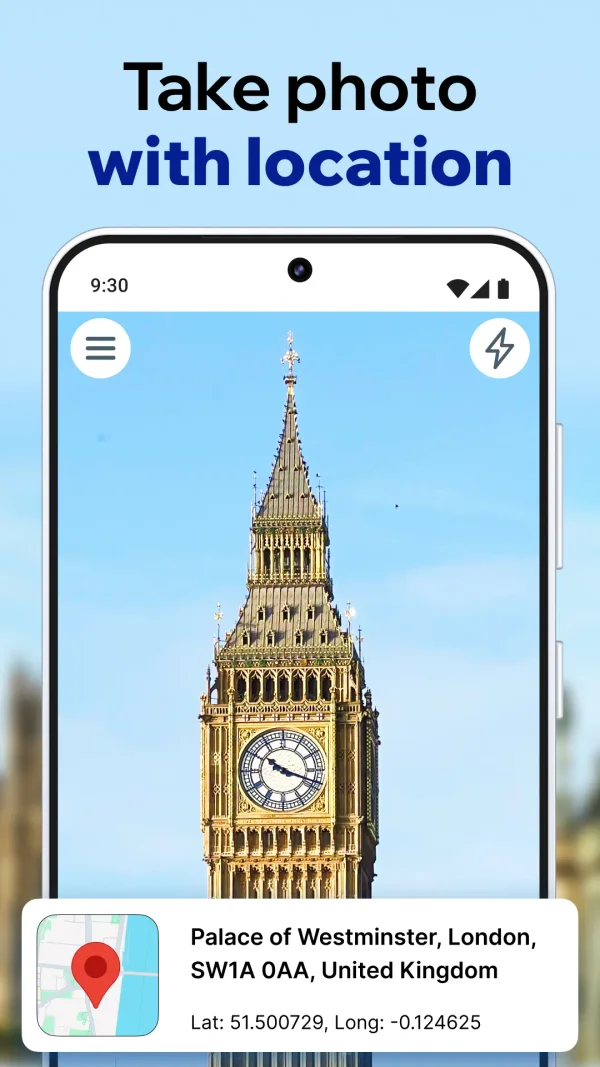
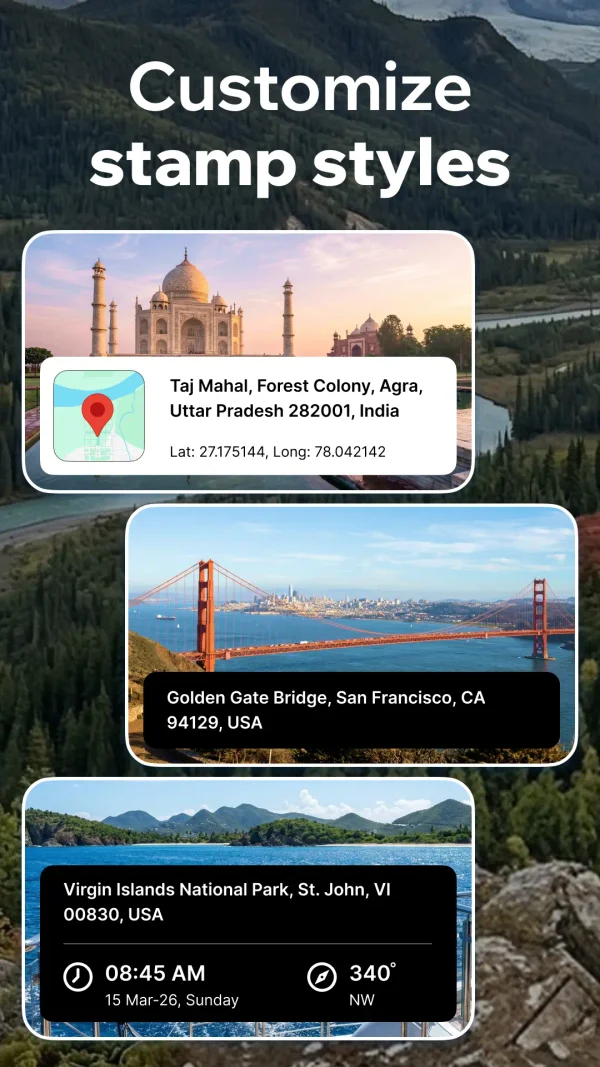
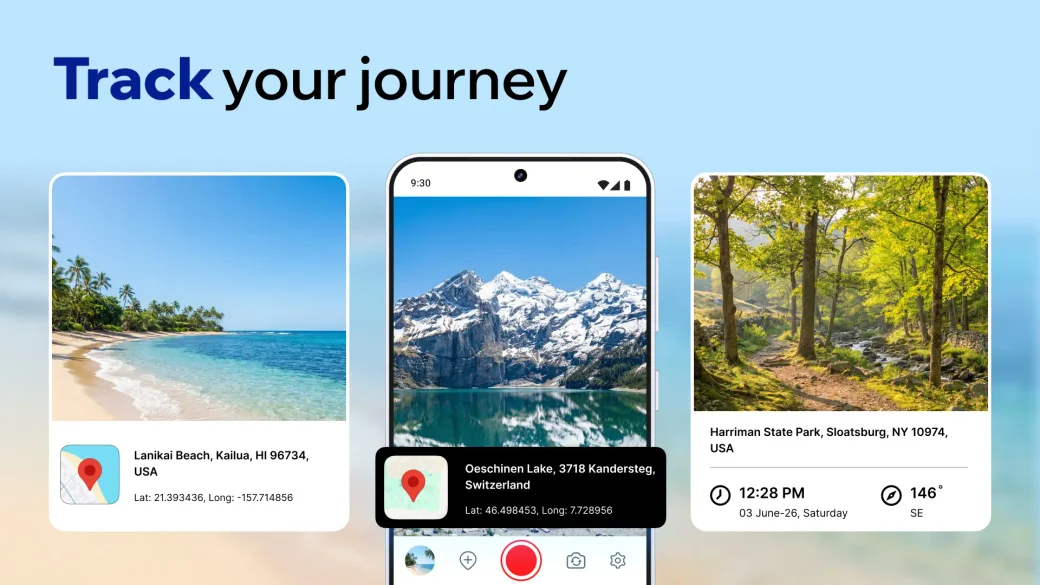
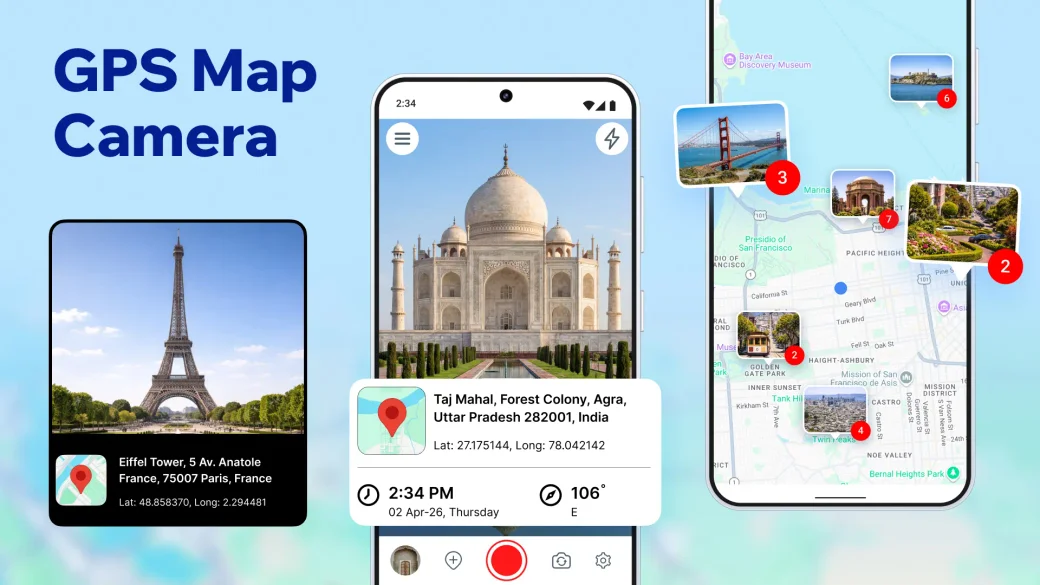
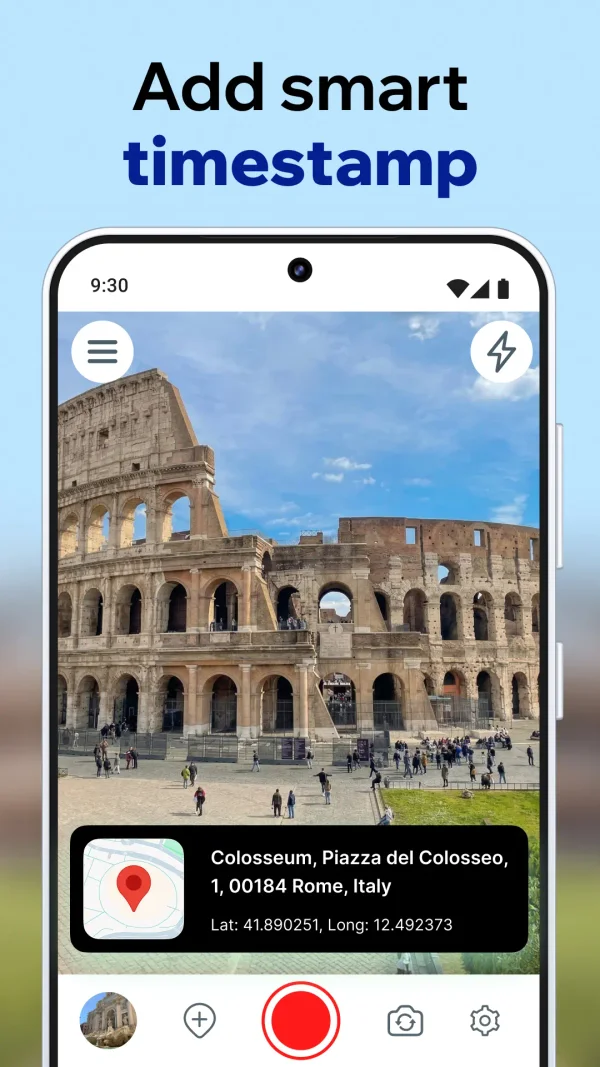
Add location and time information to photos taken on your Android phone. This GPS camera combines a picture with a visible stamp containing details such as an address, coordinates, date and time, helping you remember the context of a shot.
Choose a stamp design, check the live preview and capture your photo. Save the result for your records or share a picture with its location details already visible.
Who is GPS Map Camera for?
Use location-stamped photos to document a site visit, record construction progress, organize property pictures or keep track of places on a trip. A photo with a date and location can give colleagues or friends more context than an unlabeled image.
Travelers, field workers and event organizers can keep visual notes of places and moments. The stamps help explain a photo; check their details before relying on them in a report or sharing them publicly.
What does GPS Map Camera do?
• 📍 Add location stamps with an address, latitude and longitude to your photos.
• Include a date and time stamp so the picture carries a visible reference for when it was taken.
• Show additional context such as compass direction, temperature, weather and altitude when available.
• Choose different stamp designs and customize the live preview to suit the photo.
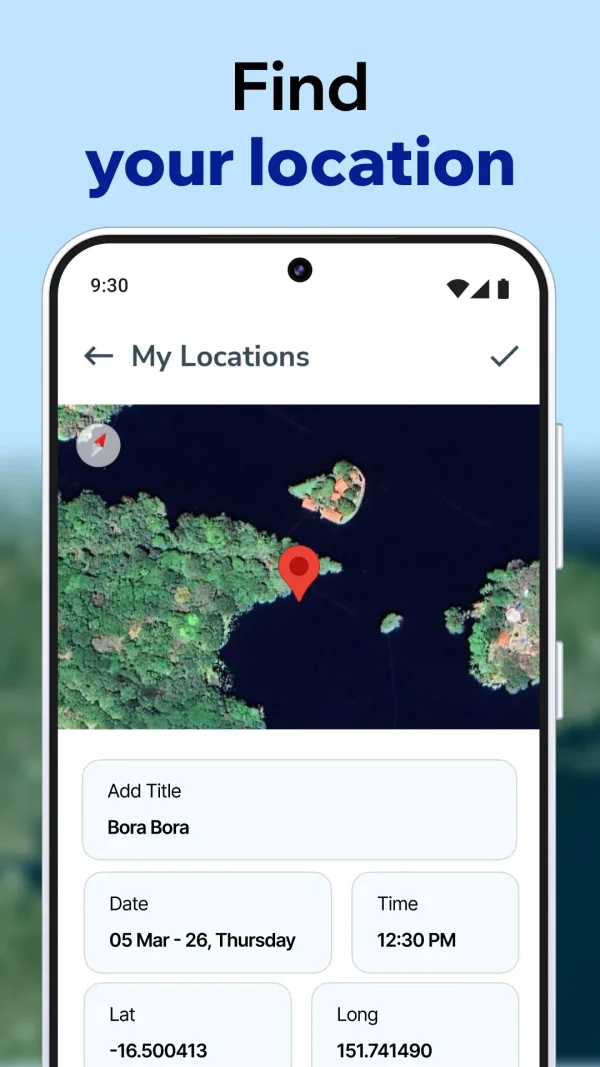
• Use My Locations to enter location details manually, including a title and coordinates.
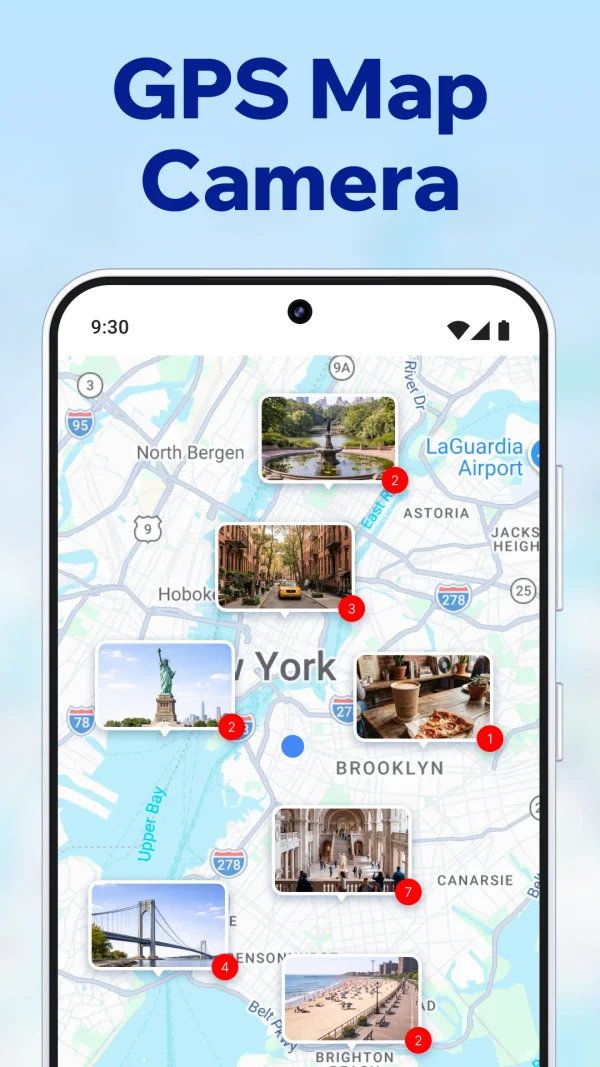
• Browse captured photos by their associated location on a map.
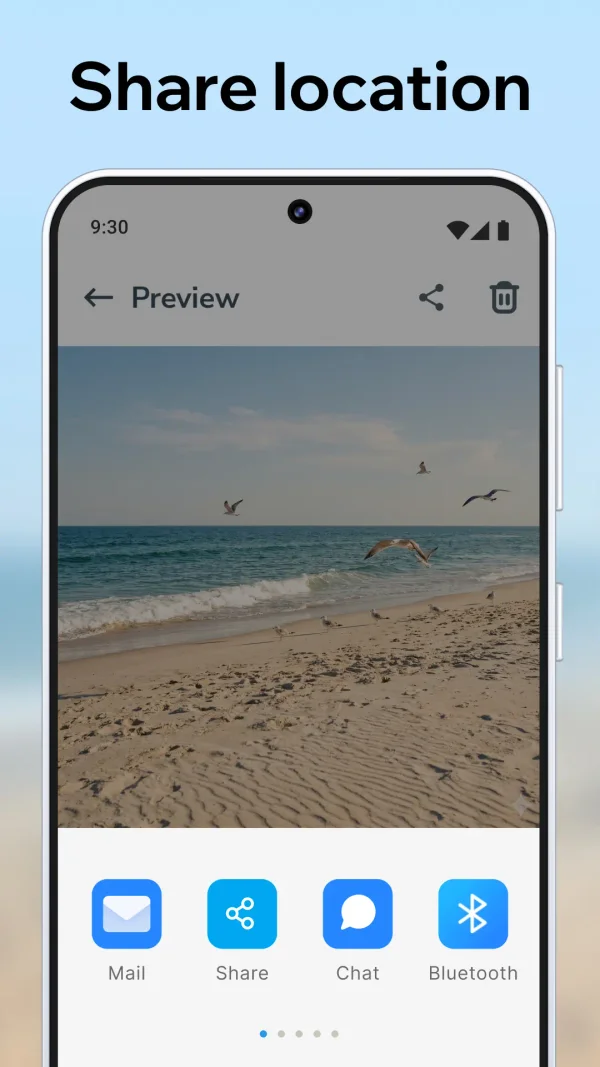
• Save stamped photos and share them through compatible apps, including email or messaging.
How does GPS Map Camera work?
Open the camera, allow camera and location access for taking and geotagging pictures, and enable your phone's location services. Select a stamp template and check the address, coordinates, date and time shown in the preview before capturing the photo.
Use the available location fields when you need to enter details manually. Review the saved picture, then keep it with your records or open the sharing options. The map view offers another way to browse captured images by their associated location.
Compatibility and requirements
Automatic location stamping depends on your phone's location access and available positioning information. Accuracy can vary with device settings, signal conditions and surroundings, particularly indoors or near tall buildings. Compass and other readings also depend on the information available to your device.
A visible stamp is a label, not independent proof that a photo was taken at a particular place or time. Manually entered information needs checking, and a displayed coordinate should not be treated as a guaranteed exact measurement.
Sharing a stamped photo can reveal an address or coordinates to its recipients. Check that you are comfortable sharing those details. Online sharing requires a connection and a compatible app. The app contains ads and offers in-app purchases.
GPS Map Camera helps you keep location and time context alongside your photos, making site records and travel pictures easier to understand and share.
Data safety
What TarrySoft declares on Google Play about the data this app collects and shares.
- This app may share these data types with third partiesDevice or other IDs
- No data collectedLearn more about how developers declare collection
- Data is encrypted in transit
- Data can’t be deleted
Developer contact
- Websitekigelapps.com
- Emailsupport.cameramapgps@kigelapps.com
- Privacy policykigelapps.com
- Address8 The Grn Ste 4184 Dover, DE 19901-3618 United States
Information
- Offered by
- TarrySoft
- Category
- Photography
- Version
- 3.1.1
- Updated
- Oct 30, 2026
- Released
- Jul 13, 2023
- Requires
- Android 8.0 or later
- Age rating
- Everyone
- Price
- Free
- In-app purchases
- $0.99 - $99.99 per item
- Package name
- com.gps.map.camera.photo.pkv
Similar apps
-
 Timemark: Photo Proof for Work
Photography
-
 AGC ToolKit - Watermark LUT
Tools
-
 NoteCam Lite - GPS memo camera
Travel & Local
-
 GPS Photo: With Location & Map
Travel & Local
-
 Digital Compass
Tools
-
 Geo Tracker - GPS tracker
Travel & Local
-
 HD Camera
Photography
-
 Glympse - Share GPS location
Maps & Navigation
-
 Easy Area: Land Area Measure
Maps & Navigation
-
 Compass & Altimeter
Tools
-
 Secure Camera
Photography
-
 Lense: Disposable Event Camera
Events