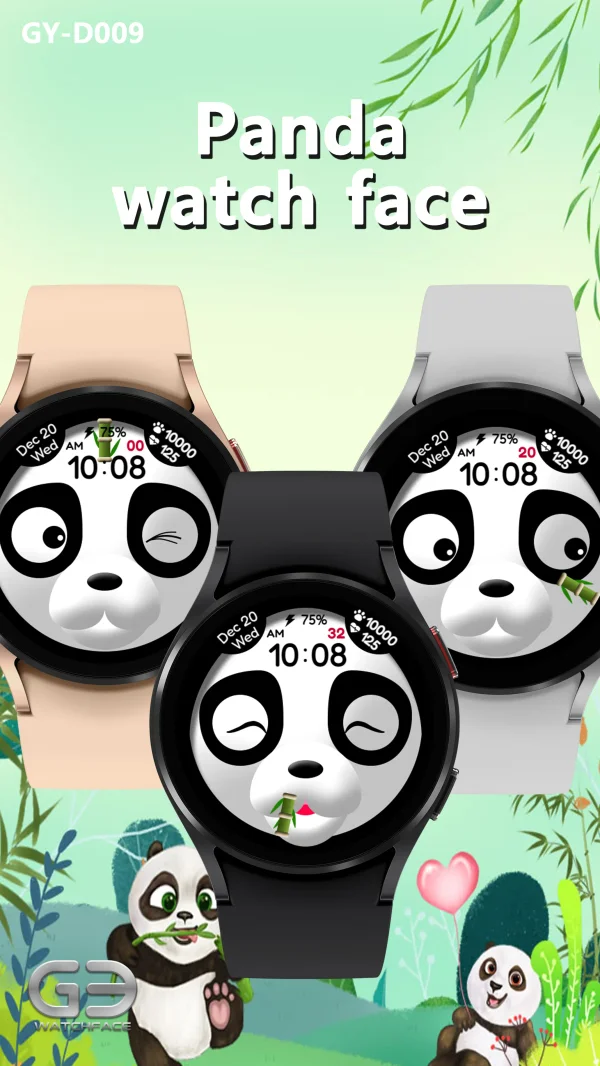
GYD009:Panda watchface
GY.watchface- EveryoneAge rating
- PersonalizationCategory
- Sep 30, 2025Updated
- FreePrice
Links to the official Google Play listing of com.gywatchface.gyd009. Last checked on Nov 28, 2026.
Screenshots




About this app
Automatic translation by Google from Korean (South Korea).
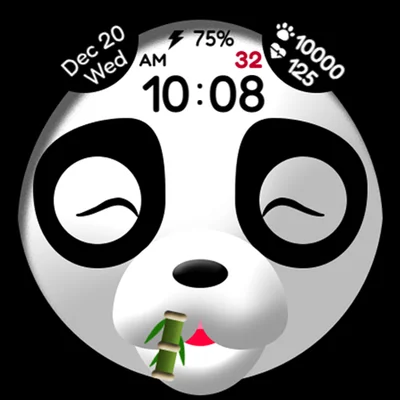
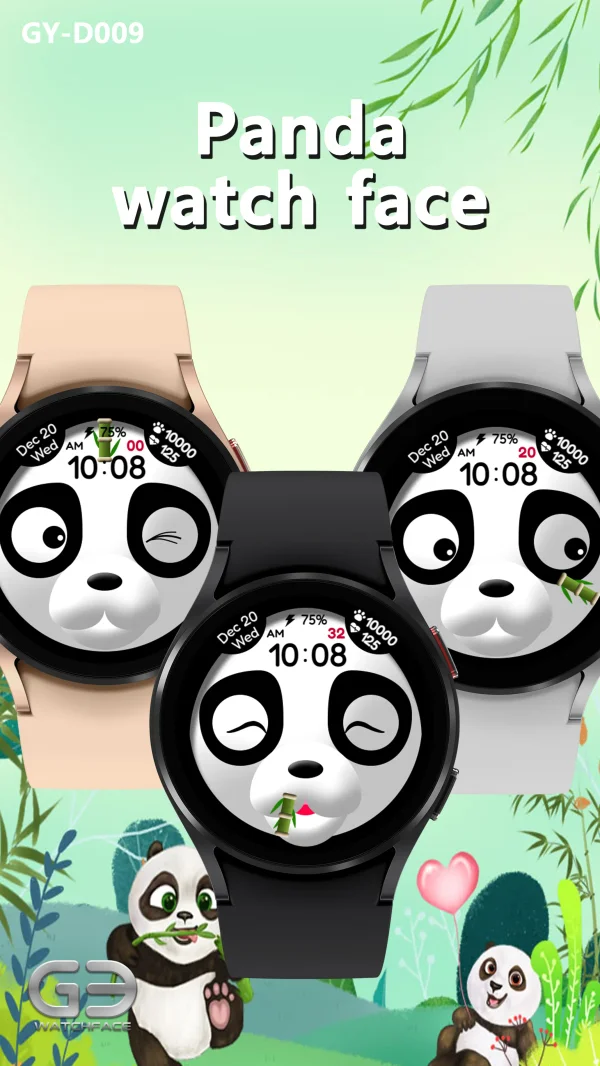
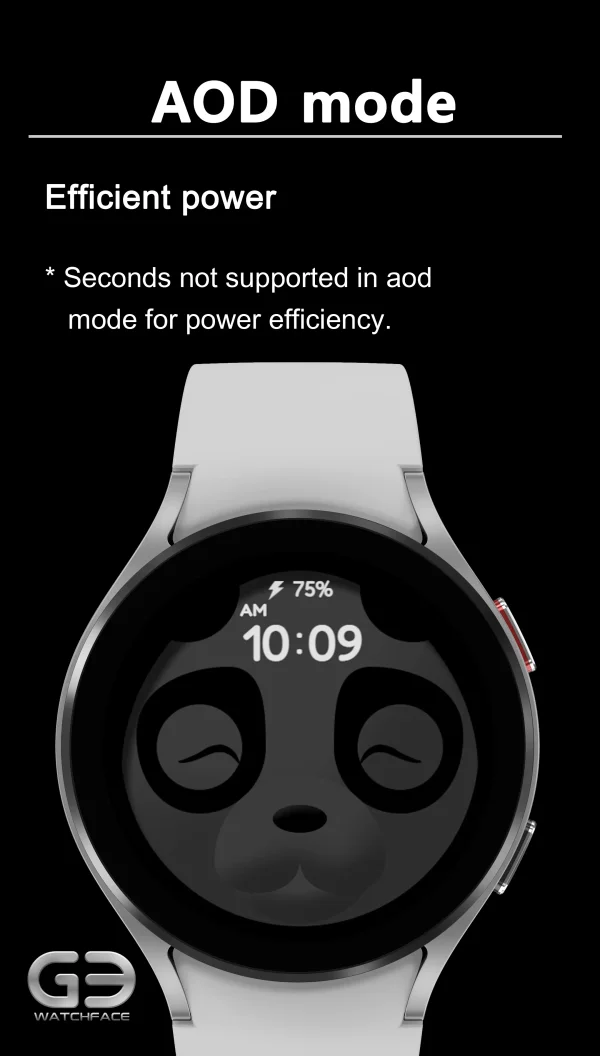
Cute panda animation watch face.
!! Be sure to read it. !!
* Available on Wear OS devices (Galaxy Watch 4 or later). TIZEN OS device installation is not possible.
* Please note that if a user who does not have a Wear OS smartwatch purchases this app, they will not be able to install and use the watch face.
-------------------------------------------------- --------------
[How to install watch face]
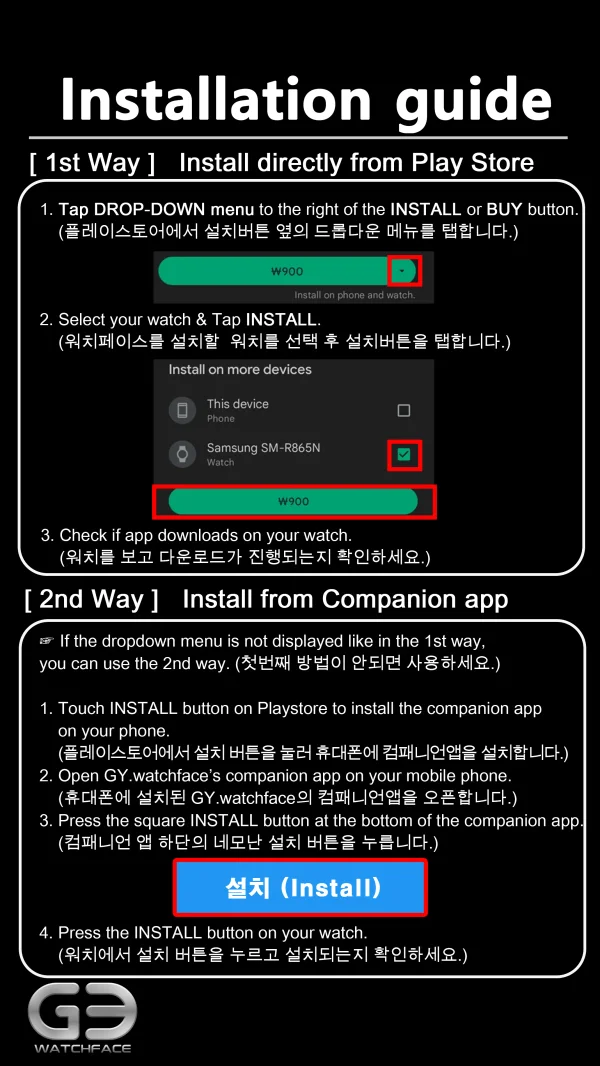
* Please refer to the installation guide provided with photos.
* (First method) If a triangular drop-down menu appears next to the [Install] or [Purchase] button on the Play Store, click the drop-down menu and select your smartwatch from the displayed device list to install it right away.
* (Second method) If the triangle-shaped drop-down menu does not appear next to the [Install] or [Purchase] button on the Play Store, just click the install button to install the watch through the GY.watchface companion app installed on your phone. You can install the face on your watch.
* Please note that the smartwatch must be connected to your phone using any method. Also, the Google account (email address) connected to the smartwatch on your phone must match the Play Store login account (email address).
-------------------------------------------------- --------------
* If the developer updates the watch face, the watch face screenshot in the smartphone app and the watch face installed on the actual watch may differ.
Instagram:
https://www.instagram.com/gywatchface
Facebook:
https://www.facebook.com/gy.watchface
Show the original text
!! 반드시 읽어보세요. !!
* Wear OS 기기(갤럭시워치4 이상)에서 사용 가능. TIZEN OS 기기 설치 불가.
* Wear OS 스마트워치를 갖고 있지 않은 사용자가 이 앱을 구매하실 경우에는 워치페이스를 설치하여 사용하실 수 없으니 주의하시기 바랍니다.
----------------------------------------------------------------
[워치페이스 설치 방법]
* 사진으로 제공된 설치 가이드를 참고하세요.
* (첫 번째 방법) 플레이 스토어의 [설치] 또는 [구매] 버튼 옆에 삼각형 모양의 드롭다운 메뉴가 나타난다면 드롭다운 메뉴를 누르고 표시되는 기기 목록 중에 스마트워치를 선택하시면 바로 설치하실 수 있습니다.
* (두 번째 방법) 만일 플레이 스토어의 [설치] 또는 [구매] 버튼 옆에 삼각형 모양의 드롭다운 메뉴가 나타나지 않는 경우, 그냥 설치 버튼을 눌러 설치하시면 휴대폰에 설치되는 GY.watchface 컴패니언앱을 통해 워치페이스를 워치에 설치하실 수 있습니다.
* 주의하실 점은 어떤 방법이든 스마트워치가 휴대폰과 연결되어 있어야 합니다. 그리고 휴대폰에서 스마트워치가 연결된 구글 계정(이메일주소)과 플레이 스토어의 로그인 계정(이메일 주소)이 일치해야 합니다.
----------------------------------------------------------------
* 개발자가 워치페이스를 업데이트하게 되면 스마트폰용 앱의 워치페이스 스크린샷과 실제 워치에 설치된 워치페이스는 서로 다를 수 있습니다.
Instagram:
https://www.instagram.com/gywatchface
Facebook:
https://www.facebook.com/gy.watchface
----
개발자 연락처 :
허근영 목동남로4길 81
105동 201호
양천구, 서울특별시 08101
South Korea 440-54-00782 00 00
Data safety
What GY.watchface declares on Google Play about the data this app collects and shares.
- No data shared with third partiesLearn more about how developers declare sharing
- No data collectedLearn more about how developers declare collection
Developer contact
- Websitegywatchface.blogspot.com
- Emailgy.watchface@gmail.com
- Privacy policysites.google.com
- Address목동남로4길 81 105동 201호 양천구, 서울특별시 08101 South Korea
Information
- Offered by
- GY.watchface
- Category
- Personalization
- Version
- 1.0.0
- Updated
- Sep 30, 2025
- Released
- Dec 20, 2023
- Age rating
- Everyone
- Price
- Free
- Package name
- com.gywatchface.gyd009
Similar apps
-
 CatPaw Cute Cat Watch Face
Personalization
-
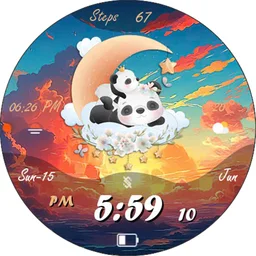 BFF5- Cute Little Panda
Personalization
-
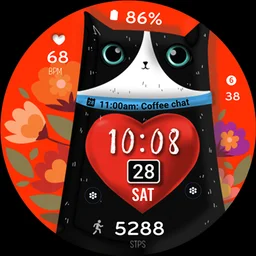 ML2U 389 Purrfect Heart
Personalization
-
 Kawaii Panda – Cute Watch Face
Personalization
-
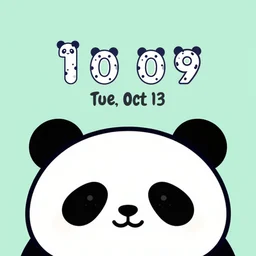 Panda – Cute Watch Face
Personalization
-
 SamWatch T Doodle Four
Personalization
-
 Cute Panda Watch Faces PRO
Personalization
-
 Cute Animals 3 - Watch face
Lifestyle
-
 CELEST5558 Artistic Watch
Personalization
-
 Panda Time
Personalization
-
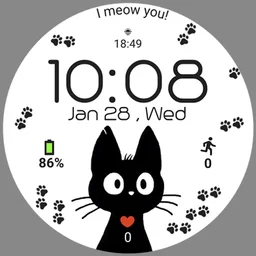 Black Meow Cat Watch face
Personalization
-
 ML2U 201 Watch Face
Personalization