Handy Dials
Titanium Cyborg Systems (TCS) Services- EveryoneAge rating
- PersonalizationCategory
- Apr 8, 2023Updated
- FreePrice
Links to the official Google Play listing of com.rajcolab.handydials. Last checked on Nov 23, 2026.
Screenshots
About this app
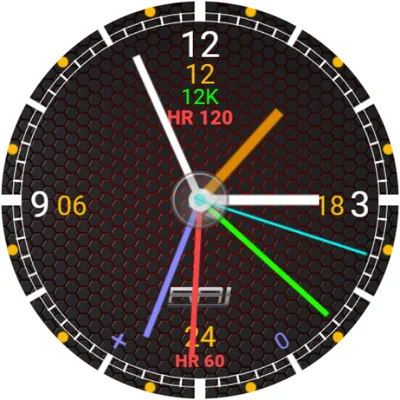
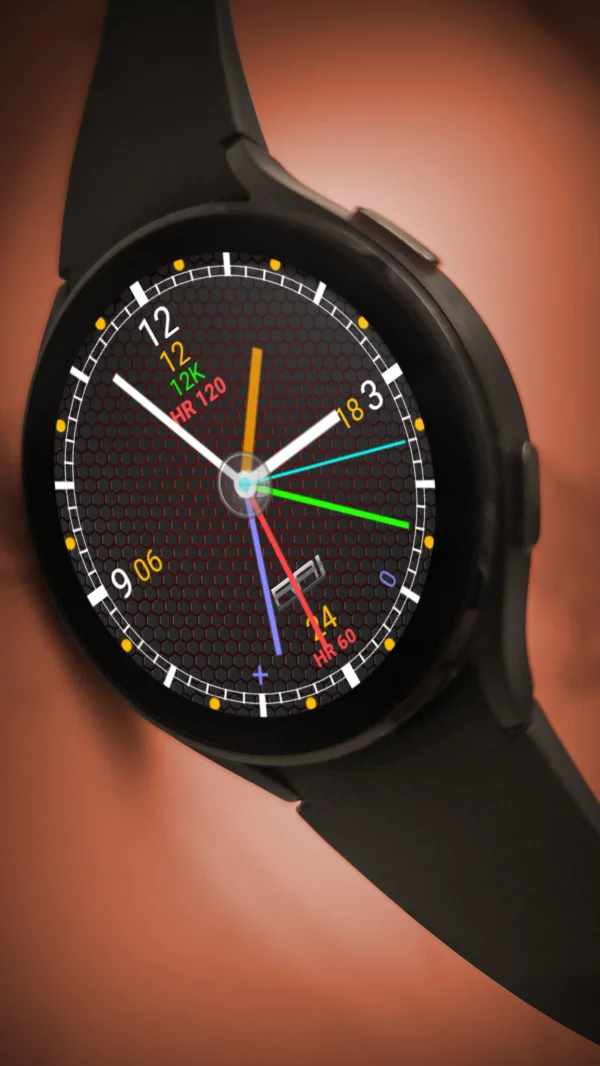
Unique Analog Watch Face
INSTALLATION:
1. Please make sure you watch is connected to your phone via Bluetooth
2. You can also install this watch face by accessing the Google Play Store in the web browser in a PC or Laptop with the same account you made the purchase from to avoid double charge.
3. If PC/laptop not available, you can use the phone web browser. Head over to the Play Store app, then to the watch face. Click the 3 dots in the upper right hand corner then Share. Use the available browser, I suggest Samsung Internet app, login the account you made the purchase from and install it there.
4. You can also check the Samsung Developers video installing Wear OS watch face in so many ways: https://youtu.be/vMM4Q2-rqoM
Our watch face apps are thoroughly tested in a real device (Galaxy Watch 4 Classic) and are reviewed and approved by the Google Play Store team before publishing them. We love to share our work and make sure users will enjoy our watch faces.
FEATURES:
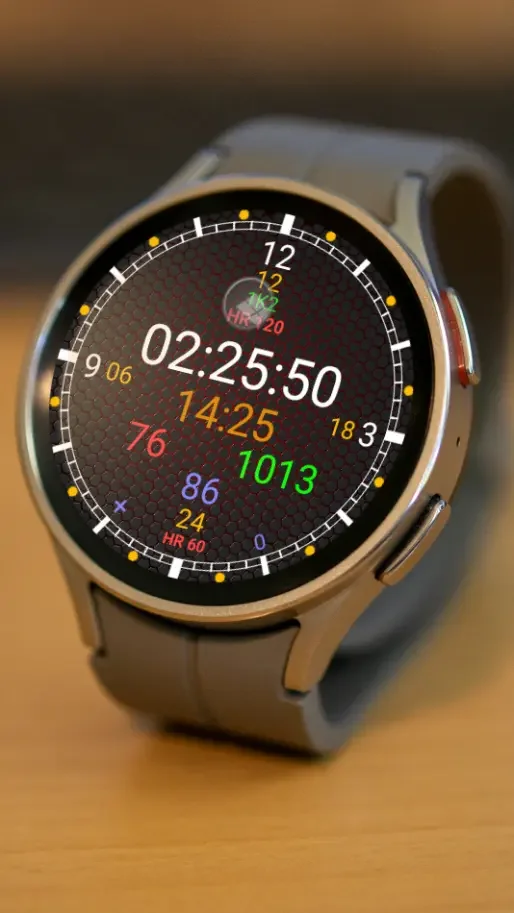
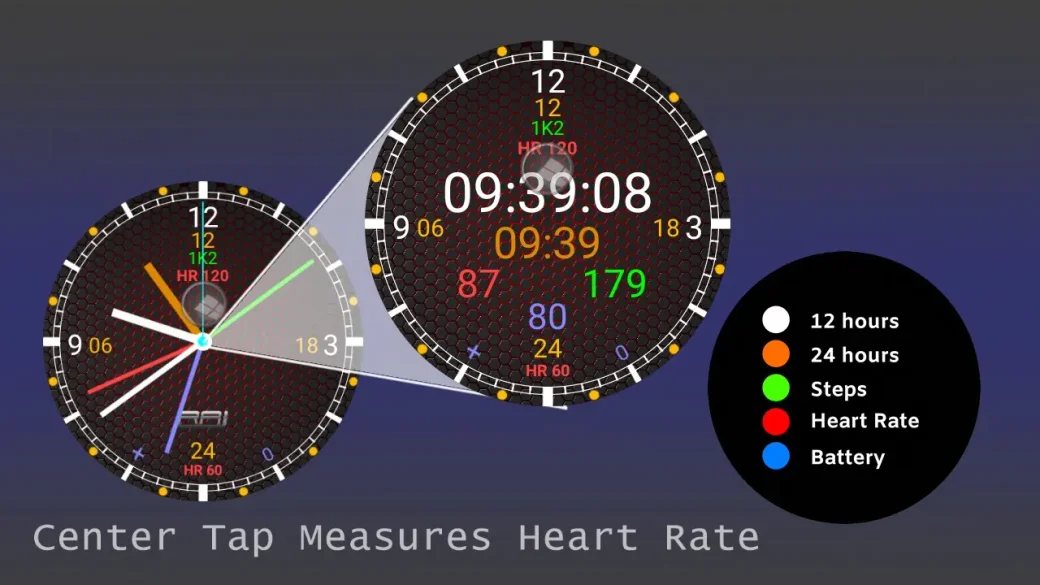
- Analog based watch. (Digital time is displayed on center tap)
- Steps and HR is displayed as analog dial hand (Digital data is displayed on center tap)
- Battery level is displayed as analog dial hand (Digital data is displayed on center tap)
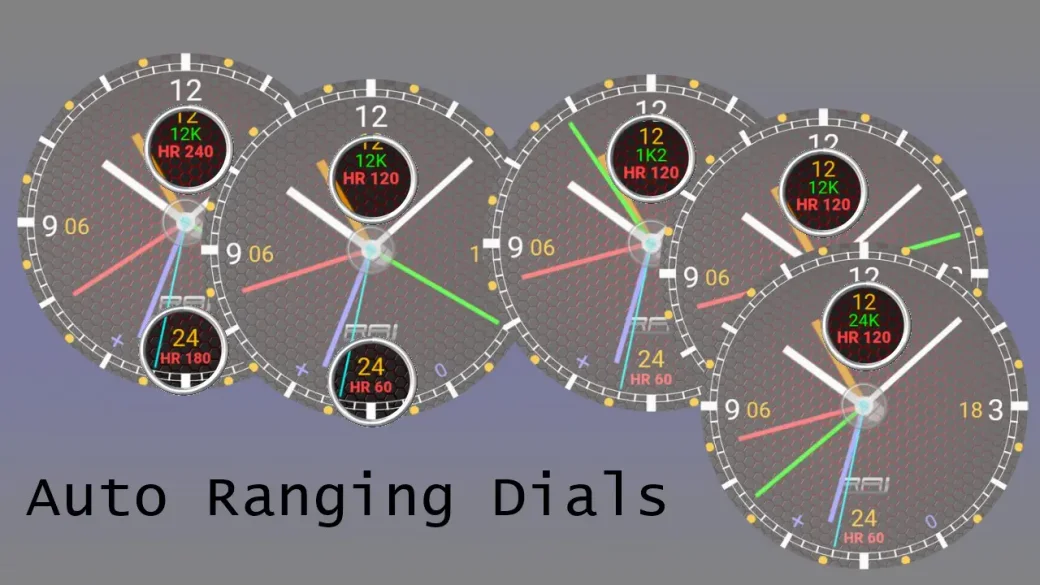
- Wrist control action!- Oil filled gauge bubble responds to attitude of watch
Please enjoy!
CUSTOMIZATION:
1. Press and hold display then hit "Customize".
2. Swipe left and right to choose what to customize.
3. Swipe up and down to choose options available.
4. Hit "OK".
Note:
If Heart Rate is 0, you probably missed the Allow permission
in the first installation. Please try solutions below:
1. Please do this two (2) times - switch to another watch face and switch back to this face to enable the permission
2. You can also enable permissions in the Settings> Apps> Permission> find this watch face.
3. Also this can be triggered by a single tap to measure the heart rate. Some of my watch faces are still in Manual Refresh
Check out RAJ CoLab updates at:
Facebook page: https://www.facebook.com/RAJCoLab/
Developer page:
For support and request, you can email me at TiBorg.iot@gmail.com
Data safety
What Titanium Cyborg Systems (TCS) Services declares on Google Play about the data this app collects and shares.
- No data shared with third partiesLearn more about how developers declare sharing
- No data collectedLearn more about how developers declare collection
Developer contact
- Emailtiborg.iot@gmail.com
- Privacy policyfreeprivacypolicy.com
- Address2497 Highland Rd Roanoke, VA 24014-3911 United States
Information
- Offered by
- Titanium Cyborg Systems (TCS) Services
- Category
- Personalization
- Version
- 2.0.0
- Updated
- Apr 8, 2023
- Released
- Apr 6, 2023
- Requires
- Android 9 or later
- Age rating
- Everyone
- Price
- Free
- Package name
- com.rajcolab.handydials