HeadTrack
SmartFusionLabs- EveryoneAge rating
- ToolsCategory
- Aug 18, 2026Updated
- FreePrice
Links to the official Google Play listing of app.headtrack. Last checked on Nov 14, 2026.

Screenshots
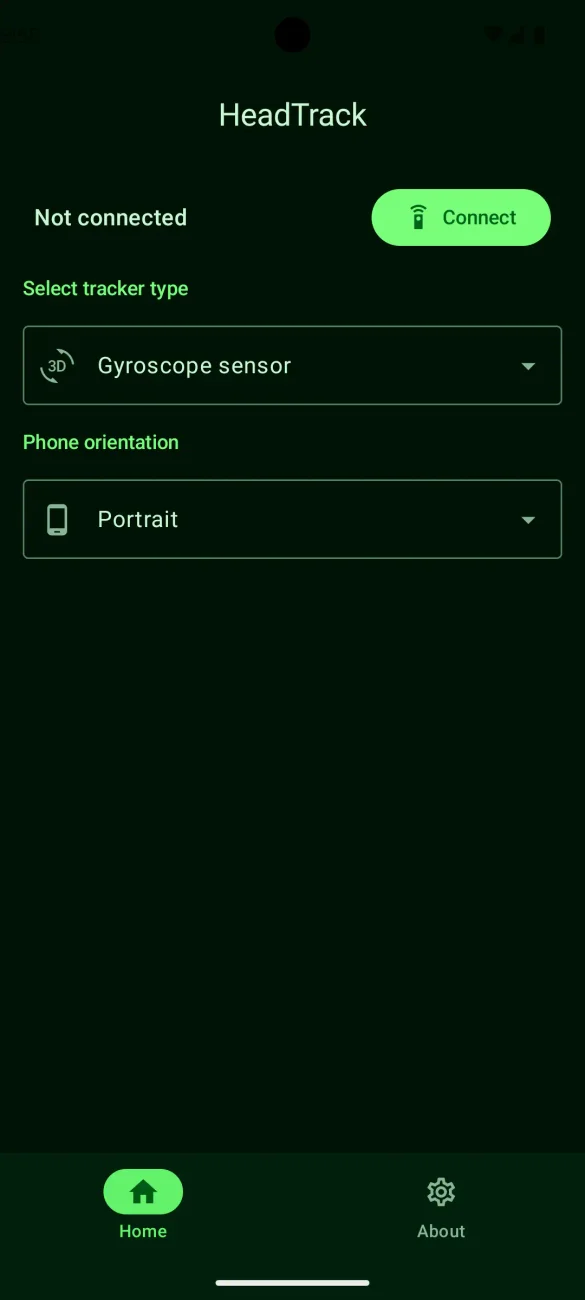

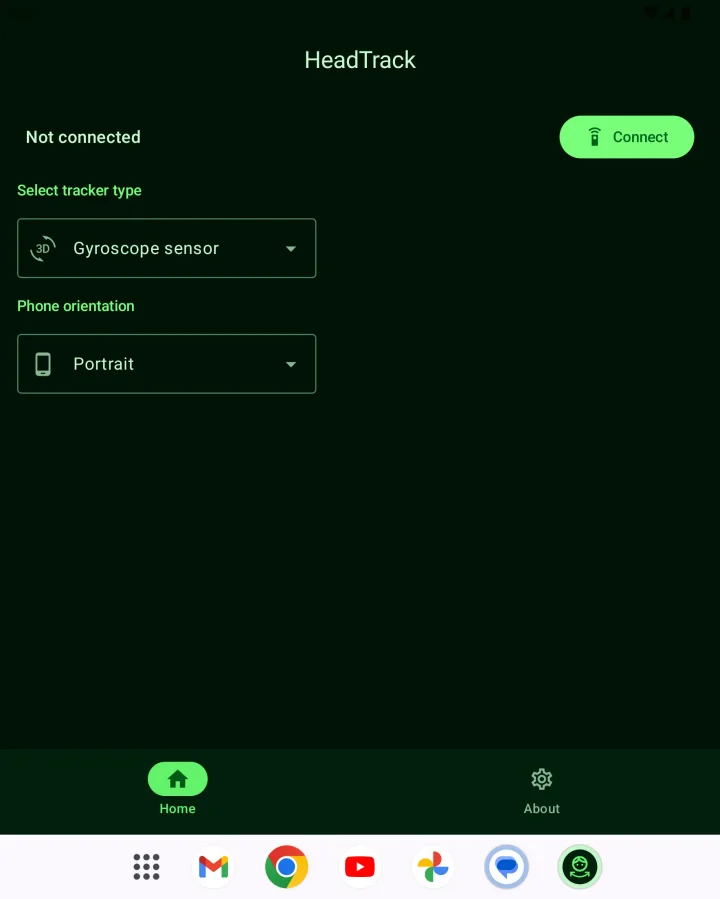
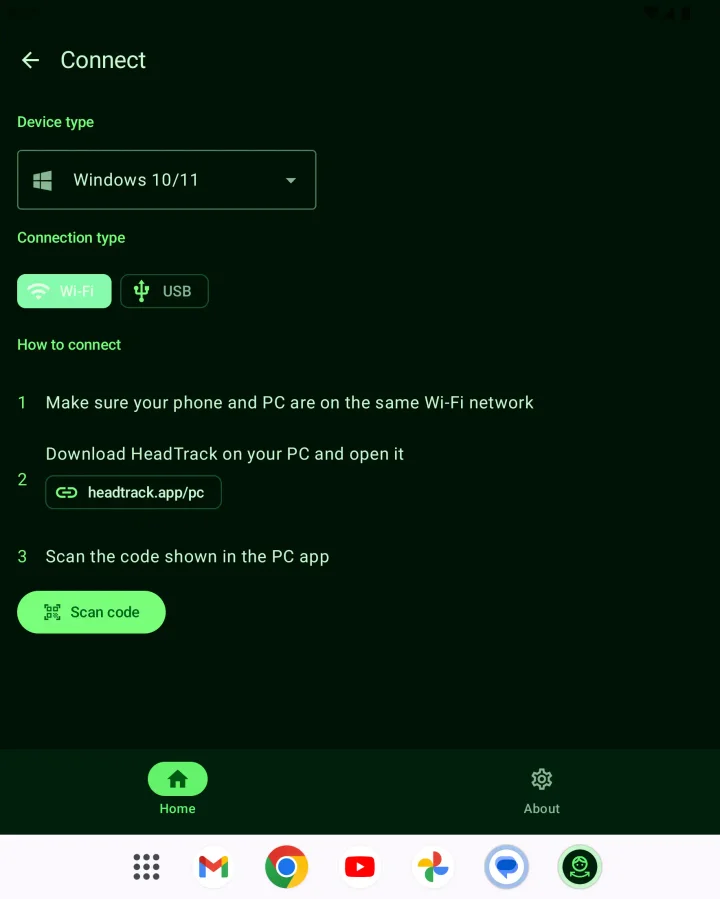

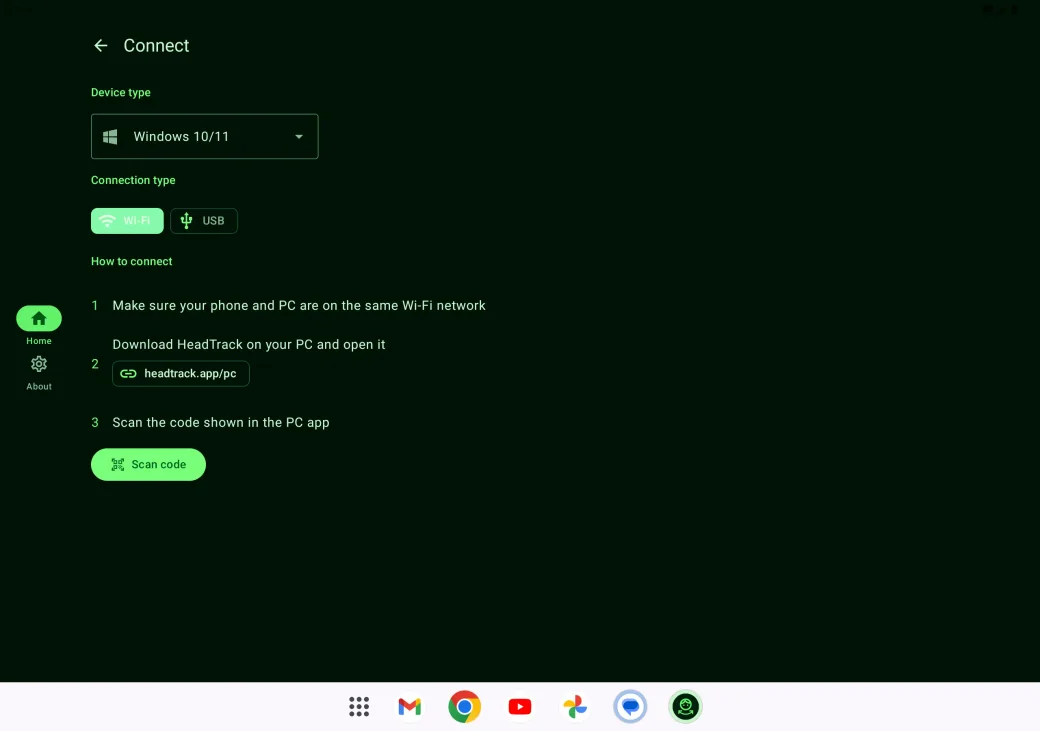
About this app
Use your phone as a head tracking device for games on your PC.
This app allows using your phone as a head tracking device for games on your PC. Works with games which support FreeTrack 2.0 protocol but can also connect directly with Opentrack.
Many flight or racing simulation games support head tracking. HeadTrack on your phone can be your head tracking device, no additional hardware is required. HeadTrack tracks your head movement and rotation which is sent to your games.
The HeadTrack app on your phone supports Gyroscope or Camera as input. The Gyroscope input has very little latency which makes it good for quick movements. The Camera input supports full 6DoF tracking.
Supported Inputs
• HeadTrack (recommended) - Available for Android & iOS with Gyroscope or Camera.
• Opentrack App - Connect any app which is compatible with Opentrack.
• Live Link App - Another alternative iOS app with camera input
Supported Outputs
• FreeTrack (recommended / Windows only) - Head tracking data is sent to games which support FreeTrack 2.0. This should work with most games which support head trackers.
• Opentrack - Head tracking data is sent to Opentrack on this PC. This is useful if you already have Opentrack set up.
• FlightGear - Plugin for FlightGear
• X-Plane - Plugin for X-Plane 9+
Supported Games
Most games which support head tracking should work with HeadTrack. Some games we can confirm are working: Arma 3, BeamNG.drive, FlightGear, X-Plane.
In your game, look into the settings if there is any support for FreeTrack or similar head tracking devices.
If there is any input or output you would like to see added, let us know!
Data safety
What SmartFusionLabs declares on Google Play about the data this app collects and shares.
- No data shared with third partiesLearn more about how developers declare sharing
- This app may collect these data typesLocation, App activity, and App info and performance
- Data is encrypted in transit
- Data can’t be deleted
- Committed to follow the Play Families Policy
What’s new
Version 1.6.3 · Aug 18, 2026
• Bug fixes
Developer contact
- Websiteheadtrack.app
- Emailsupport@headtrack.app
- Privacy policyheadtrack.app
- AddressSibbergrubbe 36 6301 AA Valkenburg LB Netherlands
Information
- Offered by
- SmartFusionLabs
- Category
- Tools
- Version
- 1.6.3
- Updated
- Aug 18, 2026
- Released
- Feb 11, 2026
- Requires
- Android 7.0 or later
- Age rating
- Everyone
- Price
- Free
- Package name
- app.headtrack