Heart Rate
Microsys Com Ltd.Contains ads
- EveryoneAge rating
- Health & FitnessCategory
- Jul 24, 2026Updated
- FreePrice
Links to the official Google Play listing of com.microsys.HeartRate. Last checked on Nov 20, 2026.

Screenshots
About this app
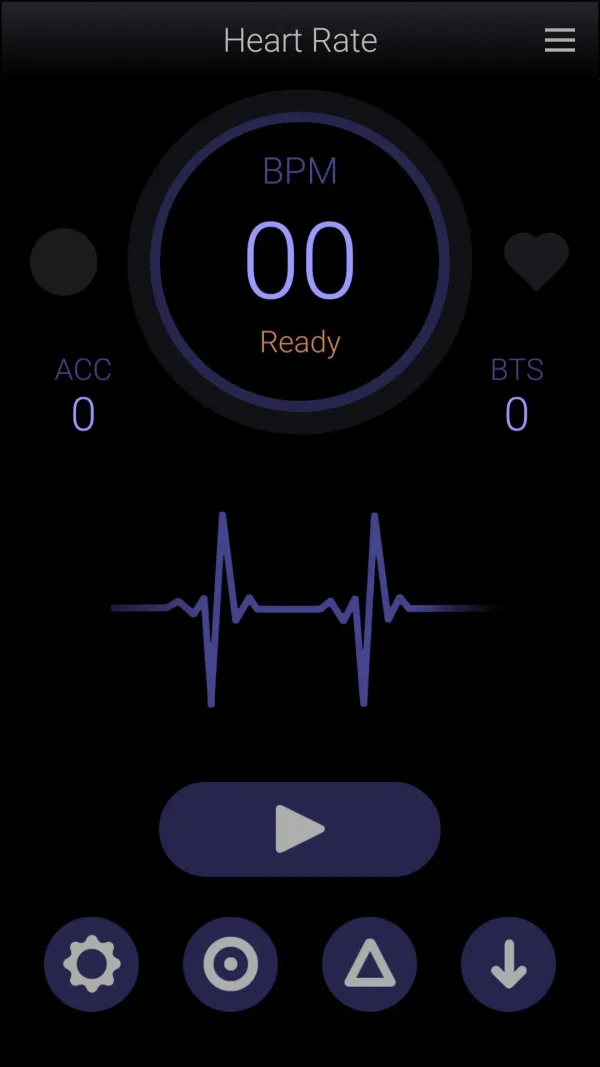
An easy-to-use app that measures your heart rate in 10s with your phone's camera
This easy-to-use app helps you measure your heart rate accurately in 10 seconds. Tracking your heart rate can be a great way to monitor your heart health and the secret to getting fit. The measurement process is very simple; you are only asked to touch with your index finger the phone's built-in rear camera. Every time your heart beats, the amount of blood that reaches the capillaries in your finger swells and then recedes. Because blood absorbs light, our app is able to capture this flow by using the flash of your phone's camera to illuminate the skin and create a reflection.
How to get accurate BPM readings
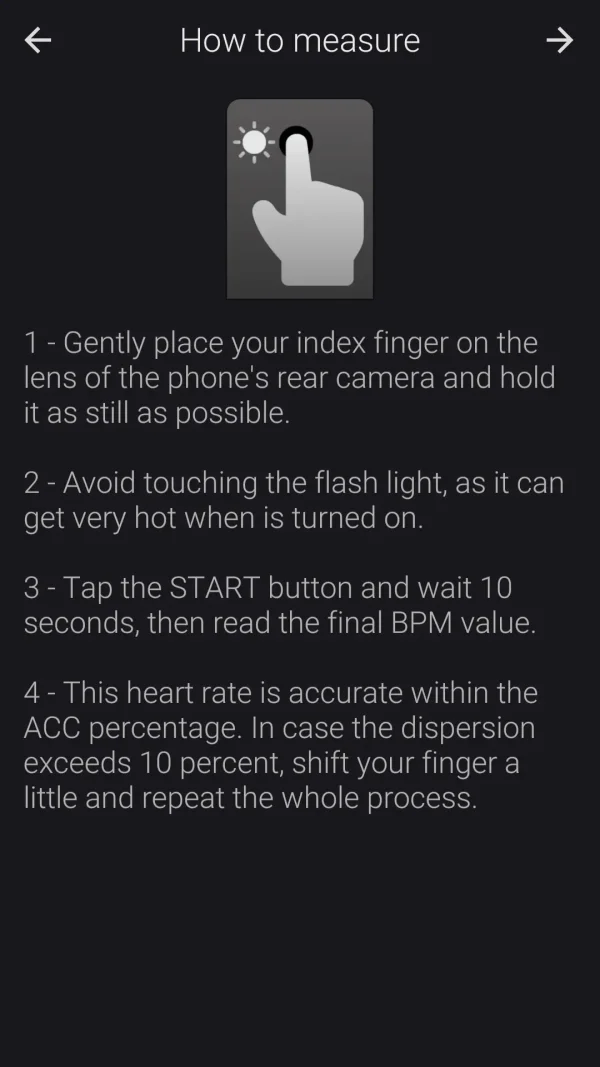
1 - Gently place your index finger on the lens of the phone's rear camera and hold it as still as possible.
2 - Rotate the finger to fully cover the LED flash but avoid touching it, as it can get very hot when it is turned on.
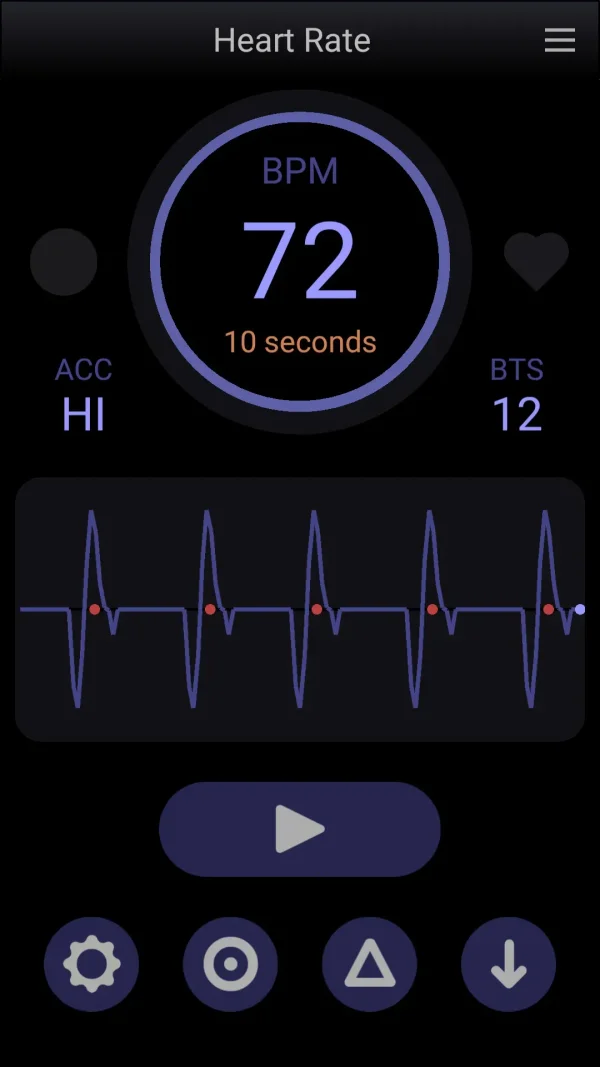
3 - Tap the START button and wait 10 seconds, then read the final BPM value.
4 - The accuracy ACC of the measured heart rate can be High, Medium or Low. In case the ACC is low, shift your finger a little and repeat the whole process. The waveform must be uniform, having a regular pattern, as in the figure above.
Normal heart rates
Children (ages 6 - 15, at rest) 70 - 100 beats per minute
Adults (age 18 and over, at rest) 60 - 100 beats per minute
Keep in mind that many factors can influence heart rate, including:
- Age, fitness and activity levels
- Being a smoker, having cardiovascular disease, high cholesterol or diabetes
- Air temperature, body position (standing up or lying down, for example)
- Emotions, body size, medications
Disclaimer
1. Talk with your doctor about whether it is necessary for you to measure your heart rate regularly. Heart rate is only one part of the puzzle of total heart health and fitness.
2. Talk to your doctor if you think you detect:
- a very low pulse rate (under 60, or under 40-50 if you're very active) at rest
- a very high pulse rate (over 100) at rest or an irregular pulse.
3. Don't rely on the displayed heart rate as an indicator of your heart health, use a dedicated medical device.
4. Don't make changes to your heart medication based on the heart rate readings from the app.
Key features
-- accurate BPM values
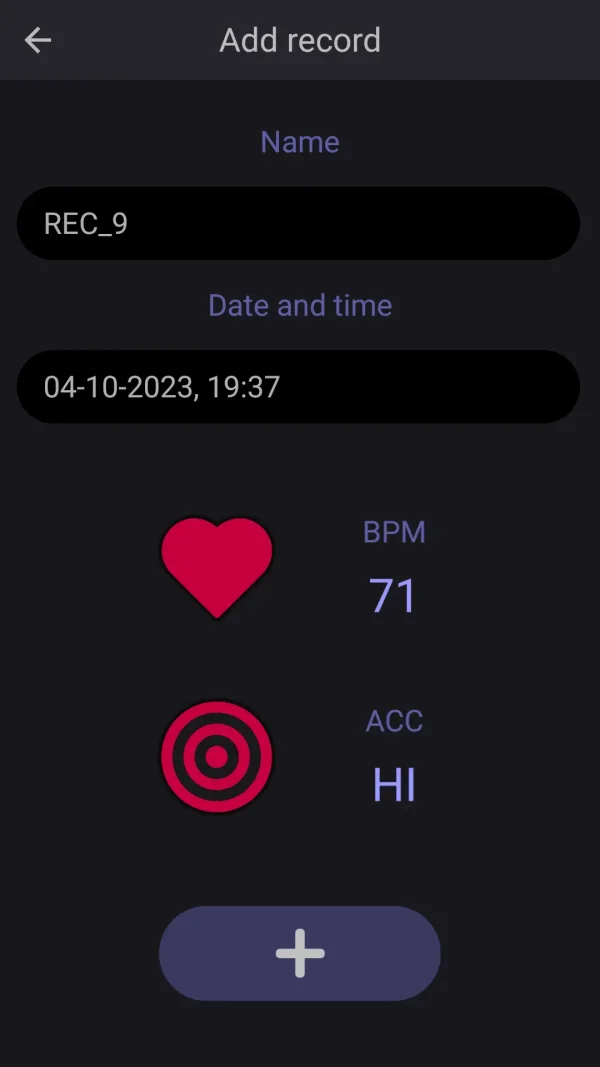
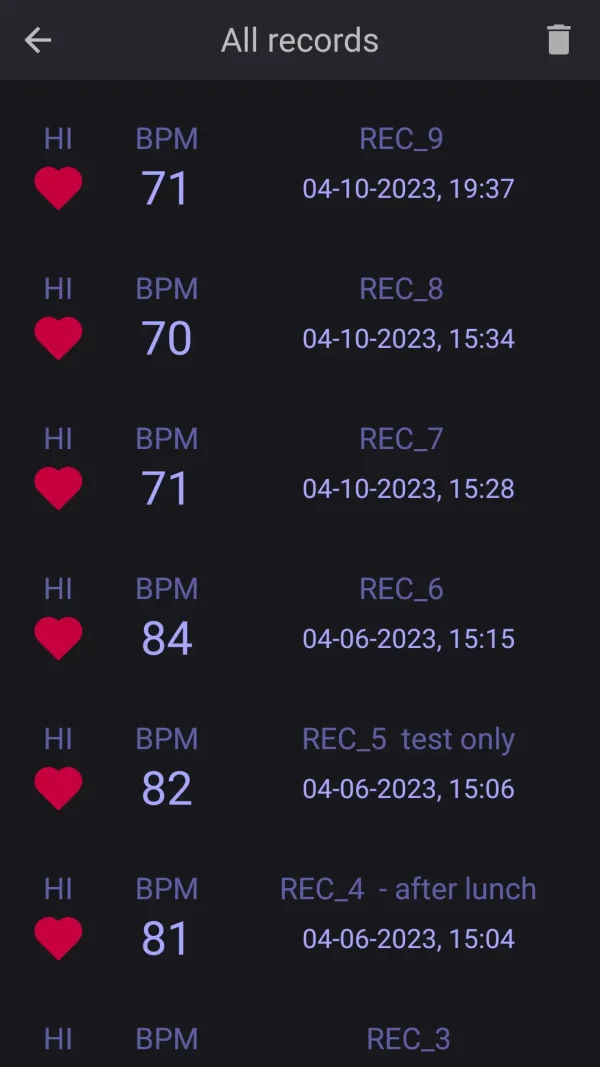
-- up to 100 BPM records
-- short measurement interval
-- simple Start/Stop procedure
-- large graph that shows the heart's rate and rhythm
-- no intrusive ads
Data safety
What Microsys Com Ltd. declares on Google Play about the data this app collects and shares.
- No data shared with third partiesLearn more about how developers declare sharing
- No data collectedLearn more about how developers declare collection
What’s new
Version 7.4.0 · Jul 24, 2026
- 5-second option added
- Code optimization
- 'Exit' added to the menu
- Improved detection algorithm.
- Graphic enhancements
Developer contact
- Websitemicrosys.ro
- Emailinfo@microsys.ro
- Privacy policymicrosys.ro
- AddressSTR. DOAMNA GHICA NR. 6 BL. 3 SC. C ET. 10 AP. 119, SECTORUL 2 022832 Bucuresti Romania
Information
- Offered by
- Microsys Com Ltd.
- Category
- Health & Fitness
- Version
- 7.4.0
- Updated
- Jul 24, 2026
- Released
- Oct 29, 2021
- Requires
- Android 6.0 or later
- Age rating
- Everyone
- Price
- Free
- Package name
- com.microsys.HeartRate