Heart Rate Digital WatchFace
jigu watchfaceContains ads
- EveryoneAge rating
- ToolsCategory
- Oct 19, 2026Updated
- FreePrice
Links to the official Google Play listing of com.watchface.heartrateapp.heartratemonitor. Last checked on Nov 14, 2026.
Screenshots

About this app
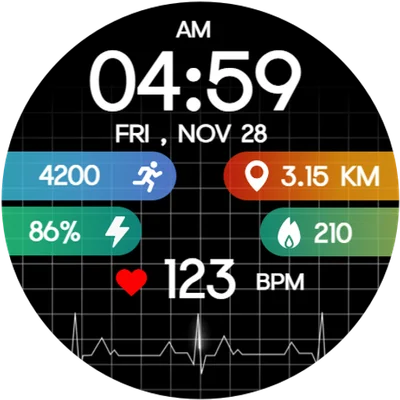
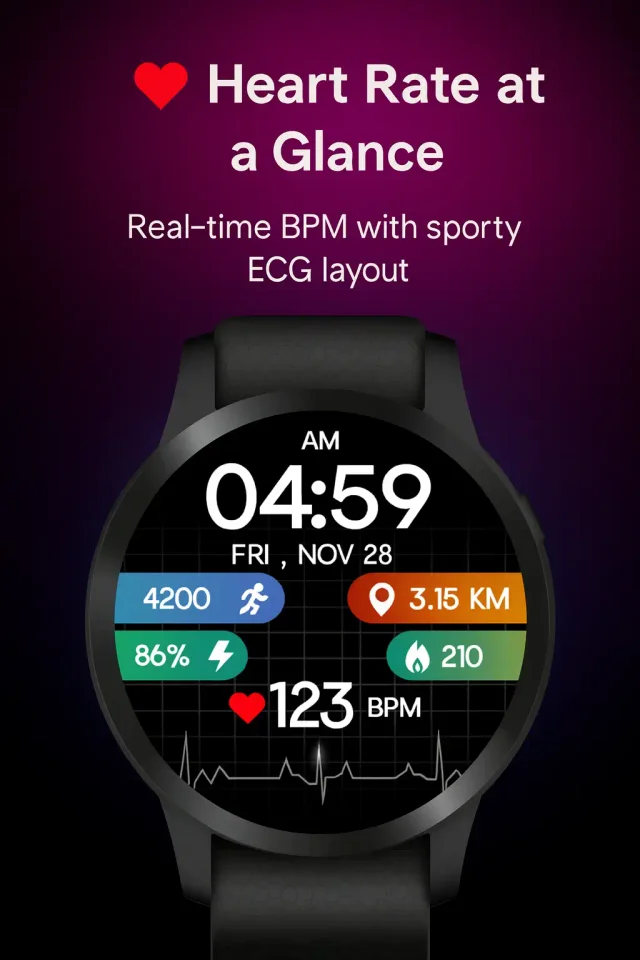
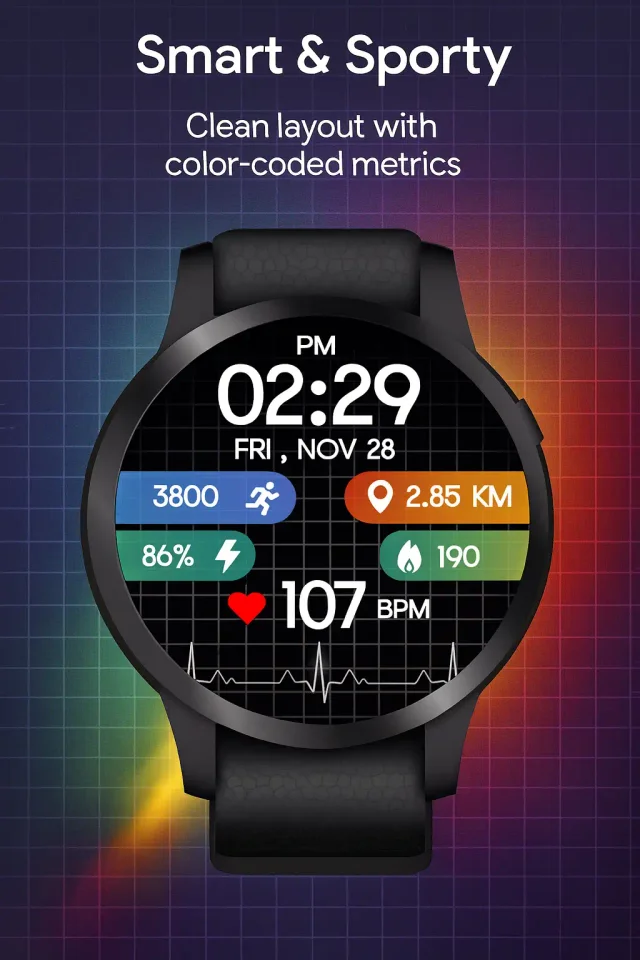
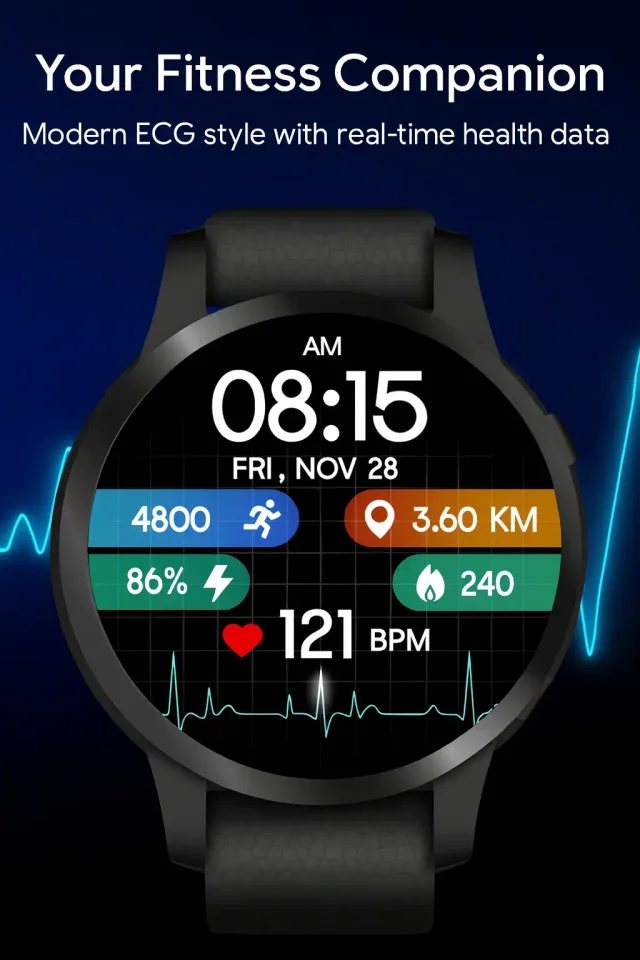
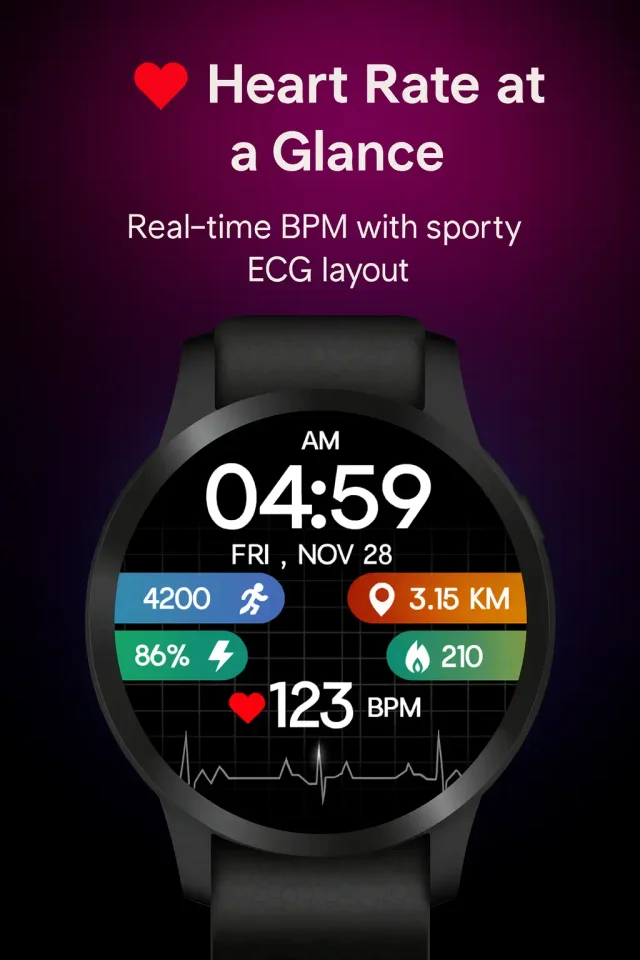
Sporty ECG digital watch face with heart rate, steps, battery & KM stats.
Experience a clean, powerful, and modern fitness-focused display with the
Heart Rate Digital WatchFace—a premium Wear OS watch face
designed for users who love activity tracking, health stats, and a
sharp digital layout.
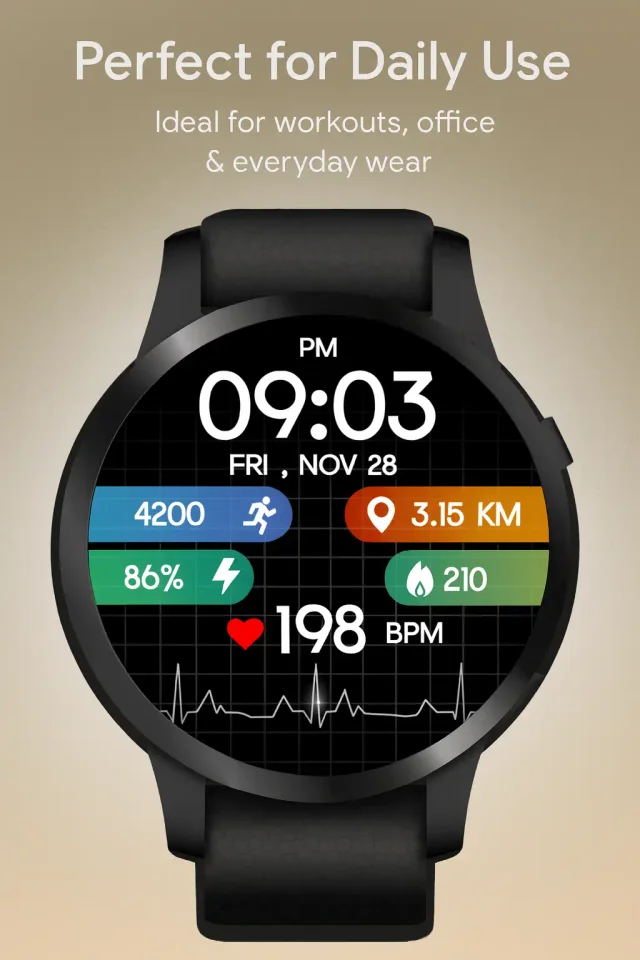
Perfect for daily workouts, office use, evening walks, and all-day activity.
❤️ Perfect For:
Fitness lovers, runners, cyclists, walkers, sport-focused users, and
anyone who wants a fast, clear dashboard of heart rate, steps,
battery, distance, and calories.
⚡ Designed for:
Users searching for digital, sporty, ECG, activity, fitness, and
health-style watch faces.
✨ Key Features:
1. Real-time Heart Rate Display (BPM)
2. Sporty Digital Layout with ECG Line Background
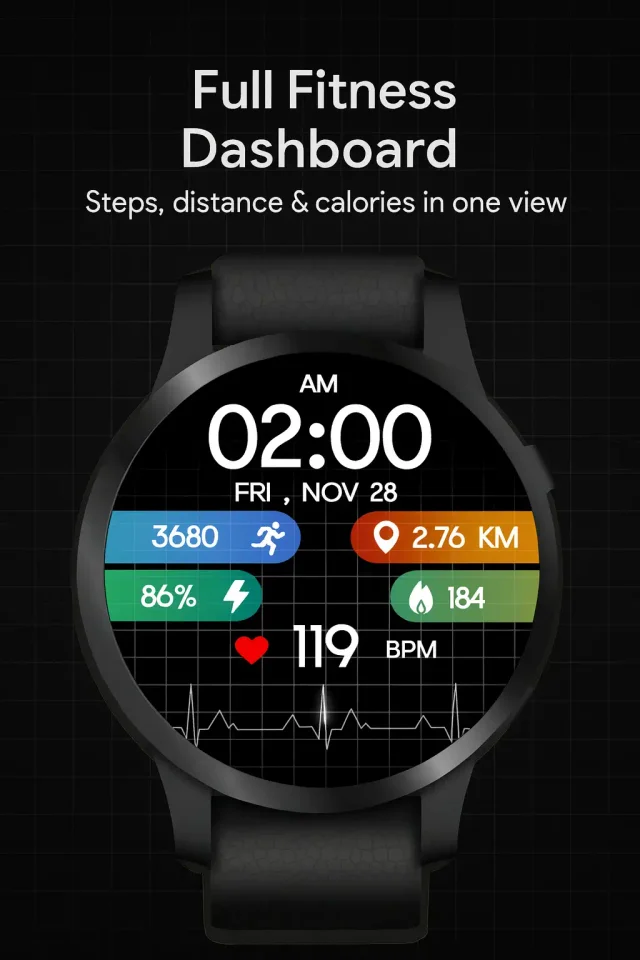
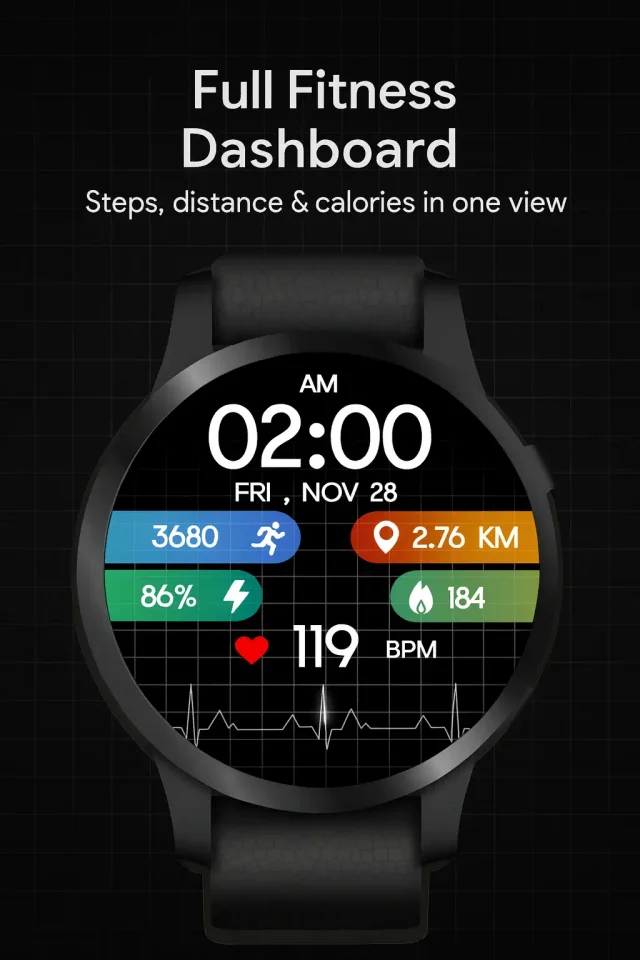
3. Full Fitness Stats: Steps, Calories, Distance, Battery %
4. 12/24h Digital Time Format
5. Date & Day Display
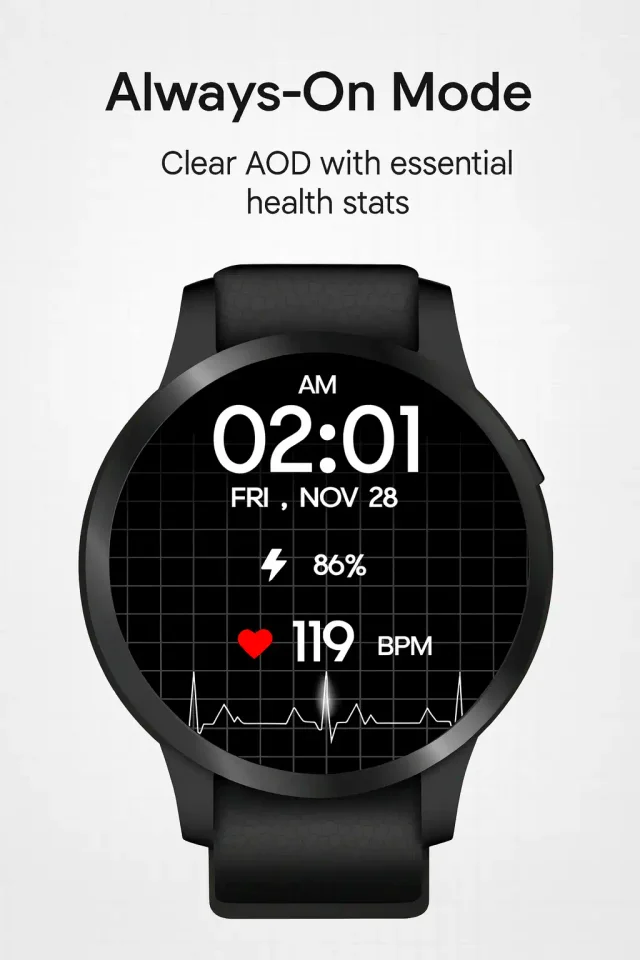
6. Always-On Display (AOD) Support
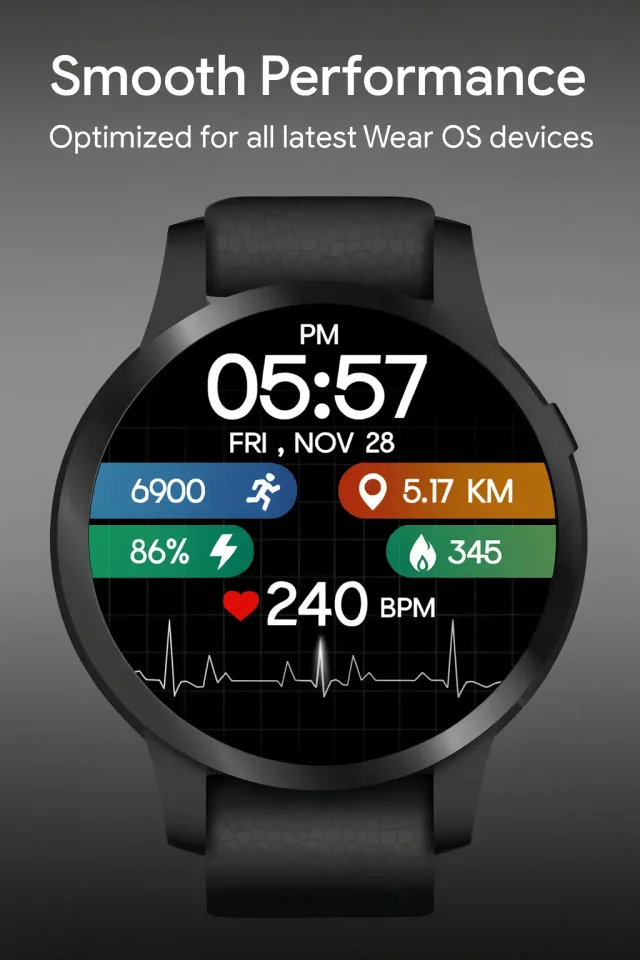
7. Optimized for smooth performance on all Wear OS devices
8. Bright color-coded activity bars for instant readability
📱 Phone App Features
• The companion mobile app helps you install and locate the watch
face on your Wear OS smartwatch. No additional permissions
required.
⌚ Watch Face Features
• Digital Time (12/24h)
• Heart Rate (BPM)
• Steps Counter
• Calories Burned
• Distance in KM
• Battery Percentage
• Date & Day
• Always-On Display (AOD)
📲 Installation Instructions:
1. Open the Companion App on your phone.
2. Tap "Install on Watch." On your watch, select Heart Rate Digital
WatchFace from your watch face gallery.
✅ Compatibility:
• Compatible with all Wear OS devices (API 33+) including:
• Google Pixel Watch
• Samsung Galaxy Watch series
• Other Wear OS smartwatches
• ❌ Not suitable for rectangular watches.
• Bring clarity, precision, and a sporty modern style to your wrist with the
Heart Rate Digital WatchFace—your everyday fitness companion !
⚠️ Note: • Calorie count is an approximate estimate based on steps
(~0.05 kcal per step). Actual results vary depending on weight, age,
gender, and activity type. Data is for general
fitness reference only.
• Distance (KM) shown is an approximate calculation based on step
length (average ~0.75 meters per step). Actual distance may vary
depending on walking speed, stride length, terrain, and activity type.
This data is for basic fitness tracking only.
Data safety
What jigu watchface declares on Google Play about the data this app collects and shares.
- This app may share these data types with third partiesApp activity and Device or other IDs
- This app may collect these data typesApp activity and App info and performance
- Data is encrypted in transit
- Data can’t be deleted
Developer contact
- Websitejiguwatchface.blogspot.com
- Emailjigsdevganiya12345@gmail.com
- Privacy policyjiguwatchface.blogspot.com
- AddressIndia
Information
- Offered by
- jigu watchface
- Category
- Tools
- Updated
- Oct 19, 2026
- Released
- Nov 23, 2025
- Age rating
- Everyone
- Price
- Free
- Package name
- com.watchface.heartrateapp.heartratemonitor