Hidden Camera Detector
CardsContains ads · In-app purchases
- EveryoneAge rating
- ToolsCategory
- Sep 3, 2026Updated
- FreePrice
Links to the official Google Play listing of com.tm.radiation.meetr. Last checked on Nov 25, 2026.
Screenshots
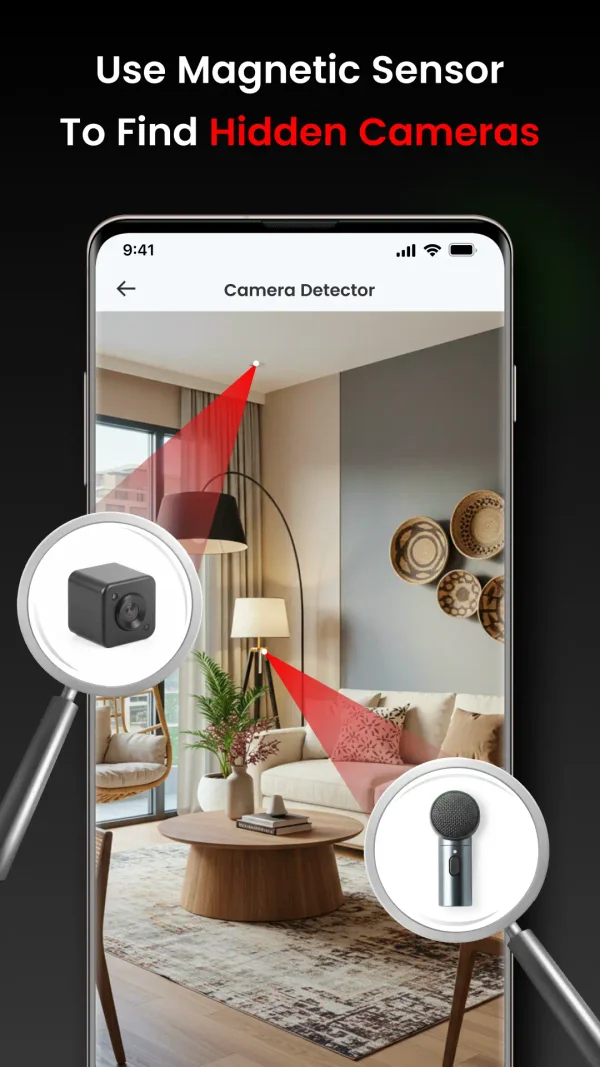
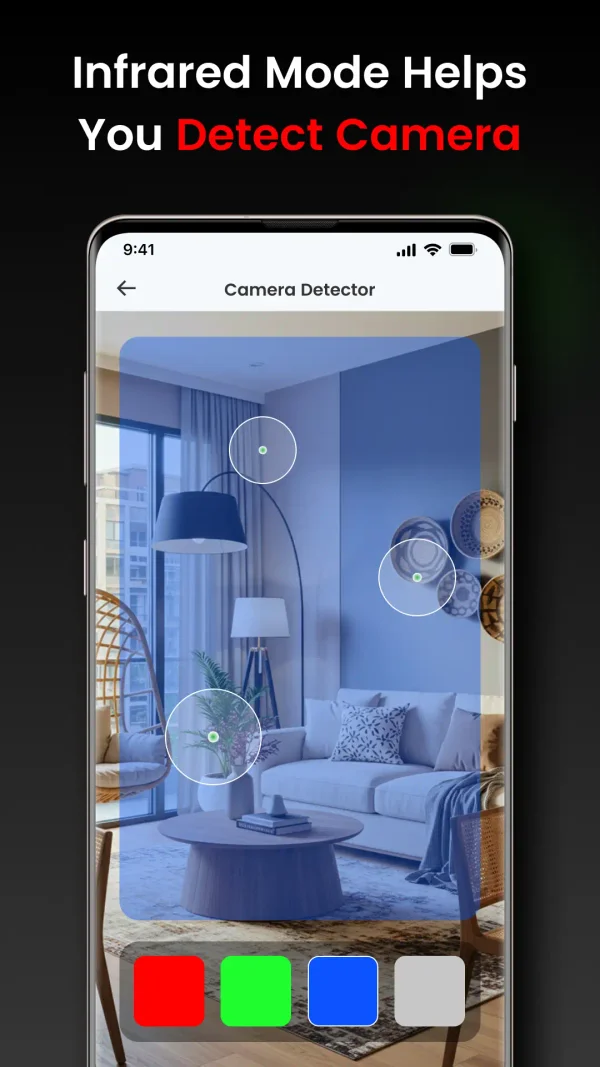

About this app
Detect hidden cameras & devices using Wi-Fi, Bluetooth & sensor tools
Check Your Space with Smart Privacy Tools 🔒
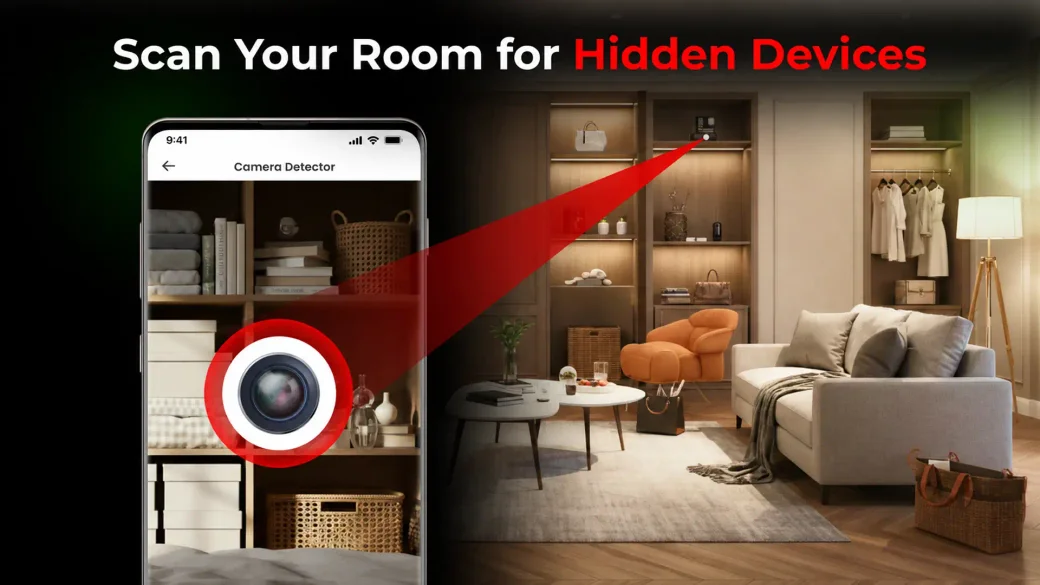
In a hotel, rental, office, or unfamiliar room, a quick privacy check can help you stay aware. The app combines tools so you can inspect nearby devices, unusual signals, reflections, and sensor readings without relying on one method.⚠️ Important Notice:
This app does not guarantee finding all hidden cameras. It provides indicators and signals to help users stay alert and aware.
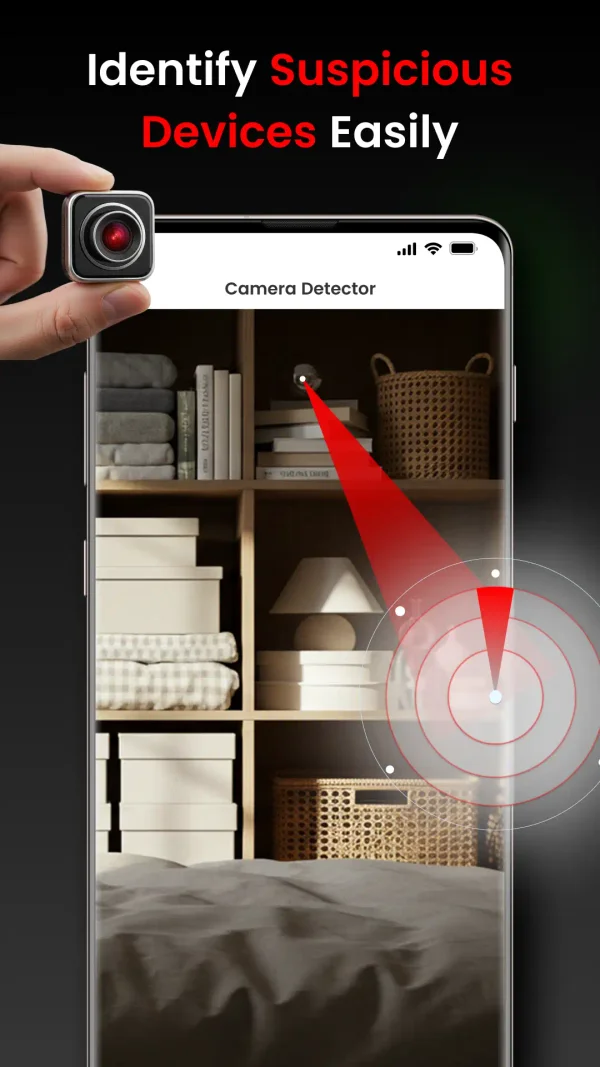
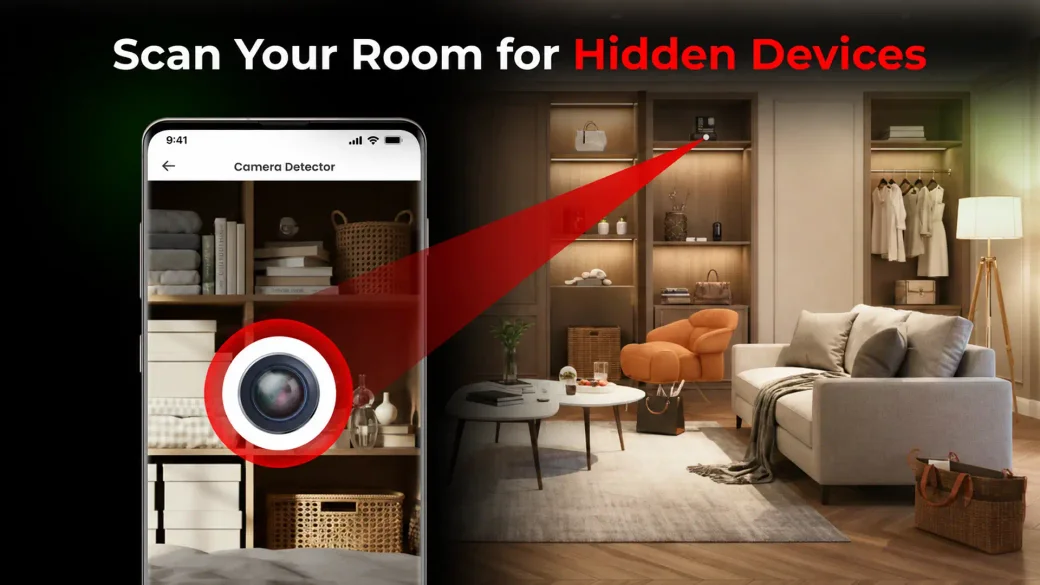
Start with the camera detection tools for a room check. If you want to find hidden cameras, move slowly and inspect anything that looks out of place.
📶 Check Nearby Devices & Connections
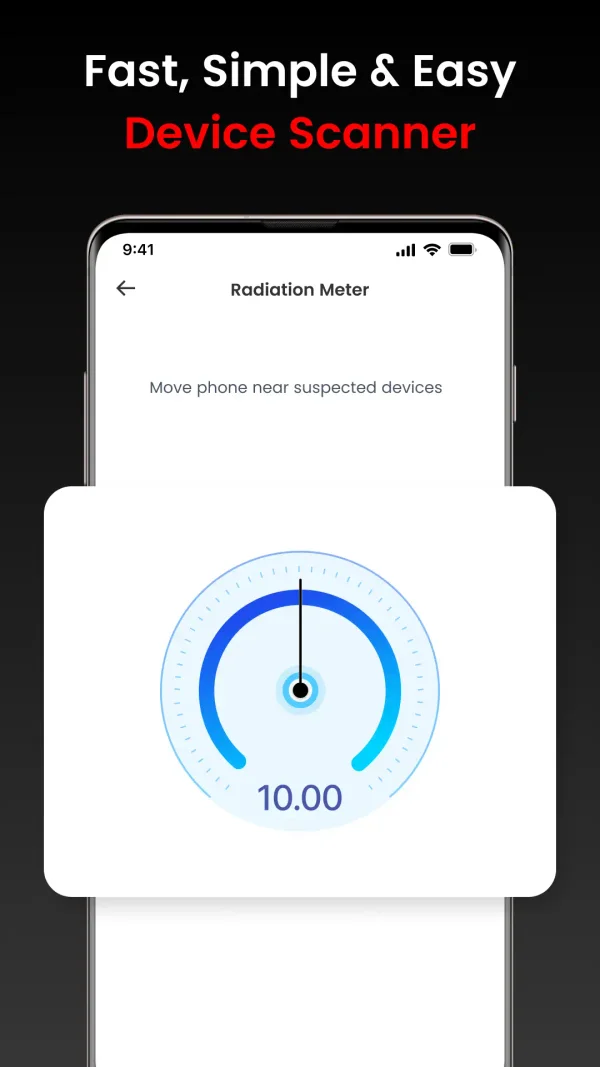
Use the scanner to review nearby signals, then compare anything unusual with the detector. A hidden camera may not always be identifiable from a network result alone, so detection works best when you combine several clues.The camera detection app also gives you tools for a pass around the room. If a detection result appears, inspect the area more carefully rather than treating it as proof.
🌙 Look for Reflections & Sensor Changes
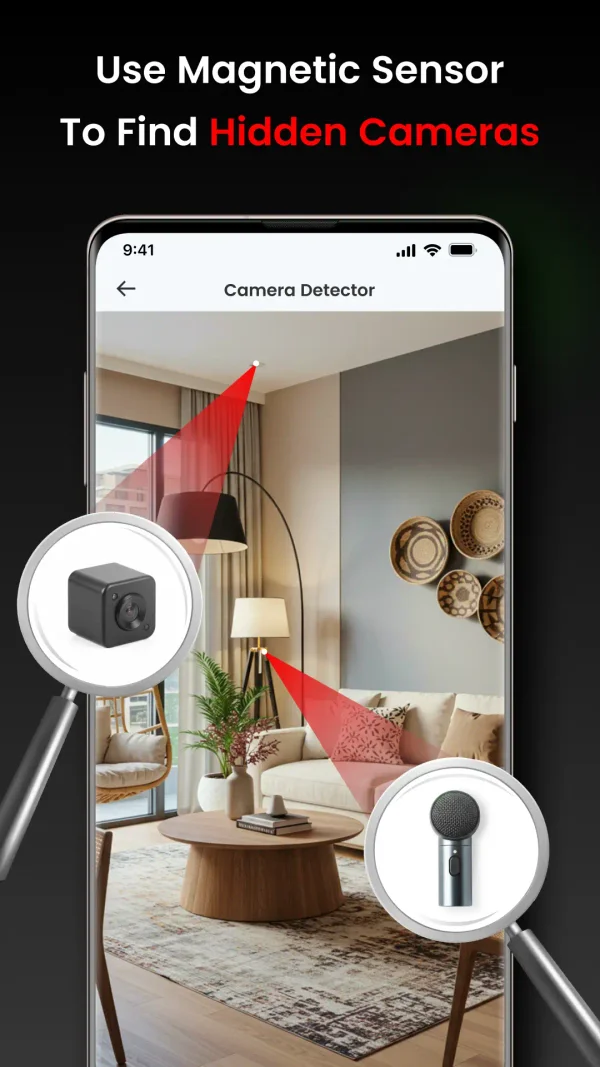
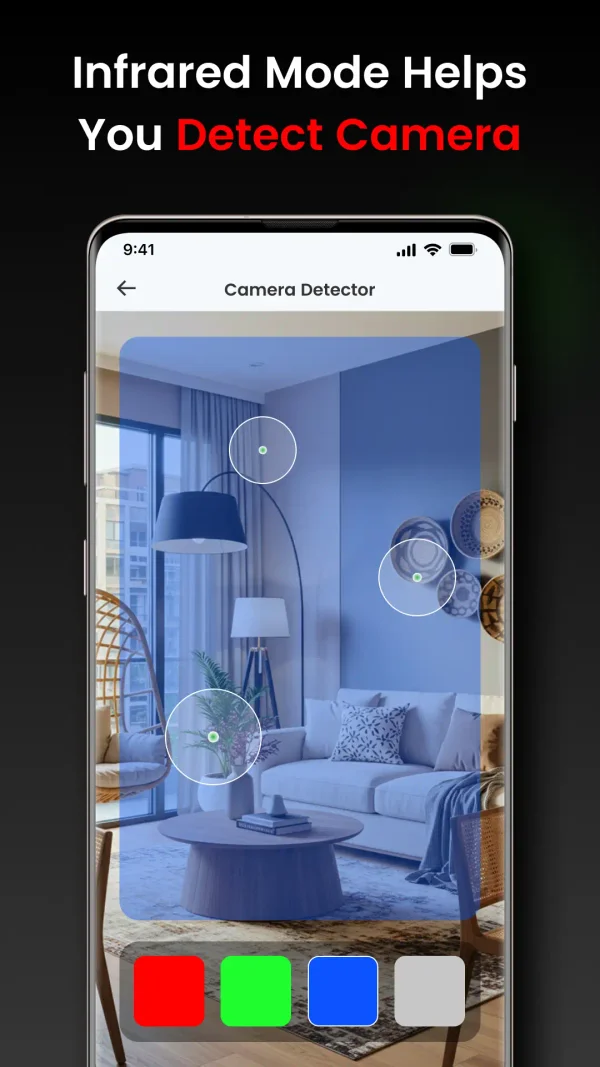
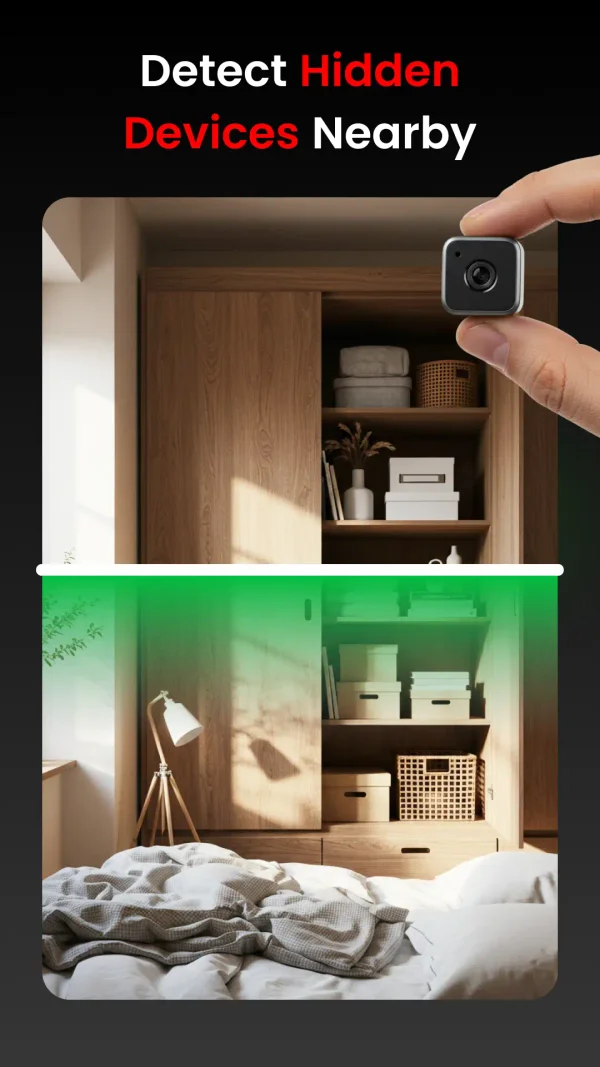
The camera detection tools can help you check clocks, vents, shelves, chargers, and other hiding spots. To find hidden cameras more carefully, scan from different angles and watch for unusual light or reflections.Use the camera detector with its features when checking supported sensors. The scanner can narrow down areas worth another look, while the detector gives you another way to review the result.
If you suspect a hidden camera is present, repeat the check. Open the camera detection app, try the detection tools, and review any indication from another position.
🧲 Use More Than One Clue
A second pass with the camera detection tools can help if something still feels unusual. When you find hidden cameras or possible electronic devices, compare what you see with the camera detector instead of trusting one signal.The camera detector tools and scanner support awareness. The detector may highlight something worth checking, but the presence of a hidden camera cannot always be confirmed by software alone.
Use detection carefully, then open the camera detection app if you want to check again. The detection tools and their indicators can help you compare results.
⭐ Recheck Anything That Seems Suspicious
Run the camera detection tools once more for a final sweep. To find hidden cameras responsibly, check suspicious objects directly and compare what you see with the camera detector results.The scanner and detector can support that final review. If you are concerned that a hidden camera is present, repeat the check, open the camera detection app, and use its tools to inspect the area again. Treat every detection result as an indicator, not a guarantee.
⚠️ This app does not guarantee detection of every hidden device. Results depend on phone hardware, sensors, lighting, networks, and environmental conditions.
⚠️ Note: Detection results depend on device sensors and environmental conditions. This app is intended as a privacy-awareness tool and does not guarantee detection of all devices.
⚠️ Disclaimer: This app is for entertainment purposes only.
Data safety
What Cards declares on Google Play about the data this app collects and shares.
- This app may share these data types with third partiesDevice or other IDs
- No data collectedLearn more about how developers declare collection
- Data is encrypted in transit
- Data can’t be deleted
Developer contact
- Websitecardsapp.com
- Emailsupport.camspy@cardsapp.com
- Privacy policycardsapp.com
- Address1 Atirei Yeda KFAR SABA, 4464301 Israel
Information
- Offered by
- Cards
- Category
- Tools
- Version
- 2.1.0
- Updated
- Sep 3, 2026
- Released
- Nov 5, 2018
- Requires
- Android 8.0 or later
- Age rating
- Everyone
- Price
- Free
- In-app purchases
- $0.99 - $99.99 per item
- Package name
- com.tm.radiation.meetr
Similar apps
-
 DJ Music Mixer - Equalizer
Music & Audio
-
 Music Player - MP3 Player
Music & Audio
-
 IP Camera Viewer
House & Home
-
 COLREG 72: Rules of the Road
Education
-
 DJ Music Mixer & Drum Pad
Music & Audio
-
 Music Equalizer - Bass Booster
Personalization
-
 MyTransit NYC Subway & Bus MTA
Maps & Navigation
-
 DJ Mixer Studio Pro - DJ Music
Music & Audio
-
 AmpMe - Speaker Booster
Music & Audio
-
 Flash Alert: Led Flashlight
Tools
-
 Music Player
Music & Audio
-
 Anti Spyware - Spy Detector
Tools