Hourtap: Work Hours Tracker
Time Design LLCIn-app purchases
- EveryoneAge rating
- BusinessCategory
- Nov 13, 2026Updated
- FreePrice
Links to the official Google Play listing of com.timedesign.hours. Last checked on Nov 19, 2026.

Screenshots
About this app
Clock in with one tap. Timesheet, overtime & pay tracker with widgets
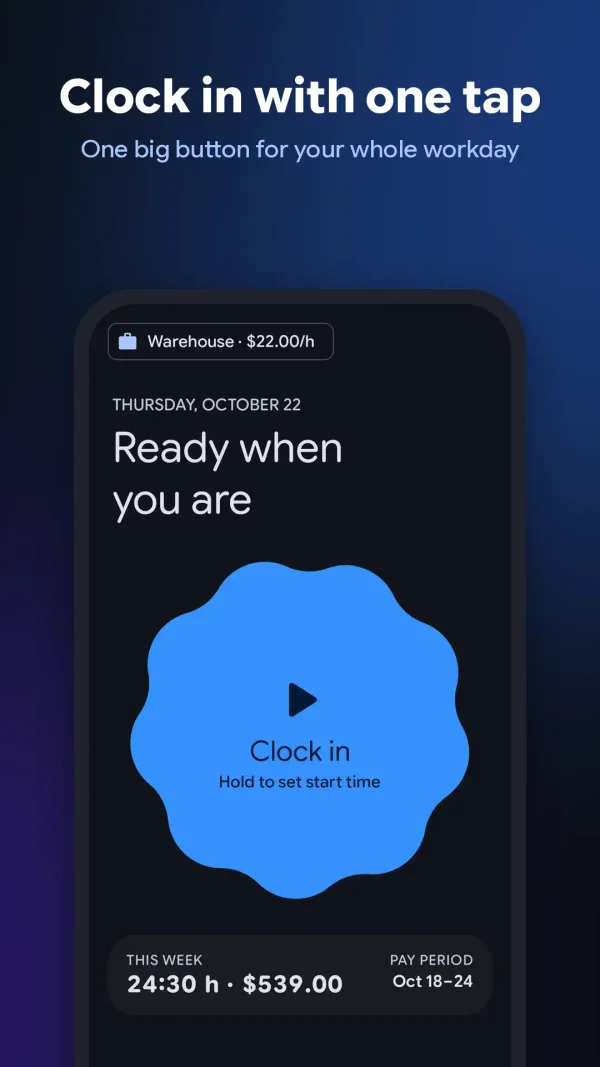
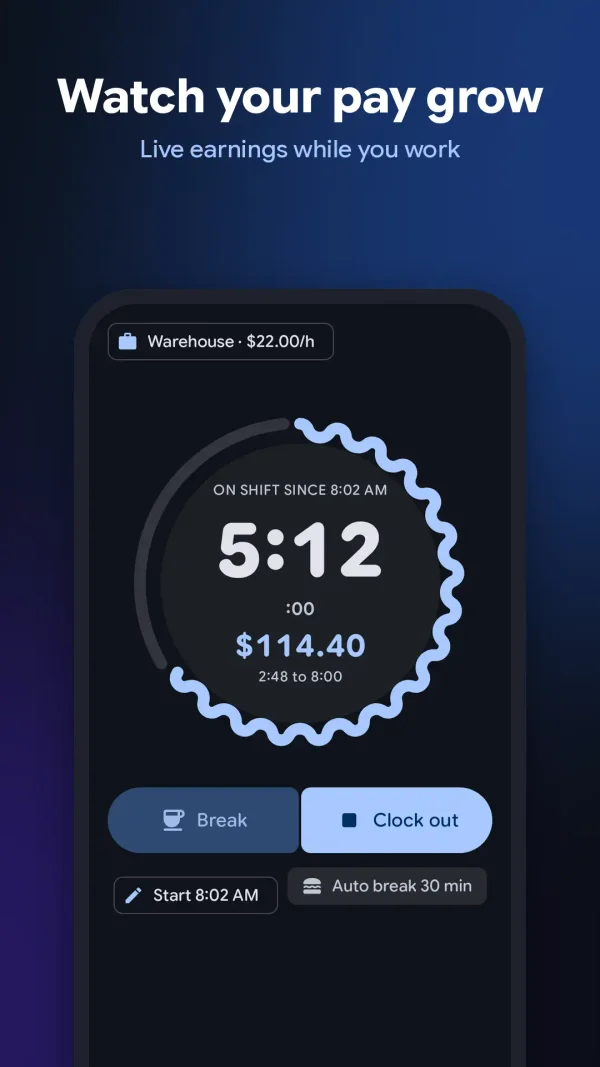
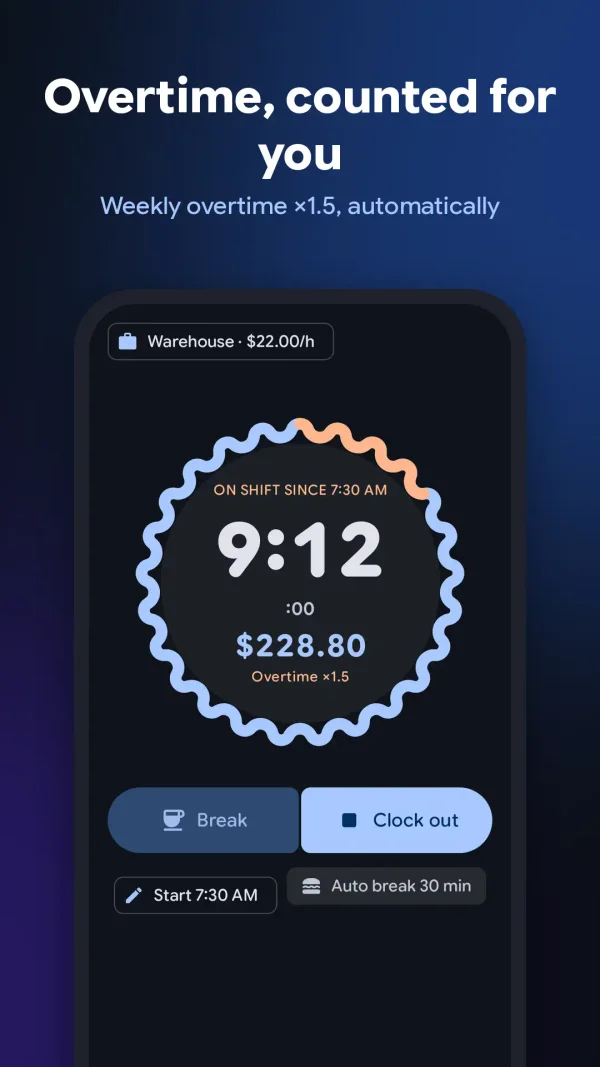
Hourtap is the simplest way to track your work hours and see what you've earned. Tap the big button when you start — it turns into your workday. The ring fills up to 8 hours, overtime shows in orange, and your pay grows in real time.
Made for hourly workers in warehouses, retail, restaurants, delivery, healthcare and construction, and for freelancers who want a time clock and timesheet without an account, ads or a monthly fee.
★ CLOCK IN AND OUT WITH ONE TAP
• One big button works like a punch clock: clock in, take a break, clock out
• Forgot to clock in? Set the real start time afterwards
• Tapped clock out by mistake? Undo it
• Night shifts that cross midnight are counted right
★ PAY AND OVERTIME, CALCULATED FOR YOU
• Hourly pay calculator with live earnings while you work
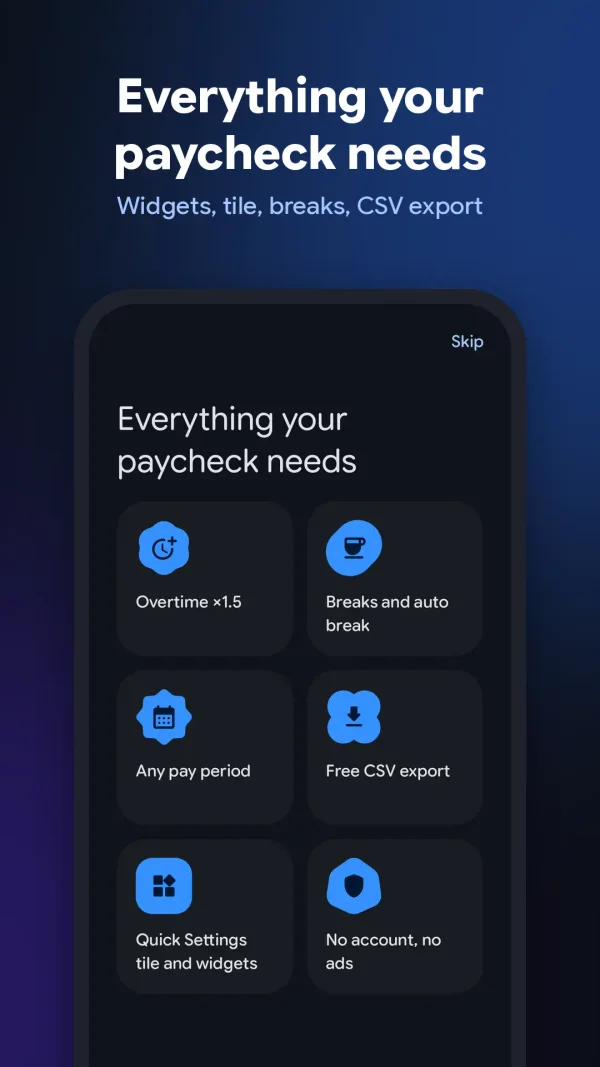
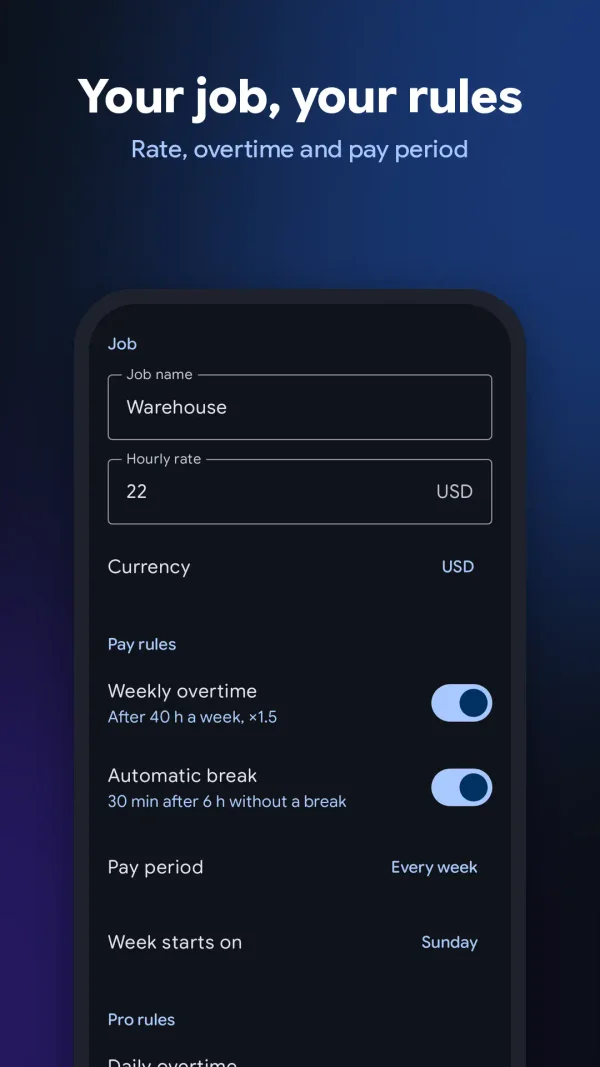
• Weekly overtime ×1.5 counted automatically
• Paid or unpaid breaks and auto break
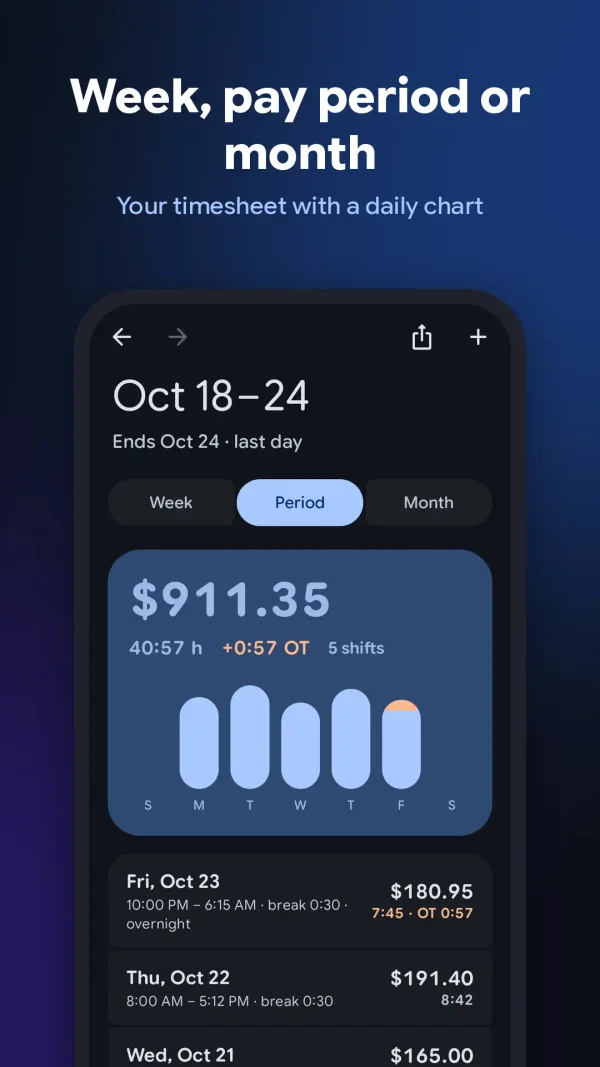
• Any pay period: weekly, every two weeks, twice a month or monthly
★ TIMESHEET
• Your hours worked for the week, pay period or month at a glance, with a daily chart
• A work log of every shift: start, end, breaks, hours and pay
• Add or edit shifts any time
• Free CSV export for your boss or your spreadsheet
• Pay day summary with hours and pay
★ ALWAYS AT HAND
• Home screen widgets: clock in from the home screen and see your week
• Quick Settings tile to start or end a shift
• Live timer in the notification with Break and Clock out buttons
• Reminders to clock in and a "still working?" check after a long shift
• Vacation mode pauses the reminders
★ WHO IT'S FOR
• Hourly employees who want to check that every hour on the paycheck is right
• Shift workers who need a simple shift tracker for day and night shifts
• Freelancers and contractors who bill by the hour
• Anyone who used a paper time card and wants it on the phone
★ USE IT AS
• A time clock app: clock in and clock out in one tap
• A work time tracker and hours tracker for every shift
• A timesheet and time card you can export
• An hours and pay tracker that shows your earnings live
★ PRIVATE BY DESIGN
• No account, no ads, no tracking
• Your hours stay on your phone, with Android backup and a backup file you control
★ HOURTAP PRO — ONE-TIME PURCHASE OR MONTHLY PLAN
• Buy once and keep it forever, or try it free for 7 days with the monthly plan
• Several jobs, each with its own rate and rules
• Daily overtime and double time
• Night, weekend and holiday pay
• Tips on each shift and time rounding
• PDF timesheet for your employer
• Fingerprint lock
Tap. Work. Get paid right.
Data safety
What Time Design LLC declares on Google Play about the data this app collects and shares.
- No data shared with third partiesLearn more about how developers declare sharing
- No data collectedLearn more about how developers declare collection
What’s new
Version 1.0 · Nov 13, 2026
Small improvements.
Developer contact
- Websitetime-design.web.app
- Emailwatchfacemanager.dev@gmail.com
- Privacy policytime-design.web.app
- Address68 of.233 pr. Chervonoi Kalyny Kyiv Ukraine 02064
Information
- Offered by
- Time Design LLC
- Category
- Business
- Version
- 1.0
- Updated
- Nov 13, 2026
- Released
- Oct 30, 2026
- Requires
- Android 8.0 or later
- Age rating
- Everyone
- Price
- Free
- In-app purchases
- $1.99 - $14.99 per item
- Package name
- com.timedesign.hours