House Design Plan 3D App
Wallet Passes AllianceContains ads · In-app purchases
- EveryoneAge rating
- House & HomeCategory
- Oct 6, 2026Updated
- FreePrice
Links to the official Google Play listing of com.gg.housedesign.draw.houseplan.free. Last checked on Nov 26, 2026.
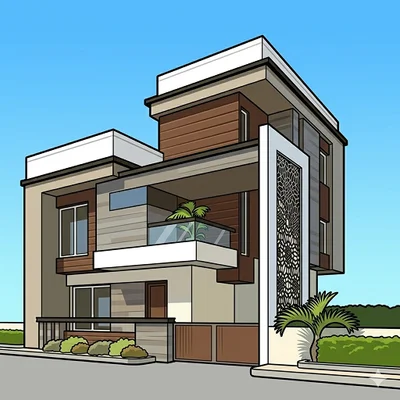
Screenshots
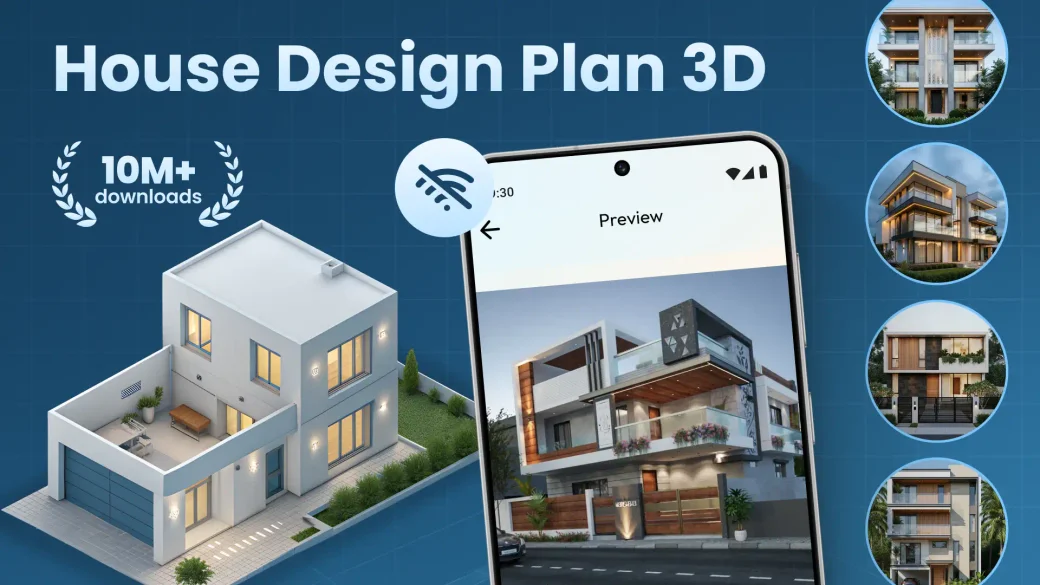

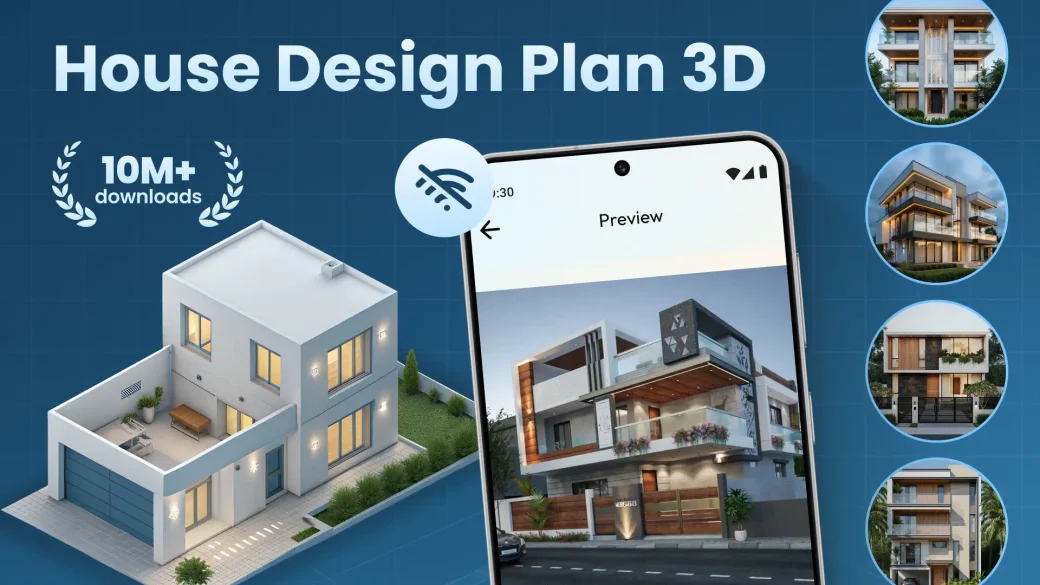
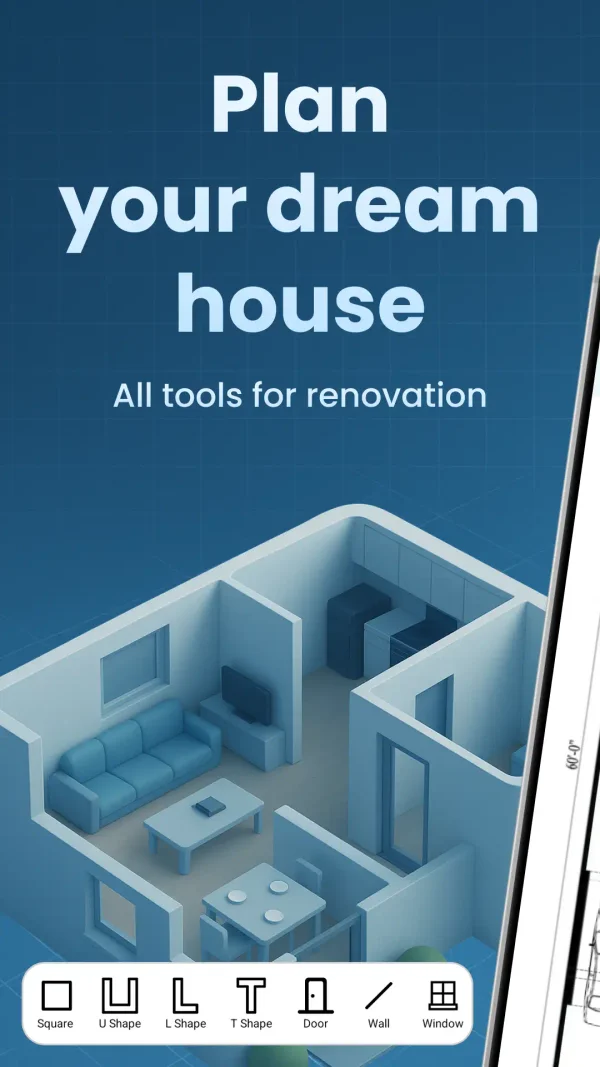
About this app
Design your dream home with 3D planning app, Visualize your dream home in 3D.
What is House Design Plan 3D App?
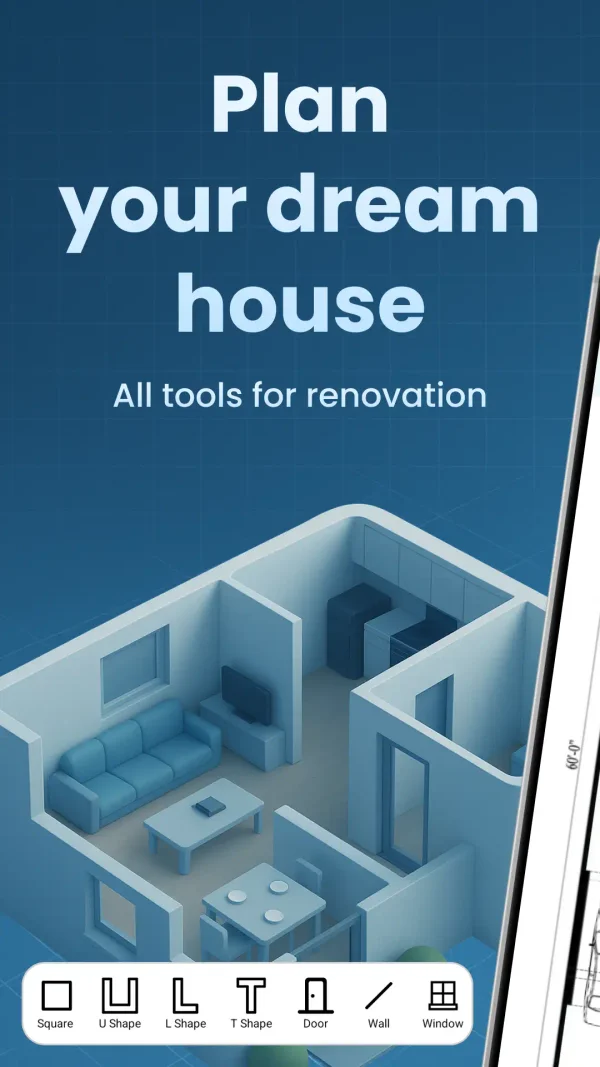
An Android home design app for creating floor plans, arranging rooms, and visualizing interiors in 3D. Draw walls, divide spaces, and explore furniture placement to turn a home idea into a layout you can see.Use the room planner to work through a new arrangement or explore a decorating idea before making changes to your space.
Who is House Design Plan 3D App for?
For people planning a room refresh, exploring a home layout, or learning how different design choices work together. Start with a single room or develop a broader house concept using the available planning tools.It suits beginners who want a template as a starting point, as well as people who prefer to draw walls and shape their own layout. Try different furniture arrangements and finishes to explore the style you have in mind.
What does House Design Plan 3D App do?
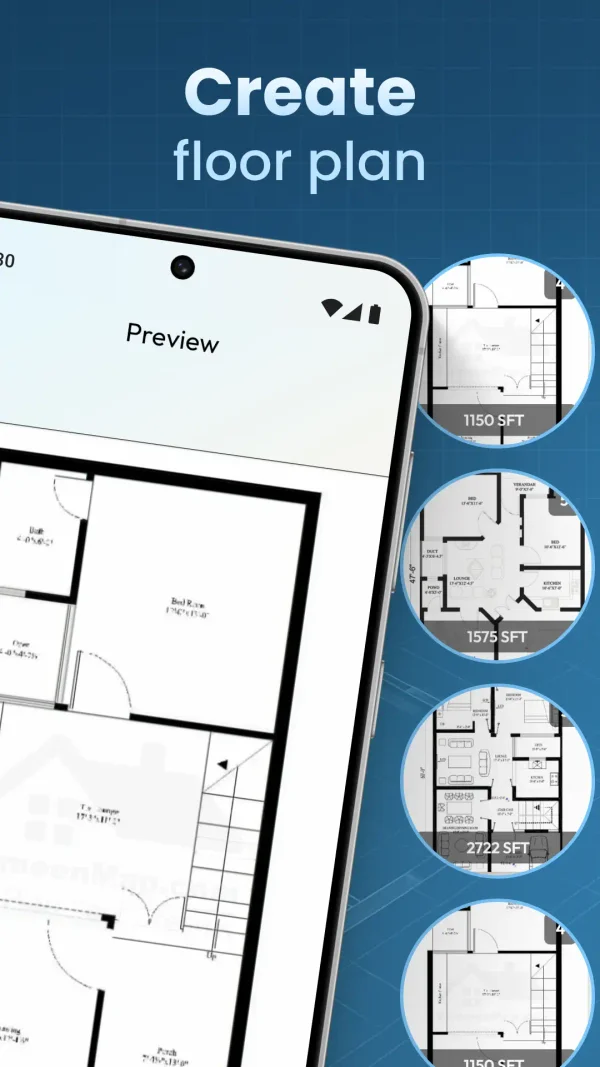
• Create floor plans: Use drag-and-drop controls to arrange walls and rooms.
• Plan room layouts: Divide spaces and explore how rooms fit together.
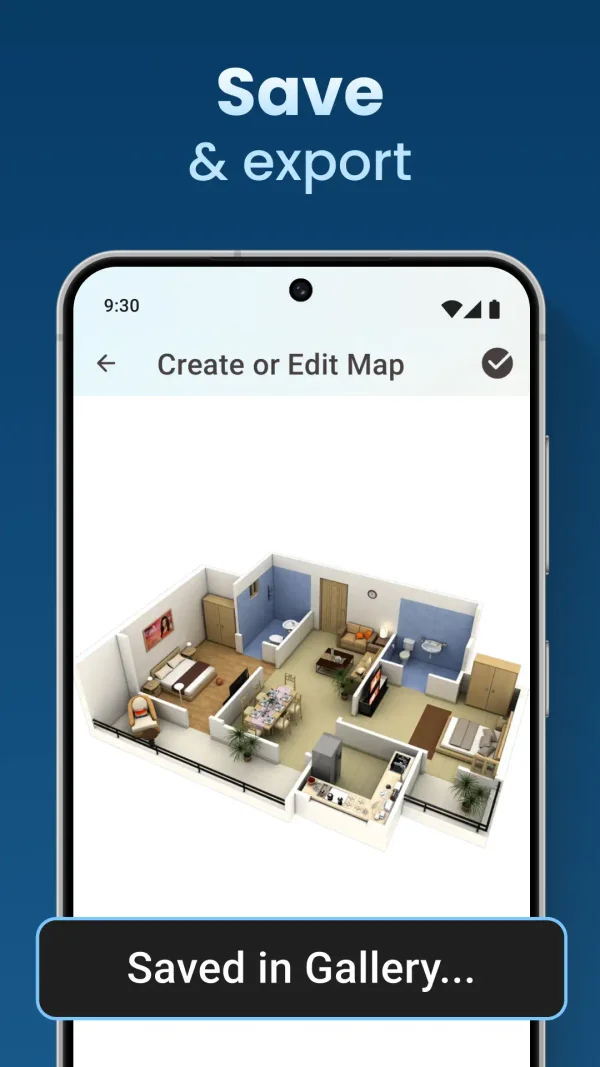
• View designs in 3D: See room shapes and furniture placement from a three-dimensional perspective.
• Arrange furnishings: Test different furniture positions as you develop your interior design.
• Explore colors and finishes: Customize wall textures, flooring, and color schemes to try different looks.
• Adjust lighting: Explore lighting choices alongside your furnishings and finishes.
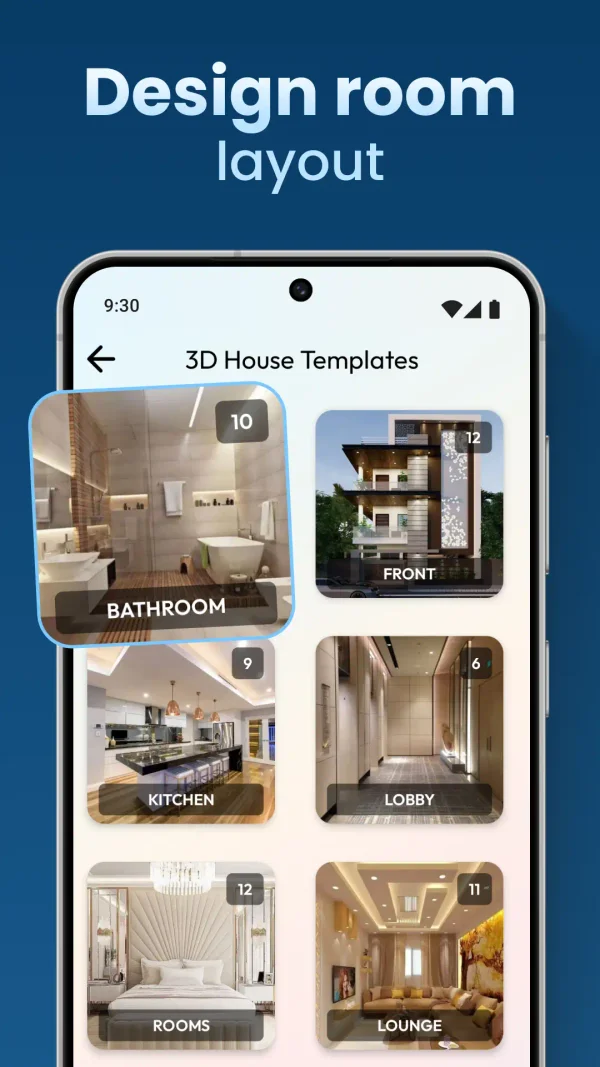
• Start from templates: Use an existing design as a starting point and adapt it to your idea.
• Follow guided help: Work through planning with step-by-step assistance.
• Save and preview projects: Keep your design and review the layout you have created.
Bring layout and decoration decisions into the same project. Use the floor plan to consider room organization, then explore the interior in 3D to see how your choices look together.
How does House Design Plan 3D App work?
Start with a design template or create a layout using the floor-planning tools. Draw walls, partition rooms, and arrange the spaces around your idea.Add furnishings, try colors and textures, and explore flooring and lighting options. Check the 3D view as you make adjustments to understand the relationship between the room and its contents.
Save your project when you want to keep the result. Use the preview to review your home design and identify details you want to refine.
Compatibility and requirements
This app is available for Android. It contains ads and offers in-app purchases.Privacy
The app may share device or other identifiers with third parties.House Design Plan 3D App brings floor planning, furniture arrangement, and interior styling together so you can explore your home ideas visually.
Data safety
What Wallet Passes Alliance declares on Google Play about the data this app collects and shares.
- This app may share these data types with third partiesDevice or other IDs
- No data collectedLearn more about how developers declare collection
- Data is encrypted in transit
- You can request that data be deleted
Developer contact
- Websitewalletpasses.me
- Emailsupport.housedesignplan@walletpasses.me
- Privacy policywalletpasses.me
- AddressLeshem 26 Mevaseret Zion, 9077520 Israel
Information
- Offered by
- Wallet Passes Alliance
- Category
- House & Home
- Version
- 4.0.2
- Updated
- Oct 6, 2026
- Released
- May 23, 2025
- Requires
- Android 8.0 or later
- Age rating
- Everyone
- Price
- Free
- In-app purchases
- $0.99 - $99.99 per item
- Package name
- com.gg.housedesign.draw.houseplan.free
Similar apps
-
 DrawPlan: Floor Plan Maker AI
Productivity
-
 Planner 5D: AI Home Design
House & Home
-
 Floor Plan Creator
Art & Design
-
 AI Home Design: Ideal House
Art & Design
-
 Home AI - AI Interior Design
Lifestyle
-
 Houzz Home Design & Renovation
House & Home
-
 Moblo - 3D Furniture Design
Art & Design
-
 Renovate AI : Home Design
House & Home
-
 Home Planner AI: Room Design
House & Home
-
 DecAI® - AI Home Design
Art & Design
-
 HomeByMe
Lifestyle
-
 Design Space: DIY with Cricut
Lifestyle