Infocus TV Remote Control
FirehawkContains ads · In-app purchases
- EveryoneAge rating
- ToolsCategory
- Aug 19, 2026Updated
- FreePrice
Links to the official Google Play listing of in.remotify.www.asianetremotecontrol. Last checked on Nov 27, 2026.
Screenshots

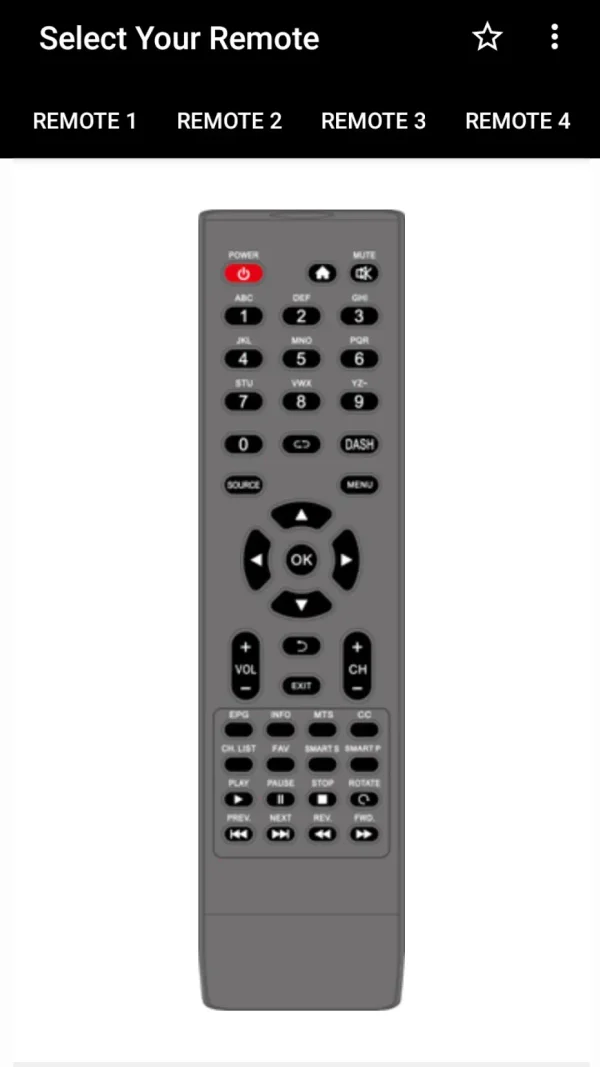
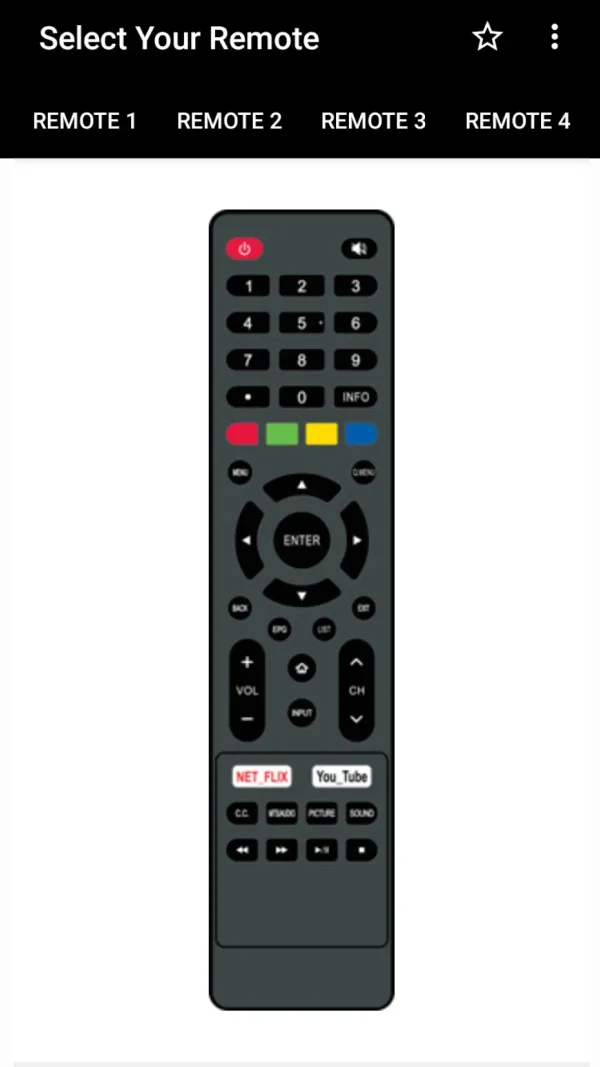
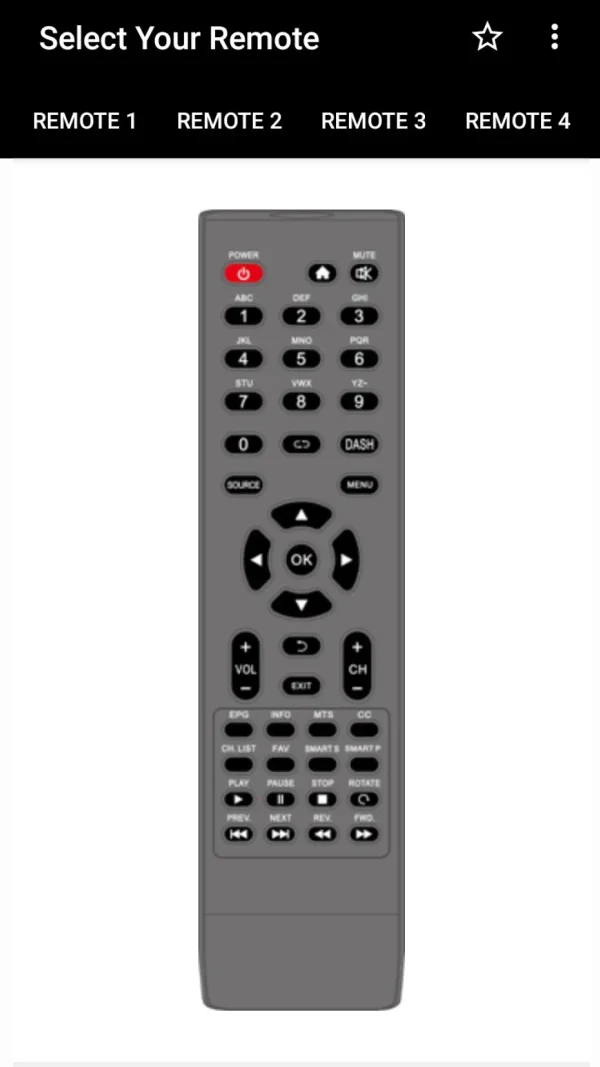
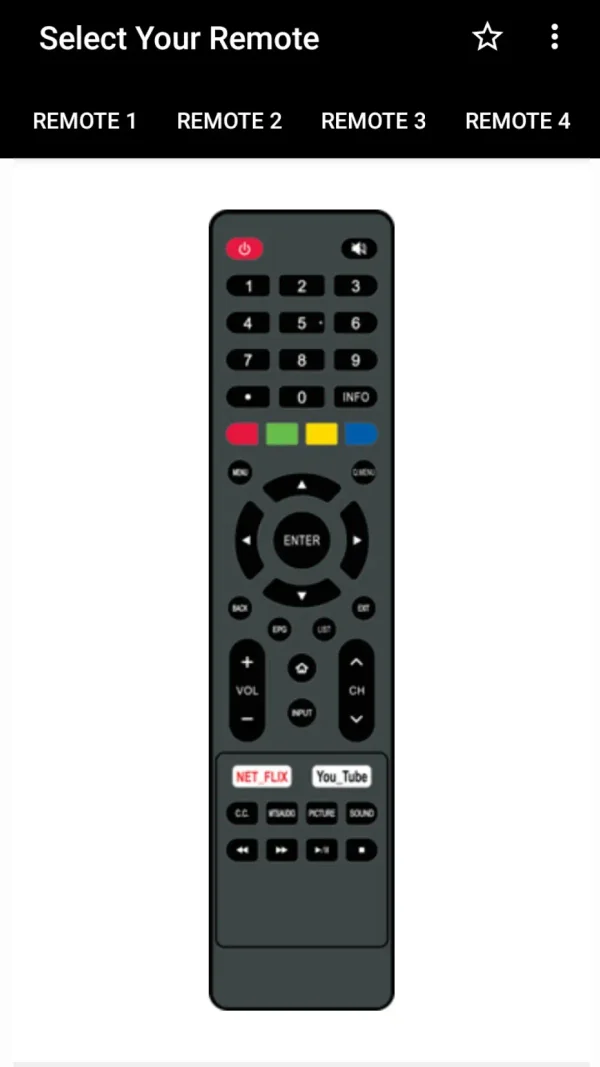
About this app
Control Your Infocus TV With The Infocus TV Remote Controller App!
Infocus TV Remote Control App - Control Your TV With A Simple Phone Remote!
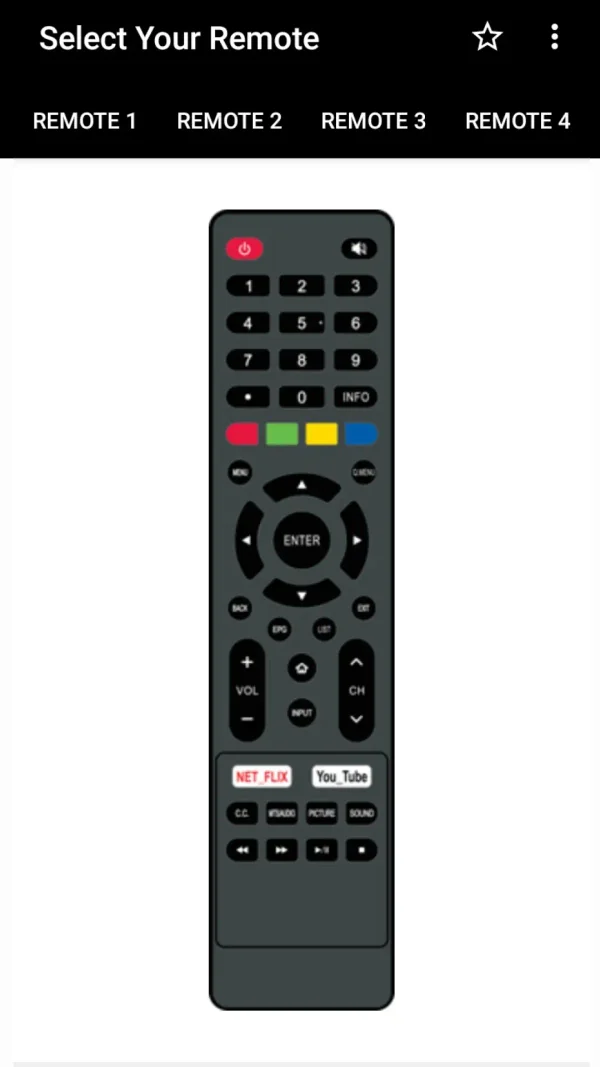
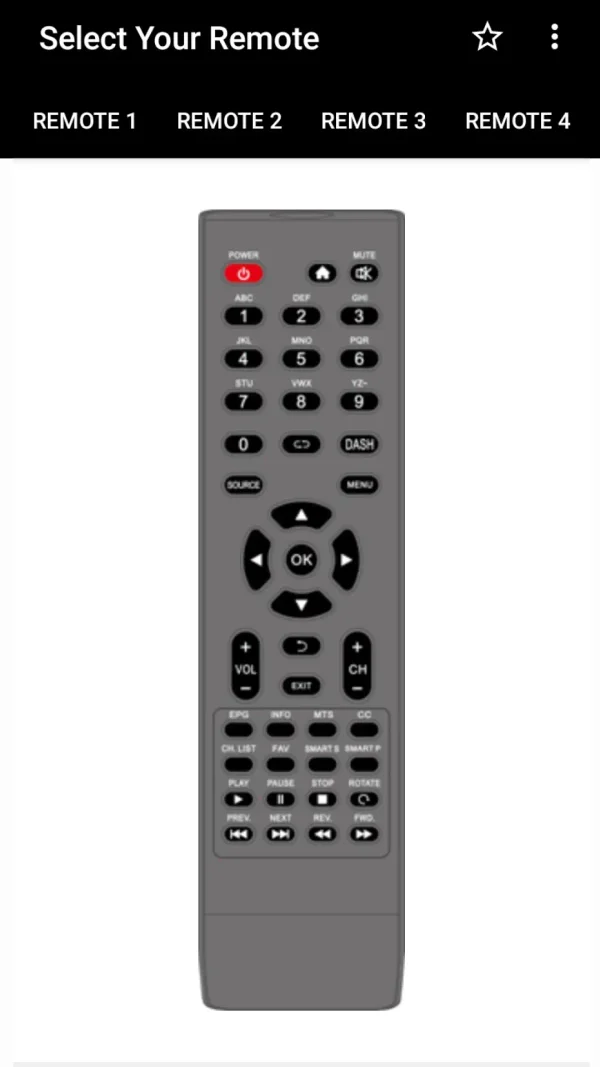
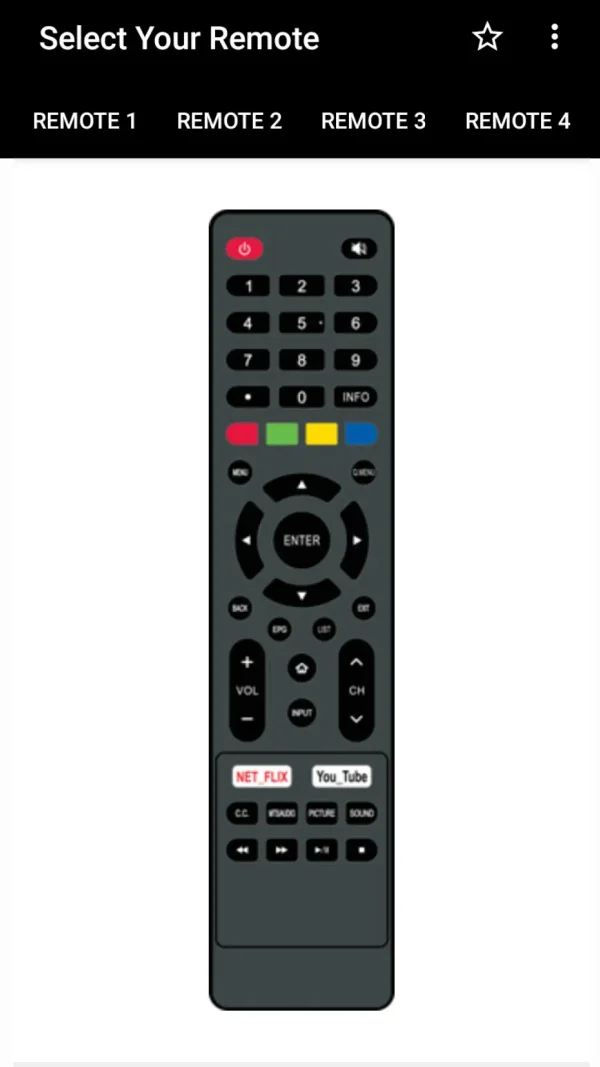
Infocus TV Remote Control App is designed to give you an easy way to control compatible Infocus TVs directly from your Android device. Keep familiar remote functions close at hand with a clean layout that is simple to understand and quick to use.Infocus TV Remote Controller focuses on convenience without unnecessary menus or complicated controls. Open the app, choose the available remote interface, and start managing your television from your phone.
Remote Control Features:
📺Infocus TV Remote Control App - Use your phone as a convenient controller for compatible television models;
🎛️Infocus TV Remote Controller - Access familiar buttons through an easy digital layout;
🔊Volume Controls - Increase, decrease, or mute sound when supported;
🔢Channel Controls - Move between available channels with simple buttons;
⏯️Basic Controls - Access commonly used television functions from one screen;
✨Simple Interface - Find important controls without searching through complex menus;
📱Easy Phone Access - Keep a digital controller available whenever your device is nearby;
⚡Quick Setup - Get started without lengthy configuration steps;
Open the app, find the controls you need, and manage your television easily!
Infocus TV Remote Control App is useful when your original controller is misplaced, unavailable, or simply not within reach. Instead of searching around the room, you can use your phone for supported everyday commands.Infocus TV Remote Controller keeps the interface straightforward so frequently used buttons remain easy to identify. The design is made for quick interaction rather than filling the screen with unnecessary options.
How To Use:
📲Open the app on your Android phone;
📺Make sure your television and mobile device support the required remote functionality;
🎛️Choose the available controller layout;
🔊Use the sound buttons to adjust volume when supported;
🔢Change channels or access other available functions;
⏯️Use familiar controls as you would with a traditional remote;
✅Keep the app ready whenever you need another way to manage your TV;
📺A Familiar Remote Experience:
The app is designed around common television controls, making it easy to understand even on your first use. Buttons are arranged clearly so you can quickly find the function you want without learning a complicated new interface.
🎛️Simple Design For Everyday Use:
Infocus TV Remote Control App keeps the experience clean and practical. Whether you need to adjust the sound, switch channels, or use another supported command, the digital layout helps keep everyday television control within reach.
⚡Quick And Convenient Access:
Infocus TV Remote Controller is designed for users who want a straightforward alternative when a physical controller is not convenient. There are no complicated menus to work through, helping you get to the main controls quickly.
📱Compatibility Information:
The app is designed to work with a wide range of compatible Infocus television models. Available functions can vary depending on your phone, television model, and supported remote-control hardware, so some controls may not be available on every device.
Keep Your TV Controls Close At Hand!
With an easy interface, familiar buttons, and quick access to supported functions, this app gives you a practical way to manage compatible Infocus televisions directly from your Android phone.**Disclaimer**
This app is not the official Infocus TV Remote App.
It was designed with care to try and bring users an overall better experience
**** IMPORTANT ****
This app needs your phone to have an Infrared sensor
Data safety
What Firehawk declares on Google Play about the data this app collects and shares.
- This app may share these data types with third partiesDevice or other IDs
- No data collectedLearn more about how developers declare collection
- Data is encrypted in transit
- Data can’t be deleted
What’s new
Version 10.80 · Aug 19, 2026
Support 100+ Languages
High Graphics
New Remote Added
Developer contact
- Websitefirehawk.ai
- Emailsupport.infocustv@firehawk.ai
- Privacy policyfirehawk.ai
- Address18/7 Yechezkel TEL AVIV-JAFFA, 6259524 Israel
Information
- Offered by
- Firehawk
- Category
- Tools
- Version
- 10.80
- Updated
- Aug 19, 2026
- Released
- May 8, 2019
- Requires
- Android 6.0 or later
- Age rating
- Everyone
- Price
- Free
- In-app purchases
- $0.49 - $99.99 per item
- Package name
- in.remotify.www.asianetremotecontrol