Karnex Viewer
Karnytine- EveryoneAge rating
- ProductivityCategory
- Nov 22, 2026Updated
- FreePrice
Links to the official Google Play listing of com.karnytinelabs.karnex.viewer. Last checked on Nov 23, 2026.

Screenshots

About this app
Securely see and control your Karnex-managed computers from your phone.
Karnex Viewer by Karnytine Labs.
Support and manage your computers from anywhere. Karnex Viewer is the Android companion to the Karnex remote support and device management service: see a managed computer's screen, control it from your phone, run scripts and commands, and chat with the person at the machine, all end-to-end encrypted.
An account is required. Karnex Viewer signs in to an existing Karnex account (create one at karnex.org; new organizations start with a 14-day free trial). Computers appear in the app once they have the Karnex Agent installed.
REMOTE CONTROL
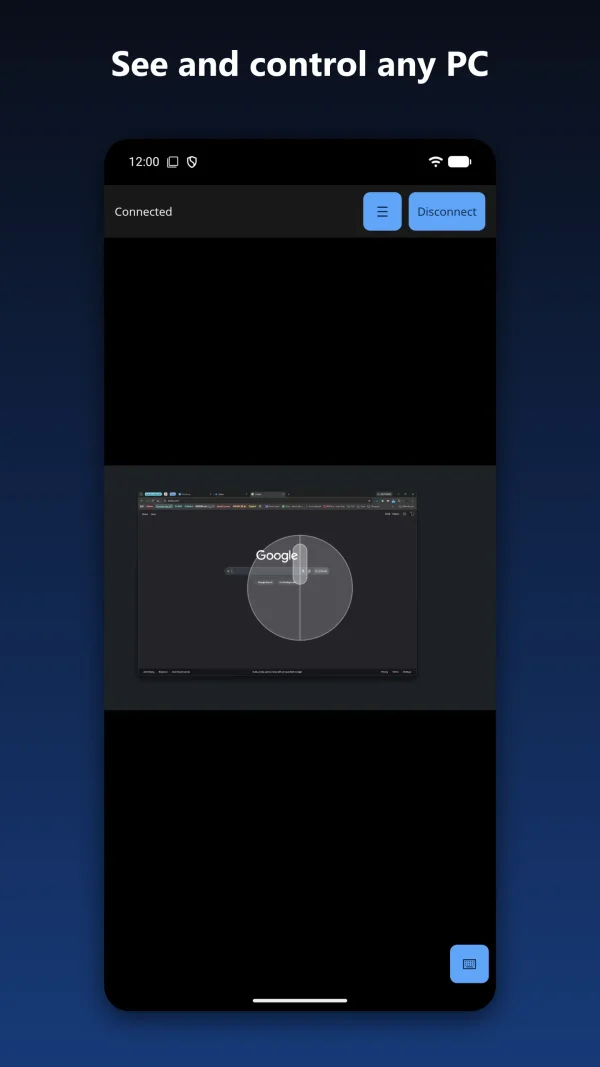
- Live view of the remote screen, with pinch-to-zoom and two-finger pan
- Virtual mouse: place the cursor by touch, then click, right-click and scroll from an on-screen puck (adjustable size)
- Full keyboard support, including Ctrl, Alt, Shift, Esc, Tab, arrow keys and F1-F12
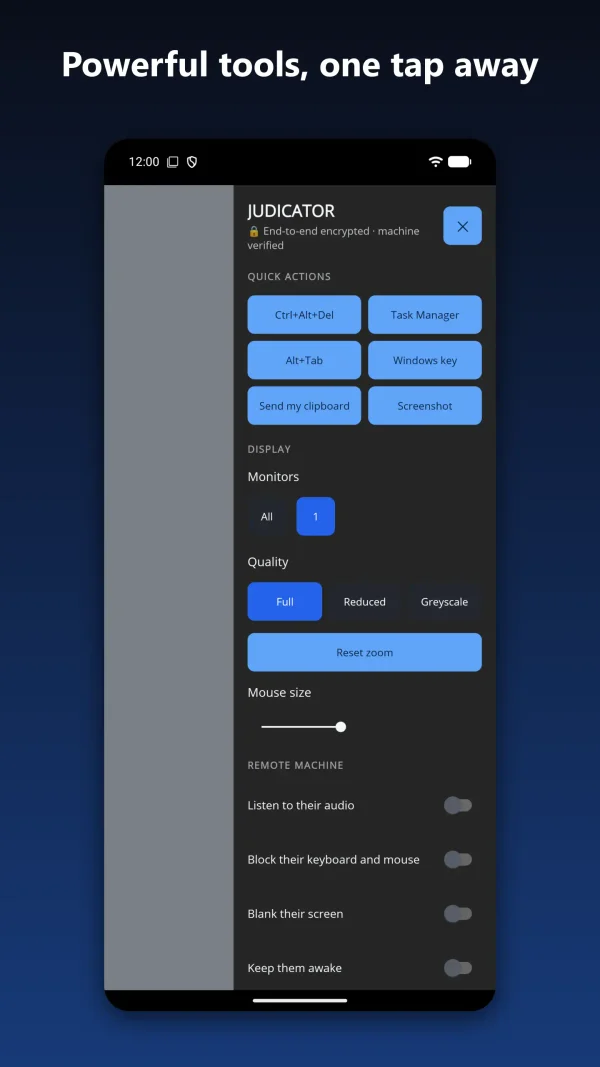
- One-tap shortcuts: Ctrl+Alt+Del, Task Manager, Alt+Tab and the Windows key
- Switch between monitors, and choose Full, Reduced or Greyscale quality for slow connections
TOOLS
- Send your phone's clipboard to the remote computer
- Save a screenshot of the remote screen
- Listen to the remote computer's audio
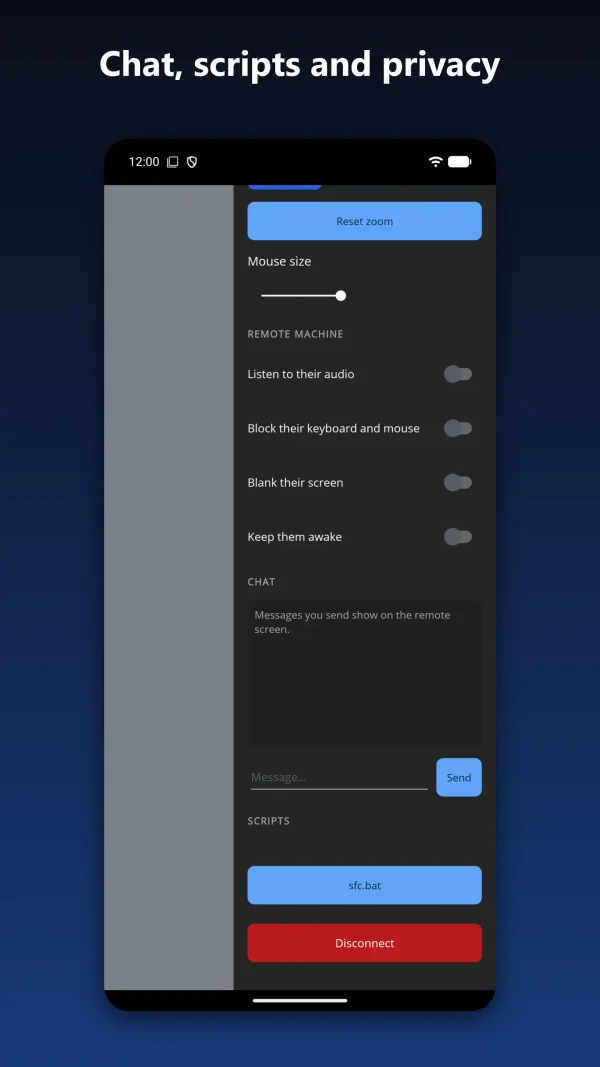
- Chat with the person using the computer
- Run your team's saved scripts with one tap
- Run commands and read the results, and keep notes on each machine
FIND MACHINES FAST
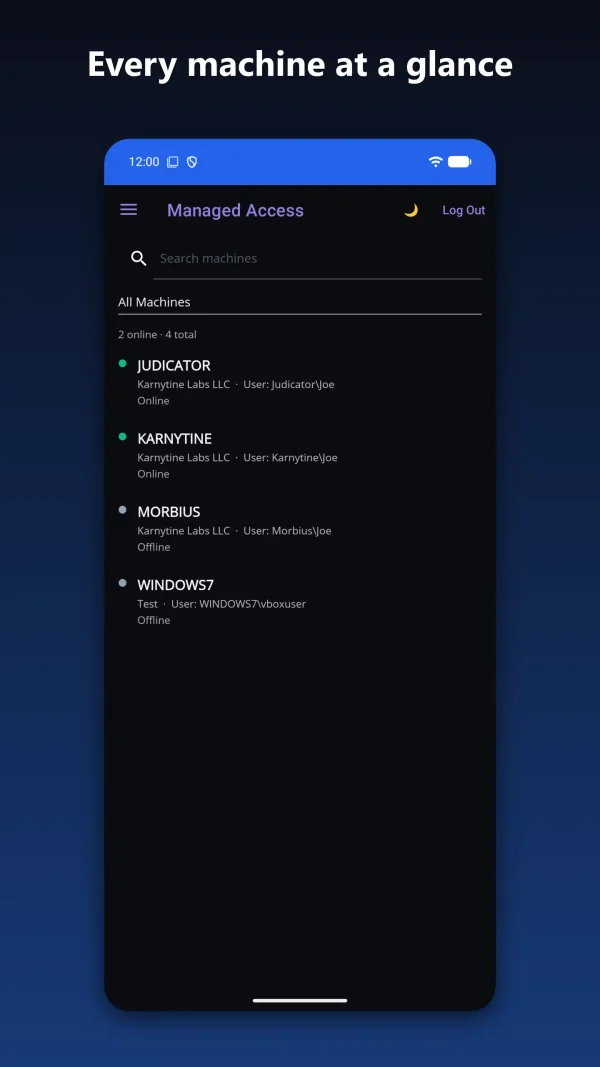
- Search by name, company or signed-in user
- Filter by group, with online machines listed first and live online or in-session status
- Managed Access computers and one-time Quick Assist sessions
SECURITY
- The screen, keystrokes, clipboard, chat and audio of a session are end-to-end encrypted between the computer and your phone
- Each machine's identity is checked against your Karnex account before you connect
- Two-factor authentication is supported at sign-in
- Your organization's roles and access rules apply
- Optionally block the remote user's keyboard and mouse, or blank their screen, during sensitive work. Both are released automatically when you disconnect.
Karnex Viewer is a business tool for IT administrators, support technicians and the organizations they serve.
Privacy policy: https://karnex.org/privacy.html
Support: support@karnex.org
Data safety
What Karnytine declares on Google Play about the data this app collects and shares.
- No data shared with third partiesLearn more about how developers declare sharing
- No data collectedLearn more about how developers declare collection
What’s new
Version 1.0.45 · Nov 22, 2026
• The app now fills the whole screen behind the status bar and navigation bar on every Android version, with its buttons and text kept clear of them.
Developer contact
- Websitekarnex.org
- Emailsupport@karnex.org
- Privacy policykarnex.org
- Address24 Church St APT 9 Amelia, OH 45102-1968 United States
Information
- Offered by
- Karnytine
- Category
- Productivity
- Version
- 1.0.45
- Updated
- Nov 22, 2026
- Released
- Sep 21, 2026
- Requires
- Android 7.0 or later
- Age rating
- Everyone
- Price
- Free
- Package name
- com.karnytinelabs.karnex.viewer