Kids App Qustodio
Qustodio LLC- EveryoneAge rating
- LifestyleCategory
- Nov 24, 2026Updated
- FreePrice
Links to the official Google Play listing of com.qustodio.qustodioapp. Last checked on Nov 25, 2026.

Screenshots






About this app
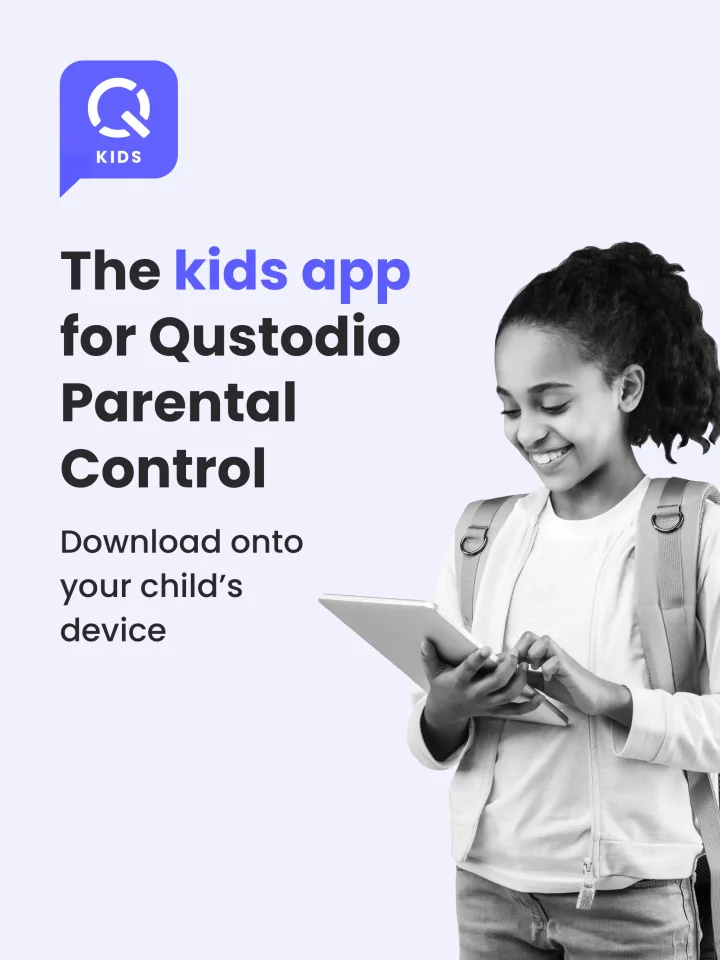
Kid’s companion app to Qustodio Parental Control App. For your child’s device.
Kids App Qustodio is the companion app to Qustodio Parental Control App. Please only download this app onto a device being used by a child or teen. Do not install on parent devices.
Create a free account to get started:
1. Download Qustodio Parental Control App onto your own device
2. Download Kids App Qustodio (this app) onto each child/teen’s device you want to protect.
The two apps work in tandem to give parents all the tools they need to protect kids online.
Parents, with Qustodio’s parental controls you can:
Create a safe space for your kids to explore and play online
• Block apps and inappropriate content
• Prevent exposure to gambling, mature content, violence and other threats
Stay involved in your children’s digital lives
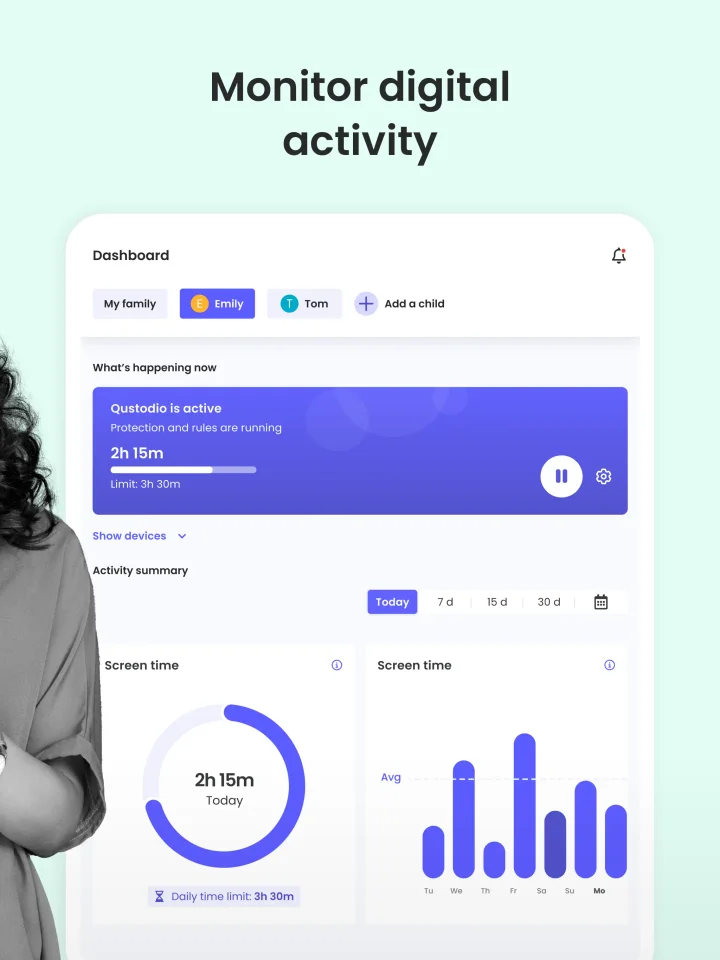
• View activity timelines and browsing history, YouTube views, screen time and more
• Receive real-time alerts
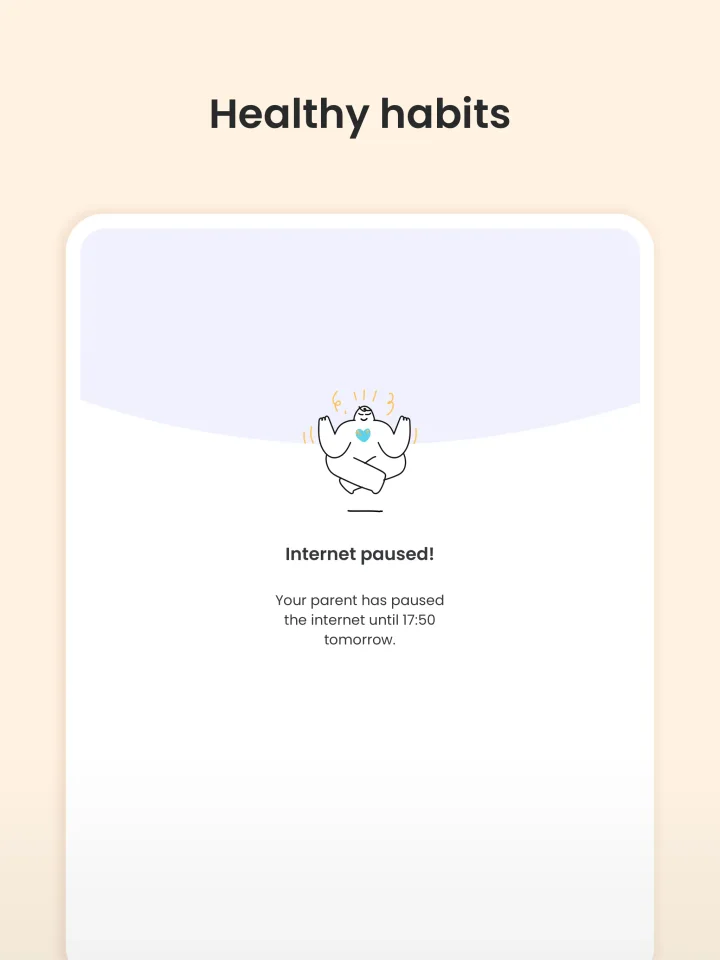
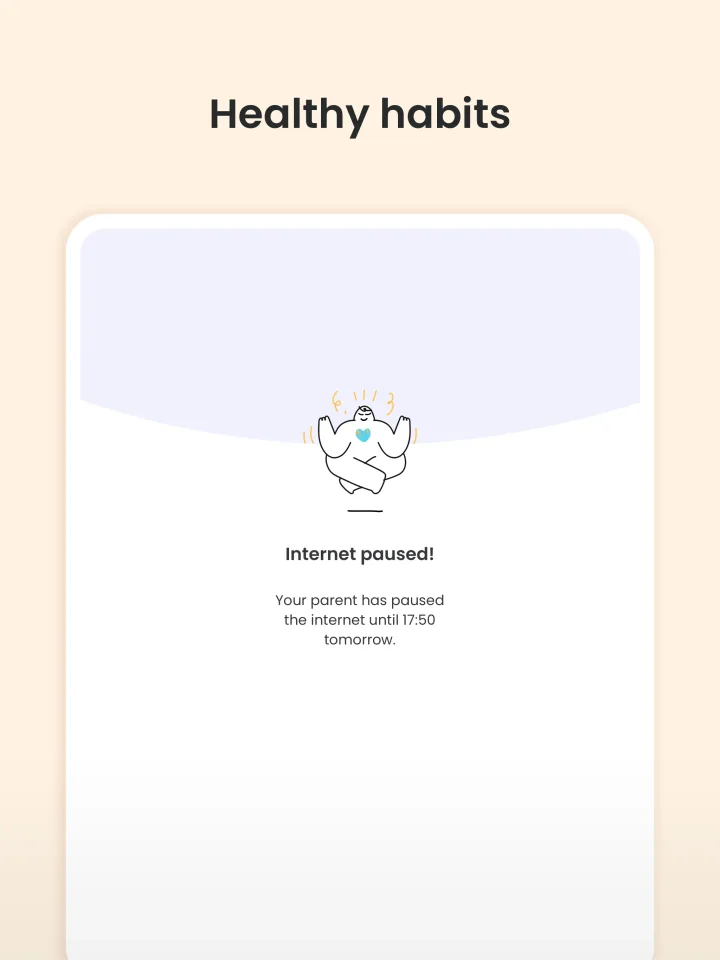
Promote healthy habits for the whole family
• Help avoid screen addiction
• Ensure better sleep routines
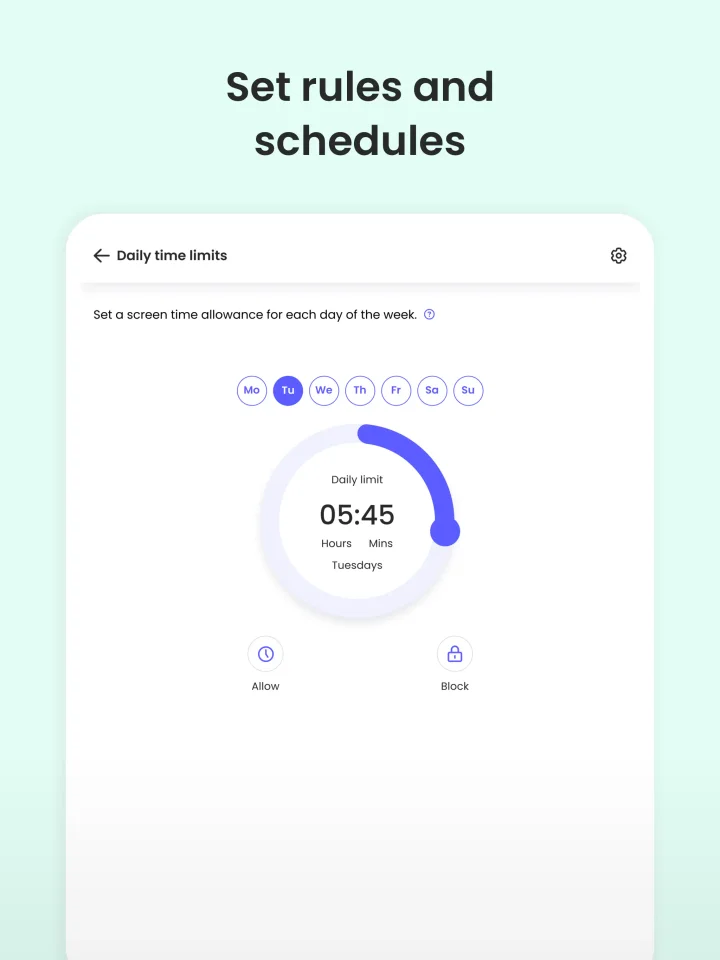
• Preserve family time with consistent time limits and screen-free time.
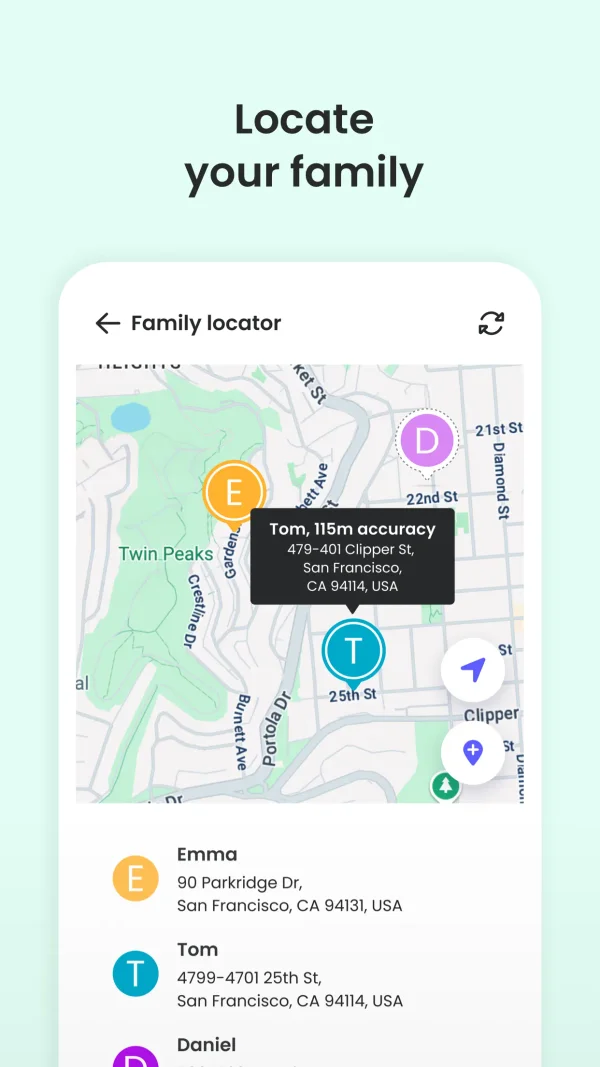
Know where your kids are at any time
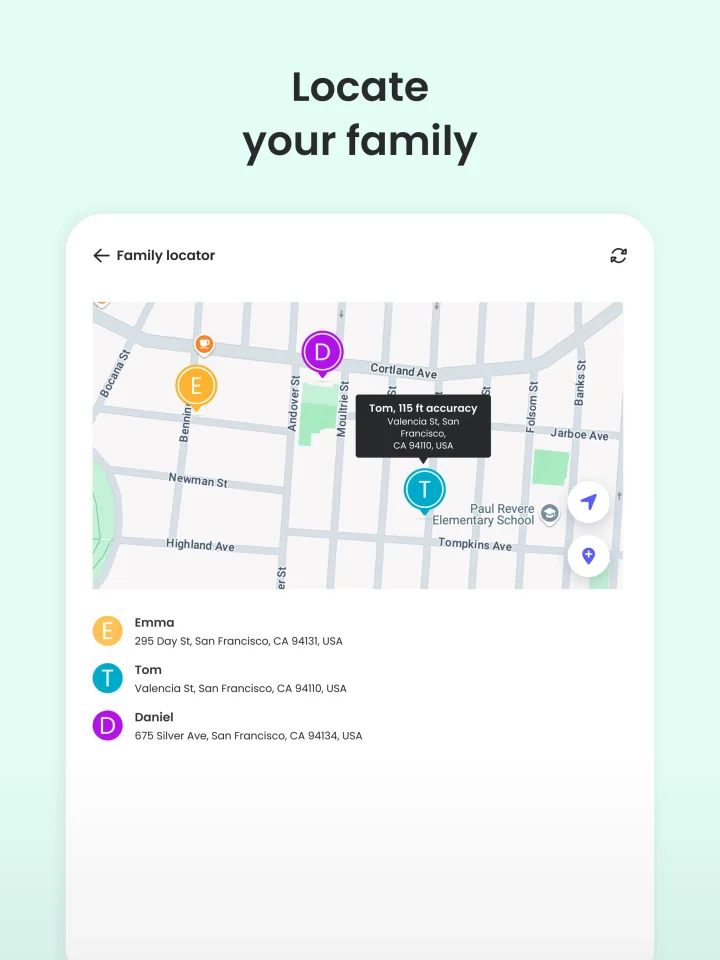
• Locate your kids on a map. Know where they are and where they have been.
• Get notification when kids arrive or leave the house
Protect your children from predators and cyberbullies
• Detect suspicious contacts
• Read sent and received texts
• Block numbers
To personalize filters, set time limits and monitor activity, use the parent’s app: Qustodio Parental Control App.
Kids App Qustodio for Android is password protected and cannot be uninstalled from a child’s device without parental permission.
Our FAQ:
• Does Qustodio Parental Control family screen time blocker app support Android 8 (Oreo): Yes.
• Does Qustodio family screen time blocker app work on other platforms besides Android? Qustodio can protect Windows, Mac, iOS, Kindle and Android.
• What languages do you support? Qustodio is available in English, Spanish, French, Italian, Portuguese, German, Japanese and Chinese.
For support. Contact us here: https://www.qustodio.com/help and support@qustodio.com
Notes:
This app uses the Device Administrator permission. This will prevent a user from uninstalling Kids App Qustodio without your knowledge.
This app uses Accessibility services. to build an excellent device experience that helps users with behavioral disabilities set appropriate levels of access and monitoring of screen time, web content and apps, in order to limit their risks and enjoy life normally.
Troubleshooting notes:
Huawei devices owners: Battery-saving mode needs to be disabled for Qustodio.
Data safety
What Qustodio LLC declares on Google Play about the data this app collects and shares.
- This app may share these data types with third partiesApp info and performance and Device or other IDs
- This app may collect these data typesLocation, Personal info and 2 others
- Data is encrypted in transit
- You can request that data be deleted
What’s new
Version 180.83.3.2-family · Nov 24, 2026
Hi Parents!
We've made more improvements and fixed some minor bugs to make your Qustodio experience even better. As always, we recommend that you enable auto-updating in the Play Store so both your and your kids' apps are always up-to-date.
The Qustodio Team
Developer contact
- Websitequstodio.com
- Emailinfo@qustodio.com
- Privacy policyqustodio.com
- AddressCALLE ROGER DE FLOR, 193 - BJ 08013 BARCELONA Spain
Information
- Offered by
- Qustodio LLC
- Category
- Lifestyle
- Version
- 180.83.3.2-family
- Updated
- Nov 24, 2026
- Released
- Feb 18, 2013
- Requires
- Android 9 or later
- Age rating
- Everyone
- Price
- Free
- Package name
- com.qustodio.qustodioapp
Similar apps
-
 CuboAi Smart Baby Monitor
Parenting
-
 Applock - lock apps - pin lock
Tools
-
 Microsoft Family Safety
Parenting
-
 BirdNET
Education
-
 Control Screen Time - Kidslox
Parenting
-
 Alli360 by Kids360
Parenting
-
 Parental Control: Kid Security
Parenting
-
 Family Link parental controls
Tools
-
 Parental Control App- FamiSafe
Parenting
-
 Home + Control
Lifestyle
-
 Google Family Link
Tools
-
 GroupCal - Shared Calendar
Productivity