Label Codes: Design & Print
Bino Solutions- EveryoneAge rating
- ProductivityCategory
- Nov 17, 2026Updated
- FreePrice
Links to the official Google Play listing of ro.bino.labelcodes. Last checked on Nov 19, 2026.
Screenshots
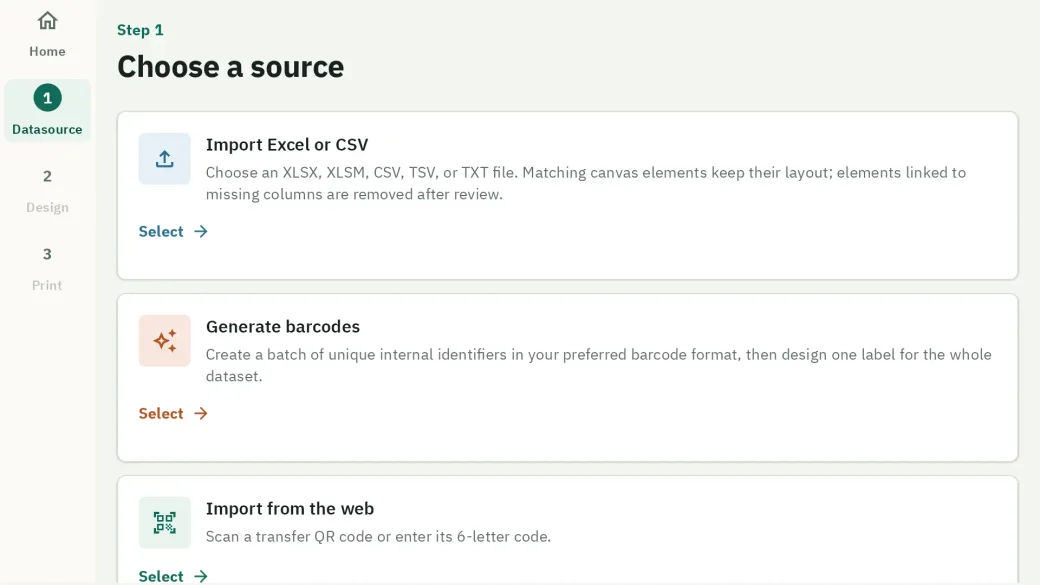
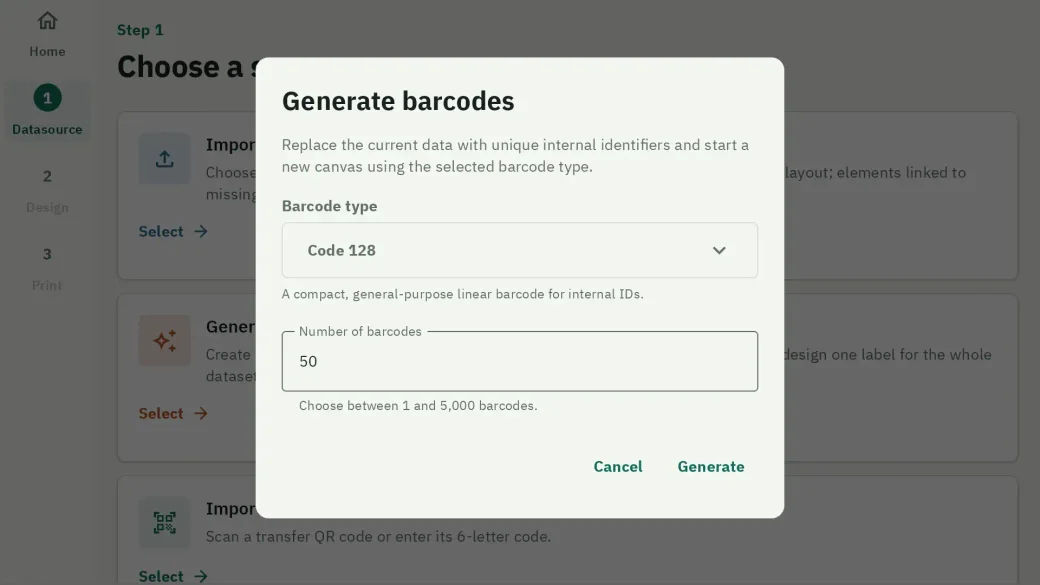
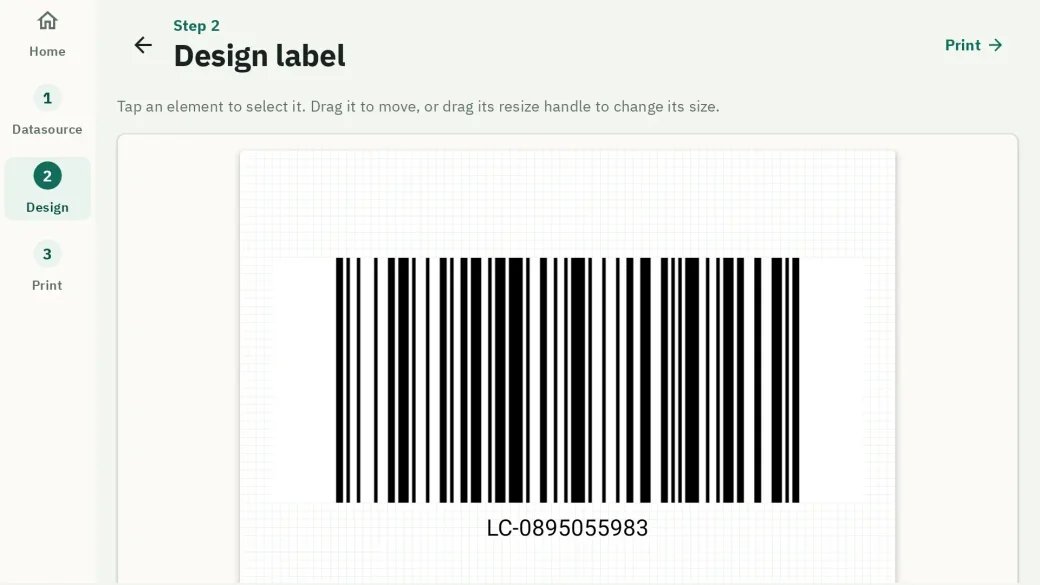
About this app
Design barcode labels, import spreadsheet data, and print from Android
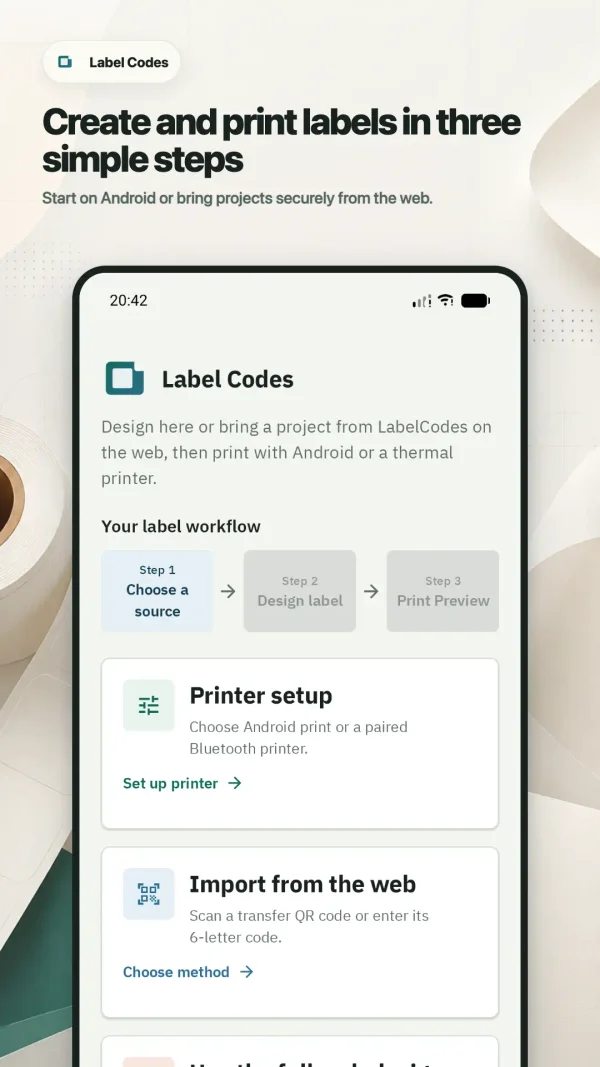
Label Codes is an Android label design and printing app for barcode-based workflows. A guided three-step process takes a dataset from import or generation through label design and print preview.
Prepare label data
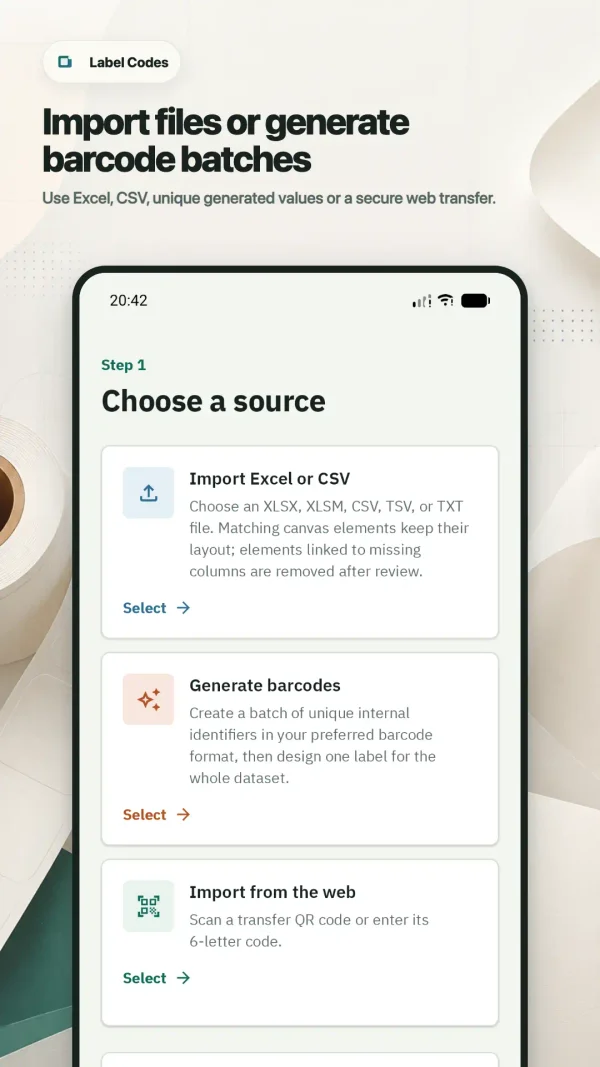
- Import CSV, TSV, TXT, XLSX, or XLSM files with Android's document picker.
- Review the selected spreadsheet sheet and choose whether the first row contains headers.
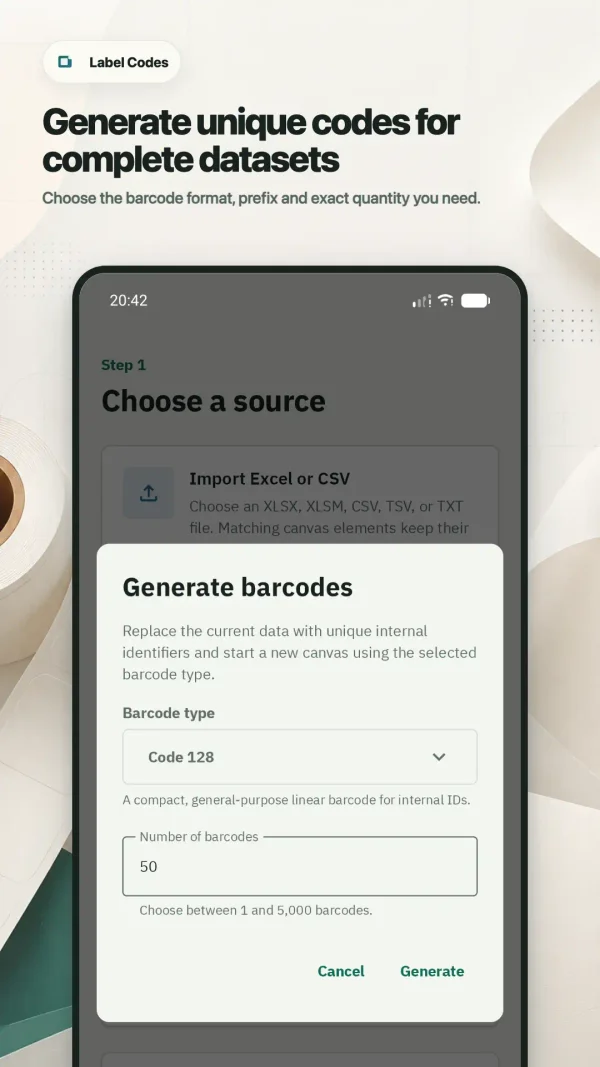
- Generate batches in Code 128, Code 39, EAN-13, QR Code, or Data Matrix format.
- Inspect imported or generated data before designing.
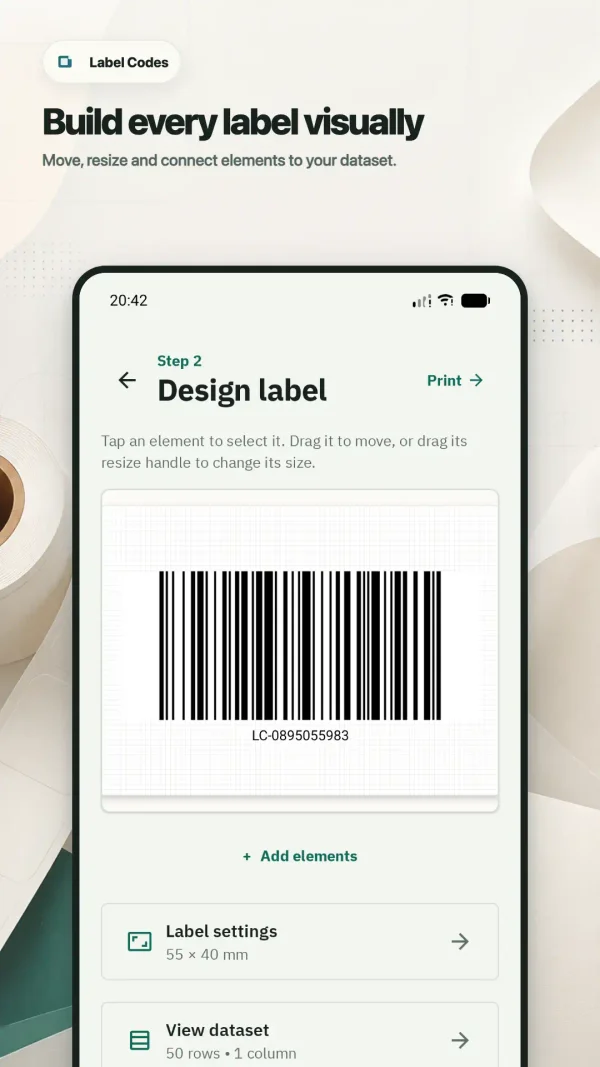
Design labels on Android
- Set physical label dimensions in millimeters or inches.
- Add dataset-linked text and barcodes, static text, and horizontal lines.
- Position and size elements on a touch canvas with grid snapping and alignment guides.
- Adjust supported typography, colors, rotation, layers, barcode settings, and line styles.
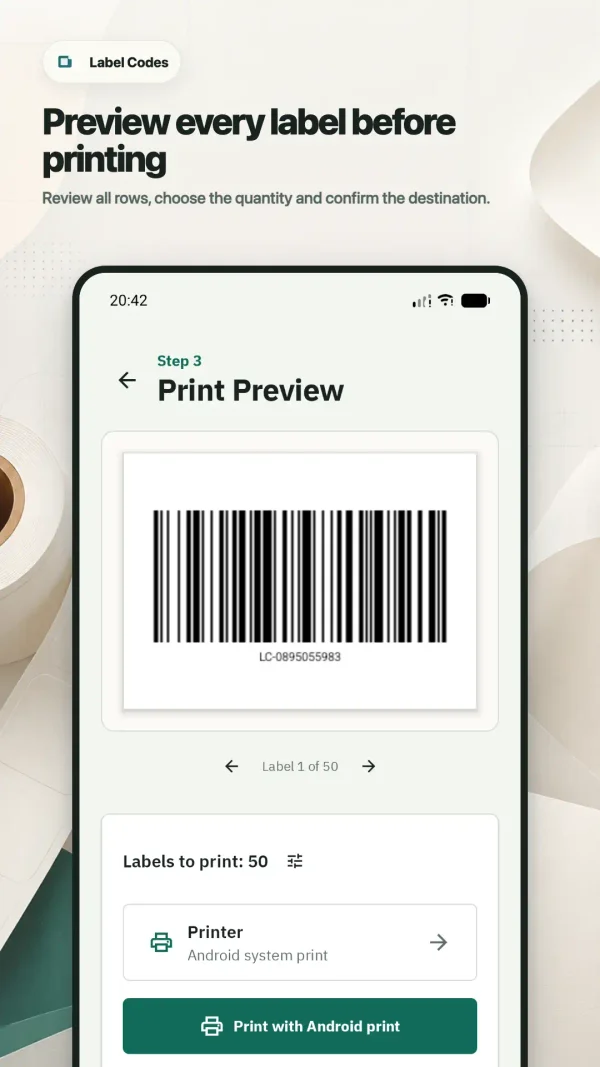
Preview and print
- Preview the labels produced from the selected dataset.
- Print all labels, the first part of a job, or a custom range.
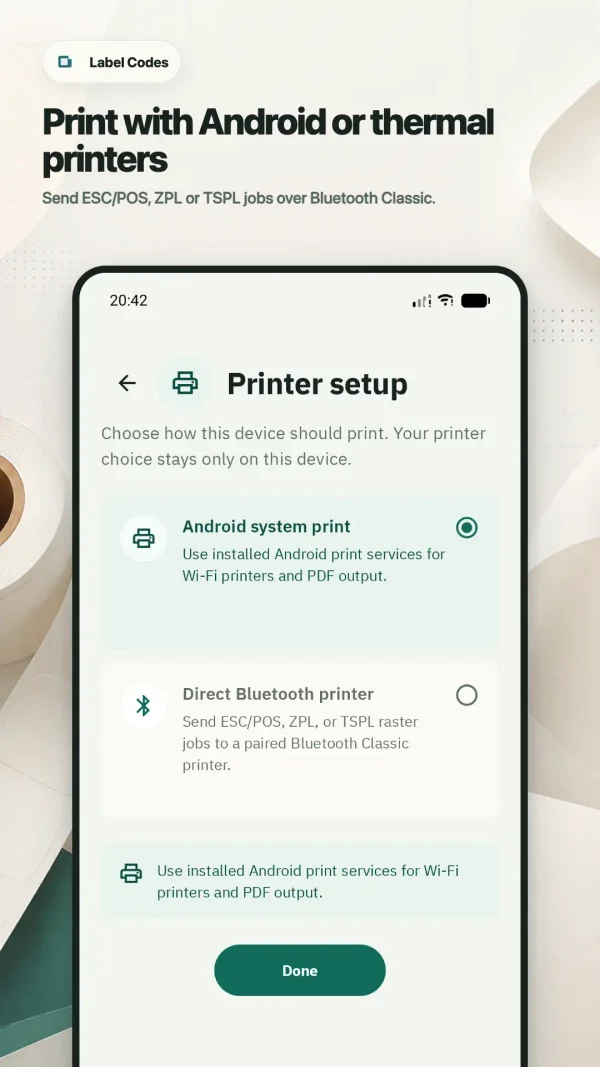
- Use Android system print services for supported destinations, including PDF where available.
- Send raster print jobs directly to a compatible paired Bluetooth Classic printer using ESC/POS, ZPL, or TSPL. Printer language and printhead resolution must match the printer.
Work with Label Codes on the web
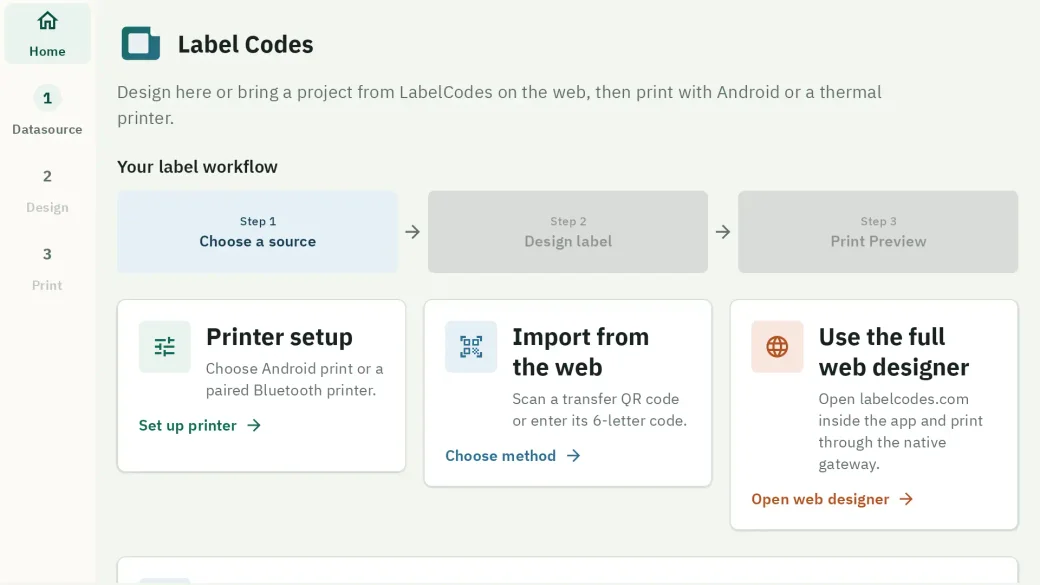
- Open the hosted Label Codes designer inside the app.
- Import a web project by transfer QR code or 6-letter code.
- Share a compatible native project to the web with a time-limited encrypted transfer.
Spreadsheet imports are parsed on the device and their file contents are not uploaded. The hosted web designer, project transfers, and other web-connected features require an internet connection.
Bluetooth direct printing requires a compatible, previously paired Bluetooth Classic printer. Bluetooth LE-only, USB, and TCP/IP direct printer connections are not supported in this version. Android system printing depends on the print services and destinations configured on the device.
Data safety
What Bino Solutions declares on Google Play about the data this app collects and shares.
- No data shared with third partiesLearn more about how developers declare sharing
- This app may collect these data typesApp activity, App info and performance, and Device or other IDs
- Data is encrypted in transit
- Data can’t be deleted
What’s new
Version 1.4.1 · Nov 17, 2026
- The label design canvas now stays within the screen on tablets in landscape and for tall labels.
Developer contact
- Websitelabelcodes.com
- Emailcontact@binosolutions.com
- Privacy policylabelcodes.com
- AddressB-DUL PRIMAVERII NR. 17B BL. G5 SC. A ET. 1, Ap 7 700171 IASI Romania
Information
- Offered by
- Bino Solutions
- Category
- Productivity
- Version
- 1.4.1
- Updated
- Nov 17, 2026
- Released
- Aug 24, 2026
- Requires
- Android 7.0 or later
- Age rating
- Everyone
- Price
- Free
- Package name
- ro.bino.labelcodes