LCD simple
Design Poetry- EveryoneAge rating
- PersonalizationCategory
- Nov 28, 2023Updated
- FreePrice
Links to the official Google Play listing of com.JiaRen.LCDsimple. Last checked on Nov 13, 2026.
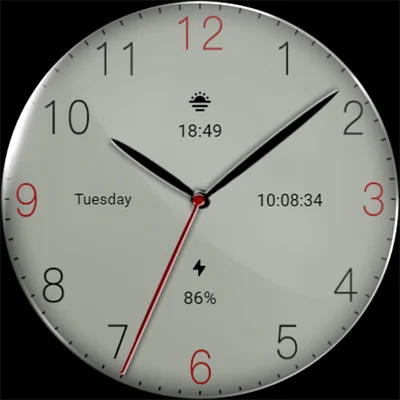
Screenshots

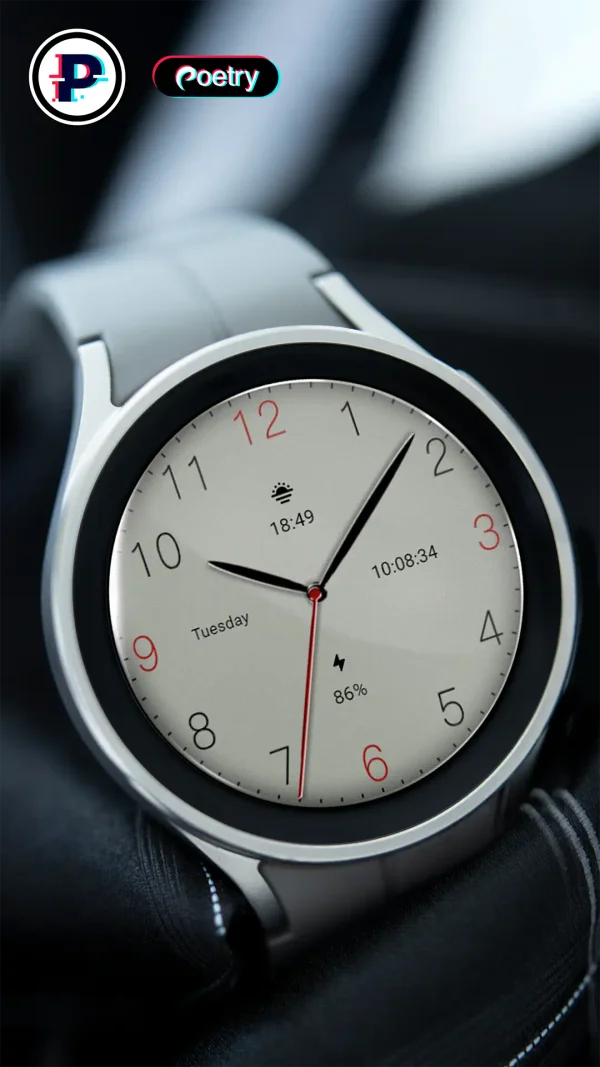
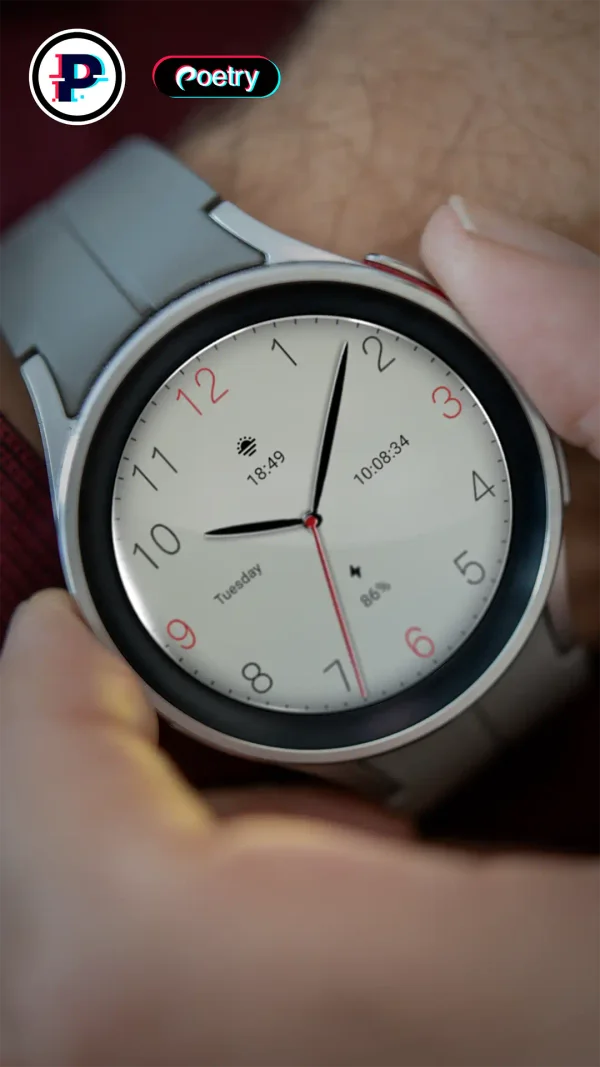
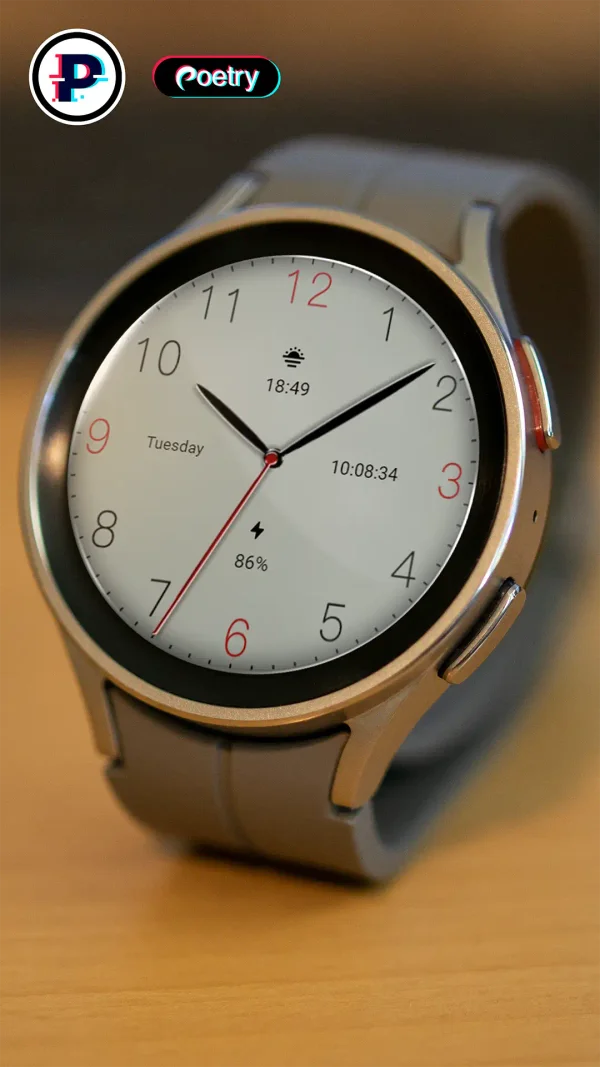
About this app
Free stylish watch faces of LCD type!
A free fashionable LCD type watch face!
Only available on Wear OS 3+ (API 30+) devices
Features:
- LCD series
- Sunset
- power
- digital time
- Week
Installation options:
1. Keep the watch connected to your phone.
2. Install into your phone. Once installed, immediately press and hold the display to check the list of watch faces in your watch, then swipe to the end and click Add Watch Face. There you can see your newly installed watch face and activate it.
3. After the installation is complete, you can also check the following:
A: For Samsung watches, check the Galaxy Wearable app on your phone (install it if you haven't already). Under Watch Faces > Downloaded, you can see your newly installed watch face and apply it to your connected watch.
B. For other smart watch brands, for other Wear OS devices, please check the watch app installed in your smart watch brand phone and find the newly installed watch face in the watch face gallery or list.
4. Also visit the link below which shows many options on how to install a Wear OS watch face in your watch.
https://developer.samsung.com/sdp/blog/en-us/2022/11/15/install-watch-faces-for-galaxy-watch5-and-one-ui-watch-45
Data safety
What Design Poetry declares on Google Play about the data this app collects and shares.
- No data shared with third partiesLearn more about how developers declare sharing
- No data collectedLearn more about how developers declare collection
Developer contact
- Emaillittledummy520@gmail.com
- Privacy policysites.google.com
- Address中国 广东省广州市 海珠区革新路海傍内街46号自编之一106房(仅限办公) 邮政编码: 510000
Information
- Offered by
- Design Poetry
- Category
- Personalization
- Updated
- Nov 28, 2023
- Released
- Nov 28, 2023
- Age rating
- Everyone
- Price
- Free
- Package name
- com.JiaRen.LCDsimple