LCD Watch face
VG Faces- EveryoneAge rating
- PersonalizationCategory
- Sep 10, 2026Updated
- $0.99Price
Links to the official Google Play listing of com.watchfacestudio.LCD. Last checked on Nov 24, 2026.
Screenshots

About this app
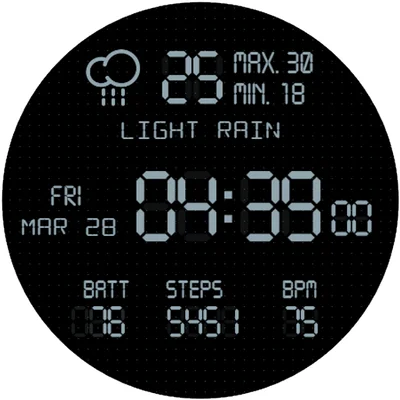
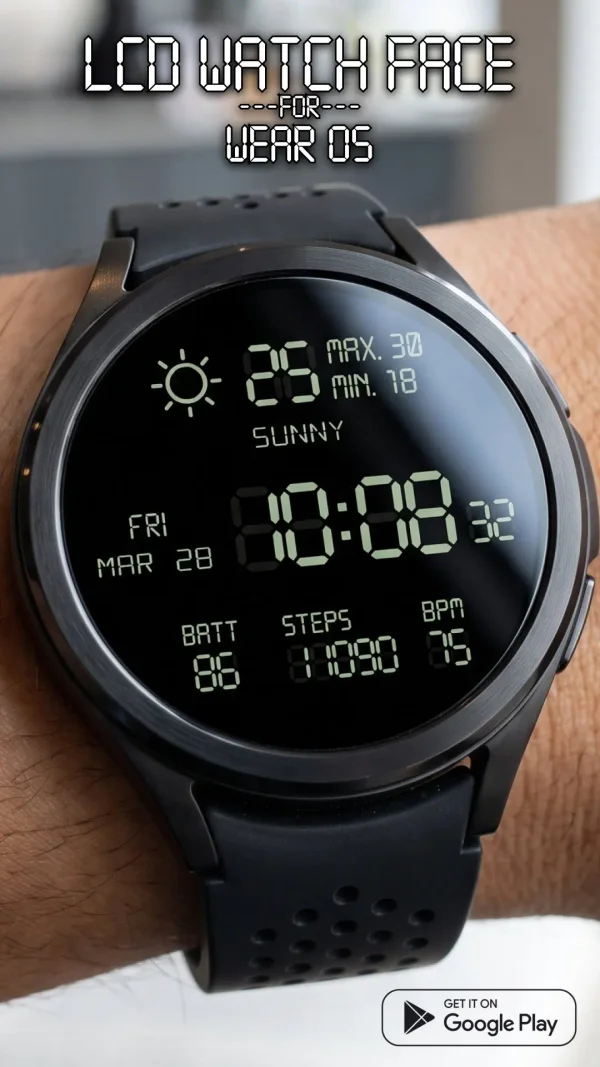
Retro LCD Wear OS digital face: detailed weather, health stats & 2 AOD modes
IF ANY ELEMENTS OF THE WATCH FACE ARE NOT DISPLAYING, SELECT A DIFFERENT WATCH FACE IN THE SETTINGS AND THEN SWITCH BACK TO THIS ONE. (THIS IS A KNOWN WEAR OS ISSUE THAT SHOULD BE FIXED ON THE OS SIDE.)
LCD Digital Watch Face for Wear OS
Bring a classic, nostalgic vibe to your smartwatch with the LCD Watch Face for Wear OS. This retro-inspired digital design features a stylish dot-matrix aesthetic while delivering comprehensive modern data right to your wrist.
Key Features:
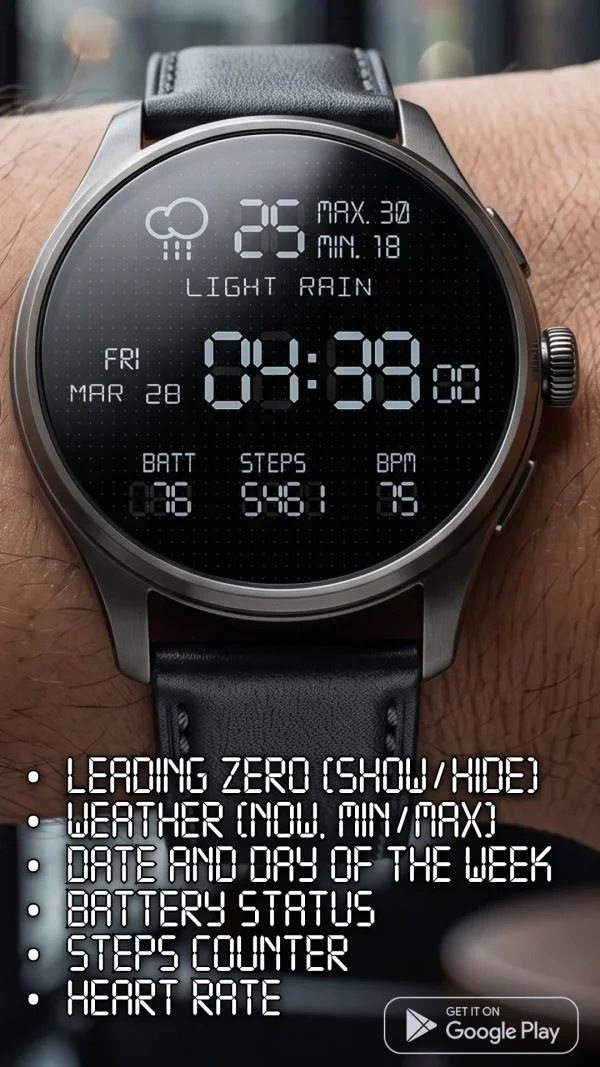
• Retro LCD Style: Enjoy a classic digital display complete with a dot-matrix background and authentic segmented typography.
• Detailed Weather: View current conditions alongside minimum and maximum temperatures directly on the dial.
• Health & Device Stats: Keep track of your Heart Rate, Steps Counter, and Battery Status at a single glance.
• Time & Date: Clear digital time display with a Leading Zero (Show/Hide) control, plus the Date and Day of the week.
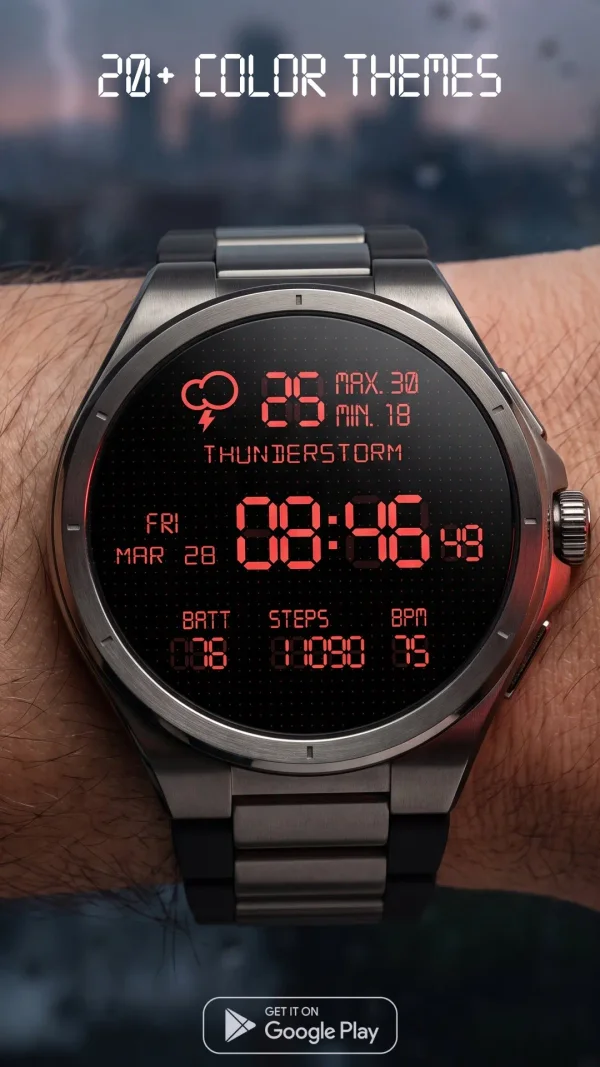
• 20+ Color Themes: Customize the digital interface to match your style with over 20 vibrant color options.
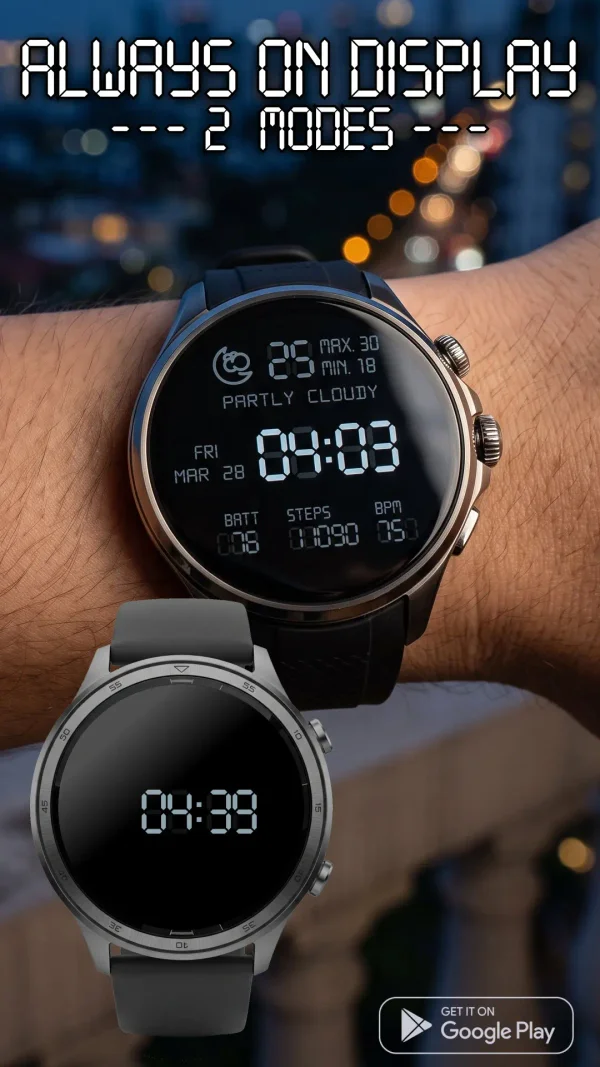
• 2 Always On Display Modes: Manage your battery life with two distinct AOD options: an informative dimmed mode that retains your daily stats, and a minimal mode displaying only the time.
Installation:
1. Ensure your watch is connected via Bluetooth.
2. Download from the Google Play Store.
3. Long-press your watch screen, scroll to the end, and select the watch face to apply.
Compatibility:
Designed exclusively for Wear OS 5+ devices, including:
• Samsung Galaxy Watch 8 & Ultra
• Google Pixel Watch 4
• And other newer devices running Wear OS 5 or higher.
Data safety
What VG Faces declares on Google Play about the data this app collects and shares.
- No data shared with third partiesLearn more about how developers declare sharing
- No data collectedLearn more about how developers declare collection
- Committed to follow the Play Families Policy
What’s new
Sep 10, 2026
Developer contact
- Emailvolder83@gmail.com
- Privacy policysites.google.com
- AddressW.-I.-Lenin-Straße 51 19370 Parchim Germany
Information
- Offered by
- VG Faces
- Category
- Personalization
- Updated
- Sep 10, 2026
- Released
- Mar 7, 2025
- Age rating
- Everyone
- Price
- $0.99
- Package name
- com.watchfacestudio.LCD
Similar apps
-
 GRBL Nothing Bars 2
Personalization
-
 Digital watch face D25
Personalization
-
 WatchXels : Pixels Face
Personalization
-
 Nothing Animated 3 Watch Face
Personalization
-
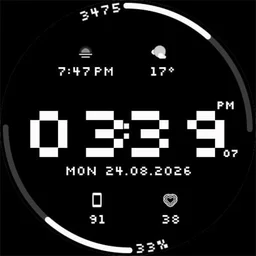 GRBL Retro Pixel
Personalization
-
 BRN119 Dot-matrix Watch Face
Personalization
-
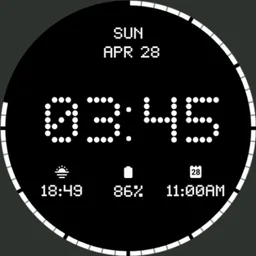 Nothing Inspired 2A Watch Face
Personalization
-
 GRBL Nothing Weather 2 NLZ
Personalization
-
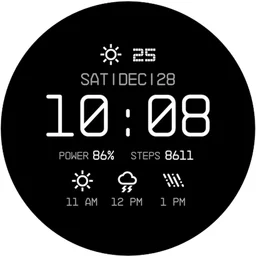 MW44 Digital Watch
Personalization
-
 HMKWatch Digital 050
Personalization
-
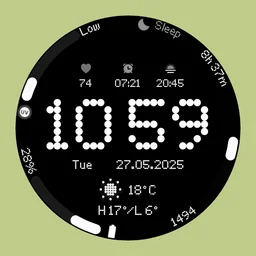 GRBL Nothing Weather 3
Personalization