Learning English Words
DictionaryAndTranslatorContains ads · In-app purchases
- EveryoneAge rating
- EducationCategory
- Oct 4, 2026Updated
- FreePrice
Links to the official Google Play listing of com.luveng.learnwords. Last checked on Nov 23, 2026.
Screenshots



About this app
Build word knowledge with an English Vocabulary Builder
Learning English Words - Build Your Word Knowledge!
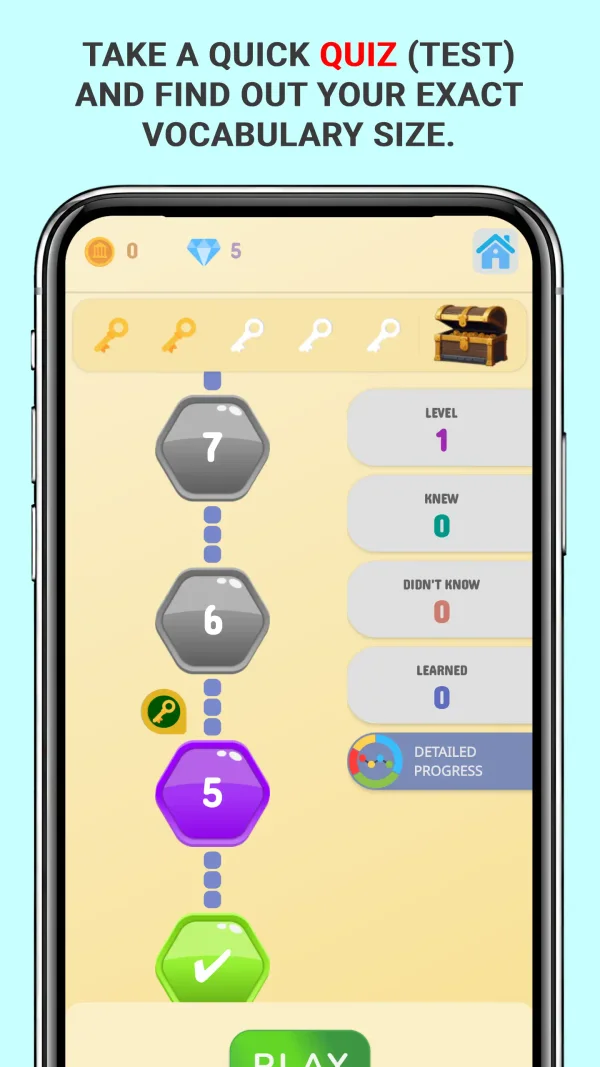
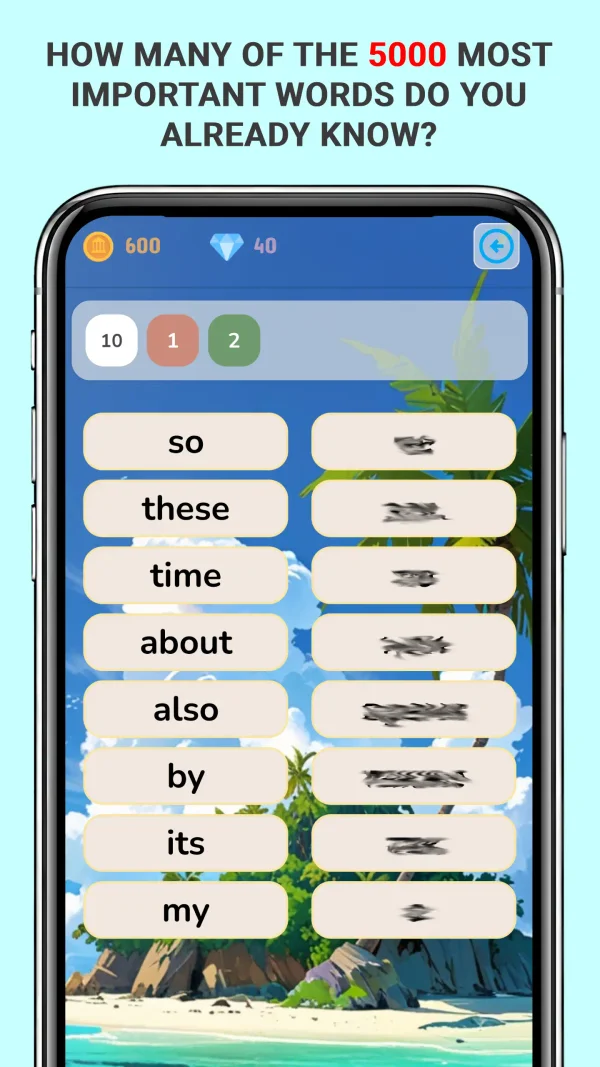
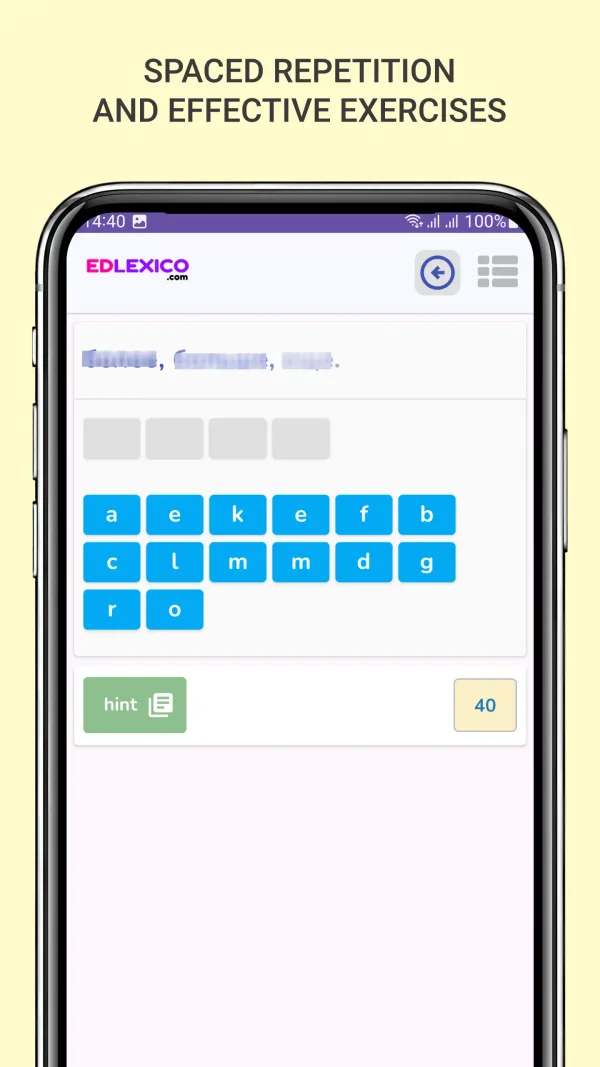
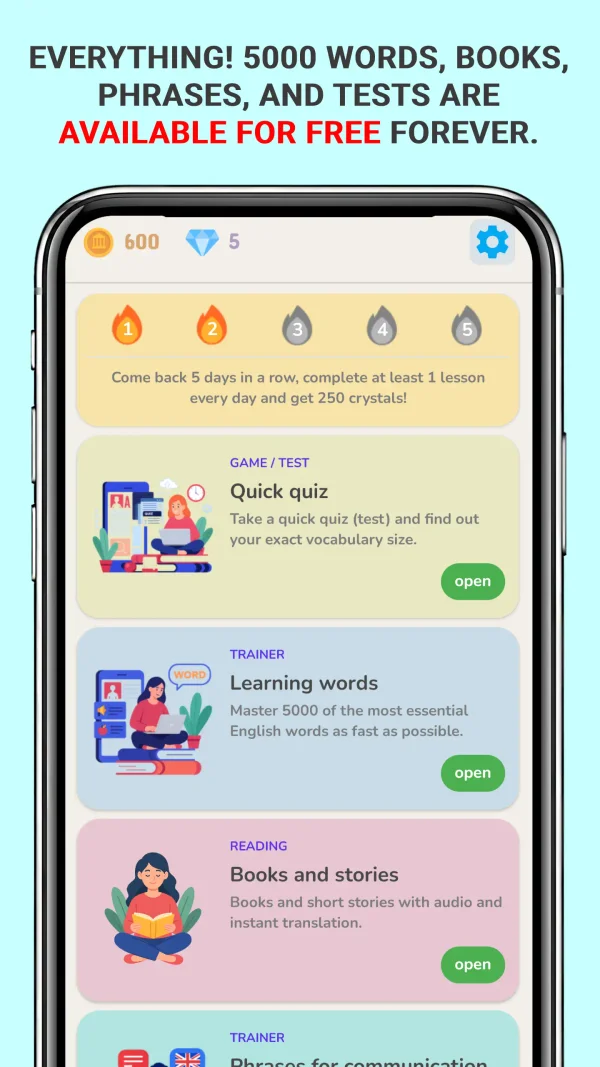
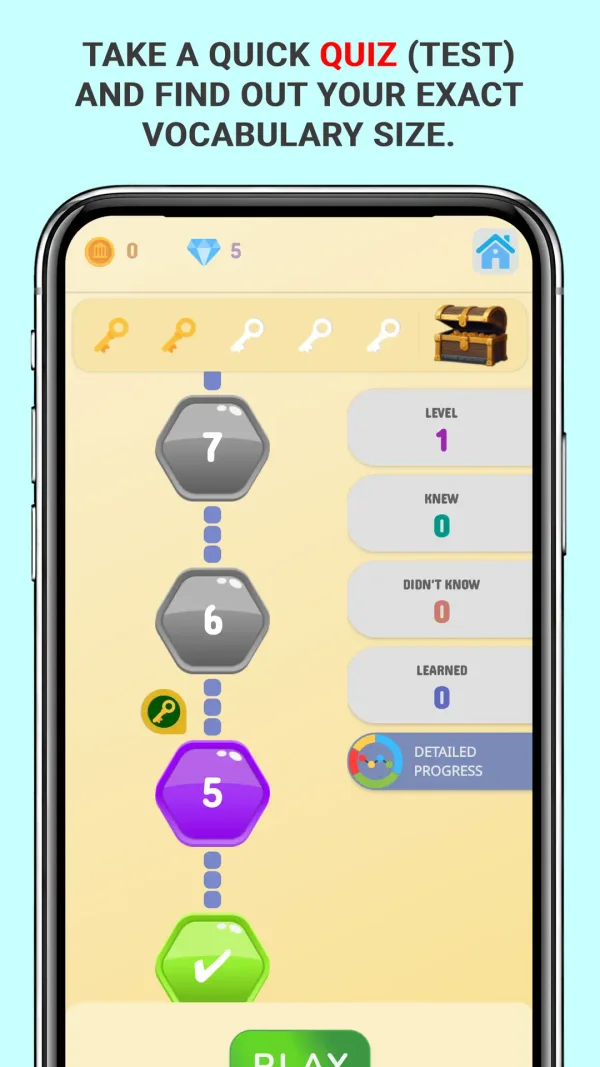
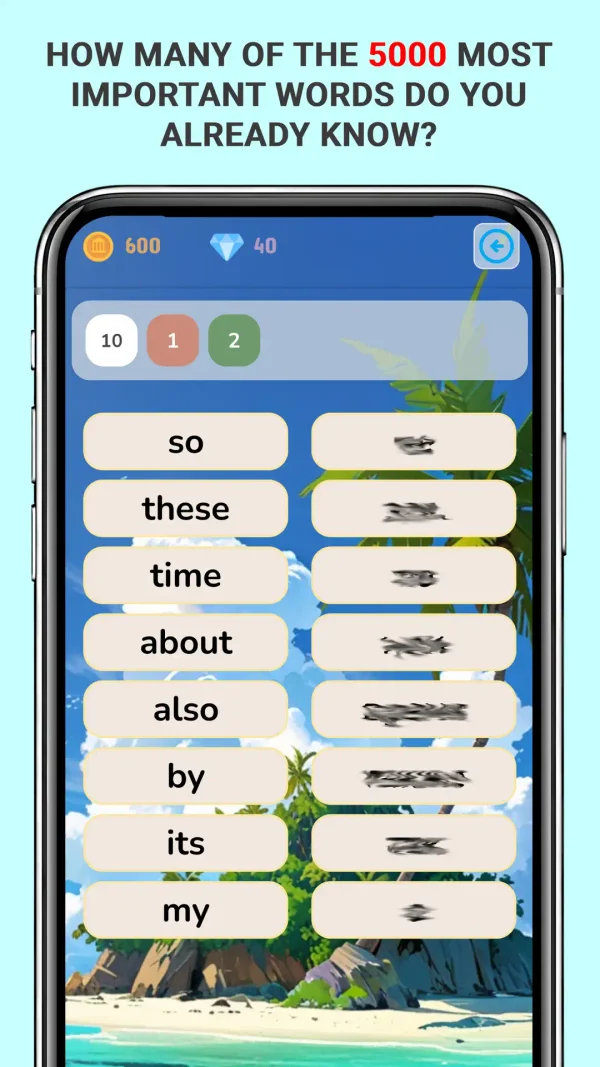
Start with the vocabulary you need to work on, rather than repeating everything you already know. Explore a collection of 5,000 commonly used words and begin with a test that helps identify gaps in your knowledge.Make an English Vocabulary Builder part of your study routine, with varied exercises and spaced repetition to revisit unfamiliar words. The focus is clear: discover what you know and spend your practice time on what you still need to learn.
App Features:
📚Learning English Words - Study a collection of 5,000 commonly used words;
🔎Vocabulary test - Start by checking which words you already know;
🎯Focused practice - Concentrate on words that are unfamiliar to you;
✅Skip known words - Avoid studying the same familiar material from the beginning;
📊Vocabulary overview - Get a clearer understanding of your current word knowledge;
🔁Spaced repetition - Return to vocabulary at intervals for continued practice;
✨English Vocabulary Builder - Work through varied exercises as you study;
Connect Word Practice With Your Wider Studies!
A stronger vocabulary can support the work you do with an English Listening Helper as part of a broader learning routine. This app focuses on vocabulary testing and practice as one part of your wider language learning.If you use an English Reading Comprehension App, studying common words can complement that reading practice. Here, the test and word exercises help you focus on gaps in your vocabulary, without promising a particular reading level or result.
How To Use:
📲Open Learning English Words to begin your vocabulary practice;
🔎Take the integrated test to check your existing word knowledge;
✅Skip familiar words based on what you already know;
🎯Concentrate on the words you still need to learn;
✨Work through the available exercises to practice those words;
🔁Return for spaced repetition as you continue studying;
📚A Foundation for Reading:
Word knowledge is one part of understanding a text. Alongside an English Reading Comprehension App, focused vocabulary study gives you another way to work on that foundation. Choose a manageable study routine and give unfamiliar words repeated attention.
🎧Support Your Learning Routine:
An English Listening Helper can be part of your separate listening practice, while this app keeps your attention on common words. Treat vocabulary study as one part of learning a language, alongside the reading and listening you do elsewhere.
🔁Practice Beyond the First Test:
Use the English Vocabulary Builder approach to revisit words through varied exercises and spaced repetition. The test is a starting point for focused study, and continued practice gives you time to work on what is unfamiliar.
🎯Keep Your Goals in View:
Combine your English Reading Comprehension App routine with word practice that addresses gaps in your knowledge. If an English Listening Helper is also part of your studies, keep making room for vocabulary review alongside it. Learning progress depends on your starting knowledge and practice, and results will vary.
Make Room for Common Words!
Begin with what you know, focus on what you need and return to practice over time. Build your study routine around a clear view of your vocabulary and the words you want to learn next.Data safety
What DictionaryAndTranslator declares on Google Play about the data this app collects and shares.
- This app may share these data types with third partiesDevice or other IDs
- No data collectedLearn more about how developers declare collection
- Data is encrypted in transit
- Data can’t be deleted
Developer contact
- Websitedictionarytranslator.app
- Emailsupport.learningenglish@dictionarytranslator.app
- Privacy policydictionarytranslator.app
- Address16 Kampinsky RISHON LEZION, 7546350 Israel
Information
- Offered by
- DictionaryAndTranslator
- Category
- Education
- Version
- 12.1.2
- Updated
- Oct 4, 2026
- Released
- Dec 2, 2024
- Requires
- Android 8.0 or later
- Age rating
- Everyone
- Price
- Free
- In-app purchases
- $0.99 - $99.99 per item
- Package name
- com.luveng.learnwords