LGMV-Business
LG Electronics, Inc.- EveryoneAge rating
- ToolsCategory
- Sep 7, 2026Updated
- FreePrice
Links to the official Google Play listing of com.lge.android.lgmv. Last checked on Nov 27, 2026.

Screenshots
About this app
LGMV is designed to monitor the status of LGE Air Conditioner products.
■ New LGMV version released
New LGMV has been released in order to expand the supported platforms(Android Tablet, iPhone) and provide the same UX/features regardless of the platform.
■ About LGMV
LGMV is designed to monitor the status of LG Electronics Air Conditioner products which helps engineers diagnose products and interpret refrigeration cycle.
Through this app, engineers will be able to identify the operation status of the product and provide a solution to the problems.
※ Please note that this app is only for air conditioning service engineers and cannot be used by general users.
■ Key function
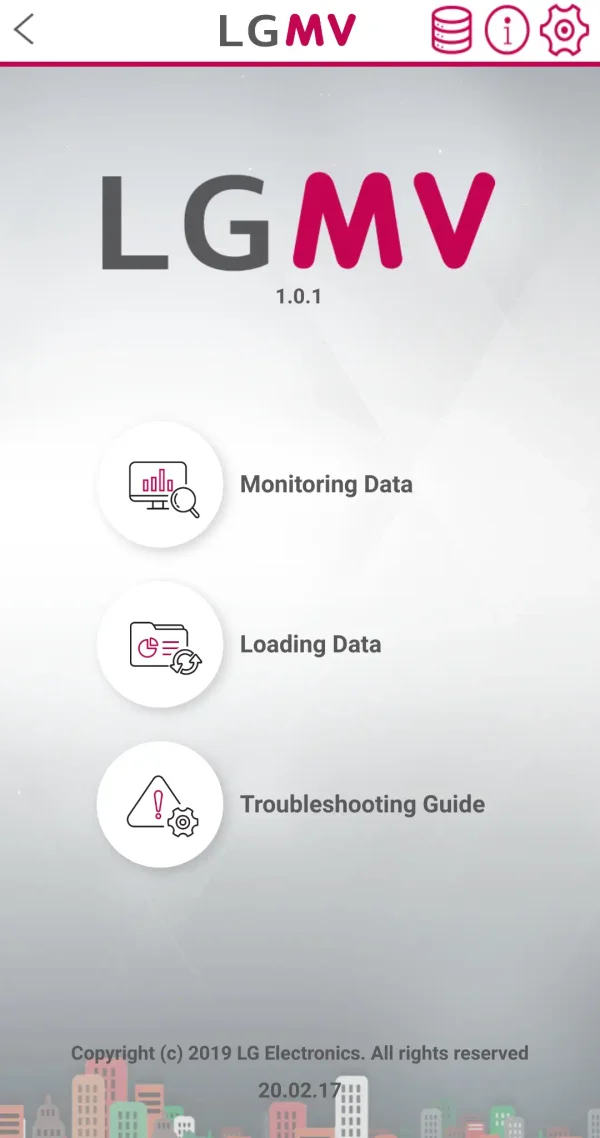
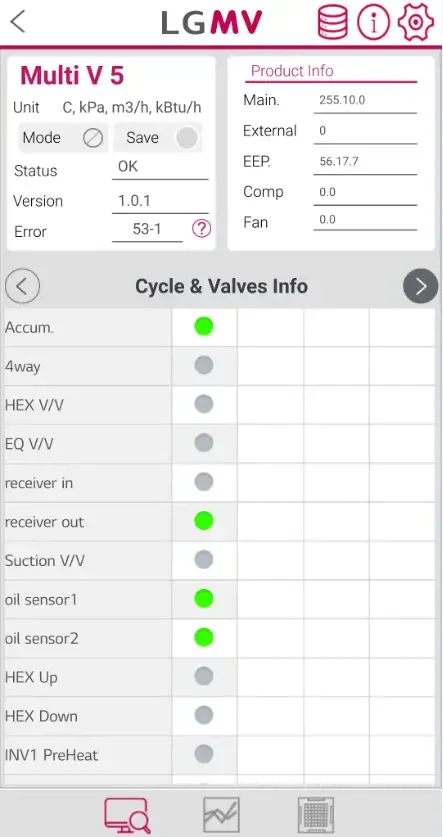
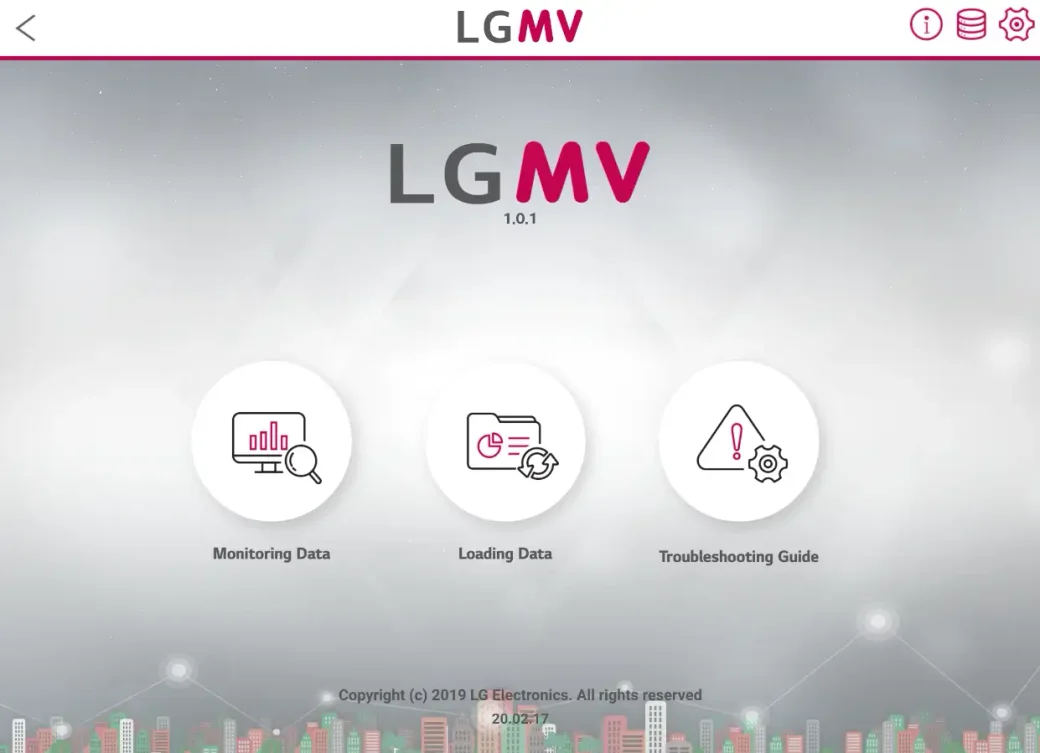
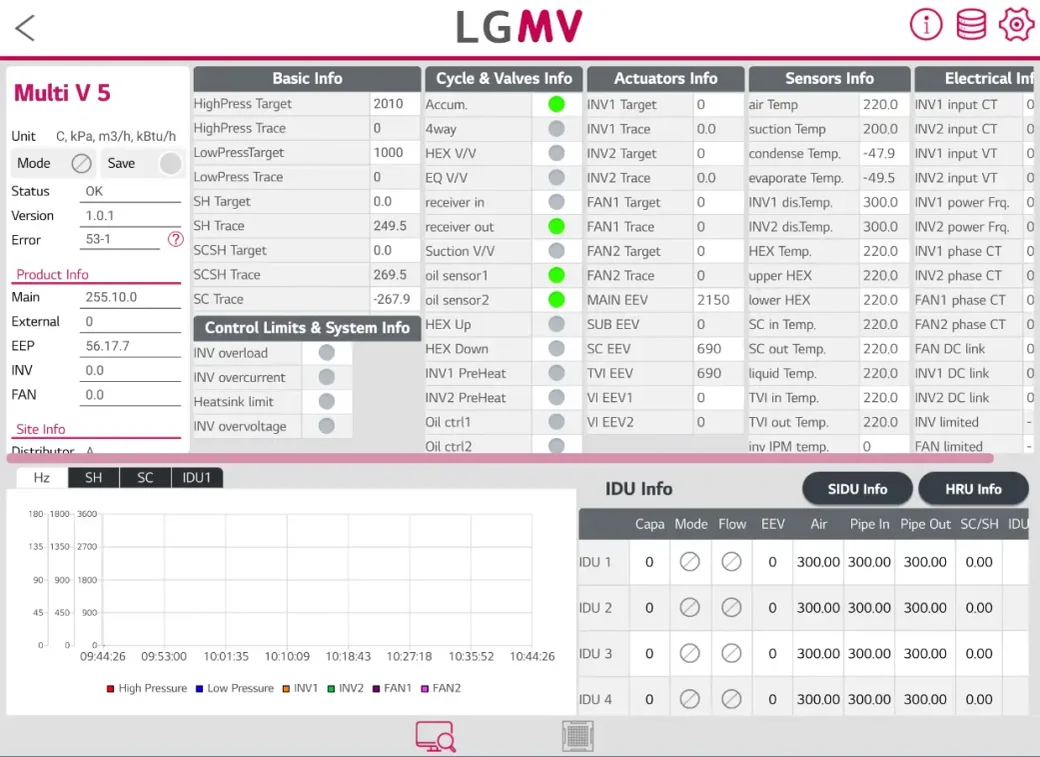
1. Monitoring viewer: Display key information of air conditioner
2. Graph: Display pressure and frequency information of air conditioner in graph
3. Indoor unit operation control: Controls the operating mode of indoor units when the module is connected to the outdoor unit.
4. Save data: Save received air conditioner information as file
5. Save Black Box and Test Report: Receives Black Box data and Test operation result from product.
6. Troubleshooting guide: Display error number and supports resolution plan for the error number list in PDF document.
7. Additional Function (This feature is available on some models.)
• Test run Info
• Serial number Info
• Operating time Info
• Auto Test Run
■ Wi-Fi Module (Sold separately)
Model type : LGMV Wi-Fi Module
Model name : PLGMVW100
Data safety
What LG Electronics, Inc. declares on Google Play about the data this app collects and shares.
- No data shared with third partiesLearn more about how developers declare sharing
- No data collectedLearn more about how developers declare collection
What’s new
Version 1.3.4 · Sep 7, 2026
1. Added a file name search feature to the File Management menu.
2. Added a Detailed Location input field.
3. Added DRED Control Monitoring support. (Multi V S)
4. Added Manual Piping Configuration support. (FLAT)
5. Added Target Pressure Limit Control support. (Pressure)
Developer contact
- Websitelge.com
- Emaillgmv@lge.com
- Privacy policyprivacy-policy.lgcacservice.com
- Address영등포구 여의대로 128 (여의도동) 영등포구, 서울특별시 07336 South Korea
Information
- Offered by
- LG Electronics, Inc.
- Category
- Tools
- Version
- 1.3.4
- Updated
- Sep 7, 2026
- Released
- Apr 3, 2020
- Requires
- Android 7.0 or later
- Age rating
- Everyone
- Price
- Free
- Package name
- com.lge.android.lgmv