Likeness (beta)
Google LLC- EveryoneAge rating
- ToolsCategory
- Oct 30, 2026Updated
- FreePrice
Links to the official Google Play listing of com.google.android.apps.vr.doppel. Last checked on Nov 27, 2026.
Screenshots


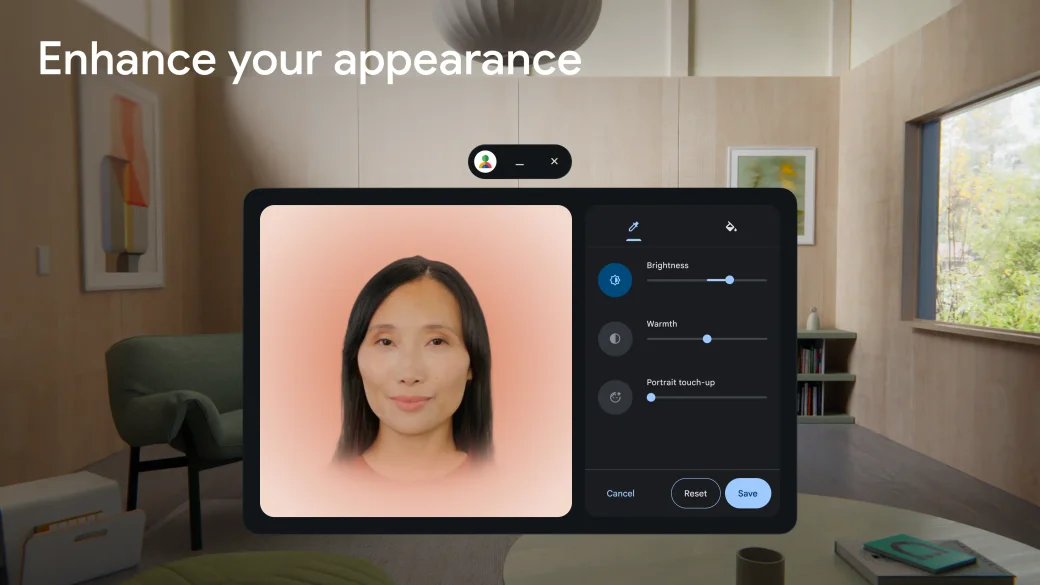
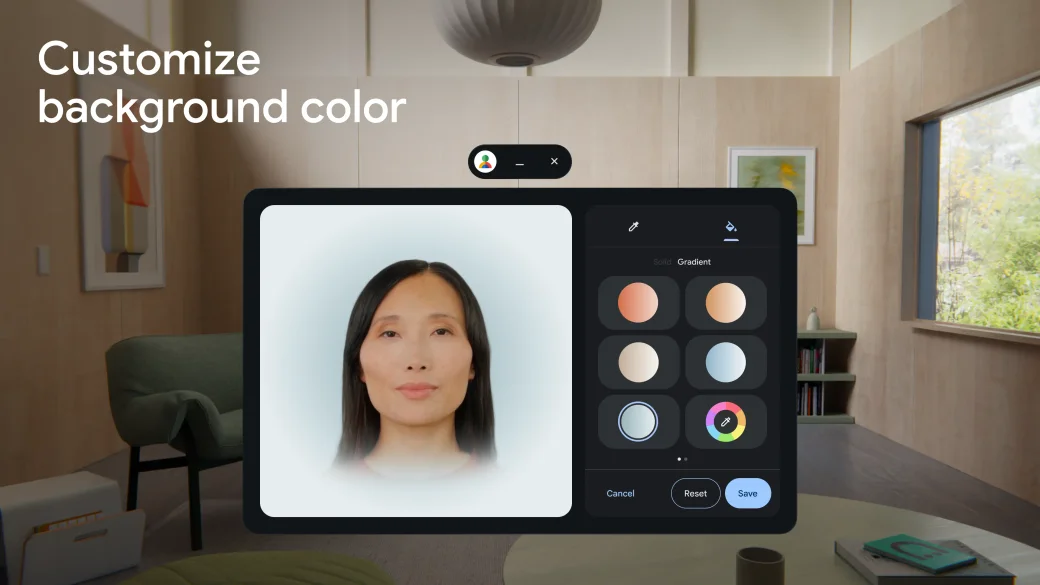
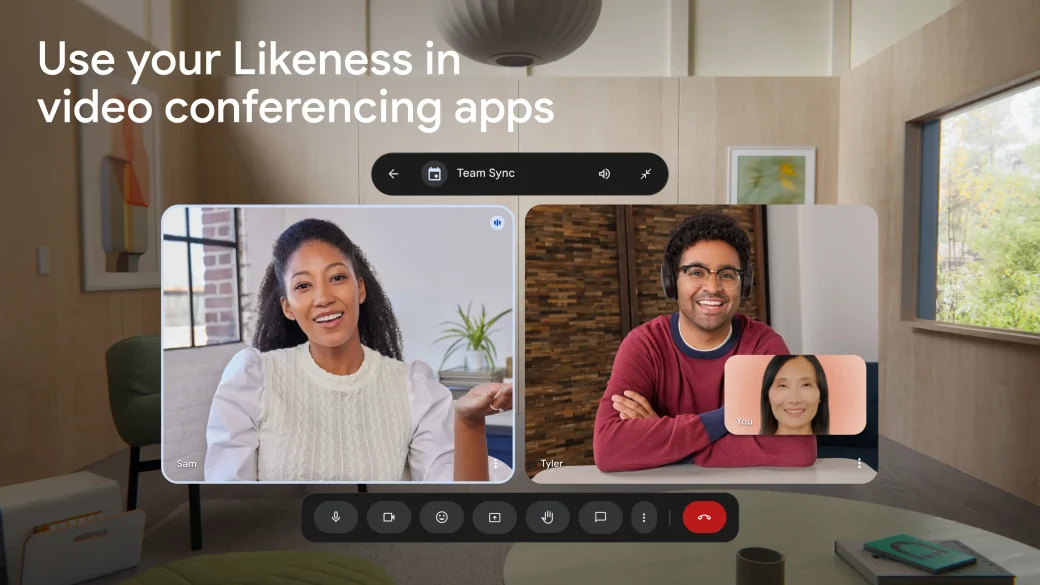
About this app
Create and use your Likeness, a realistic digital representation of yourself.
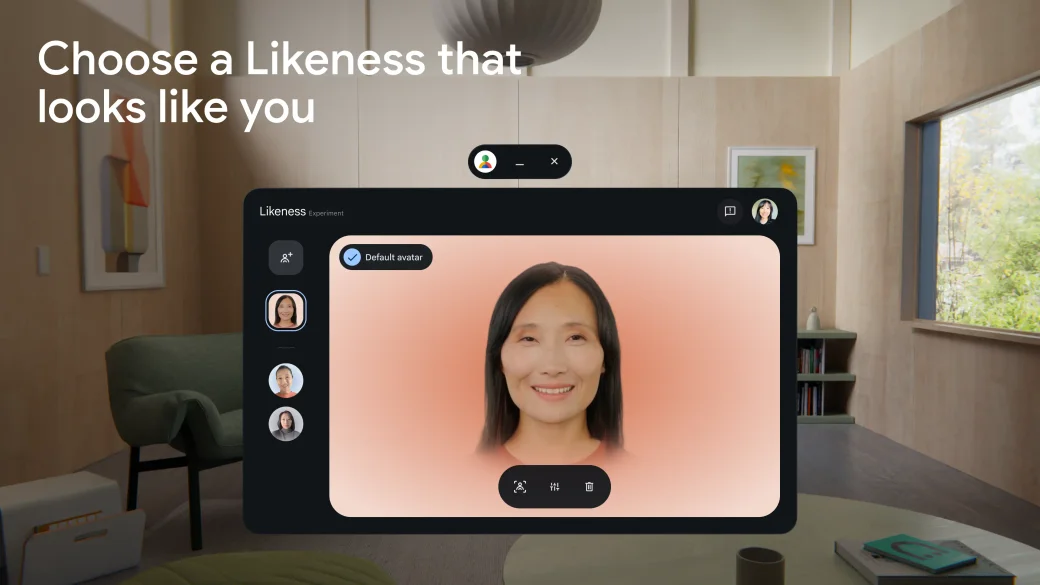
The Likeness (beta) app lets you create and use your Likeness—a realistic digital representation of your face and hand gestures. This allows others to see you authentically while you’re using an Android XR device for video calls, making your interactions feel natural and personal.
On your Android Phone: Create your Likeness
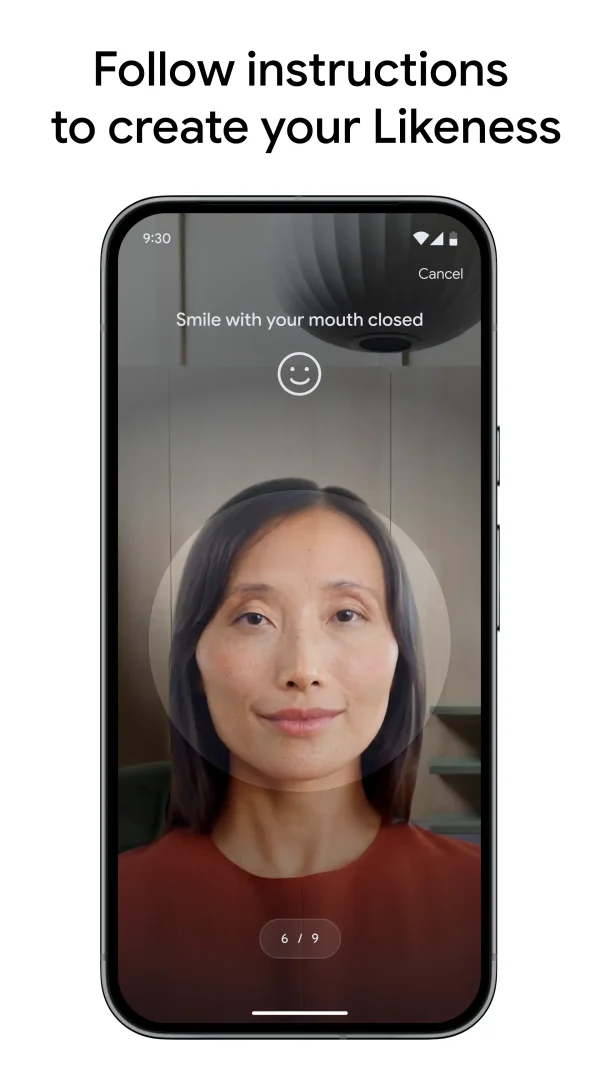
Use the app available for Android phones to scan your face. The guided process helps you capture your unique appearance in minutes to generate your high-quality Likeness.
On your Android XR device: Use your Likeness
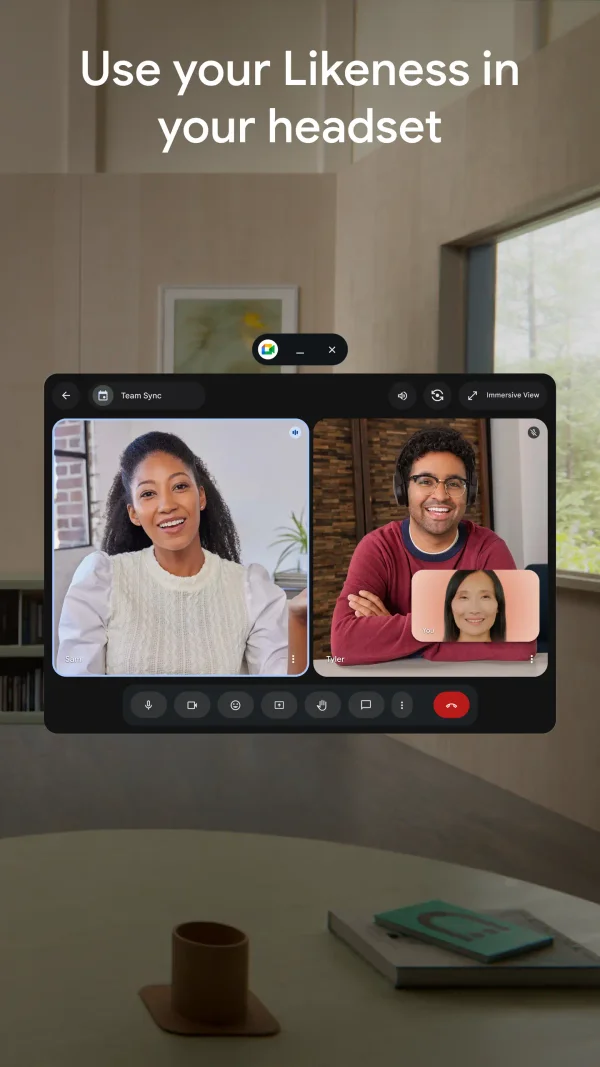
Once created, your Likeness represents your facial expressions and hand gestures in real-time. You can use your Likeness to connect with others naturally in video conferencing apps like Google Meet, Zoom, Webex, or in any app that includes front-facing camera features, such as Tiktok or Snapchat.
Features:
Scan & Generate: Use your phone’s camera to capture the details that make you, you.
Real-time expressions: Your Likeness represents a wide range of facial expressions and hand gestures according to what you’re saying or doing.
Audio-based animation: For devices that don’t support face-tracking, Likeness now uses audio-based animation to analyze your speech and guide your avatar’s expressions.
Look your best: Fine-tune your appearance with tools to adjust brightness, temperature, and retouch settings.
Connect naturally: Show up in video calls looking just like yourself. Likeness is compatible with any app that can access your headset’s selfie camera.
Note:
- The Likeness (beta) app is available for select Android device models. See the full list of supported device models: http://support.google.com/android-xr/?p=likeness_devices
- An Android XR headset is required to use your Likeness in video calls.
Data safety
What Google LLC declares on Google Play about the data this app collects and shares.
- No data shared with third partiesLearn more about how developers declare sharing
- This app may collect these data typesPersonal info, Photos and videos and 2 others
- Data is encrypted in transit
- You can request that data be deleted
What’s new
Version 2026.10.18 · Oct 30, 2026
• Audio-based animation on XR glasses: For devices that don’t support face-tracking, Likeness now uses audio-based animation to analyze your speech in real-time—and not your actual facial movements—to guide your avatar’s expressions. Head direction still follows the orientation of your device.
• Improved scanning flow: Improvements to the Likeness creation and scanning process.
Developer contact
- Emaillikeness-support@google.com
- Privacy policypolicies.google.com
- Address1600 Amphitheatre Pkwy Mountain View, CA 94043 United States
Information
- Offered by
- Google LLC
- Category
- Tools
- Version
- 2026.10.18
- Updated
- Oct 30, 2026
- Released
- Dec 4, 2025
- Age rating
- Everyone
- Price
- Free
- Package name
- com.google.android.apps.vr.doppel
Similar apps
-
 MYCPE ONE
Education
-
 YogaRenew
Health & Fitness
-
 SleepTracker: Record & Improve
Health & Fitness
-
 Philadelphia Business Journal
News & Magazines
-
 II inHealth: Wellbeing
Health & Fitness
-
 JobNimbus: All-In-One Roof App
Productivity
-
 Flo Pilates
Health & Fitness
-
 Go my body
Health & Fitness
-
 SupaTask - Daily Task Planner
Productivity
-
 Hypnosis With Joseph Clough
Health & Fitness
-
 Habit Hunter: Gamified Routine
Productivity
-
 Real Estate Exam Prep 2026
Education