LogMeIn Rescue Customer
GoTo Group, Inc.- EveryoneAge rating
- BusinessCategory
- Nov 25, 2026Updated
- FreePrice
Links to the official Google Play listing of com.logmein.rescuemobile. Last checked on Nov 26, 2026.

Screenshots



About this app
Rescue is a secure support app but should only be used with a trusted technician
*ONLY DOWNLOAD IF DIRECTED TO DO SO BY A SUPPORT TECHNICIAN YOU TRUST*
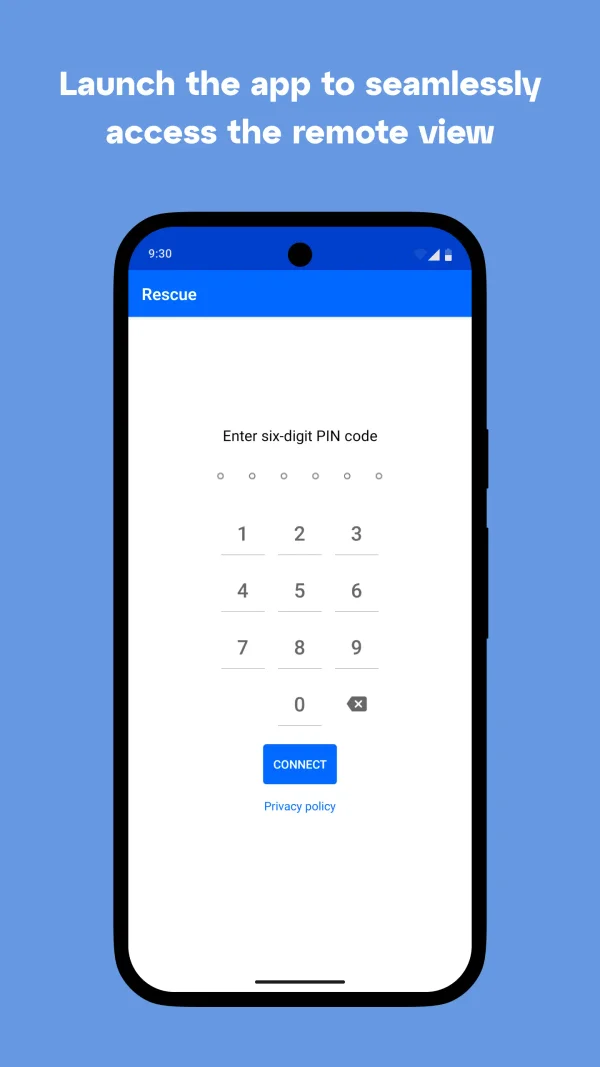
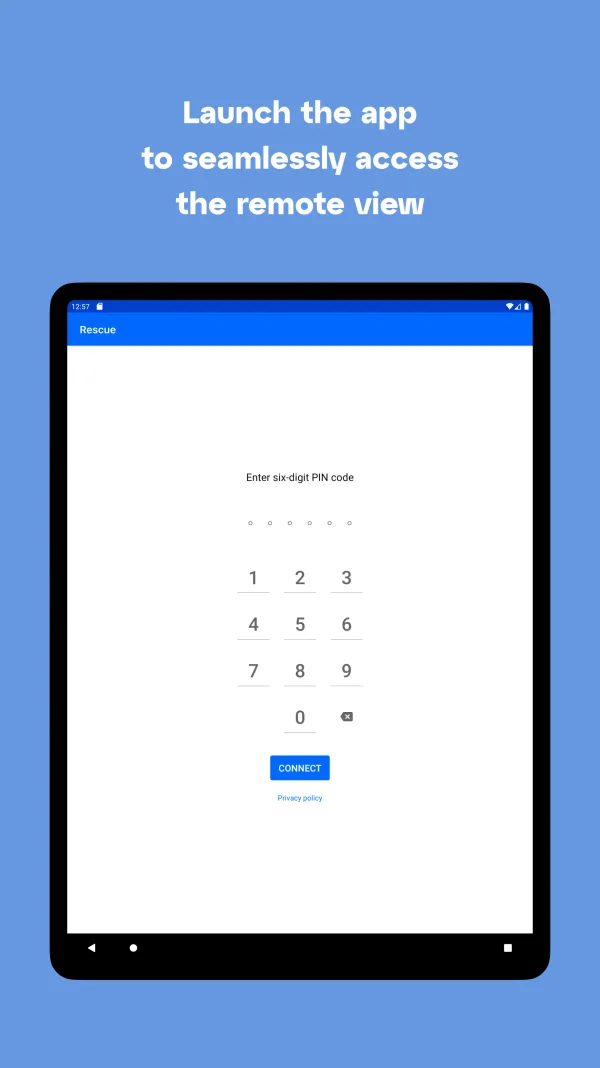
The LogMeIn Rescue Customer allows support technicians to troubleshoot a problem you are having on your Android device. To use this application you must be receiving support from a technician who is using LogMeIn Rescue and will provide you a pin code to start the session.
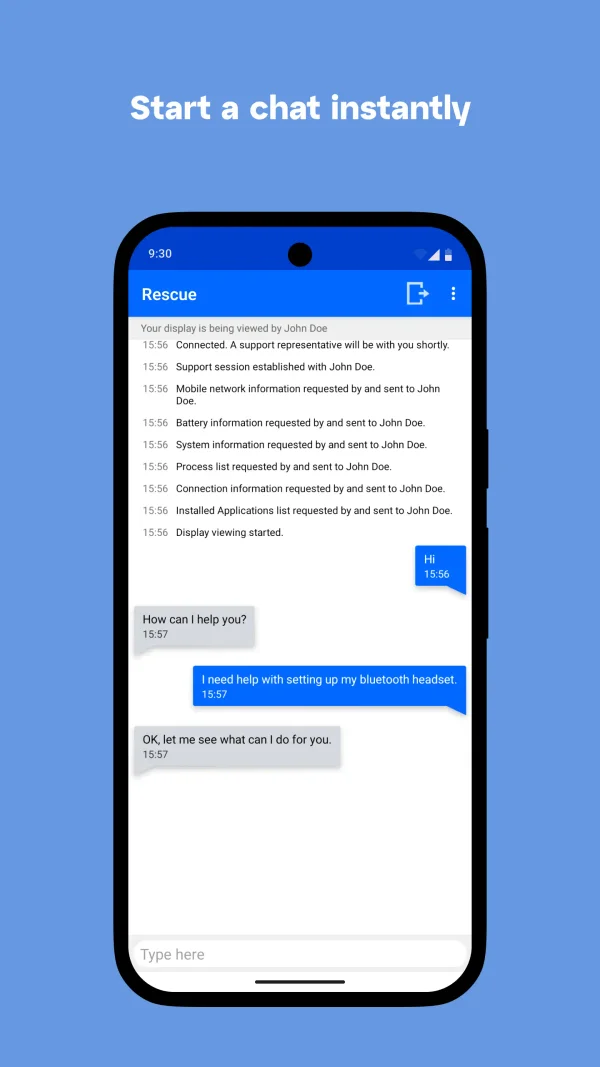
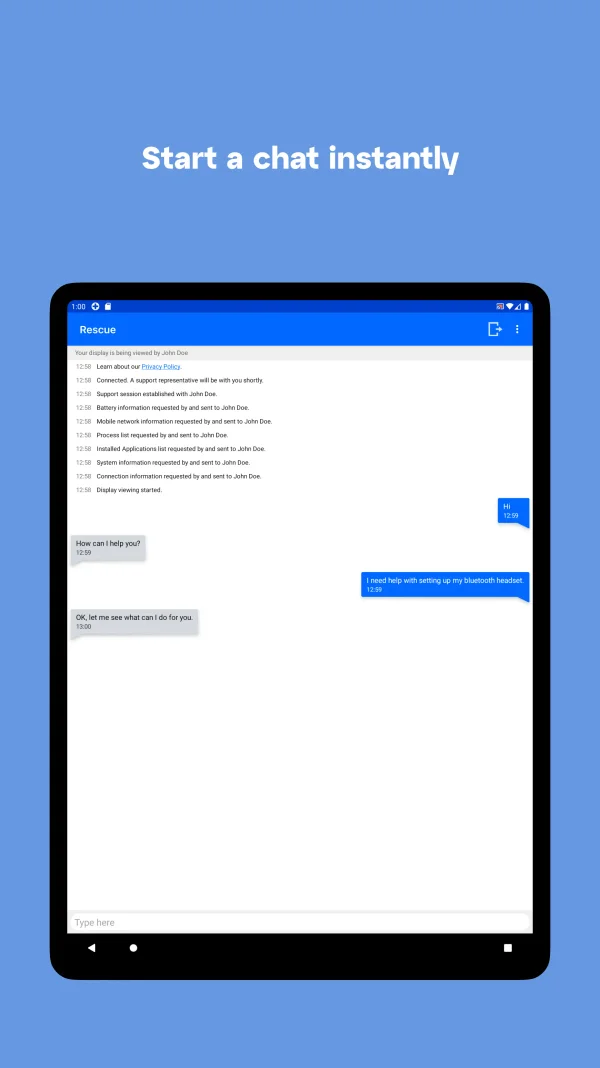
Technicians have the ability to chat, transfer files, view system diagnostic information, pull and push APN configurations (Android 2.3), push and pull WiFi configuration, and more. Remote control is available on the latest devices from Samsung, HTC, Motorola, Huawei, Sony, Vertu, Kazam and more.
How to use:
1) Install the application
2) Launch the application from your Applications folder
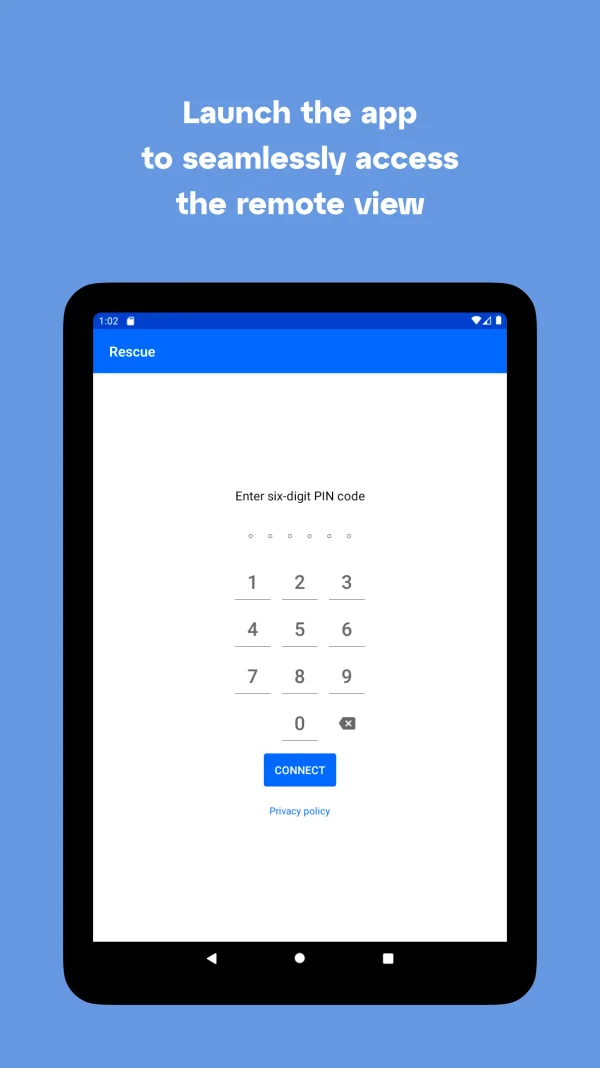
3) Enter the six digit pin code given to you by your support technician
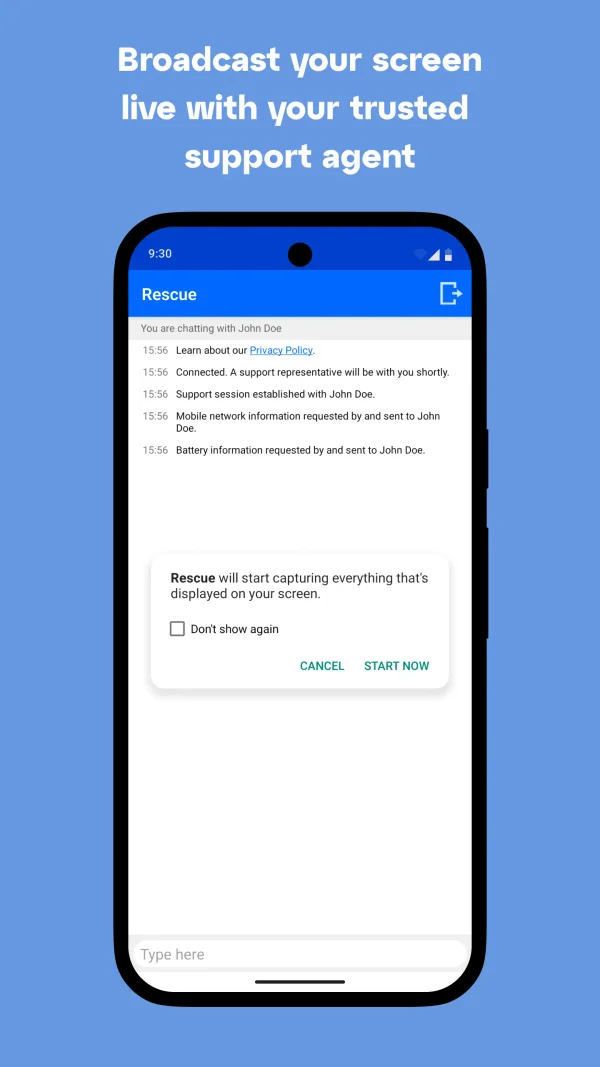
4) Allow your trusted support technician to connect to your device
This app uses the Device Administrator permission.
LogMeIn Rescue Customer uses accessibility service in order to provide full remote control of this device during a Rescue session. LogMeIn Rescue does not track or control any action or behaviour through this service outside of a Rescue session.
Data safety
What GoTo Group, Inc. declares on Google Play about the data this app collects and shares.
- This app may share these data types with third partiesApp info and performance and Device or other IDs
- No data collectedLearn more about how developers declare collection
- Data is encrypted in transit
- Data can’t be deleted
What’s new
Version 8.10.2-84 · Nov 25, 2026
- Security and stability improvements.
Developer contact
- Websitesecure.logmeinrescue.com
- Emailrescueandroid@logmein.com
- Privacy policygoto.com
- Address333 Summer St Fl 5 Boston, MA 02210 United States
Information
- Offered by
- GoTo Group, Inc.
- Category
- Business
- Version
- 8.10.2-84
- Updated
- Nov 25, 2026
- Released
- Jan 28, 2011
- Requires
- Android 10 or later
- Age rating
- Everyone
- Price
- Free
- Package name
- com.logmein.rescuemobile
Similar apps
-
 Rite Aid Pharmacy
Lifestyle
-
 Everbridge
Communication
-
 Westlake MyAccount
Finance
-
 Halter
Business
-
 AT&T ActiveArmor®
Tools
-
 Robokiller - Spam Call Blocker
Communication
-
 Planday Employee Scheduling
Business
-
 OnePageCRM - Simple CRM System
Business
-
 Verizon Call Filter
Communication
-
 My Verizon For Business
Business
-
 Rocket Lawyer Legal & Law Help
Productivity
-
 ServiceNow Agent
Business