Loudplay — PC games on Android
Loudplay AMIn-app purchases
- EveryoneAge rating
- EntertainmentCategory
- Oct 27, 2026Updated
- FreePrice
Links to the official Google Play listing of io.loudplay.android.app. Last checked on Nov 21, 2026.

Screenshots
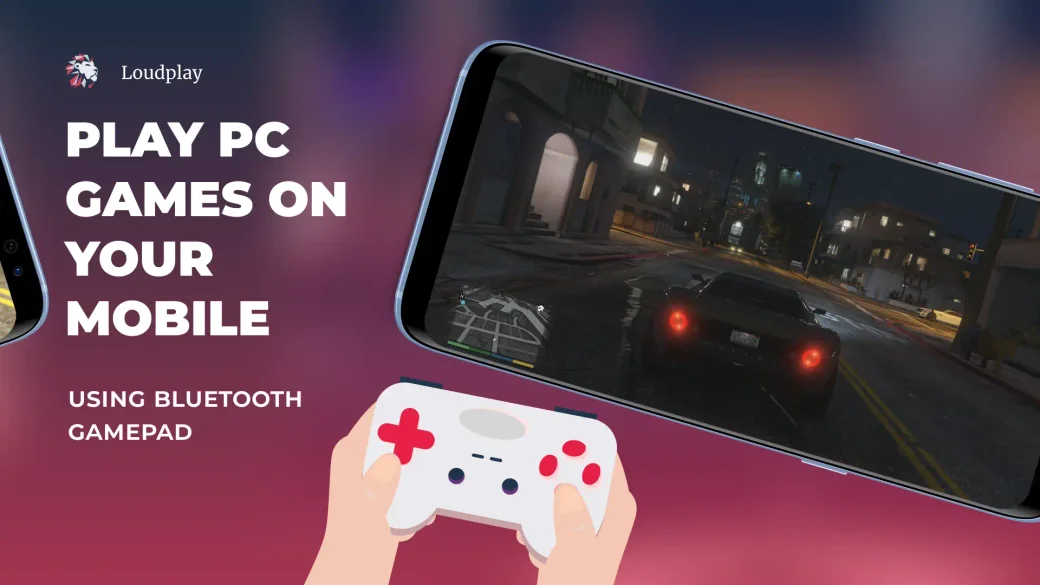
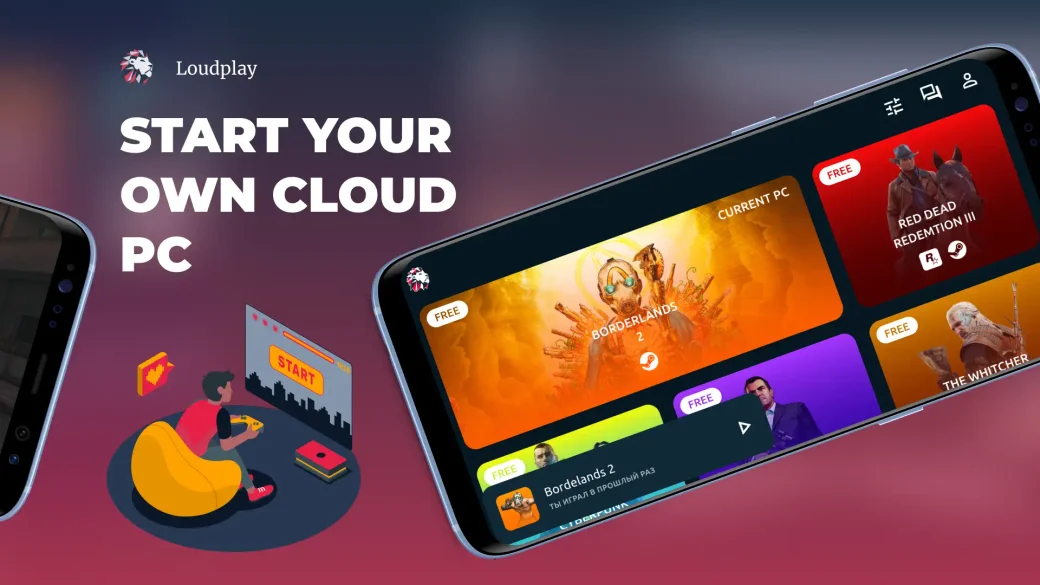
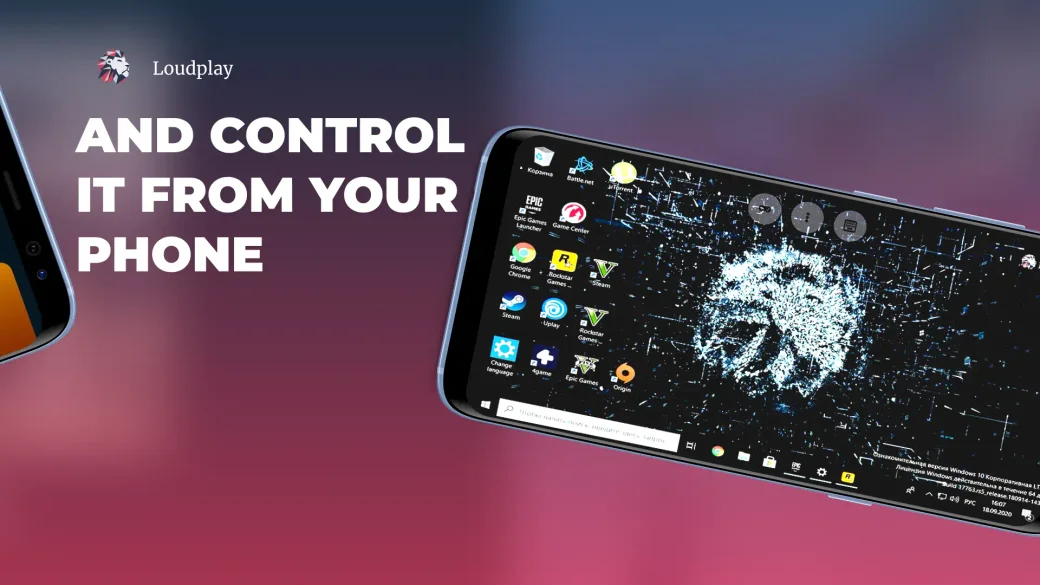
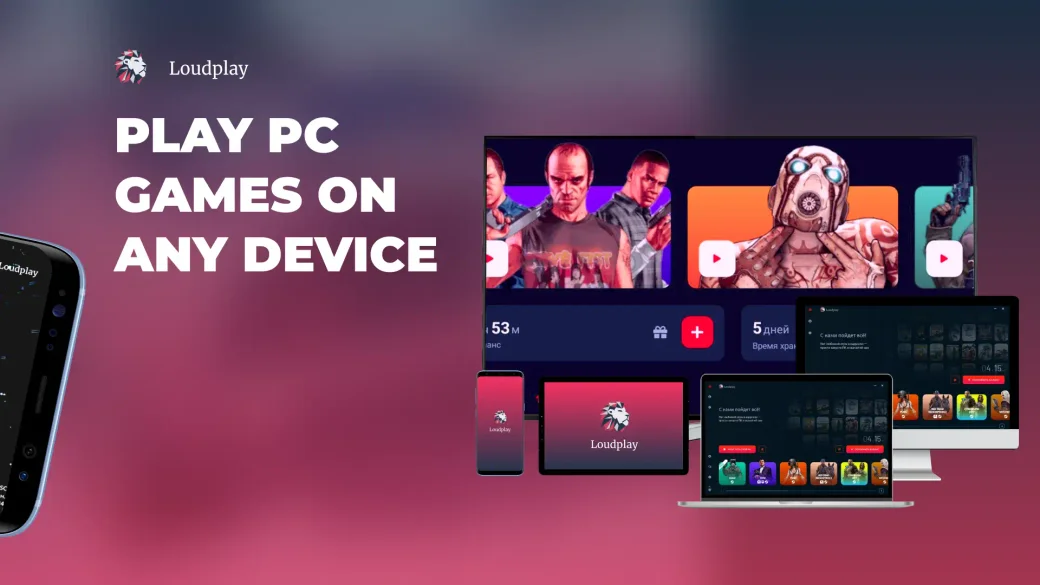

About this app
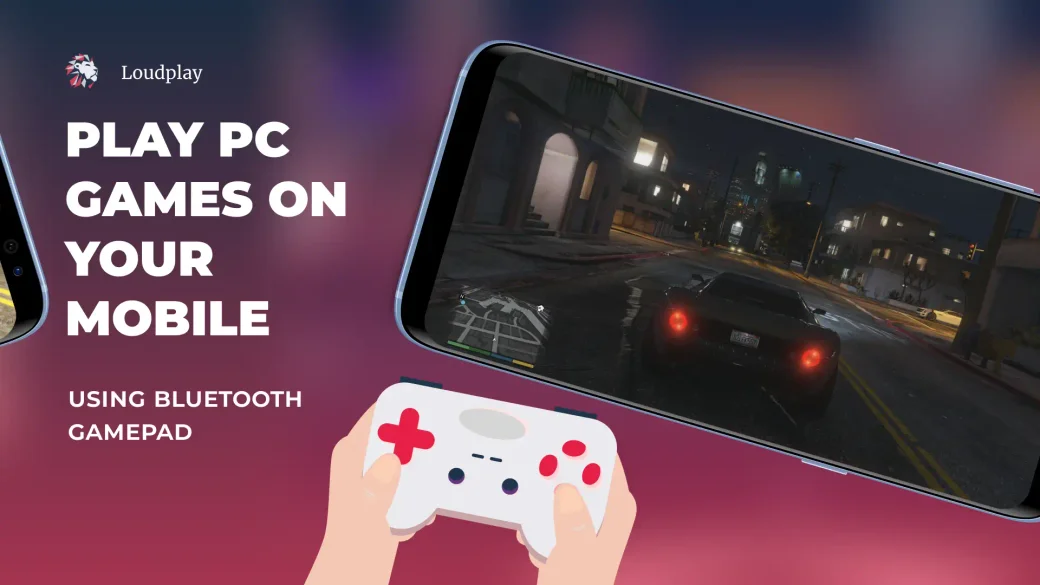
Turn your phone into a gaming console using the cloud!
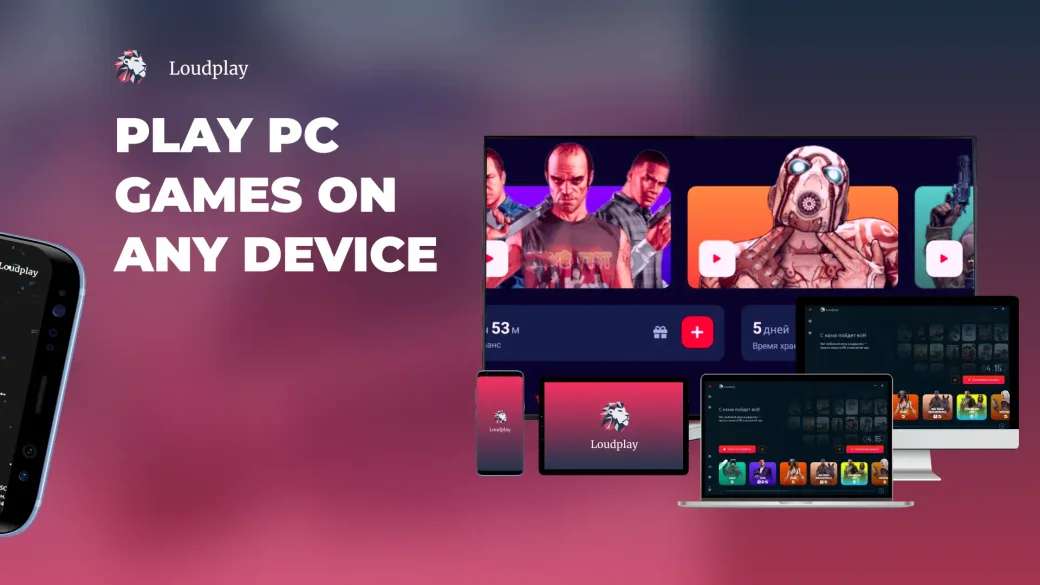
Transform any Android device into a powerful gaming platform with our cloud gaming service Loudplay.
How does it work?
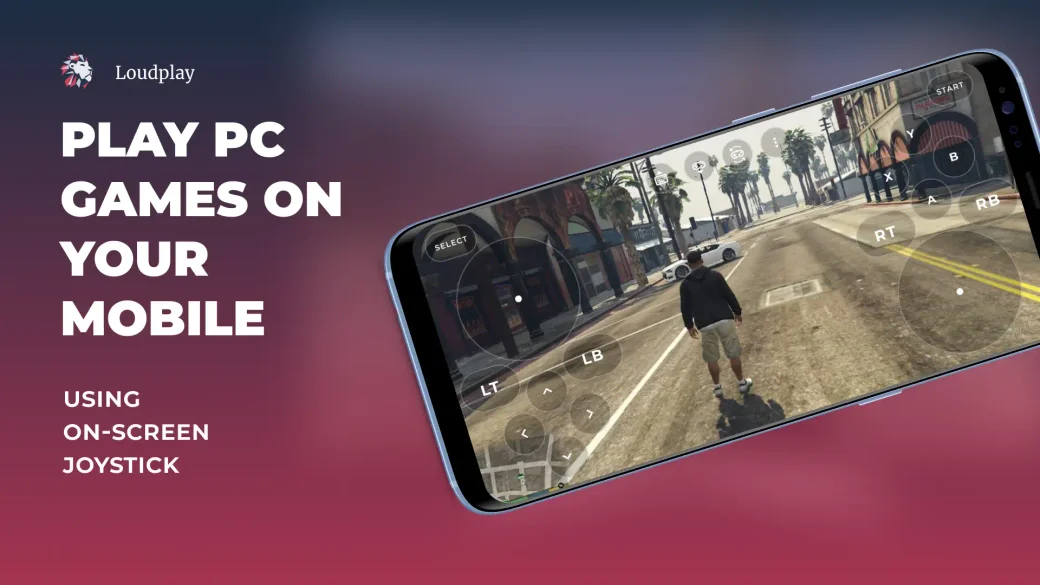
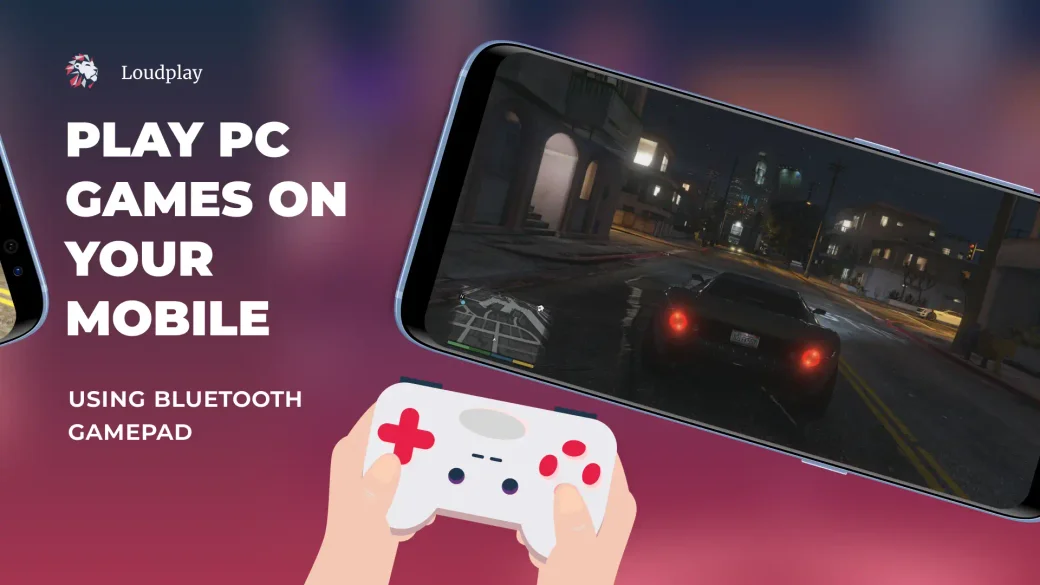
When you launch a game through our service, it runs on our gaming servers in the USA: each session gets its own server with an NVIDIA RTX A4000 graphics card. The servers stream the game to your device. The game control signals you send using our screen control technology or a gamepad are sent to the server, allowing you to control your gameplay with minimal latency.
As a result, you can play PC games in the cloud on your smartphone at any time.
What cloud games can you play?
Games you own on Steam or Epic Games, plus free-to-play games. Some games with kernel-level anti-cheat do not run on Loudplay.
How does the user get the games?
Loudplay does not sell games. In a session you sign in to your own Steam or Epic Games account and play the games that account owns. Games that players have installed before start without a download; another game you own can be installed from your store account during the session. Loudplay is for games only: other programs are not allowed.
Where is the Loudplay cloud gaming service available?
Our servers are in the USA. You can connect from other countries too, but the farther you are from the servers, the higher the latency. You need an internet connection of at least 10 Mbps, 30 Mbps or more for the best picture.
Data safety
What Loudplay AM declares on Google Play about the data this app collects and shares.
- No data shared with third partiesLearn more about how developers declare sharing
- This app may collect these data typesPersonal info
- Data is encrypted in transit
- You can request that data be deleted
What’s new
Oct 27, 2026
Your gaming PC, now in your pocket. What's new:
• A brand-new keyboard: signing in to game launchers is now quick and typo-free
• Every key your games need, right on screen — and the game stays in view while you type
• Hit Play and relax: your game opens by itself the moment it's ready
• Beautiful on tablets and foldables
• Smoother, faster, more reliable
Jump in — your next game is one tap away.
Developer contact
- Websiteloudplay.io
- Emailandroid@loudplay.io
- Privacy policydl.loudplay.ru
- AddressAPT. 249, 58/20 ULNETSI STR. YEREVAN 0069 Armenia
Information
- Offered by
- Loudplay AM
- Category
- Entertainment
- Updated
- Oct 27, 2026
- Age rating
- Everyone
- Price
- Free
- In-app purchases
- $1.00 - $13.99 per item
- Package name
- io.loudplay.android.app
Similar apps
-
 Whirlwind Duel: Shinobi Way
Entertainment
-
 JoyArk Cloud Gaming
Entertainment
-
 VUZ: Live 360 VR Videos
Entertainment
-
 Max2D: AI Game Maker & Engine
Education
-
 Gameram: Find Teammates & LFG
Social
-
 The Arcade · Game Hub Launcher
Personalization
-
 Orion Intelligence
Tools
-
 ExitLag: Fix Ping Mobile & Lag
Tools
-
 Learn Ethical Hacking
Education
-
 Alpha Hybrid Launcher 4D theme
Personalization
-
 ZArchiver
Tools
-
 PlayStation App
Entertainment