Luna Controller
Amazon Mobile LLC- EveryoneAge rating
- EntertainmentCategory
- Jul 31, 2026Updated
- FreePrice
Links to the official Google Play listing of com.amazon.tails. Last checked on Nov 20, 2026.
Screenshots
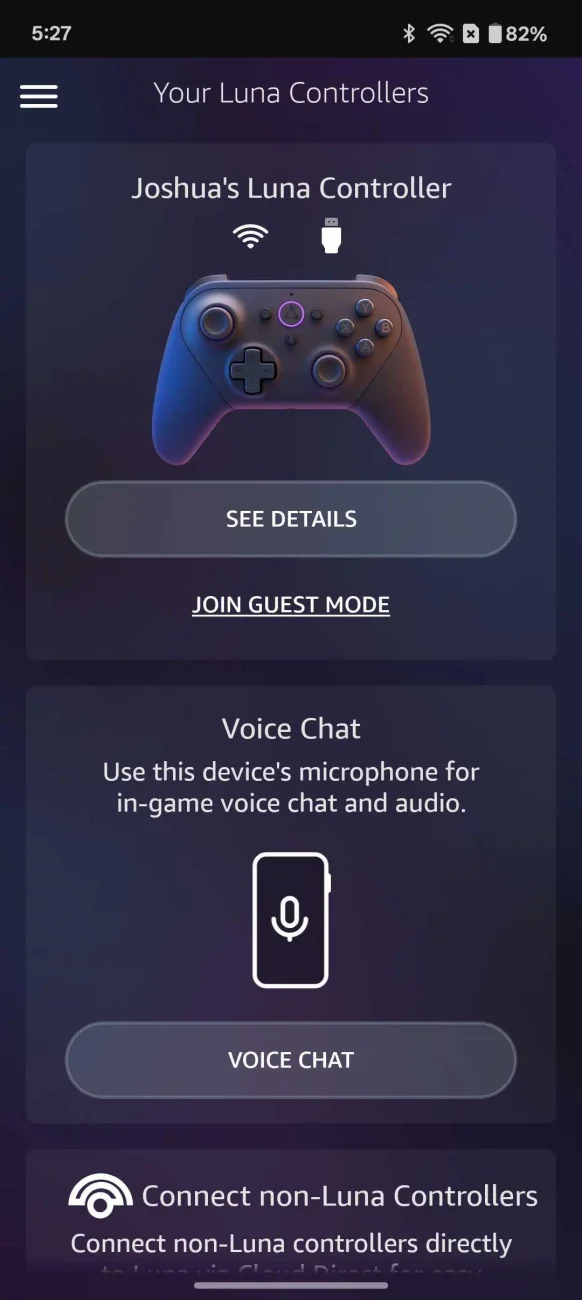
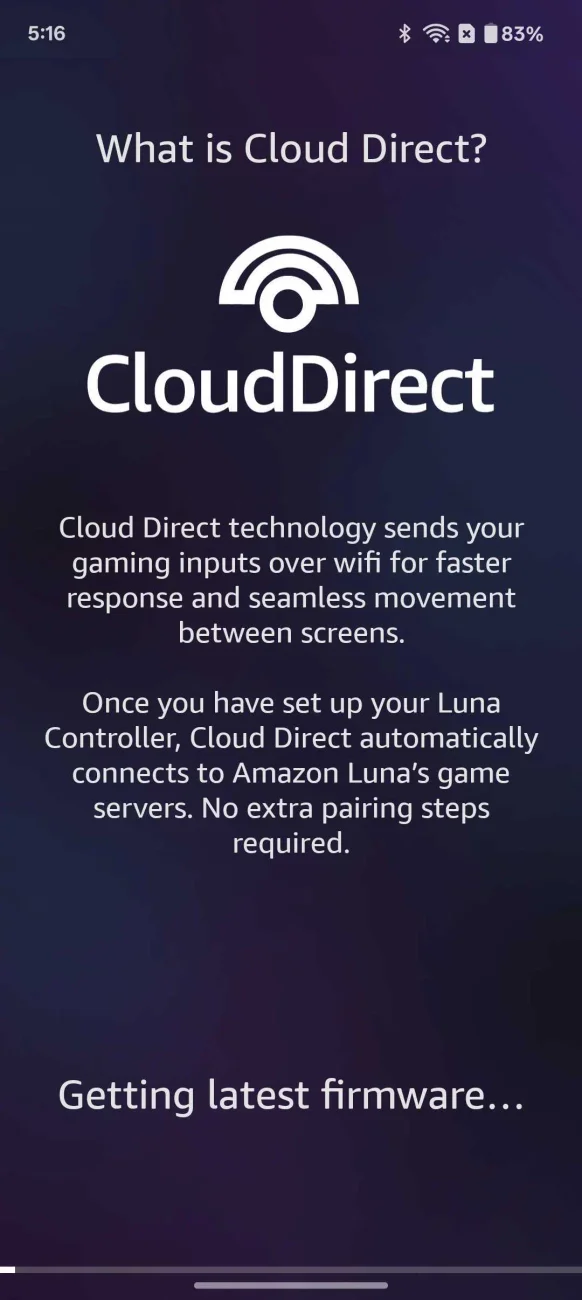
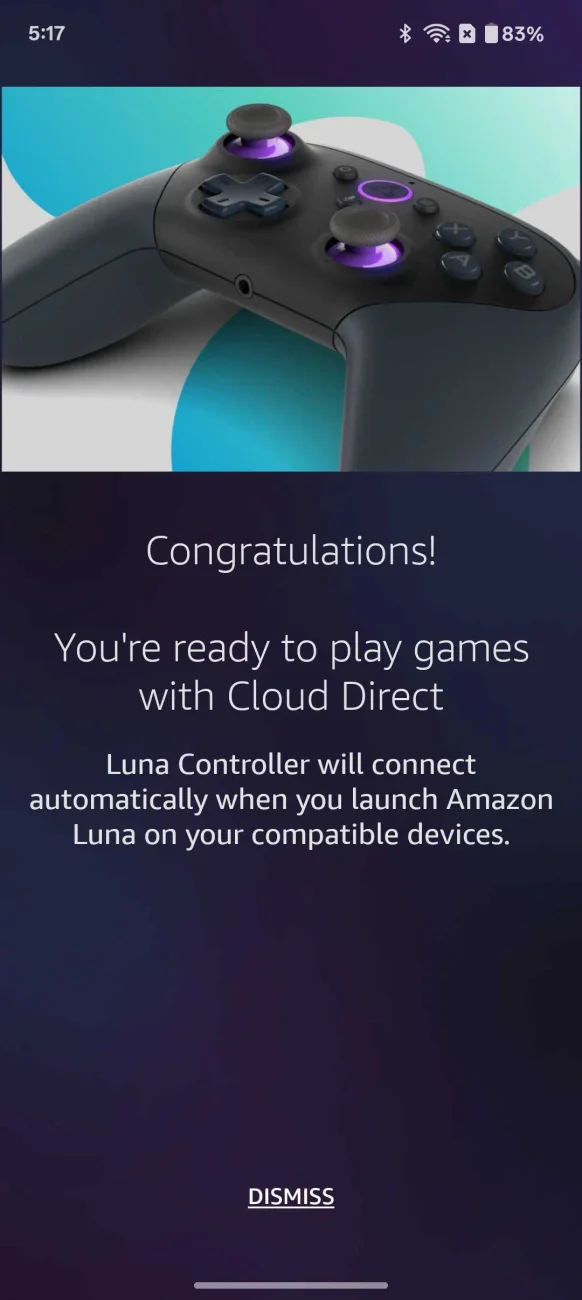
About this app
Set up and manage your Luna Controller or play games with phone controller
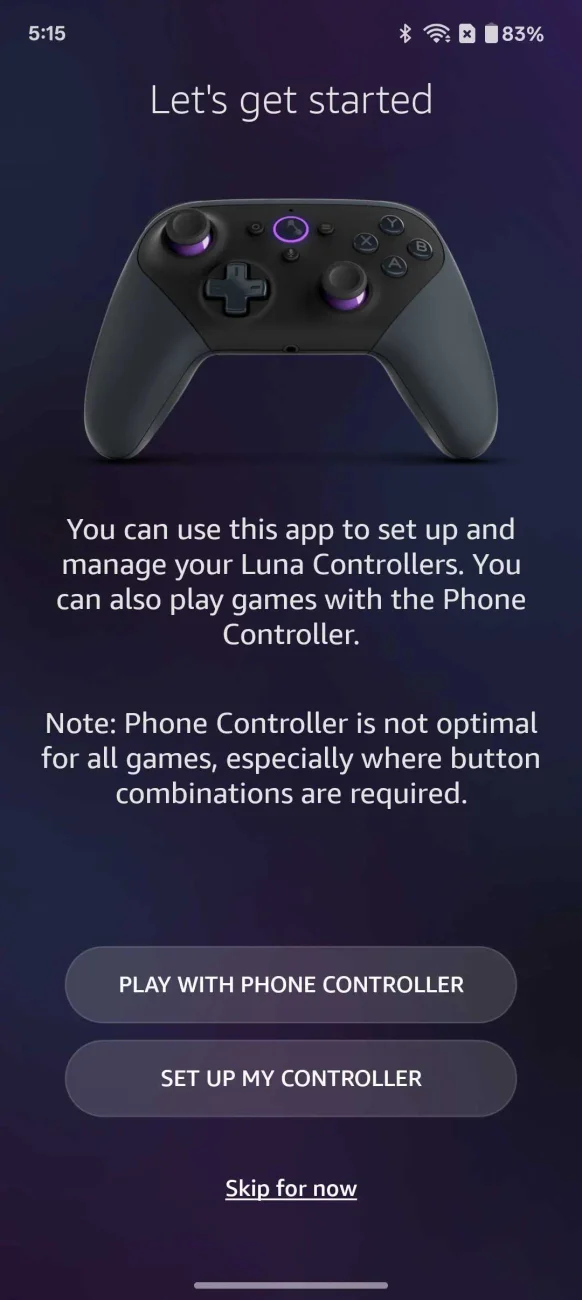
The Luna Controller app allows you to set up and manage your Luna Controllers and play Luna games using your phone via the phone controller.
With the Luna Controller app you can:
- Register Luna Controllers on your Amazon account
- Set up your Luna Controller to connect to Wi-Fi and enable Cloud Direct
- Play games on Luna using touch inputs on your mobile device using the Phone Controller
- Add friends to your local Luna gaming session using Guest mode
- Manage the Cloud Direct Wi-Fi connection
- Manage your Luna Controller Bluetooth connection
- Update the software on your Luna Controllers
- Check battery status
- Switch between Cloud Direct and Bluetooth
- Get help for common troubleshooting problems
To set up the Luna Controller:
1. Download and install the Luna Controller app on your mobile device.
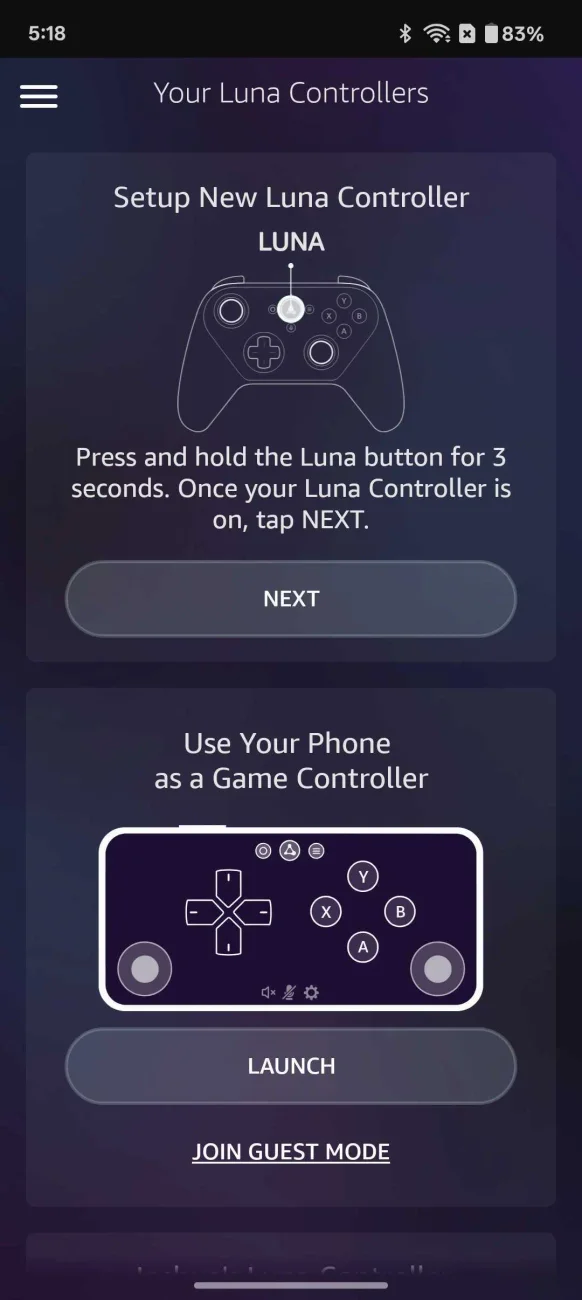
2. Turn on your Luna Controller with 2 AA batteries. Press and hold the LunaN button for 3 seconds and an orange light will start spinning
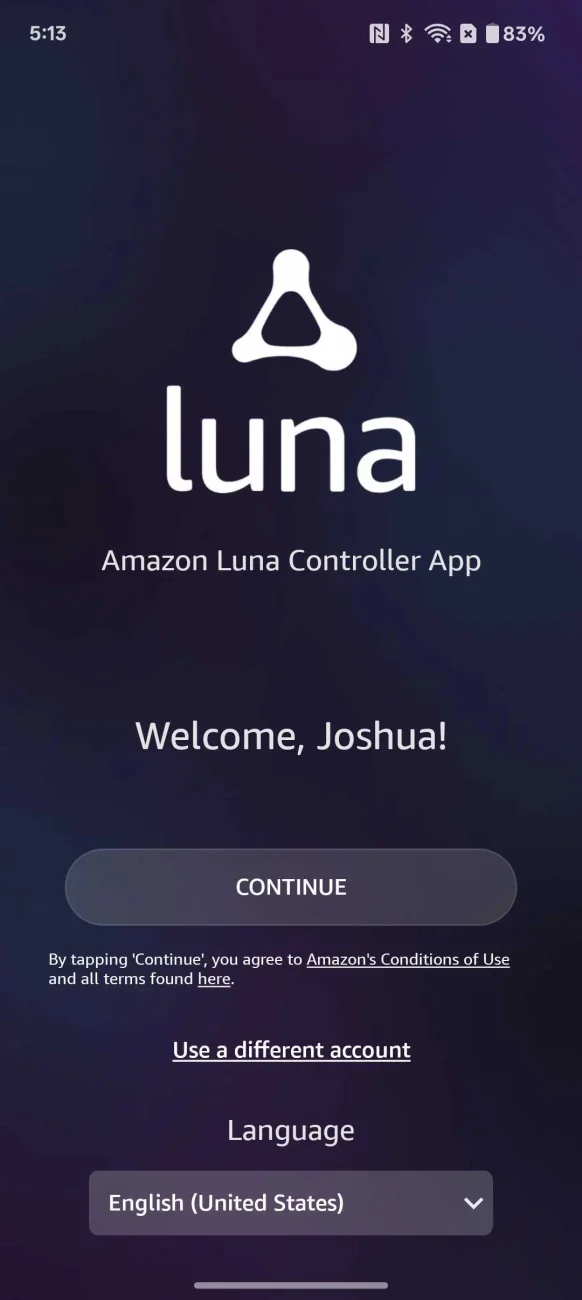
3. Open the Luna Controller app and follow the on-screen instructions
To set up a Luna phone controller:
No controller? No problem. You can use your phone to play Luna games.
1. Go to the app store on your mobile device and install the Luna Controller app.
2. Sign in to your Amazon account.
3. Select Play With Phone Controller.
The next time you're ready to play, just follow these steps:
1. Open the Luna app on a compatible device, such as a compatible Fire TV, PC or Mac
2. Open the Luna Controller app on your mobile device.
3. Select Launch on your virtual controller and wait for your controller to connect to Luna.
4. Use the virtual controller to select and launch the game you want to play.
Guests can also download the Luna Controller app and join in the gameplay.
By using this app, you agree to Amazon’s Conditions of Use (www.amazon.co.uk/conditionsofuse) and Privacy Notice (www.amazon.co.uk/privacy).
Data safety
What Amazon Mobile LLC declares on Google Play about the data this app collects and shares.
- No data shared with third partiesLearn more about how developers declare sharing
- This app may collect these data typesApp activity and App info and performance
- Data is encrypted in transit
- You can request that data be deleted
Developer contact
- Websiteamazon.com
- Emaillunadevice-support@amazon.com
- Privacy policyamazon.com
- Address410 Terry Ave N Seattle, WA 98109-5210 United States
Information
- Offered by
- Amazon Mobile LLC
- Category
- Entertainment
- Version
- 1.1.802.0-release
- Updated
- Jul 31, 2026
- Released
- Oct 20, 2020
- Requires
- Android 8.0 or later
- Age rating
- Everyone
- Price
- Free
- Package name
- com.amazon.tails
Similar apps
-
 Amazon Kids Parent Dashboard
Entertainment
-
 Amazon Fire TV
Tools
-
 Amazon Relay
Business
-
 Paramount+
Entertainment
-
 Govee Home
Tools
-
 MotorTrend
Entertainment
-
 MasterDex - Complete Pokedex
Entertainment
-
 PowerSchool Mobile
Education
-
 Poke Genie -Remote Raid IV PvP
Tools
-
 Lovevery: Baby & Toddler App
Education
-
 Collectr - TCG Collector App
Tools
-
 MindMeister - Mind Mapping
Productivity