Magnifier & Microscope [Cozy]
HANTORMContains ads
- EveryoneAge rating
- LifestyleCategory
- Sep 7, 2026Updated
- FreePrice
Links to the official Google Play listing of com.hantor.CozyMag. Last checked on Nov 19, 2026.
Screenshots




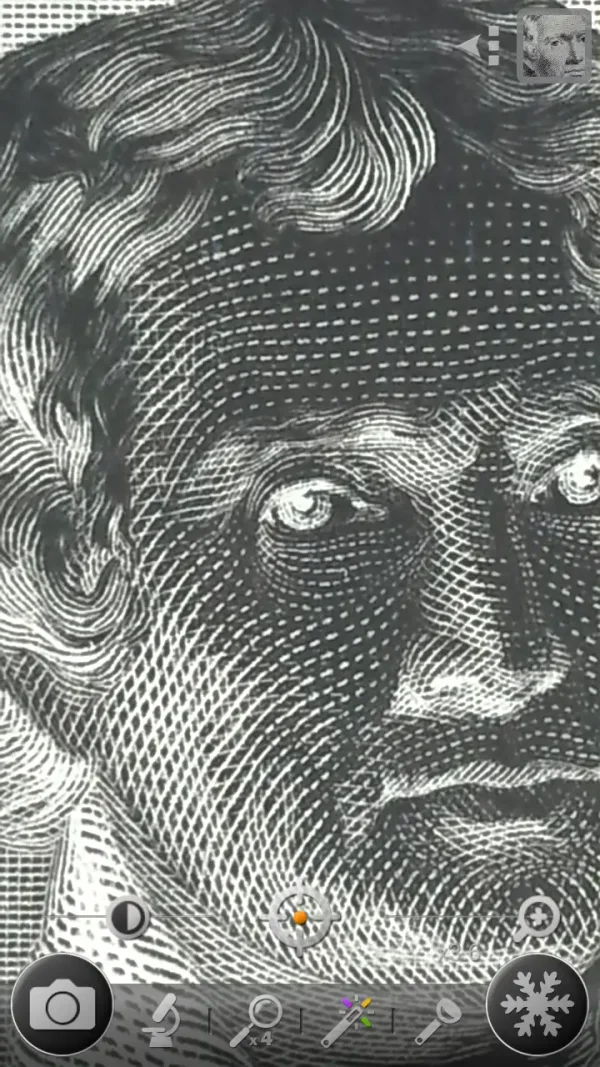
About this app
Good magnifier app to see tiny things bigger and more clearly!
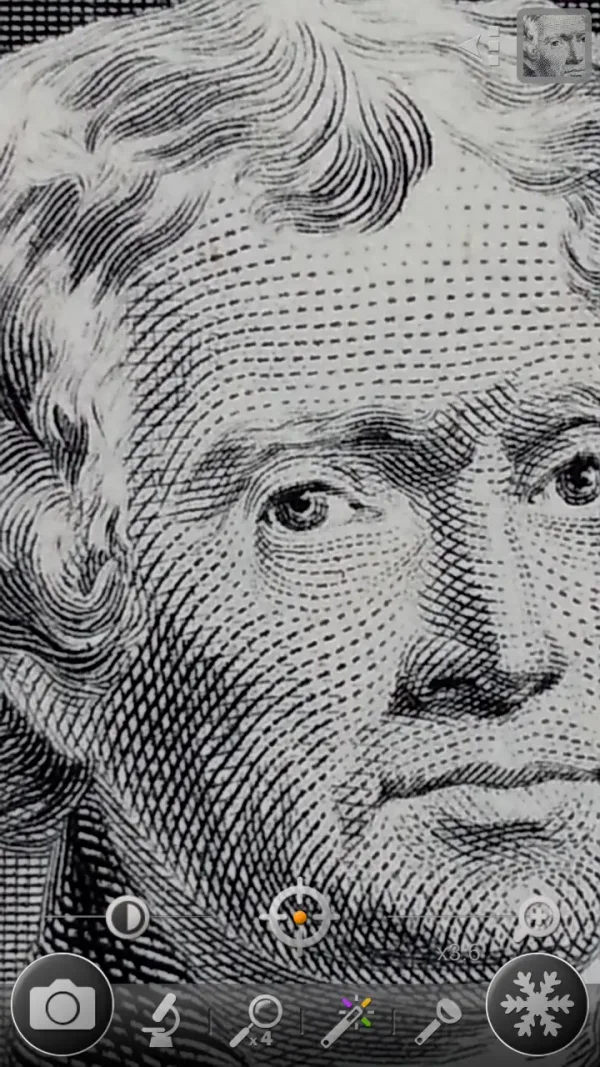
This app is a handy magnifier that helps you to see tiny things easily!
This app turns your phone into a handy and easy-to-use digital magnifier.
With this, you no longer need to carry a magnifying glass! =)
★ The recommended magnifying glass - Various media
★ Mother's Day Recommended Apps! - Google Korea
* Features
⊙ Magnifier (Magnifying glass)
⊙ Microscope mode (x2, x4)
⊙ LED Flashlight
⊙ Macro Camera
⊙ Freezing the magnifier screen
⊙ Brightness and zoom control
⊙ Enhanced embedded gallery
⊙ Color filters(Negative, Sepia, Mono, Text highlight)
⊙ & more
Do you need a magnifying glass to read small prints?
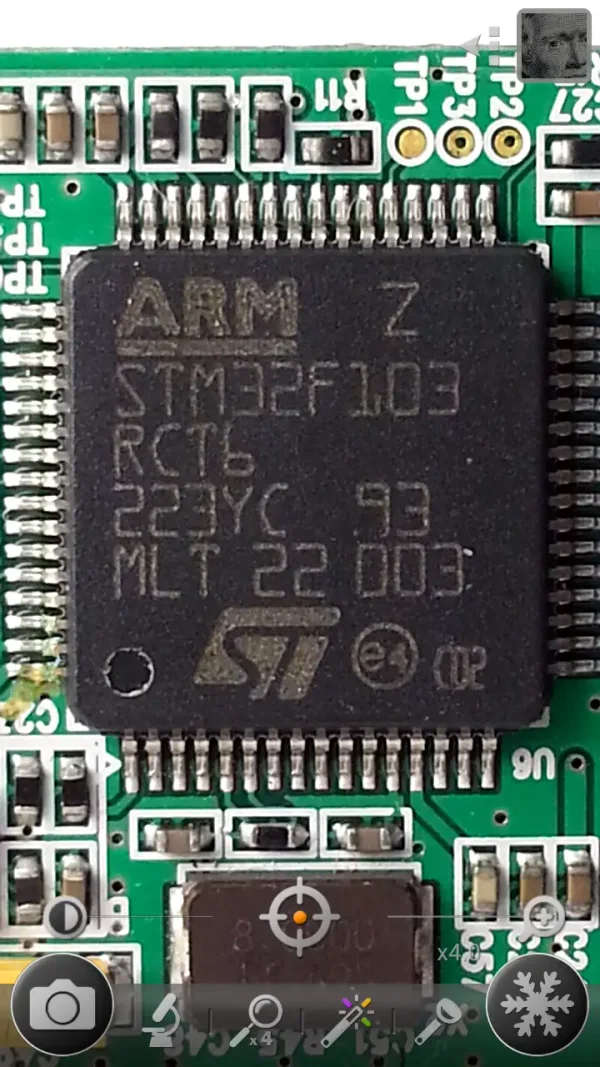
Do you use a big magnifier to read the model number of a tiny semiconductor?
Do you want to take macro pictures easily?
This app is the magnifying glass that you've been looking for!
1. Magnifier
- Easy-to-use zoom controller
- Zoom in or out by using pinch or vertical drag gestures
- Continuous auto-focusing function
- Temporary zoom-out function to find a target
2. Freezing screen
- Freezing the magnifying screen to see it stably
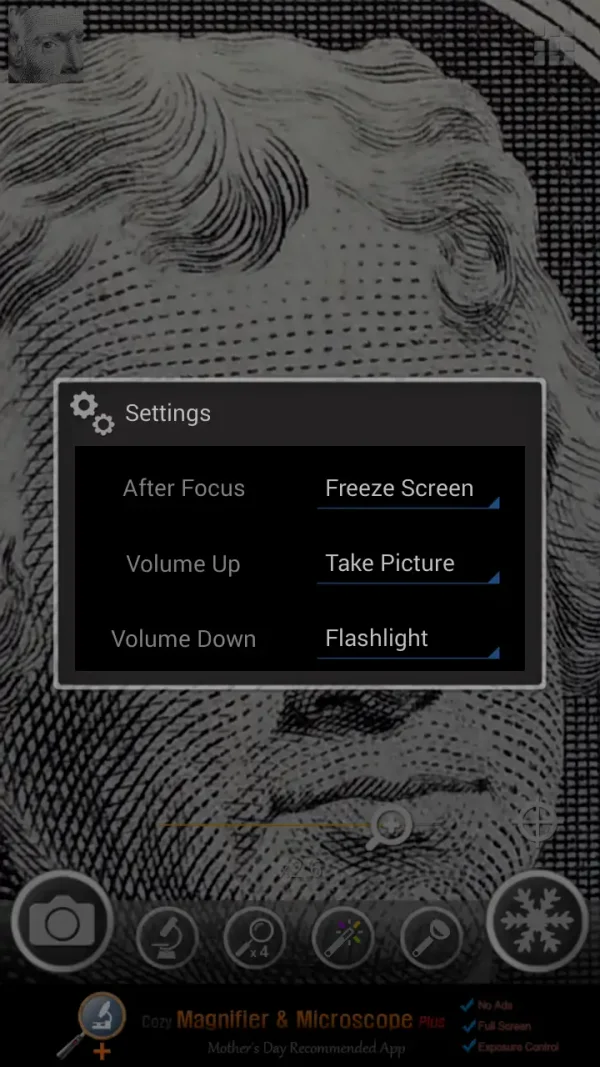
- Freezing the screen after focusing by clicking the screen long
3. Microscope mode
- More zoom-in than magnifier mode
- x2, x4
4. Color filters
- Negative, Sepia, Mono color filter
- Text highlight filter
5. LED Flashlight
- Useful in the dark place
- Flashlight on or off by using the light button or volume-down key
6. Taking pictures (Macro camera)
- Taking pictures by using the camera button
- Taking pictures by using the volume-up key
* Magnifying glass pictures are saved in DCIM/CozyMag directory.
* The quality of the magnified image depends on your phone's camera capabilities.
* Some devices can't use some functions.
* This is not a real microscope. ;)
* I have no responsibility for the problems caused by using this application. =)
Data safety
What HANTORM declares on Google Play about the data this app collects and shares.
- This app may share these data types with third partiesDevice or other IDs
- No data collectedLearn more about how developers declare collection
- Data is encrypted in transit
Developer contact
- Websitehantorm.com
- Emailhantorm89@gmail.com
- Privacy policyhantorm.com
- Address동탄지성로488번길 22 영통구, 수원시, 경기도 16686 South Korea
Information
- Offered by
- Google Commerce Ltd
- Category
- Lifestyle
- Version
- 7.1.0
- Updated
- Sep 7, 2026
- Released
- Sep 15, 2012
- Requires
- Android 7.0 or later
- Age rating
- Everyone
- Price
- Free
- Package name
- com.hantor.CozyMag
Similar apps
-
 Magnifying Glass
Tools
-
 Easy Area: Land Area Measure
Maps & Navigation
-
 RingFit: Ring Sizer & Measure
Tools
-
 Compass Steel 3D
Tools
-
 Phases of the Moon
Weather
-
 Viidure-Dashcam Viewer
Tools
-
 Compass Steel
Tools
-
 HD Camera 2026 for Android
Photography
-
 AR Plan 3D Tape Measure, Ruler
Tools
-
 Picture Insect: Bug Identifier
Education
-
 Digital Compass
Tools
-
 Sky Tonight - Star Gazing App
Books & Reference