MEGA Pass Password Manager
MEGA Privacy NZIn-app purchases
- EveryoneAge rating
- ProductivityCategory
- Sep 4, 2026Updated
- FreePrice
Links to the official Google Play listing of mega.pwm.android.app. Last checked on Nov 15, 2026.

Screenshots

About this app
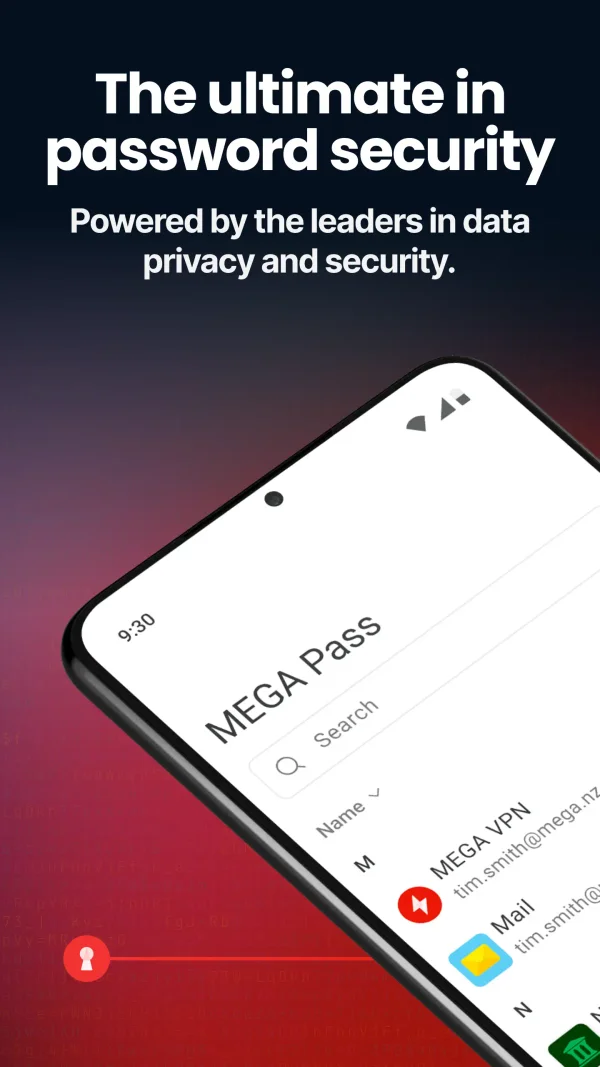
Password generator and vault from the leaders in data privacy.
Securely and easily manage all of your passwords with MEGA Pass.
Sign up for a 30-day free trial today. No obligation, you can cancel at any time. MEGA Pass is available on an affordable standalone plan. It’s also included with any MEGA paid personal or business plan at no extra cost.
* Trusted by millions
For more than a decade, people worldwide have trusted MEGA to protect their data. MEGA Pass takes our commitment to privacy a step further by ensuring your passwords are always secure and accessible wherever you are.
* Password security made simple
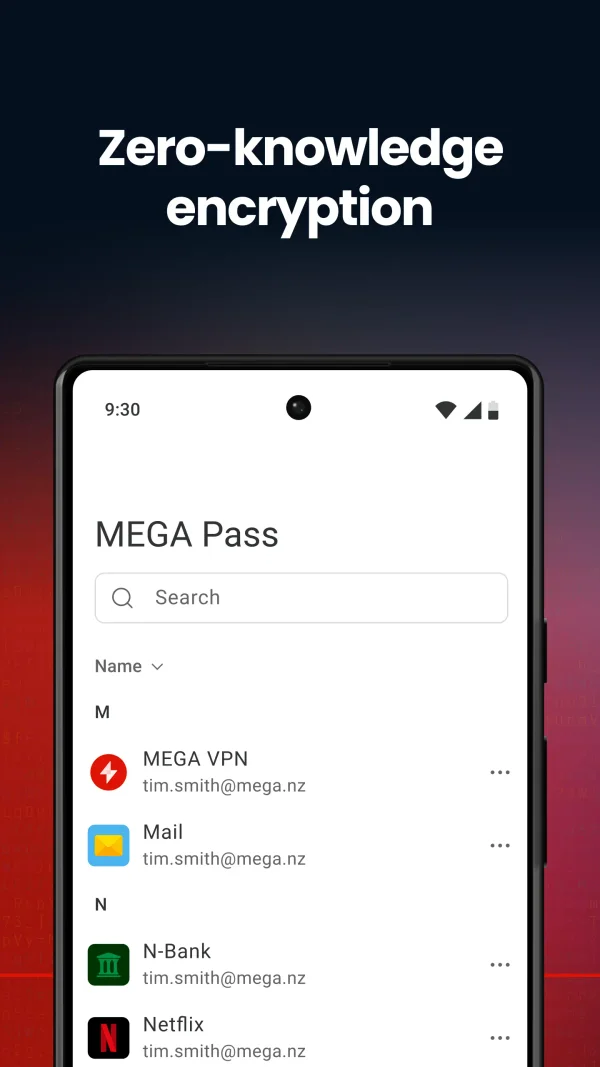
We use multiple layers of security, including zero-knowledge encryption, to keep your passwords and usernames safe and private. We’ve been a global leader in privacy for over a decade and never had a breach.
* Ease and convenience
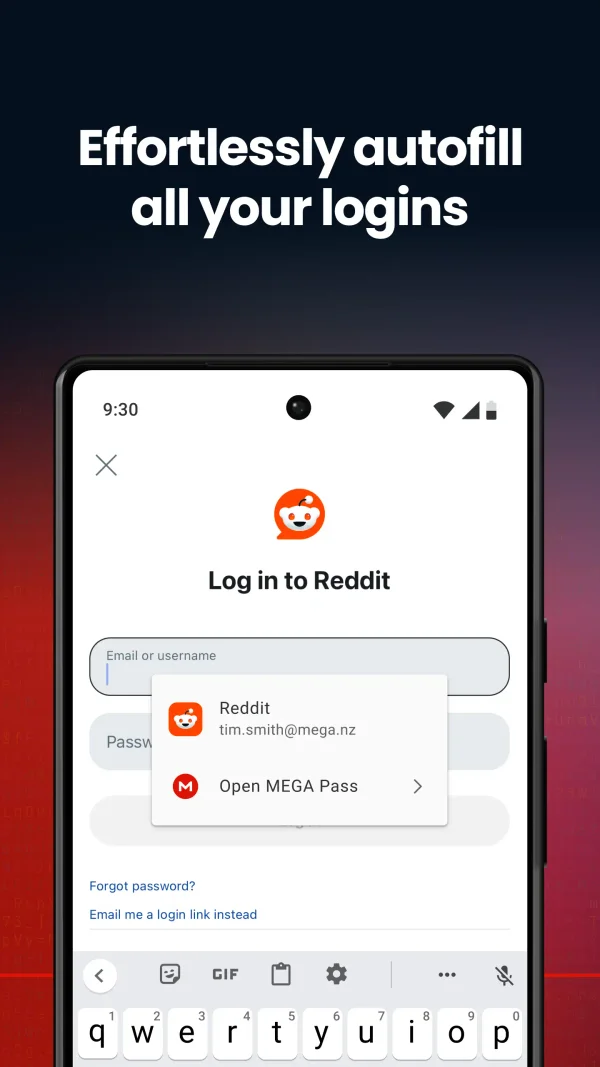
Autofill login credentials for websites and apps and generate new, ultra-secure passwords. Log in fast and stay safe with biometrics and PIN code access. MEGA Pass makes password management easy.
* Manage your passwords from any device
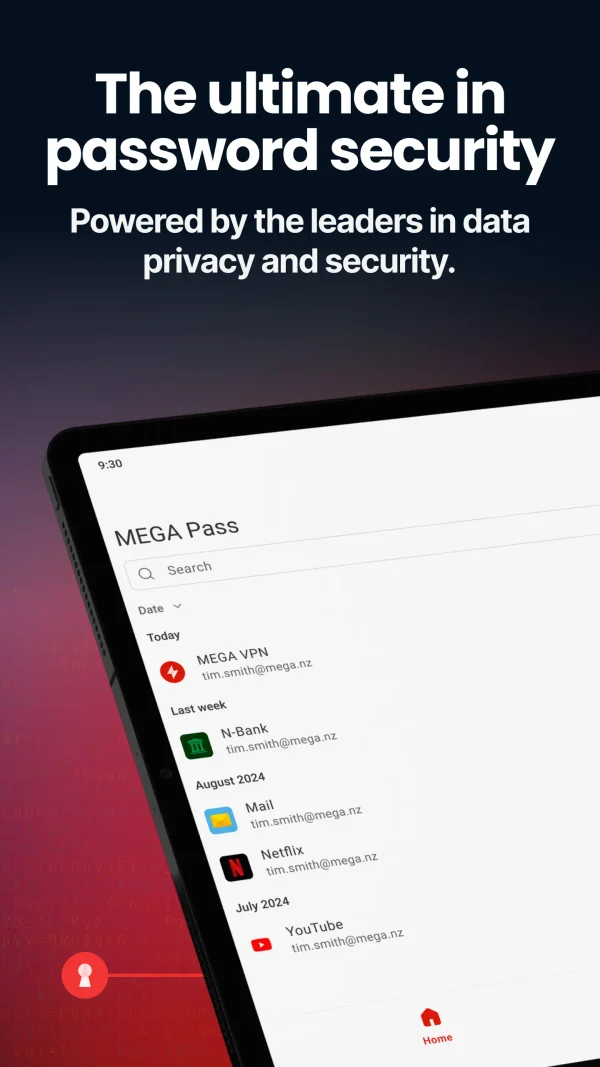
Access and sync your passwords across all devices, from desktop to mobile. MEGA Pass is available as a mobile app, a browser extension for Google Chrome and Microsoft Edge, and through the MEGA web app.
MEGA Pass features:
- Next-level security: Zero-knowledge encryption means that no one else – not even us – can access your passwords. You have total password privacy.
Biometric & PIN authentication: Use fingerprint, face recognition, or a PIN code for fast and secure access.
- Password autofill: Save time and sign in on the first try, every time.
- Cross-device sync: Sync all your logins across devices for seamless password management.
- Migrate passwords: Import passwords from Google Password Manager directly in the mobile app, or from Google Password Manager, Dashlane, 1Password, Bitwarden, NordPass, Proton Pass, LastPass, and KeePassXC using the MEGA Pass web app or browser extension.
- Effortless password management: Create, update, and delete passwords with ease.
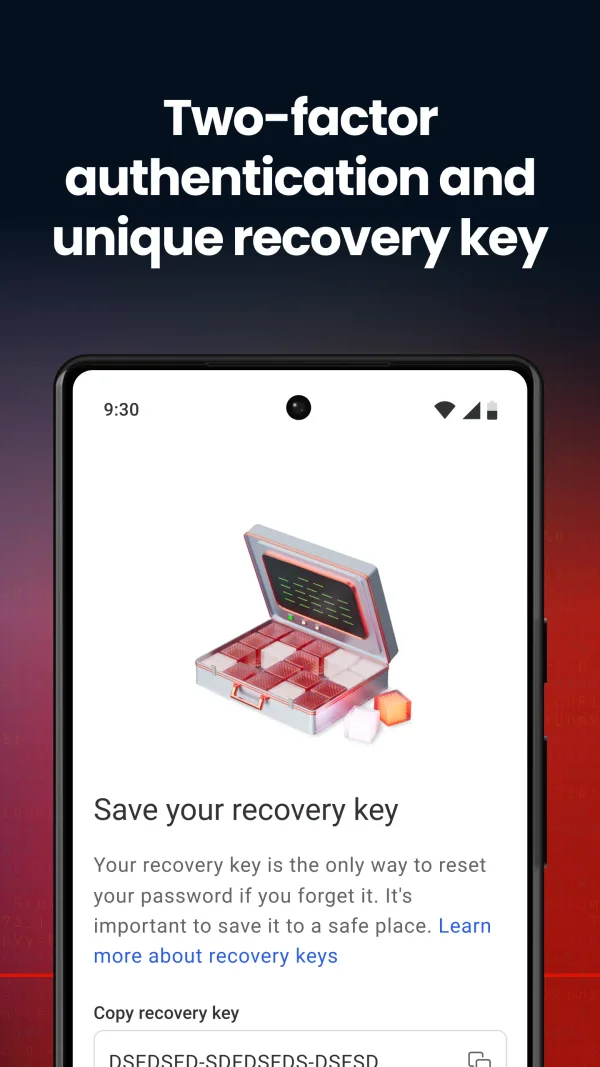
- Two-factor authentication: Set up 2FA in your MEGA account and benefit from an extra layer of security when logging in to MEGA Pass.
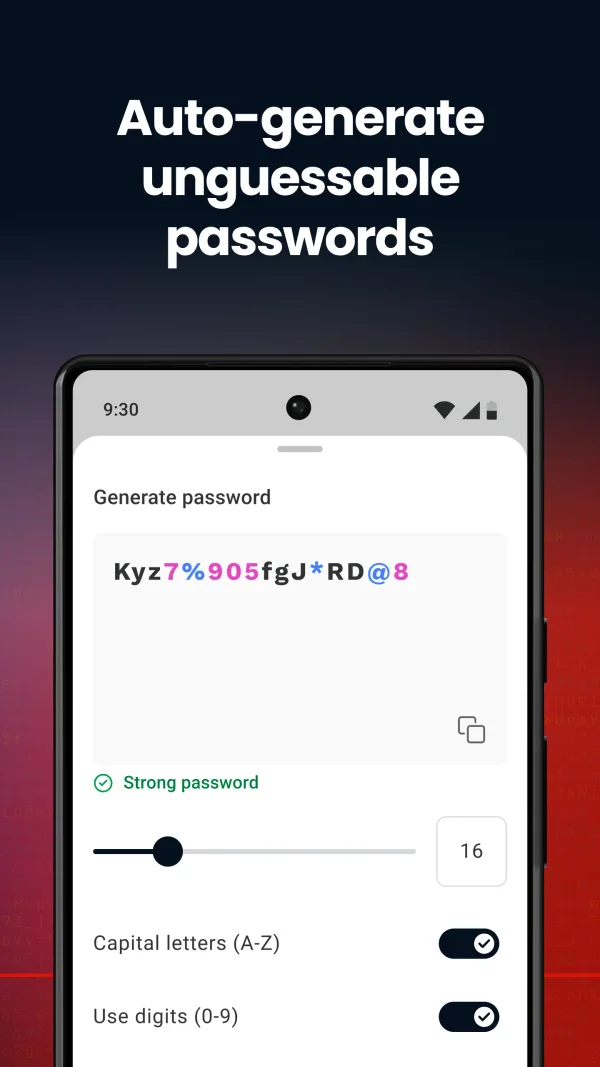
- Password generator: Create unlimited, unique and unguessable passwords.
- Password strength checker: Get confidence in your passwords by testing how uncrackable they are.
Sign up for a 30-day free trial today.
Learn more: https://mega.io/pass
MEGA Terms of Service: https://mega.io/terms
MEGA Privacy Policy: https://mega.io/privacy
Data safety
What MEGA Privacy NZ declares on Google Play about the data this app collects and shares.
- This app may share these data types with third partiesApp info and performance
- This app may collect these data typesPersonal info, App activity, and App info and performance
- Data is encrypted in transit
- You can request that data be deleted
What’s new
Version 1.9.1(262471241) · Sep 4, 2026
- Bug fixes and performance improvements
Developer contact
- Websitemega.io
- Emailandroid@mega.nz
- Privacy policymega.io
- AddressL 21 120 Albert St Huawei Centre Auckland Central Auckland 1010 New Zealand
Information
- Offered by
- MEGA Privacy NZ
- Category
- Productivity
- Version
- 1.9.1(262471241)
- Updated
- Sep 4, 2026
- Released
- Oct 29, 2024
- Requires
- Android 8.0 or later
- Age rating
- Everyone
- Price
- Free
- In-app purchases
- $3.49 - $32.99 per item
- Package name
- mega.pwm.android.app