Meow To-Do List & Tasks
System monitor tools lab - Cpu Ram BatteryContains ads · In-app purchases
- EveryoneAge rating
- ProductivityCategory
- Nov 16, 2026Updated
- FreePrice
Links to the official Google Play listing of com.glgjing.money.task.todo.list.meow. Last checked on Nov 19, 2026.

Screenshots


About this app
Cute meow to do list, habit tracker & task reminders for work and life
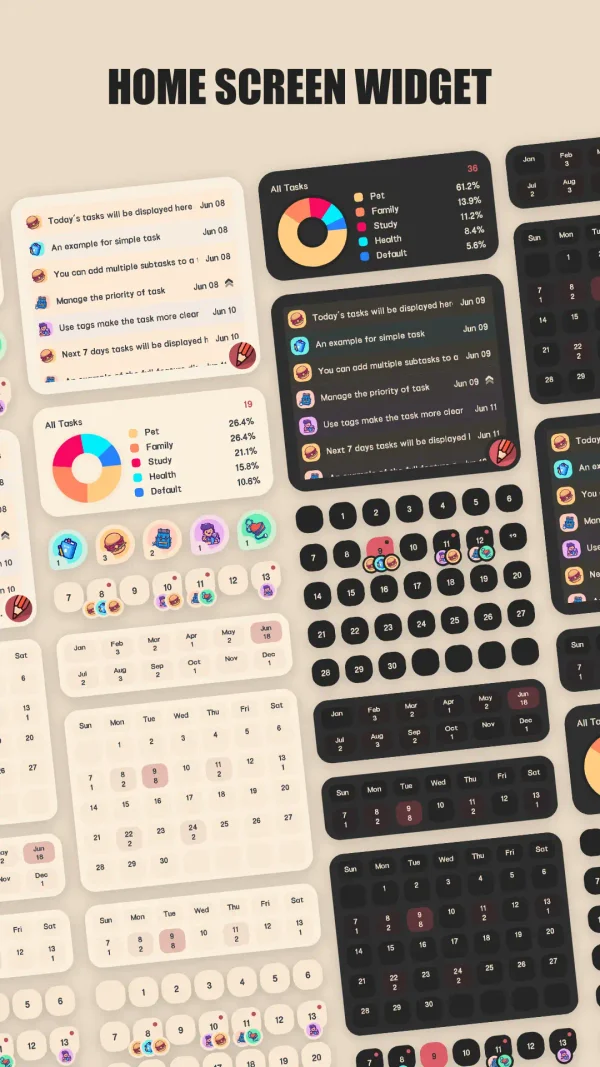
Meow Todo List & Task is a simplify todo list manager and schedule planner app which can be used to manage your time. Have you ever forgotten some important things to do? Have you forgotten important moments for your family? Use this effective task tracker and todo list task manager to help you manage time. Meow Todo List & Task helps you make the most of your day and get things done (GTD). Whether there is an idea you want to capture, personal goals to achieve, work to accomplish, habits to track, projects to collaborate with colleagues, or even a shopping list. Achieve your goals with Meow Todo List & Task.
Features of Meow Todo List & Task - complete guide:
🎯 Easy to use and beautiful design
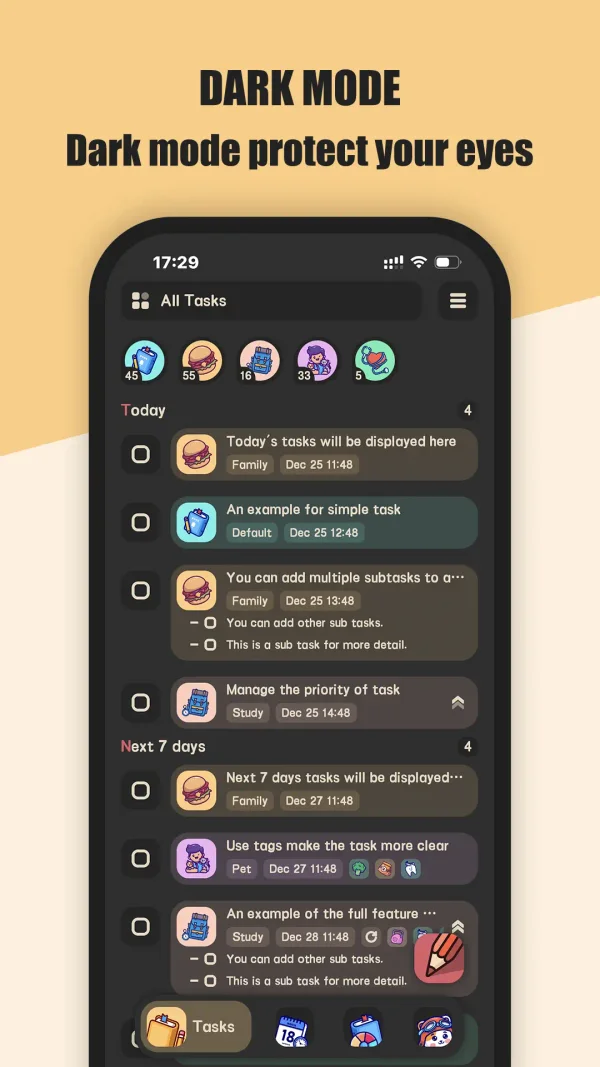
The interface of the todo list is simple and efficient. You can create multiple to do tasks lists with only 2 steps. Meow Todo List & Task provide dark and light theme, make you feel more comfortable when managing todo list and doing task trackers.
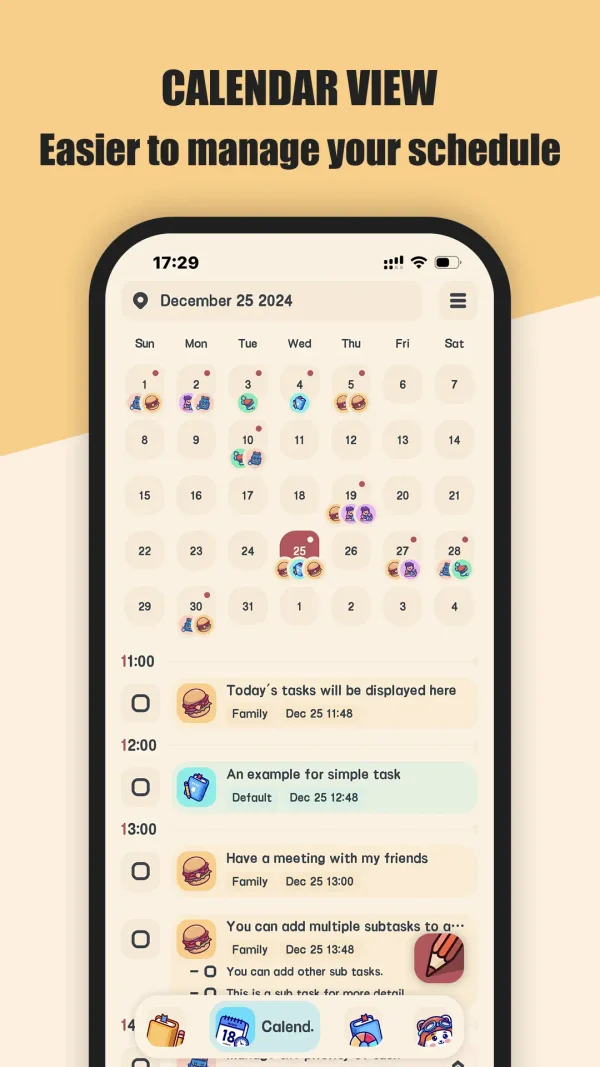
🎯 Calendar view
Meow Todo List & Task provides a todo list calendar perspective. Make it easier for users to have a general view of daily schedule planners, weekly and monthly tasks planners and future day planners.
🎯 Todo lists sync and backup - never lose
Sync your todo lists and daily schedule planners to cloud via google drive or webDav drive.
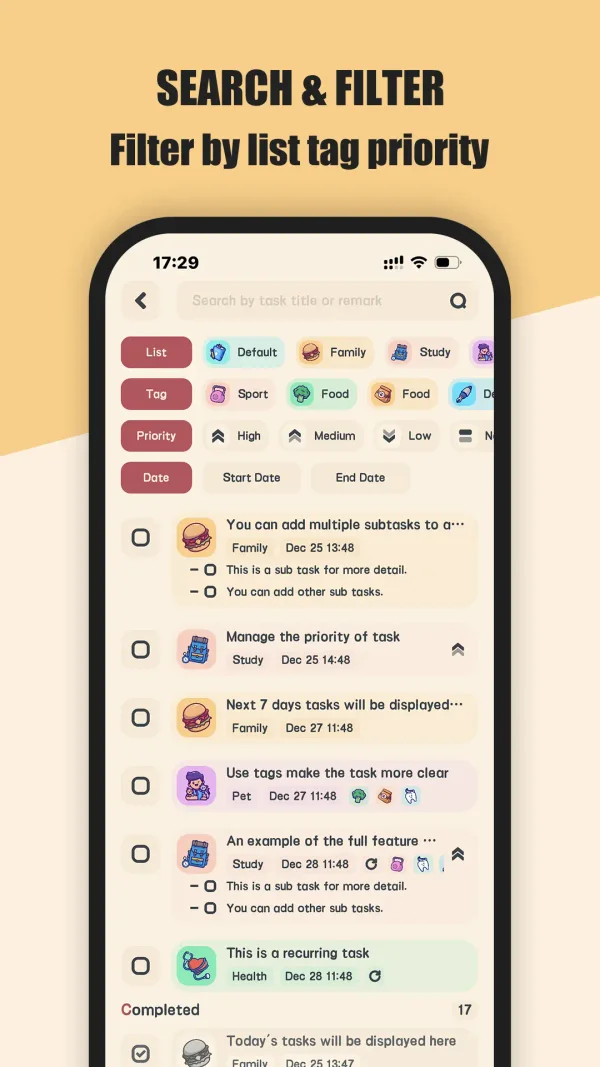
🎯 Add details and create subtasks
Break down your tasks to subtasks. Add details about the work you need to focus on. Edit details about any task as your work progresses
🎯 Cute category icons
400+ cute icons for you to custom your own todo manager. Meow Todo List & Task has various icons, you can choose the icon for your lists and tags.
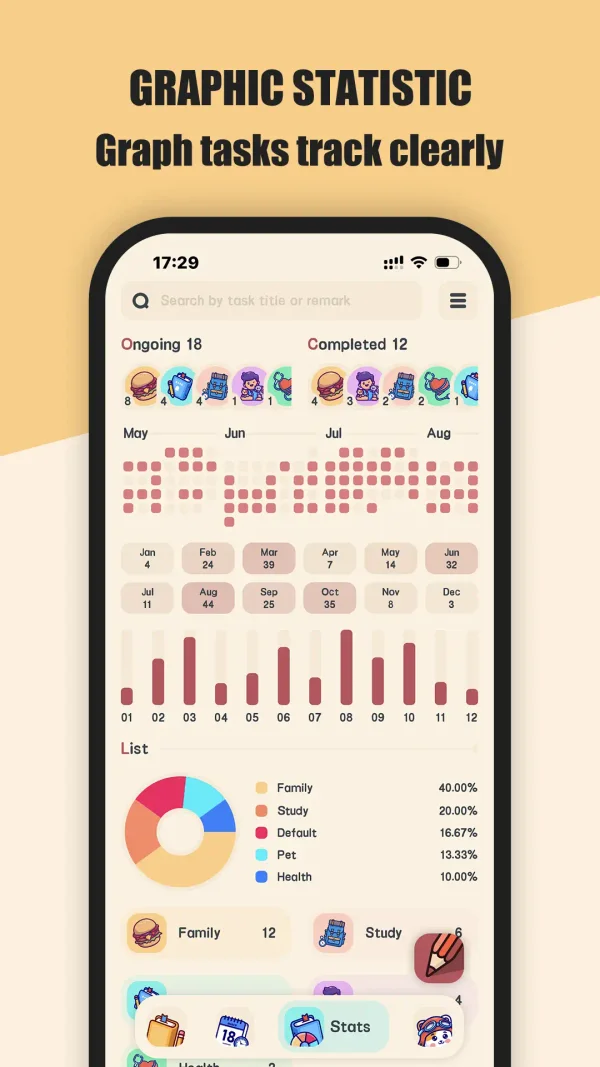
🎯 Instant and powerful chart statistics
Reports of tasks pie chart and contribution graph, Make it easier for you to track your tasks.
🎯 Dark Mode
You can choose the dark mode theme, light mode theme or automatically follow system them as you like. Different theme for your favorite.
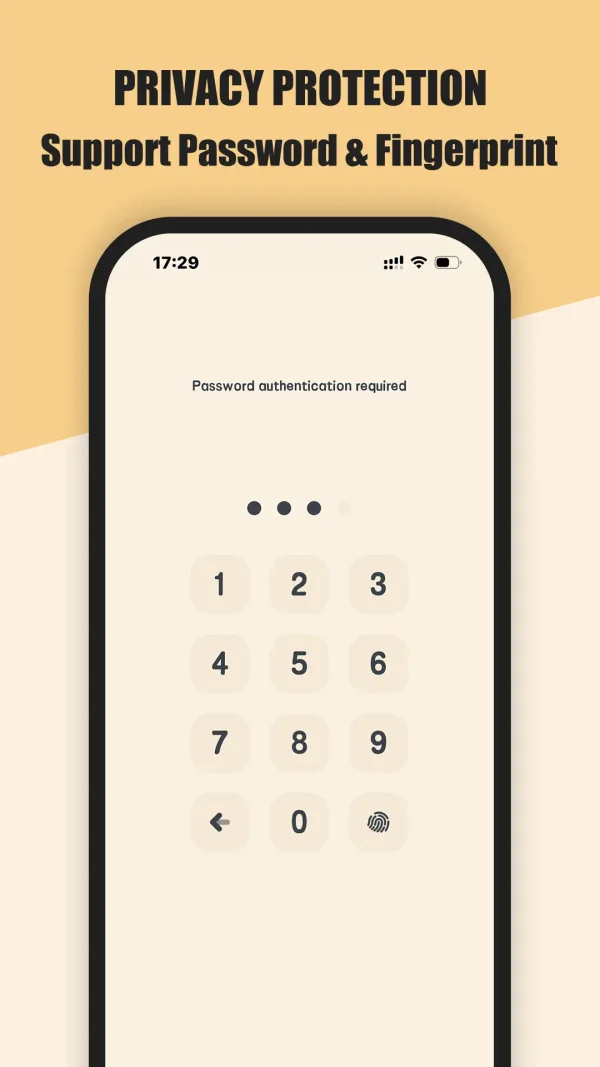
🎯 Fingerprint app lock
You can setup fingerprint app lock to protect your privacy, it need to enter fingerprint when open app.
🎯 Export tasks
Meow Todo List & Task can export the tasks report to file in the form of CSV. You can export all the tasks one time or export the tasks within the time range of your select, then you can check and edit the file with excel software.
Auto-Renewal of Meow Todo List & Task VIP instructions
- Membership benefits: Meow Todo List & Task members have unlimited access to all functions and all the subsequent new functions
- Subscription cycle: 1 month (monthly subscription), 1 year (annual subscription)
- Subscription price: A monthly subscription is 0.99 $, and an annual subscription is 9.99$
- Unsubscribe: If you cancel, manually turn off the automatic renewal feature in the Play Store Settings management 24 hours prior to the expiration of the current subscription cycle
- Auto-Renewal: Play Store account will deduct a fee within 24 hours before the expiration date, and the subscription cycle will be extended by one after the deduction is successful
- Terms of Use:
https://docs.google.com/document/d/1Vx_KIW-3Z2ESatYWKVDBlWiPHekEwqZZ5lqoxMX8dPI/pub
- Privacy Policy:
https://docs.google.com/document/d/1sPm4Di2SKdBz9DKjdi21ILLXE3TY_-dR3hc2YW7C-UE/pub
Data safety
What System monitor tools lab - Cpu Ram Battery declares on Google Play about the data this app collects and shares.
- This app may share these data types with third partiesDevice or other IDs
- No data collectedLearn more about how developers declare collection
- Data isn’t encrypted
- Data can’t be deleted
What’s new
Version 2.3.1 · Nov 16, 2026
1. Fixed an issue where the start time of recurring tasks with custom intervals was incorrect.
2. The task list on the home page remembers your last selected task type.
3. Task time can now be displayed in either 12-hour or 24-hour format.
Developer contact
- Websitespacemanmeow.com
- Emailglgjingmarvel@gmail.com
- Privacy policydocs.google.com
- Address群上村582号群上社区集体户 美兰区, 海口市, 海南省 China 100020
Information
- Offered by
- System monitor tools lab - Cpu Ram Battery
- Category
- Productivity
- Version
- 2.3.1
- Updated
- Nov 16, 2026
- Released
- Sep 11, 2024
- Requires
- Android 7.0 or later
- Age rating
- Everyone
- Price
- Free
- In-app purchases
- $0.99 - $14.99 per item
- Package name
- com.glgjing.money.task.todo.list.meow
Similar apps
-
 MeGrow: Grow Daily,Care Deeply
Tools
-
 Daily Planner Organizer: Brite
Productivity
-
 No Contact: Let Them Go
Lifestyle
-
 Kubbo: Habit Tracker & Streak
Productivity
-
 Plant Nanny - Water Tracker
Health & Fitness
-
 4.Do: Task & To Do List
Productivity
-
 Chore Focus: ADHD Task Manager
Productivity
-
 Your Diary: Journal with Lock
Lifestyle
-
 Lilo Study Timer & Challenges
Productivity
-
 Miuu Note: Cute Diary Journal
Productivity
-
 Unique: ADHD Planner & Journal
Health & Fitness
-
 Kaizen: Focus & Study Timer
Productivity